
A sua caixa de entrada já é uma caixa de sapato cheia de recibos — todo pedido da Amazon, toda corrida de Uber, toda renovação de assinatura, toda conta de serviço público cai lá automaticamente. O problema é que é uma caixa de sapato, não um livro-caixa: a informação existe, mas está espalhada entre milhares de mensagens, enterrada sob promoções e newsletters, e impossível de somar quando você realmente precisa de um número. Este guia percorre como encontrar esses recibos de forma confiável, o que extrair de cada um, e como transformar todo esse fluxo em um registro de gastos que se mantém sozinho em vez de um que você reconstrói todo mês.
Encontre os recibos que já estão escondidos na sua caixa de entrada
Antes de organizar qualquer coisa, tenha uma noção do volume. A maioria das pessoas se choca com quantas compras consegue reconstruir só a partir do e-mail. Faça algumas buscas direcionadas e você vai revelar a maior parte delas em minutos.
O truque é buscar pela linguagem que os recibos realmente usam, não pelo comerciante. E-mails de confirmação se agrupam em torno de um pequeno conjunto de frases, então algumas buscas cobrem quase tudo.
Faça isso em todos os endereços de onde você compra coisas — bastante gasto se esconde em um e-mail secundário ou de trabalho que você esquece de checar.
- subject:recibo OR subject:"seu pedido" OR subject:"confirmação do pedido"
- subject:fatura OR subject:"seu pagamento" OR subject:"pagamento recebido"
- subject:"assinatura" OR subject:"renova" OR subject:"foi renovado"
- from:(no-reply OR noreply OR receipts OR billing) — de onde vêm a maioria das confirmações
- Busque um ano completo (after:2025/01/01) para pegar renovações anuais que você só paga uma vez
Decida o que realmente extrair de cada recibo
Um e-mail de recibo contém muito mais do que você precisa. O objetivo é puxar o mesmo punhado de campos de cada mensagem para que eles se alinhem em uma tabela que você consegue ordenar e somar. Capturar campos consistentes é o que transforma uma pilha de e-mails em um registro de gastos.
No mínimo, capture o comerciante, a data, o valor e a moeda. Depois adicione uma categoria (mercado, transporte, software, restaurante) para ver para onde o dinheiro realmente vai, e uma marcação de se a cobrança se repete.
Essa última marcação importa mais do que parece. Uma compra única de R$ 40 e uma assinatura de R$ 40/mês são animais bem diferentes, e a diferença fica invisível se você só registra o valor.
- Comerciante e o que foi comprado — o contexto de 'por que eu gastei isso'
- Valor exato e moeda — cuidado com cobranças em moeda estrangeira durante viagens
- Data da cobrança, não a data em que o e-mail chegou
- Categoria, para que os totais mensais façam sentido
- Recorrente vs. único, para que renovações não te peguem de surpresa
Os métodos manuais — e onde eles quebram
Você consegue fazer isso na mão, com certeza. As duas abordagens caseiras comuns são uma planilha que você preenche a partir de cada recibo, e filtros do Gmail que rotulam automaticamente confirmações recebidas em uma pasta 'Recibos', para que pelo menos fiquem reunidas em um lugar.
Filtros e rótulos são uma melhoria real — impedem que recibos se percam — mas isso só organiza os e-mails. Você ainda tem que abrir cada um e copiar os números para conseguir um total. A planilha dá totais, mas exige uma disciplina que ninguém sustenta depois da terceira semana.
Os dois métodos compartilham a mesma falha fatal: dependem de você lembrar de fazer o trabalho, sempre, para sempre. Essa é precisamente a carga mental que vale a pena tirar de você. A informação já está estruturada dentro do e-mail; a parte tediosa é um humano redigitando ela, e essa parte é automatizável.
- Planilha: dá totais, mas a entrada manual decai rápido
- Filtros + rótulos do Gmail: reúne recibos, mas nenhum valor é extraído
- Os dois exigem que você nunca esqueça — exatamente a coisa que falha
Deixe um assistente ler os recibos para você
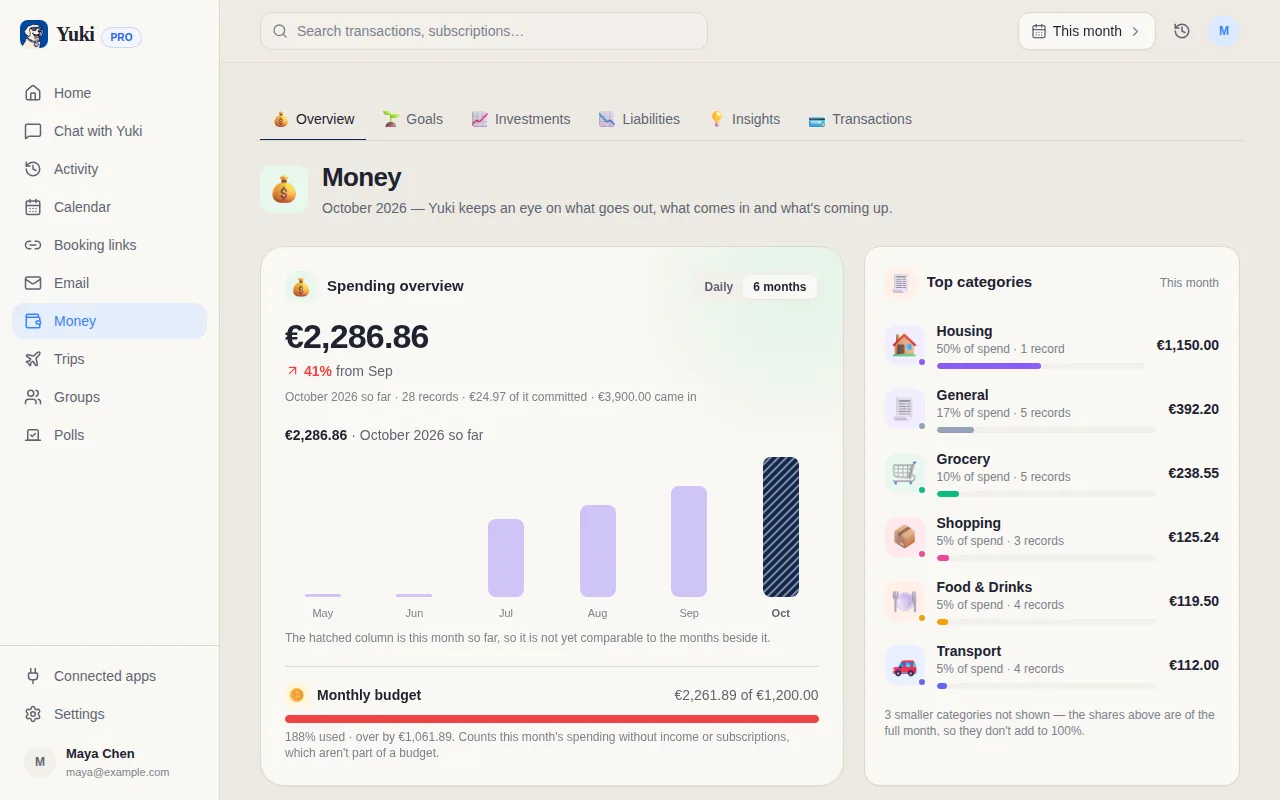
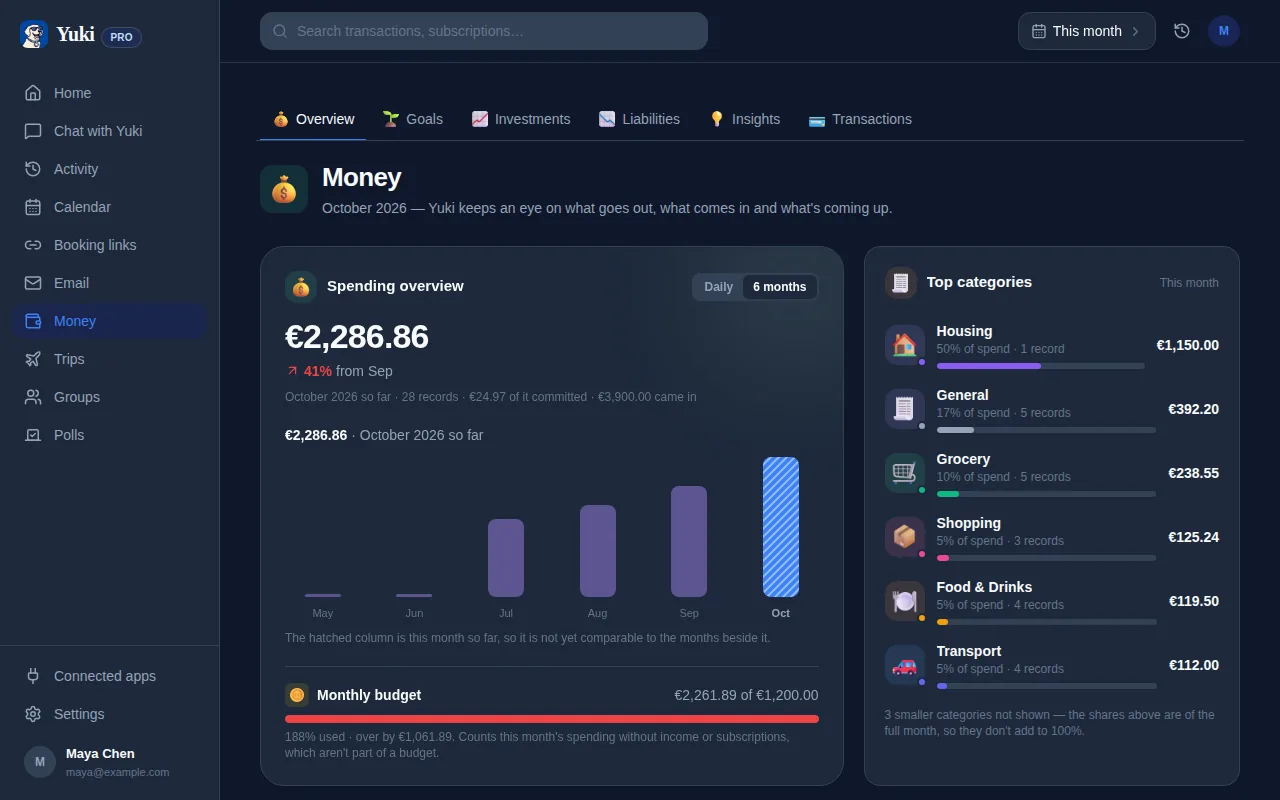
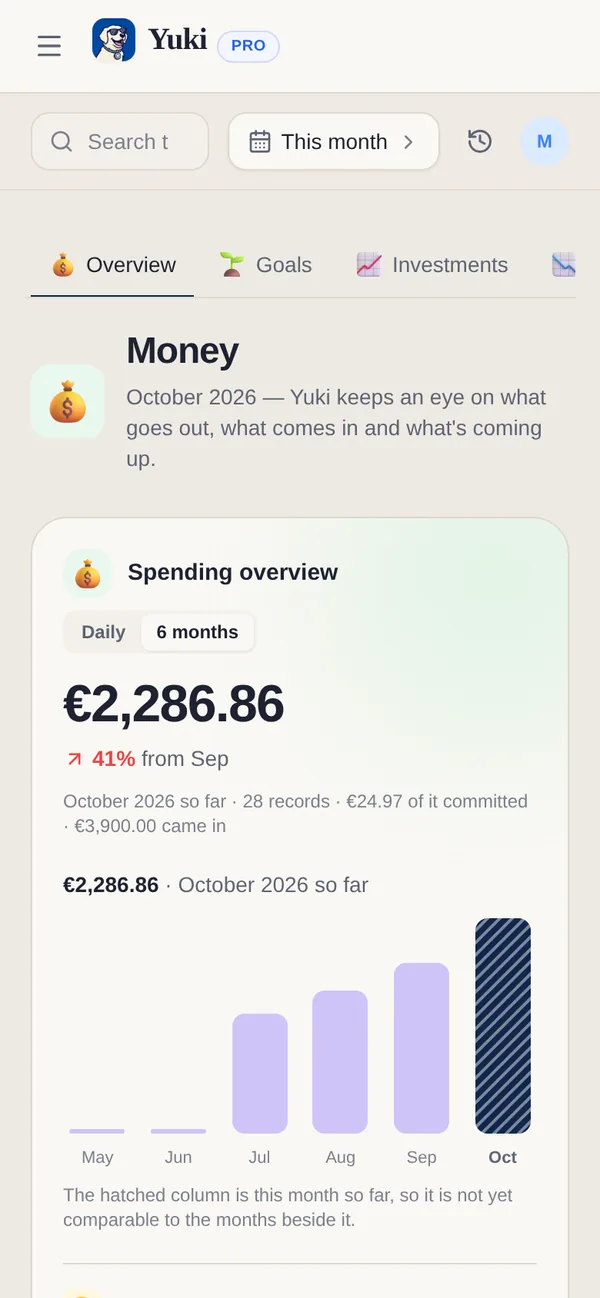
É aqui que conectar a sua caixa de entrada a uma ferramenta que interpreta recibos muda a equação. O Yuki se conecta ao Gmail, reconhece quais e-mails são recibos, confirmações de pedido, contas e renovações de assinatura, e extrai o comerciante, o valor, a data e a categoria automaticamente — construindo um registro de gastos contínuo sem você copiar nada.
Como ele lê o mesmo fluxo continuamente, novas compras aparecem sozinhas, e cobranças recorrentes são sinalizadas como assinaturas para que você veja tudo o que está pagando mensalmente em um só lugar — incluindo as que você esqueceu que assinou. É menos uma planilha que você mantém e mais uma camada de memória que lembra dos seus gastos por você.
O Yuki é grátis e roda no iOS e no Android, e a mesma varredura de caixa de entrada que captura gastos também identifica os outros compromissos enterrados no seu e-mail — entregas, eventos de calendário e viagens — então uma única conexão organiza silenciosamente mais do que só dinheiro.
- Detecta automaticamente recibos e contas no Gmail
- Extrai comerciante, valor, data e categoria sem entrada manual
- Sinaliza cobranças recorrentes para que assinaturas parem de se esconder
- Roda continuamente — novas compras aparecem sozinhas
Compartilhe gastos sem ninguém pagar duas vezes
Recibos ficam complicados no momento em que dinheiro é compartilhado. Um casal dividindo o mercado, colegas de quarto cobrindo contas de serviços, coparentalidade dividindo gastos dos filhos — os recibos caem na caixa de entrada de uma pessoa, e a outra não tem ideia do que foi gasto.
Em vez de tirar print das confirmações para um grupo de mensagens, os gastos extraídos podem fluir para um grupo compartilhado onde as duas pessoas veem o mesmo registro. Os grupos compartilhados do Yuki incluem divisão de contas e acerto de contas, então o recibo que caiu na sua caixa de entrada vira um item que todo mundo consegue ver e acertar.
Isso fecha o ciclo sobre o real motivo pelo qual rastrear recibos importa: raramente é só sobre saber o seu próprio número, é sobre coordenar dinheiro com as pessoas com quem você compartilha uma vida — e fazer isso sem a contagem mental constante de quem deve a quem.
- Compras compartilhadas ficam visíveis para todo mundo no grupo
- Divisão de contas e acerto de contas integrados substituem o argumento de 'quem pagou da última vez'
- Funciona para casais, famílias, coparentalidade e colegas de quarto
Passo a passo
- 1Busque na sua caixa de entrada com consultas direcionadas (subject:recibo, subject:pedido, subject:fatura, subject:"seu pagamento") para ver quantos recibos já existem lá.
- 2Decida o que capturar por recibo: comerciante, data, valor, moeda, categoria, e se é uma compra única ou uma assinatura recorrente.
- 3Escolha um método de captura — uma planilha manual, filtros do Gmail mais rótulos, ou um app que lê e interpreta os e-mails para você.
- 4Separe compras únicas de assinaturas para que renovações não escapem silenciosamente.
- 5Conecte o Yuki ao Gmail para detectar recibos automaticamente e construir o registro de gastos contínuo para você.
- 6Revise os gastos extraídos semanalmente, corrija qualquer item mal categorizado, e deixe compras compartilhadas fluírem para um grupo para que ninguém pague duas vezes.