
Entre recogidas del colegio, entrenamiento de fútbol, citas al dentista, reuniones de trabajo y la fiesta de cumpleaños a la que dijiste que sí hace tres semanas, un calendario familiar no es realmente un problema de calendario — es un problema de coordinación. La parte difícil no es poner un evento en una pantalla; es asegurarte de que las personas correctas se enteren, de que dos cosas no se reserven a la misma hora, y de que nadie lleve todo eso silenciosamente en la cabeza. Esta guía repasa un sistema realista para llevar el horario de un hogar ajetreado, desde una única fuente de verdad compartida hasta ritmos semanales que mantienen a todos sincronizados — más cómo una herramienta como Yuki puede reunir la mayor parte automáticamente a partir de las confirmaciones que ya están en tu bandeja de entrada.
Empieza con una única fuente de verdad
La solución más grande para un horario familiar caótico es la consolidación. Cuando cada padre lleva su propio calendario, las actividades de los niños viven en hilos de mensajes, y la niñera recibe detalles verbalmente, no hay una realidad compartida — solo fragmentos que solo encajan si alguien lleva todo el panorama en la cabeza. Esa persona normalmente es una sola, agotada, y esa es la carga mental que intentas eliminar.
Elige un único calendario compartido que cada adulto del hogar pueda ver y editar, y acordad que si no está ahí, no está pasando. Esta única regla hace más que cualquier función de app: convierte "¿me contaste lo del sábado?" en "está en el calendario". Yuki mantiene esta fuente de verdad compartida en un calendario vivo que escribe de forma bidireccional en Google Calendar, así que lo que añades aparece en las apps que todos ya usan.
- Un calendario que todos pueden ver gana siempre a cinco privados
- Convertidlo en una regla del hogar: no está en el calendario = no existe
- Usa una herramienta que se sincronice con los calendarios que la gente ya abre a diario
Captúralo todo antes de organizarlo
No puedes coordinar compromisos que no has escrito. Antes de preocuparte por codificar colores o notificaciones, haz un volcado mental completo de cada obligación recurrente: horario escolar y fechas de trimestre, horarios de trabajo, entrenamientos y partidos deportivos, clases de música, citas médicas o de terapia fijas, y las tareas o entregas regulares que silenciosamente consumen tiempo.
La trampa es que la mayoría de estos detalles ya existen en algún sitio — en correos de confirmación de citas, recibos de inscripción a clases, invitaciones a fiestas y confirmaciones de reserva. Retecleardlos a mano es exactamente el trabajo invisible que agota a la gente. El asistente de correo de Yuki lee las confirmaciones, recibos e invitaciones que ya hay en tu Gmail y las convierte en eventos de calendario, recordatorios y tareas automáticamente, así que el paso de captura en gran parte se hace solo.
- Lista primero los compromisos recurrentes — forman la columna vertebral de la semana
- Incluye los elementos fijos aburridos (entregas, tareas) que igualmente llevan tiempo
- Deja que tu bandeja de entrada haga la entrada de datos en vez de retecleardr confirmaciones
Haz que cada evento responda a sus propias preguntas
Un título de evento desnudo como "Fútbol" crea trabajo en vez de eliminarlo, porque dispara una ronda de preguntas: ¿a qué hora, qué campo, quién conduce, necesita tacos y un tentempié? Un evento familiar bien construido responde esas preguntas dentro de sí mismo. Añade la ubicación, el padre responsable, y una breve nota sobre qué llevar o preparar.
Aquí es donde la codificación por color o las etiquetas por persona dan sus frutos. Cuando cada miembro de la familia tiene un color, cualquiera puede echar un vistazo a la semana y ver al instante que el martes está lleno para un hijo mientras otro padre está libre para conducir. El objetivo es un calendario que una pareja, abuelo o niñera pueda leer en frío y saber exactamente qué hacer — sin mensaje de seguimiento necesario.
- Pon la ubicación, el conductor y "qué llevar" dentro del evento
- Asigna un color o etiqueta por persona para claridad de un vistazo
- Apunta a eventos que una niñera podría ejecutar sin preguntarte nada
Construye un ritmo semanal y deja que el sistema haga el recordar
Incluso un calendario perfecto falla si nadie lo mira hasta la mañana en que llega. El hábito que mantiene todo unido es una breve sincronización semanal — diez minutos, la misma hora cada semana — donde los adultos miran juntos la semana que viene, detectan los choques (dos eventos, un coche), y deciden quién cubre qué. Hacer esto el domingo significa que el doble reserva del miércoles se resuelve el domingo, con calma, en vez de a las 16:55 en pánico.
Entre sincronizaciones, el sistema debería avisarte en vez de depender de la memoria. Fija recordatorios en elementos sensibles al tiempo y apóyate en notificaciones para las cosas que se escapan — el permiso que vence el viernes, el cumpleaños que se acerca sigilosamente, la cita que de otro modo pasarías por alto. Yuki añade capas de recordatorios, seguimiento de cumpleaños y notificaciones inteligentes encima del calendario, y sus resúmenes diarios sacan a la luz lo que viene para que la carga mental de "¿qué estoy olvidando?" deje de ser tuya.
- Haz una sincronización semanal de 10 minutos para resolver choques antes de que empiece la semana
- Usa recordatorios y notificaciones para que el sistema recuerde, no tú
- Un resumen diario de lo que viene sustituye la preocupación constante en segundo plano
Comparte la carga — literalmente
La coordinación no es solo sobre tiempo; una familia ajetreada también comparte gastos, compra, paquetes y viajes. Cuando solo una persona puede ver toda la operación, esa persona se convierte en el único punto de fallo del hogar. La solución es visibilidad compartida genuina, no solo delegación.
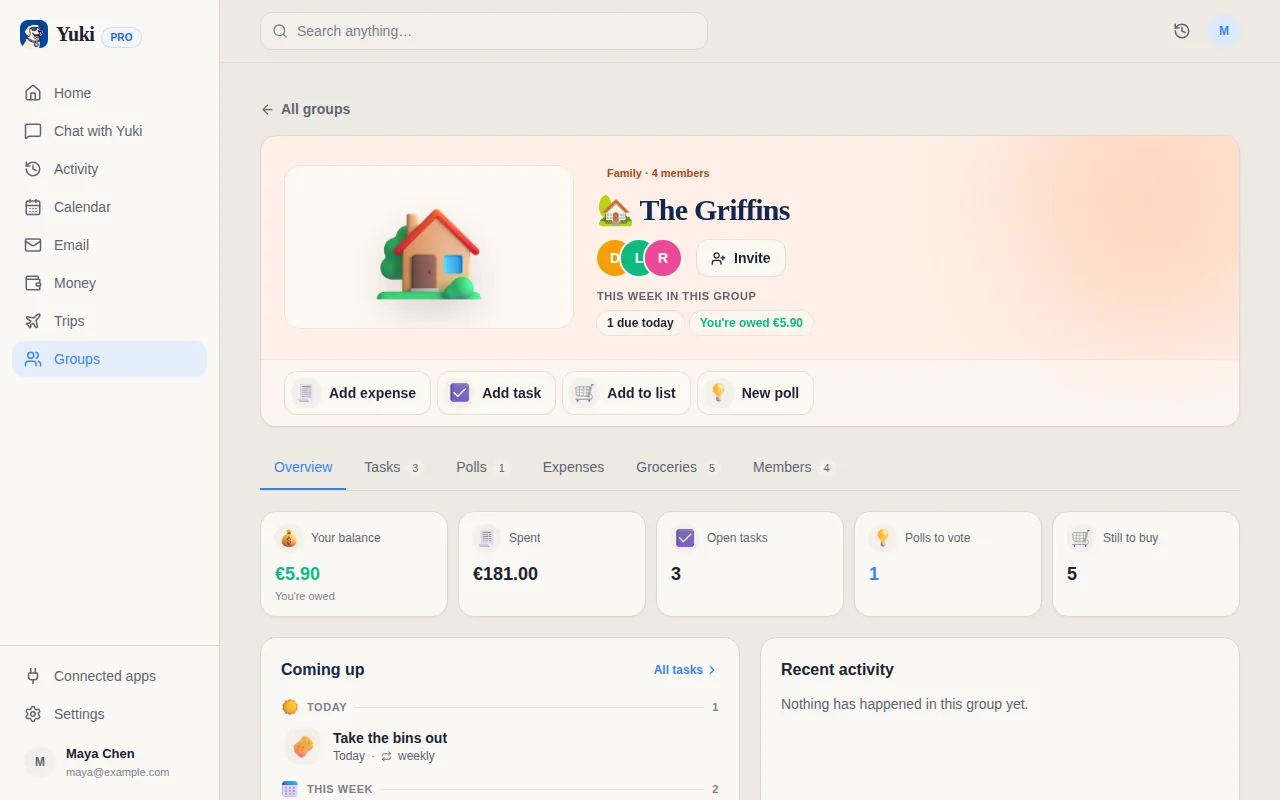
Los grupos compartidos de Yuki están construidos exactamente para esto — parejas, familias y coparentalidad pueden compartir un calendario, dividir y liquidar facturas, mantener una lista de la compra en curso, y controlar entregas en un solo lugar. La coparentalidad entre dos hogares se beneficia especialmente de un horario compartido neutral en el que ambos hogares puedan confiar, así las entregas y actividades no dependen de que un padre lo transmita todo. El objetivo es distribuir el saber, no solo el hacer.
- La visibilidad compartida evita que una persona se convierta en el único punto de fallo
- Los grupos pueden compartir calendarios, listas de la compra, y dividir facturas en un solo lugar
- La coparentalidad obtiene un horario neutral en el que ambos hogares pueden confiar
Paso a paso
- 1Elige un único calendario compartido como la única fuente de verdad y da acceso a cada adulto.
- 2Haz un volcado mental: lista cada compromiso recurrente (colegio, trabajo, actividades, citas fijas) y añádelos como eventos repetitivos.
- 3Codifica por color o etiqueta los eventos por persona para que cualquiera pueda ver de un vistazo quién necesita estar dónde.
- 4Añade la logística a cada evento — ubicación, quién conduce, qué llevar — para que el calendario responda preguntas en vez de generarlas.
- 5Conecta tu correo para que confirmaciones, invitaciones y recordatorios de citas fluyan al calendario automáticamente en vez de retecleardse.
- 6Fija una sincronización semanal recurrente (10 minutos) para mirar juntos la semana que viene y resolver choques antes de que ocurran.
- 7Activa recordatorios y notificaciones para elementos sensibles al tiempo para que el sistema te avise en vez de que tú recuerdes.
- 8Revisa y poda mensualmente — cancela eventos fijos que ya no ocurren y confirma que los recurrentes siguen siendo precisos.