

A maioria dos problemas de "administração pessoal" não é causada por preguiça — é causada por tentar guardar tudo na cabeça ao mesmo tempo. A conta que você pretendia pagar, a confirmação de presença que você nunca enviou, a assinatura que renovou em silêncio, o compromisso que você marcou duas vezes: cada um é pequeno, mas juntos criam um zumbido constante de estresse de fundo. Uma revisão semanal é o antídoto. É um ritual curto e fixo em que você tira tudo da cabeça, checa as poucas coisas que realmente importam, e decide o que acontece a seguir. Bem feita, leva cerca de dez minutos e compra uma semana inteira de não se preocupar. Este guia te dá uma versão concreta e repetível que você pode rodar no piloto automático — e mostra como fazer a maior parte disso acontecer automaticamente em vez de de memória.
Por que uma revisão semanal vence tentar lembrar
O motivo pelo qual a administração pessoal parece pesada não são as tarefas em si — a maioria leva cinco minutos. É a carga mental de acompanhar continuamente quais existem e se foram feitas. O seu cérebro é um péssimo banco de dados. Ele revela a conta de luz às 23h, quando você não pode pagar, e fica em silêncio quando você está de fato na sua mesa.
Uma revisão semanal resolve isso tirando o acompanhamento da sua cabeça e colocando em um momento fixo. Em vez de trinta pequenas ansiedades espalhadas por sete dias, você tem uma única passada calma de dez minutos. Você não está tentando ser mais disciplinado — você está removendo a necessidade de disciplina, tornando a checagem automática e com tempo definido.
O truque para manter em dez minutos é revisar, não fazer. Se algo leva menos de dois minutos, resolva na hora. Se leva mais, vira uma tarefa com data. O único trabalho da revisão é garantir que nada importante fique invisível.
- Substitui a preocupação constante de baixo nível por uma checagem agendada
- Pega itens sensíveis ao tempo enquanto você ainda pode agir sobre eles
- Transforma um pavor vago em uma lista curta e concreta que você consegue esvaziar
A estrutura de 10 minutos: dinheiro, planos, tarefas, pessoas
Uma boa revisão cobre quatro grupos em ordem. Dinheiro primeiro, porque contas perdidas têm o maior custo. Passe os olhos no que vence nos próximos sete dias e em qualquer coisa configurada para renovar automaticamente — a assinatura sorrateira que você esqueceu quase sempre é encontrada aqui, não no seu extrato bancário depois do fato.
Planos em segundo: abra a semana seguinte e procure os três modos de falha — algo não confirmado, algo marcado duas vezes, e algo que precisa de preparo ou tempo de deslocamento que você não bloqueou. Resolver isso agora evita a correria de terça de manhã.
Tarefas em terceiro: faça um despejo de cabeça genuíno de toda pendência, e depois seja implacável e escolha só as três a cinco que precisam acontecer nesta semana. Uma lista de quarenta tarefas é só ansiedade em forma de lista. Pessoas por último: qualquer coisa envolvendo o parceiro, a família, a coparentalidade ou colegas de quarto precisa de uma mensagem enviada agora, porque a coordenação é onde as coisas silenciosamente escapam.
- Dinheiro: contas vencendo em breve, renovações futuras, custos compartilhados não acertados
- Planos: eventos não confirmados, conflitos, tempo de preparo e deslocamento
- Tarefas: despejo de cabeça, e depois escolha as poucas vitais
- Pessoas: envie as mensagens de coordenação antes de fechar a revisão
Torne isso quase automático em vez de manual
A parte mais fraca de qualquer revisão é a etapa de reunir tudo. Se você tem que fazer login no banco, no e-mail, em três apps diferentes e em um calendário compartilhado só para ver o que está acontecendo, você vai pular. A solução é ter o material bruto já reunido em um lugar antes de você sentar.
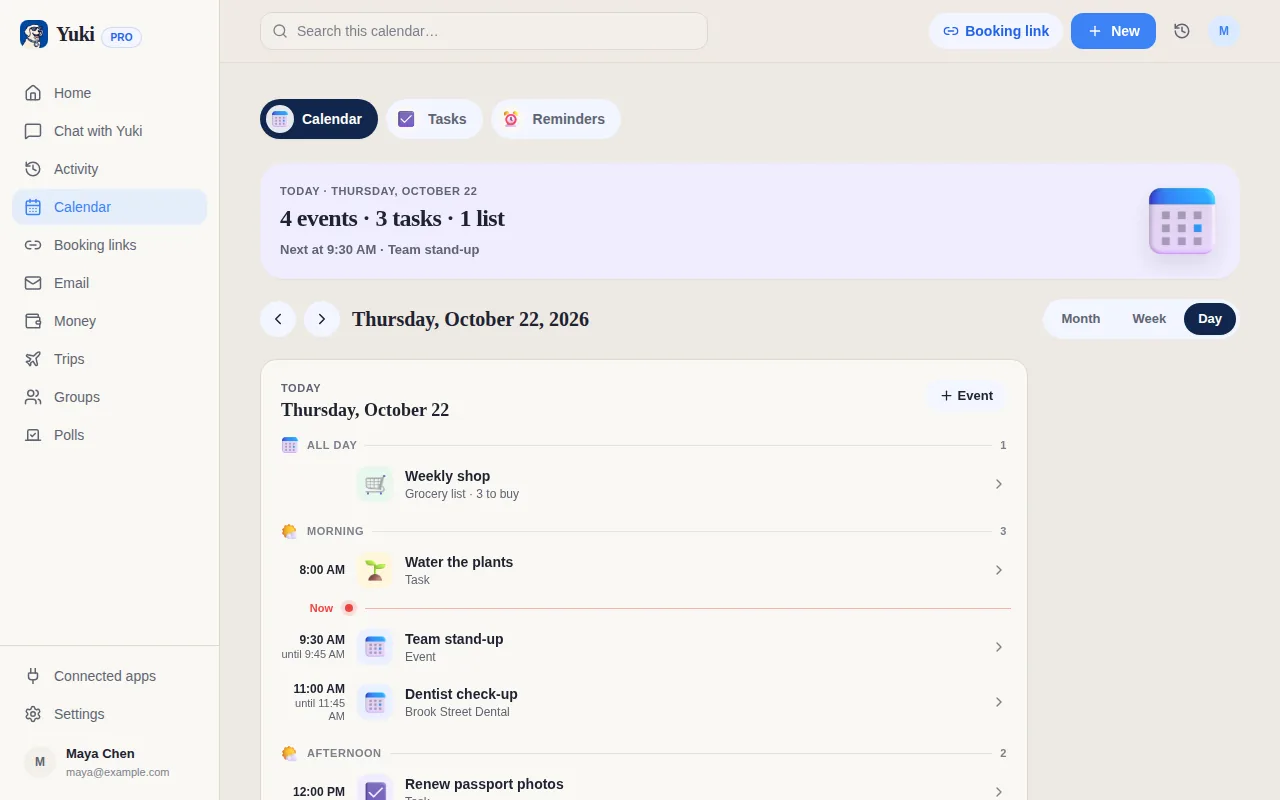
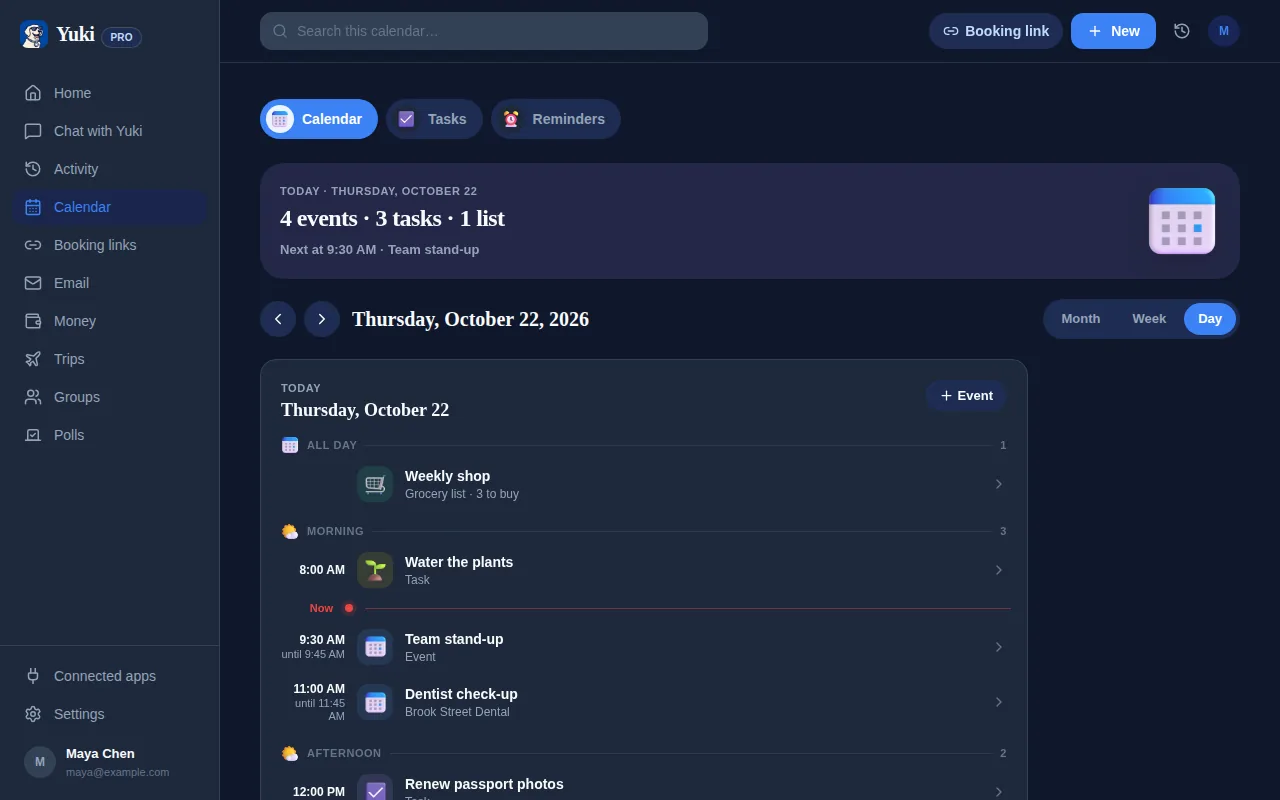
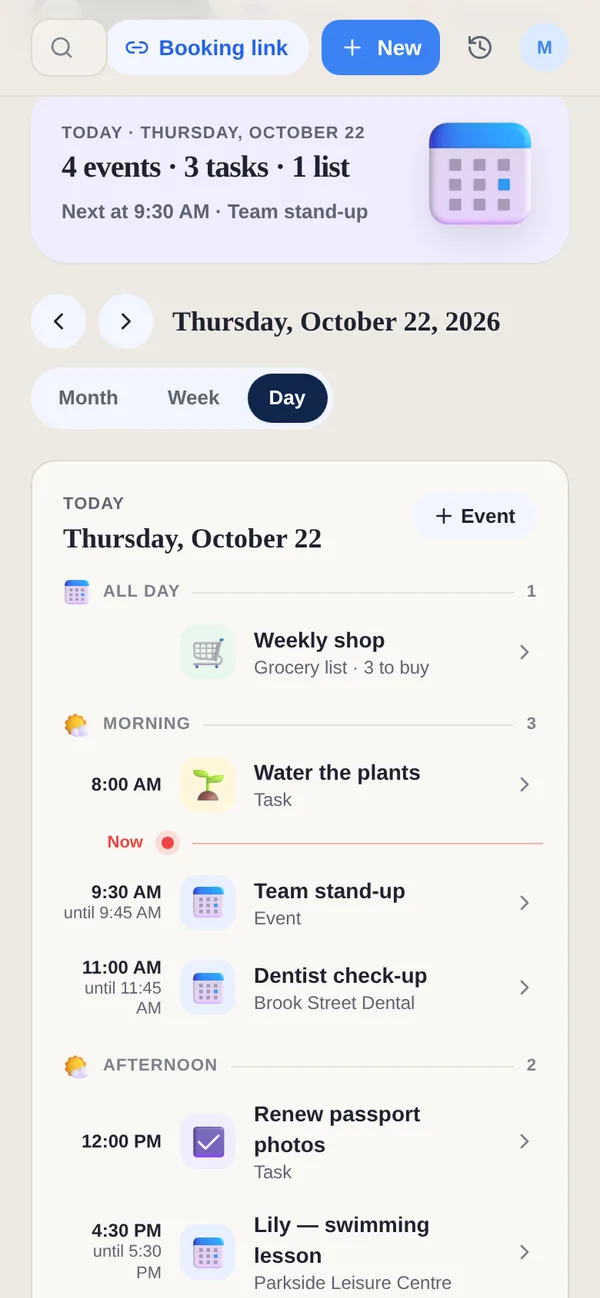
É aqui que uma ferramenta como o Yuki faz o trabalho pesado. O Yuki se conecta ao seu Gmail e transforma as confirmações, recibos, contas e convites que já estão na sua caixa de entrada em um calendário vivo, gastos e assinaturas controlados, uma lista de tarefas e lembretes — sem você inserir nada na mão. Quando você faz a sua revisão semanal, as contas, renovações e planos futuros já estão revelados, então os dez minutos são gastos decidindo, não procurando.
Como ele age como uma camada de memória para o dia a dia, as coisas que você teria que reconstruir do zero toda semana simplesmente estão ali. Essa é a diferença entre uma revisão que sobrevive e uma que você abandona depois de três semanas. O Yuki é grátis no iOS e no Android, e grava de forma bidirecional no Google Calendar, para que tudo que você confirmar continue sincronizado.
- Contas e renovações pré-reunidas significam não fazer login em cinco contas
- Planos já em um calendário vivo que você consegue confirmar em uma única passada
- Menos para lembrar semana a semana, então o hábito realmente pega
Cuide das coisas compartilhadas sem o vai e vem
Para quem divide uma casa — casais, famílias, coparentalidade, colegas de quarto — a administração mais bagunçada é a compartilhada. Quem pagou o quê, quem vai buscar os filhos, de quem é a vez das compras de mercado. Essa é exatamente a categoria que uma revisão solo não consegue resolver completamente, porque a informação também vive na cabeça de outra pessoa.
Os grupos compartilhados do Yuki colocam os planos, gastos e divisão de contas relevantes em um lugar que as duas pessoas conseguem ver, com acerto de contas integrado. Na sua revisão semanal, em vez de redigir um parágrafo explicando quem deve o quê, você dá uma olhada em um livro-caixa compartilhado e os números já estão lá. A coordenação que normalmente gera uma dúzia de mensagens vira uma fonte de verdade compartilhada.
O princípio se sustenta mesmo sem um app: para qualquer coisa compartilhada, o trabalho da revisão é converter uma preocupação privada em uma mensagem enviada. Não termine os seus dez minutos com um 'eu deveria contar a eles sobre…' não enviado, ainda na sua cabeça.
- Grupos compartilhados mantêm planos e gastos visíveis para todos os envolvidos
- Divisão de contas e acerto de contas integrados removem a matemática do 'quem deve o quê'
- Termine a revisão com as mensagens de coordenação enviadas, não pendentes
Passo a passo
- 1Escolha um horário fixo de 10 minutos toda semana (domingo à noite e sexta à tarde são populares) e trate como um compromisso permanente.
- 2Checagem de dinheiro: procure contas vencendo nos próximos 7 dias, qualquer assinatura prestes a renovar, e gastos compartilhados que ainda precisam ser acertados.
- 3Checagem de calendário: olhe a semana seguinte, confirme o que estiver não confirmado, identifique compromissos duplicados, e anote o que precisa de preparo ou tempo de deslocamento.
- 4Varredura de tarefas: esvazie a sua cabeça de toda pendência em uma lista, e depois escolha as 3 a 5 coisas que realmente precisam acontecer nesta semana.
- 5Checagem de coordenação: sinalize qualquer coisa que envolva outras pessoas — o parceiro, a família, a coparentalidade ou colegas de quarto — e envie essas mensagens agora, não depois.
- 6Feche a pendência: configure lembretes para itens sensíveis ao tempo, para que o acompanhamento não dependa de você lembrar.
- 7Pare. Dez minutos é o ponto — resista a transformar isso em uma reorganização de uma hora.