
"Assistente pessoal de IA" é carimbado em tudo, de caixas de som a chatbots a apps de anotações, então é justo ser cético sobre o que um deles realmente consegue fazer pelo seu dia. A definição útil é mais restrita do que o marketing: um assistente pessoal de IA de verdade não só responde perguntas quando você pede — ele silenciosamente acompanha a logística da sua vida (compromissos, contas, viagens, entregas, quem deve a quem) e revela a coisa certa no momento certo, para que você não precise guardar tudo na cabeça. Este guia explica como isso se parece na prática, onde os assistentes de hoje realmente entregam, onde ficam aquém, e como escolher um que reduza a carga mental em vez de acrescentar mais um app para vigiar.
O que um assistente pessoal de IA realmente é
No fundo, um assistente pessoal de IA é um software que entende linguagem natural, lembra o contexto da sua vida, e toma ações úteis em seu nome — não só uma vez, mas continuamente em segundo plano. A palavra-chave é assistente: ele deveria reduzir o trabalho, não criar uma nova caixa de entrada para gerenciar.
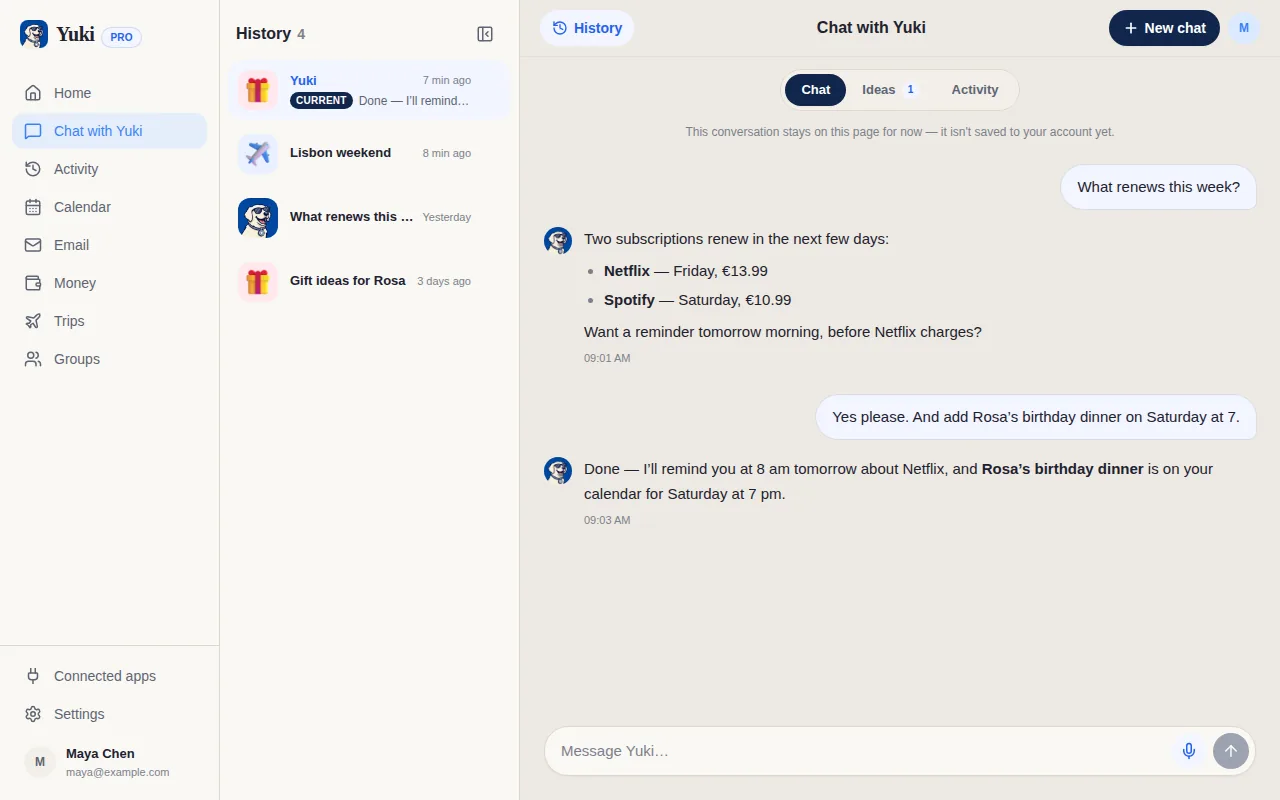
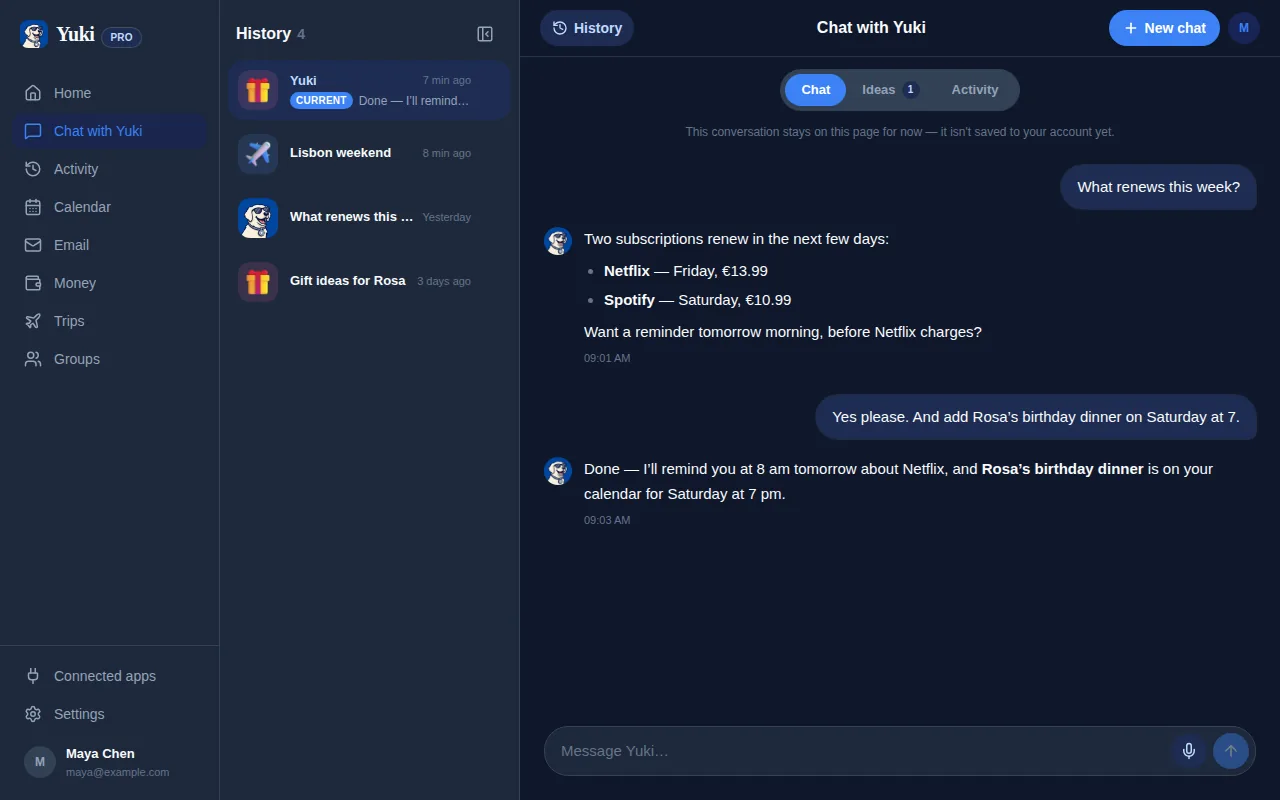
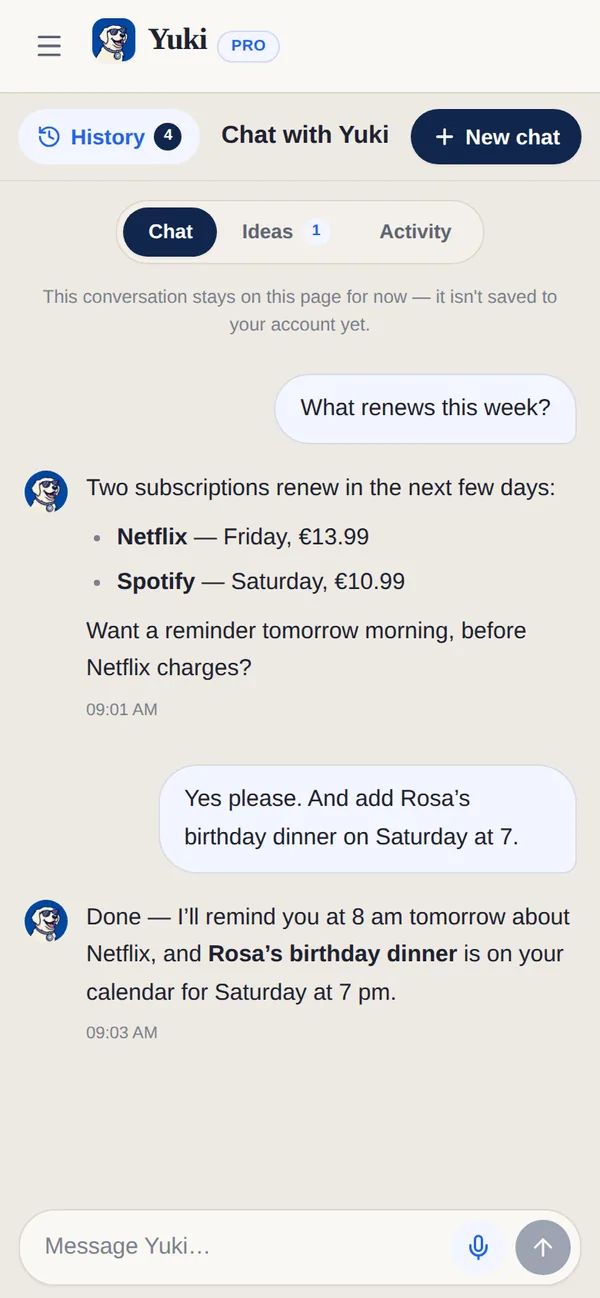
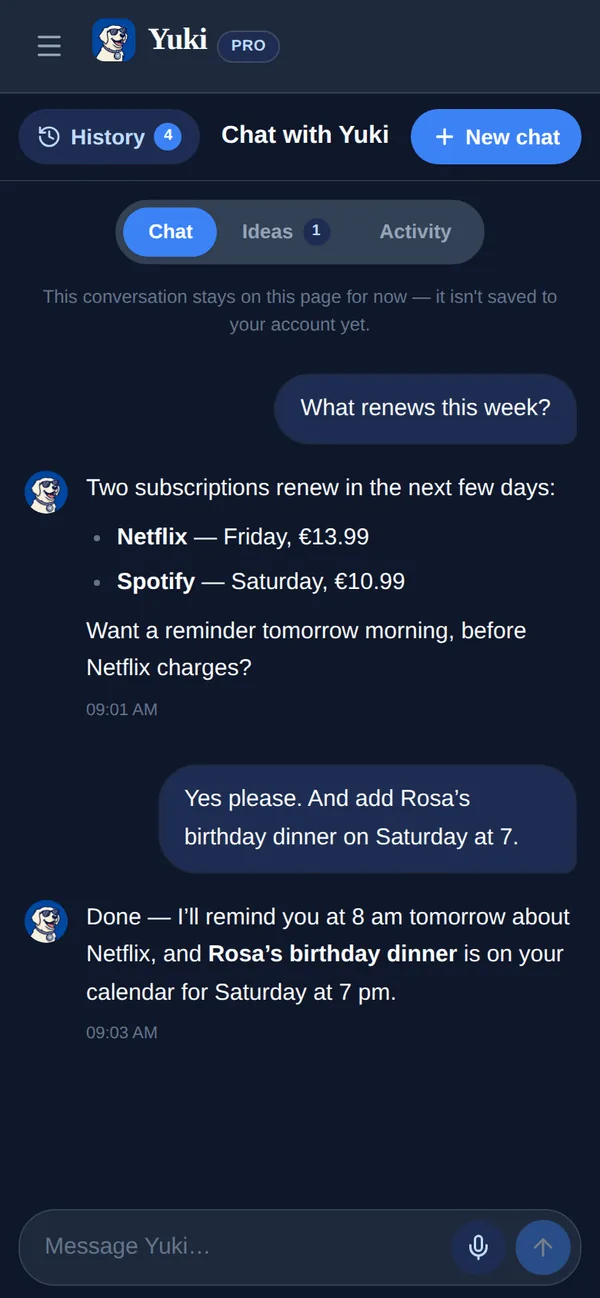
Ajuda separar duas coisas que costumam ser confundidas. Um chatbot (como uma IA geral em que você digita perguntas) é reativo — é brilhante quando você pergunta, silencioso quando não. Um assistente pessoal é proativo e mantém estado: guarda uma memória dos seus compromissos e os coordena, então consegue te lembrar que um pacote está chegando, sinalizar uma assinatura prestes a renovar, ou adicionar um jantar ao seu calendário sem ser solicitado toda vez.
Os assistentes modernos mais valiosos se justificam se conectando às ferramentas onde a sua vida já vive — o seu e-mail, o seu calendário — e transformando essa informação bruta em estrutura organizada e acionável.
- Chatbot reativo: responde quando perguntado, lembra pouco entre sessões
- Assistente proativo: acompanha seus compromissos e os revela no momento certo
- Assistente conectado: lê sinais reais (e-mail, calendário) em vez de depender de você digitar tudo
O que eles conseguem fazer realisticamente hoje
A resposta honesta: os melhores assistentes de IA para consumidores de hoje são excelentes em organizar e coordenar a logística do dia a dia que entope a sua capacidade mental. Eles são menos mágicos na tomada de decisão totalmente autônoma — você ainda está no comando — mas removem uma quantidade enorme de entrada manual e de lembrar.
O Yuki é um bom exemplo desse modelo conectado, focado em coordenação primeiro. Ele se vincula ao seu Gmail e transforma as confirmações, recibos, contas e convites que já estão na sua caixa de entrada em um calendário vivo, roteiros de viagem, gastos e assinaturas controlados, tarefas, listas de compras, lembretes e rastreamento de pacotes — automaticamente, sem você copiar e colar nada. Além disso, tem uma camada de linguagem natural, o Yuki AI, para quando você quiser simplesmente perguntar.
Onde os assistentes de IA brilham agora é exatamente nas coisas tediosas mas importantes: nunca perder uma conta, manter um calendário honesto, e saber quando uma entrega chega.
- Transforma a bagunça da caixa de entrada em um calendário vivo (o Yuki grava de forma bidirecional no Google Calendar; a gravação no Apple Calendar é só para iOS)
- Controla gastos e sinaliza assinaturas antes de renovarem
- Monta roteiros de viagem e um registro contínuo dos países que você visitou
- Gerencia tarefas, compras de mercado, lembretes e aniversários em um só lugar
- Rastreia entregas para você saber quando os pacotes chegam
- Responde perguntas em linguagem simples através do Yuki AI
A parte que a maioria das pessoas subestima: coordenação e memória
Lembretes individuais são úteis, mas o verdadeiro ganho de um assistente de IA é a coordenação — especialmente com outras pessoas. Uma fatia enorme da carga mental diária não é a sua própria logística, é a compartilhada: quem vai buscar os filhos, de quem é a vez de pagar, quando é a viagem em família, o que os colegas de quarto devem das contas de consumo.
O Yuki cuida disso através de grupos compartilhados para casais, famílias, coparentalidade e colegas de quarto, incluindo divisão de contas e acerto de contas. Como ele lembra o contexto — a viagem, a conta recorrente, a divisão — ninguém mais precisa ser o banco de dados humano da casa.
Essa é a diferença entre um app de tarefas e um assistente. Um app de tarefas armazena o que você digita. Um assistente lembra, conecta e coordena, para que menos da sua vida precise ser guardada na sua própria cabeça.
Como escolher um que realmente reduza a carga mental
Nem todo produto com o rótulo de "assistente de IA" vai aliviar a sua carga — alguns só acrescentam mais uma coisa para manter. Alguns filtros práticos ajudam a diferenciá-los.
Prefira assistentes que se conectam a fontes que você já usa (e-mail, calendário) para que se preencham sozinhos, em vez daqueles que esperam que você insira tudo manualmente. Procure comportamento proativo — ele revela coisas antes de você perguntar? — e recursos de compartilhamento/coordenação, se a sua carga é realmente uma carga doméstica. E seja honesto sobre o escopo: um assistente focado que acerta a logística do dia a dia vence um espalhado que faz dez coisas mal.
O Yuki é grátis, no iOS e no Android, e se posiciona como uma camada de memória e coordenação para o dia a dia, em vez de uma ferramenta que faz tudo. Ele funciona no iOS, no Android e no navegador em yukihq.com, com uma única conta.
- Conecta-se à sua caixa de entrada/calendário para se preencher sozinho
- Age proativamente, não só quando solicitado
- Oferece coordenação compartilhada, se a sua carga é da casa inteira
- Tem um escopo claro que faz bem, em vez de fazer tudo superficialmente
- Se encaixa onde você realmente está (o Yuki é pensado primeiro para celular: iOS + Android)