
A parte mais difícil de um ano letivo não é um único evento — é o volume e a dispersão. Dia da foto, saídas antecipadas, a autorização que vence sexta, o treino de futebol mudando para quinta-feira, a feira do livro, parcelas da mensalidade, inscrições para reunião de pais. Cada um chega por um canal diferente (e-mail, um panfleto de papel na mochila, uma mensagem de outro pai, um app que você teve que instalar para um time) e cada um vive, por um tempo, só na sua memória. Esse é o custo real: não as tarefas em si, mas o esforço constante de fundo de lembrar de todas elas e garantir que os outros adultos na vida do seu filho também saibam. Este guia estabelece um sistema simples e durável para capturar datas escolares, formulários e atividades conforme chegam e mantê-los em um único lugar compartilhado que todo mundo consegue ver.
Por que a logística escolar sobrecarrega até pais organizados
A informação escolar é deliberadamente fragmentada. A secretaria manda e-mail, o professor usa um app de turma, a liga esportiva manda mensagem, a associação de pais posta nas redes sociais, e metade ainda chega amassada no fundo de uma mochila. Nenhuma fonte isolada é completa, então você vira a camada de integração — o único humano segurando o quadro completo na cabeça.
Essa carga mental se agrava quando mais de um adulto está envolvido. Dois pais, uma coparentalidade em outra casa, um avô fazendo a busca, ou uma babá cada um segura uma visão parcial, e as lacunas entre essas visões são exatamente onde um formulário perdido ou uma saída antecipada esquecida acontece.
A solução não é disciplina ou uma memória melhor. É tirar a informação da sua cabeça e das suas caixas de entrada e colocá-la em um único lugar compartilhado e sempre atualizado — para que 'ficar em dia' vire olhar uma tela em vez de reconstruir o quadro inteiro do zero toda semana.
Capture toda data e prazo no momento em que chegam
A maioria das datas escolares já chega até você por escrito — geralmente e-mail. O truque é converter cada uma em uma entrada de calendário ou uma tarefa com data de vencimento no momento em que você a vê, não depois. 'Depois' é onde as coisas escapam.
Como muito disso cai na sua caixa de entrada, é o item ideal para automatizar. O Yuki se conecta ao seu Gmail e lê as confirmações e avisos que já estão lá, transformando-os em um calendário vivo que ele mantém sincronizado bidirecionalmente com o Google Calendar — então um evento escolar que você captura aparece ao lado de tudo o mais na sua semana, em todo aparelho.
Para qualquer coisa com um prazo em vez de um horário fixo — um formulário devido sexta, uma taxa a pagar, inscrições que abrem segunda — capture como uma tarefa com data de vencimento e deixe um lembrete fazer o lembrar por você, em vez de reconferir mentalmente todo dia.
- Eventos de horário fixo (dia da foto, reuniões, jogos) → entradas de calendário
- Prazos (autorizações, taxas, inscrições) → tarefas com data de vencimento
- Atividades recorrentes (treinos, aulas, clubes) → eventos que se repetem para nunca precisar reentrada
- Lembretes pontuais (leve chuteira, use vermelho) → um lembrete cronometrado para o dia anterior
Não deixe formulários e tarefas escaparem
Autorizações e formulários são o ponto de falha clássico porque têm dois estados — 'recebido' e 'realmente feito e devolvido' — e a lacuna entre eles é invisível. No momento em que um formulário chega, crie uma tarefa para ele com a data de vencimento real, e trate assinar/devolver como a coisa que fecha a tarefa.
Uma visão de organizador do dia ajuda aqui: ver os formulários, taxas e follow-ups da semana em uma lista significa que você lida com eles em uma única sentada, digamos, no domingo à noite, em vez de reagir a cada um separadamente. Configure um lembrete um dia antes de qualquer prazo rígido para que uma manhã corrida nunca vire uma manhã de prazo perdido.
Coloque tudo em um lugar que todo mundo consegue ver
A maior redução de carga mental vem de tornar a agenda compartilhada em vez de pessoal. Quando os dois pais, uma coparentalidade, ou um cuidador conseguem ver a mesma visão viva, você para de ser o relé humano que tem que mandar mensagem para todo mundo a cada mudança — a mudança simplesmente está lá para todo mundo.
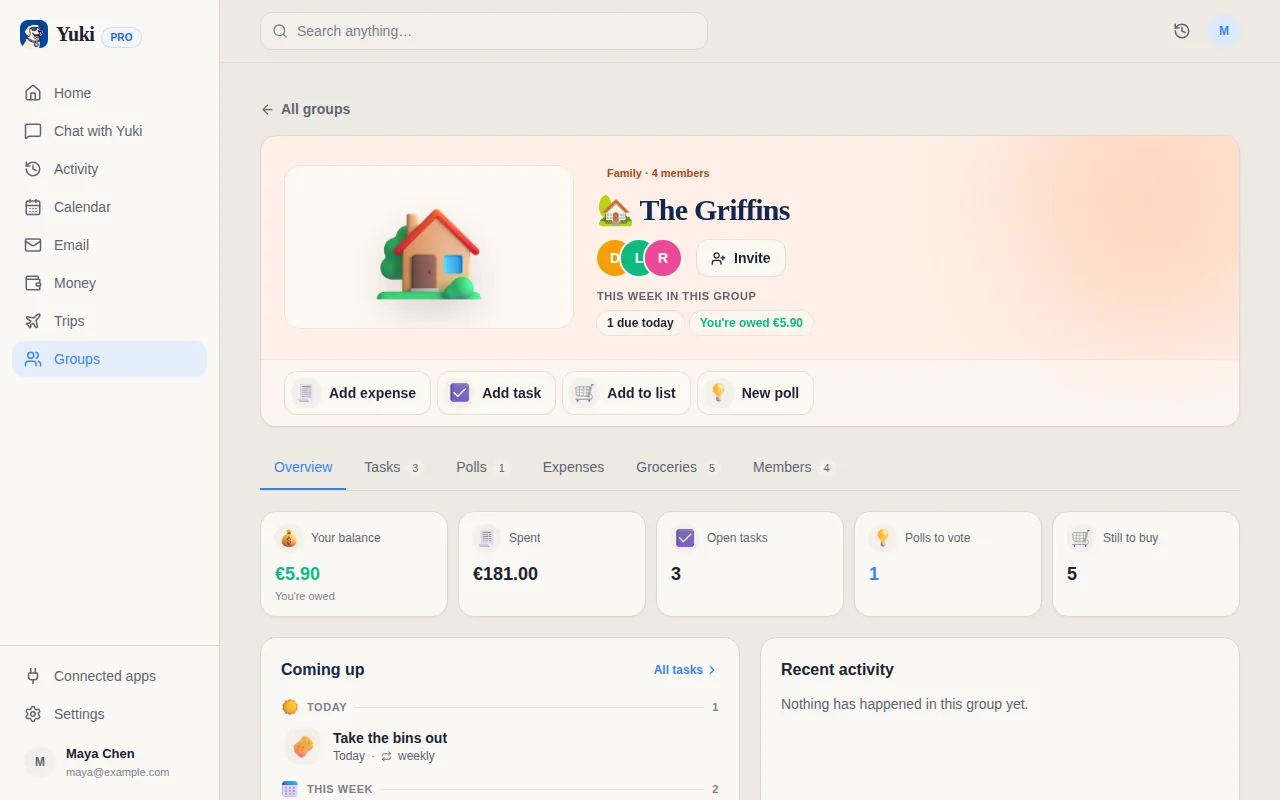
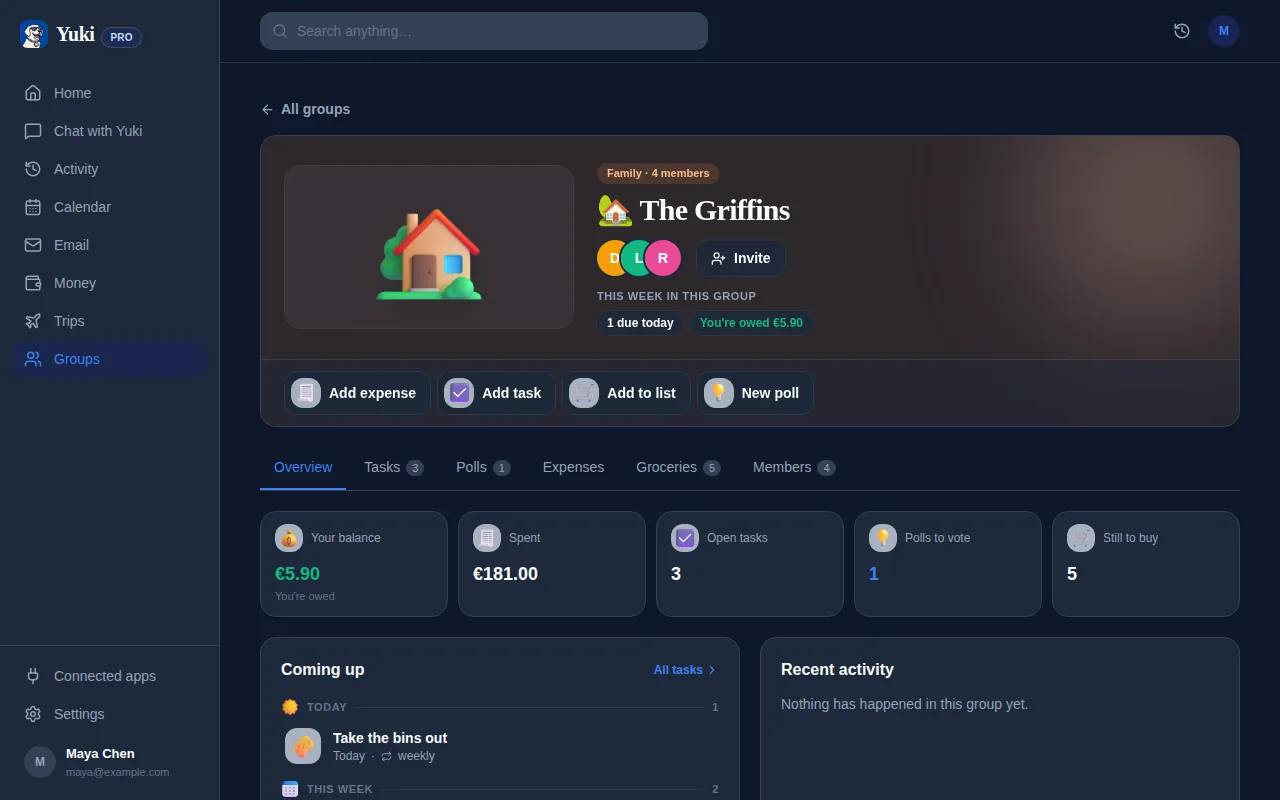
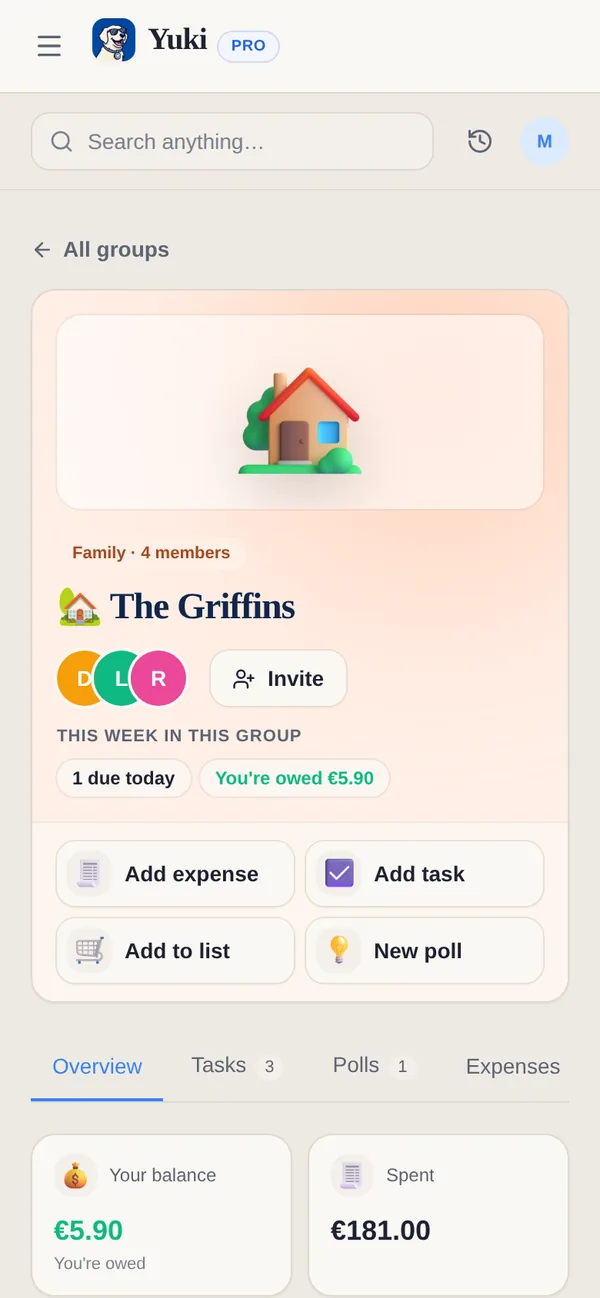
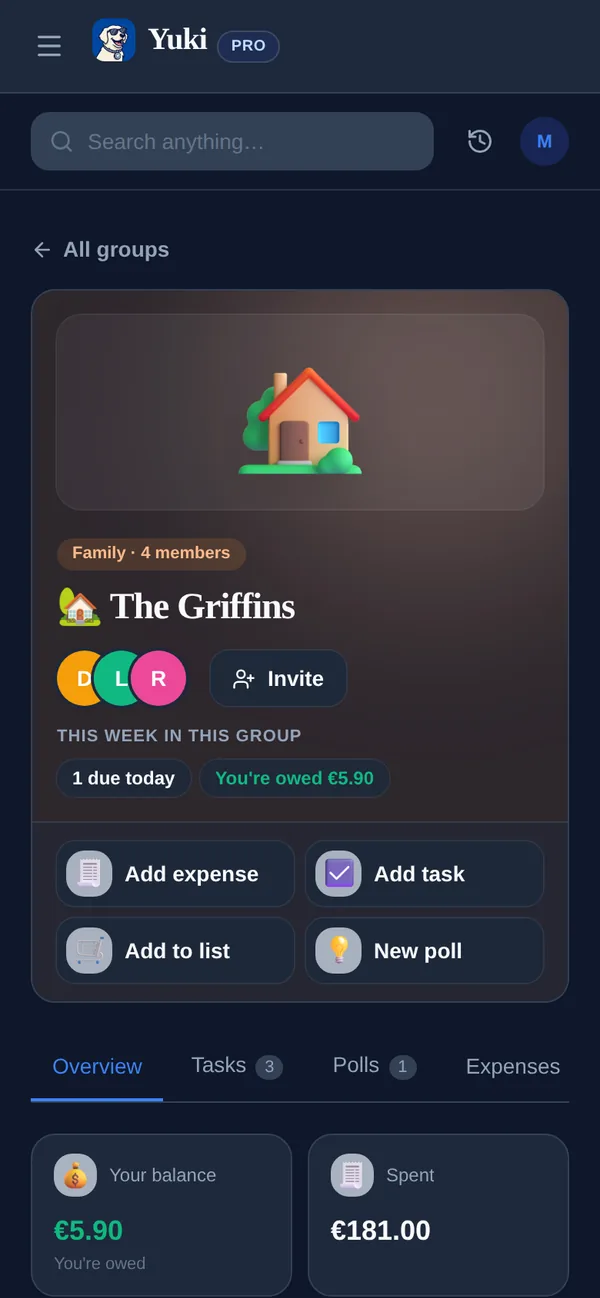
Os grupos compartilhados do Yuki são feitos exatamente para isso: famílias e coparentalidade ganham um espaço comum onde eventos escolares, horários de atividade e tarefas vivem juntos e atualizam para todo mundo de uma vez. Se um jogo é remarcado ou um formulário é adicionado, ninguém precisa ser avisado individualmente — isso simplesmente se reflete na visão compartilhada.
Isso importa mais entre duas casas. Coparentalidade que compartilha um calendário escolar não precisa negociar 'você sabia sobre o passeio escolar?' — a resposta é visível, o que remove uma categoria inteira de atrito e dedo apontado.
Um ritmo semanal que mantém isso sem esforço
Um sistema só funciona se mantê-lo for quase gratuito. Busque um toque semanal leve em vez de uma grande reorganização: alguns minutos para dar uma olhada no que está chegando, confirmar que nada foi esquecido, e resolver os formulários da semana.
Como a captura é automatizada a partir da sua caixa de entrada, a revisão semanal vira uma checagem rápida de sanidade em vez de entrada de dados. Você pode até perguntar ao assistente do Yuki em linguagem simples — 'como está a semana para os filhos?' — para revelar os itens relacionados à escola sem procurar em tudo.
- Domingo: dê uma passada na semana à frente e resolva formulários e taxas pendentes de uma vez
- Adicione novos horários de atividade como eventos recorrentes na primeira vez que aparecerem
- Confirme que os outros adultos conseguem ver qualquer coisa nova — para grupos compartilhados, isso é automático
- Configure lembretes de um dia antes para as duas ou três coisas que uma manhã perdida arruinaria
Passo a passo
- 1Conecte o seu Gmail para que os e-mails escolares que você já recebe virem eventos de calendário e tarefas automaticamente.
- 2Crie um grupo compartilhado para a família (ou com uma coparentalidade) para que todo mundo veja a mesma agenda viva.
- 3Conforme cada aviso chega, classifique-o: eventos de horário fixo no calendário, prazos em tarefas com data de vencimento.
- 4Entre com atividades recorrentes — treinos, aulas, clubes — como eventos que se repetem uma vez, para nunca precisarem de reentrada.
- 5Adicione um lembrete um dia antes para qualquer prazo rígido como um formulário ou taxa.
- 6Faça uma revisão semanal rápida para confirmar que nada está faltando e resolva os formulários da semana em uma só sentada.