
Você pagou a conta de luz, remarcou o dentista, encaminhou a confirmação do voo para o seu parceiro, lembrou do aniversário da sua sobrinha, dividiu a conta do restaurante em três, e cancelou um teste grátis antes de ele cobrar. Nada disso é "trabalho", exatamente — mas tomou tempo real, atenção real, e uma lista mental corrente que você nunca consegue realmente largar. Isso é administração pessoal: a logística não remunerada e invisível de manter uma vida funcionando. Este guia define isso claramente, explica por que parece tão pesado, e dá a você formas específicas e aplicáveis hoje de gastar menos da sua vida com isso.
O que a administração pessoal realmente é
Administração pessoal é o conjunto contínuo de pequenas tarefas administrativas necessárias para tocar uma casa e uma vida pessoal — os recados, decisões e follow-ups que ninguém te atribui, mas todo mundo tem que fazer. É distinta das tarefas domésticas (tarefas físicas como lavar roupa) e do seu emprego remunerado. É a camada de coordenação, lembrar e papelada que fica embaixo de tudo o mais.
O motivo pelo qual parece mais pesada do que a soma das partes é que a maior parte dela vive na sua cabeça como 'ciclos abertos' — coisas que você tem medo de esquecer. Pesquisadores chamam isso de carga mental: o trabalho cognitivo de notar o que precisa ser feito, decidir quando, e garantir que realmente aconteça. Uma tarefa de cinco minutos pode te ocupar por dias se você a estiver carregando esperando o momento certo.
- Dinheiro: contas, renovações, assinaturas, dividir custos compartilhados, rastrear o que você gastou
- Tempo: marcar consultas, confirmar presença, agendar, lembrar de aniversários
- Viagem: voos, hotéis, roteiros, manter todo mundo por dentro
- Casa e compartilhado: mercado, entregas, coordenar com um parceiro, família, ou colegas de quarto
- A parte invisível: lembrar que tudo isso existe e que não escapou
Por que ela consome tanto tempo (e energia)
A administração pessoal é cara não porque uma tarefa isolada seja difícil, mas porque é fragmentada e dirigida por interrupções. A informação de que você precisa está espalhada — uma reserva está na sua caixa de entrada, a data pertence ao seu calendário, o custo pertence a um orçamento, e o plano precisa alcançar outra pessoa. Você vira a camada de integração humana, copiando detalhes de um lugar para outro.
Ela também é assimétrica em casas. Uma pessoa frequentemente vira a 'gerente padrão' que segura a lista mestra na cabeça, o que é uma forma real e cansativa de trabalho mesmo quando as tarefas são tecnicamente compartilhadas. E é majoritariamente reativa: um e-mail de confirmação chega, uma renovação está prestes a acontecer, um pacote está atrasado — e você troca o contexto para lidar com isso, perdendo o foco no que você estava realmente fazendo.
- Fragmentação: a mesma viagem vive no e-mail, no calendário, e em um grupo de mensagens
- Cópia manual: redigitar horários de voo, valores, e endereços na mão
- Carga mental: o trabalho não remunerado de lembrar e lembrar os outros
- Troca de contexto: cada pequena tarefa interrompe o trabalho mais profundo
Formas práticas de reduzir
Você reduz a administração pessoal atacando duas coisas: o número de decisões que você toma, e a quantidade que você tem que manter na cabeça. Automação e padrões cuidam da primeira; um único sistema confiável cuida da segunda. Aqui estão táticas que funcionam independente de quais ferramentas você usa.
O movimento de maior alavancagem é parar de ser a camada de integração. A maior parte da sua informação administrativa já chega na sua caixa de entrada — confirmações, recibos, contas, convites. Se essa informação fluísse automaticamente para o seu calendário, gastos, e planos compartilhados, você eliminaria a redigitação e a maior parte do lembrar em um único passo.
- Automatize o que se repete: coloque toda conta e assinatura em débito automático ou um lembrete de calendário para que renovações nunca te surpreendam
- Faça em lote: escolha um 'bloco de administração' de 30 minutos por semana em vez de reagir o dia inteiro
- Padronize e use modelos: reuse a mesma lista de mala, os mesmos itens básicos de mercado, as mesmas escolhas de reserva
- Tire da cabeça: capture todo ciclo aberto em algum lugar confiável para você parar de ensaiar isso
- Compartilhe a fonte de verdade: dê ao seu parceiro ou colega de quarto a mesma visão viva para que ninguém precise ser o 'gerente'
- Deixe a sua caixa de entrada fazer a entrada de dados: transforme confirmações e recibos em eventos de calendário e gastos rastreados automaticamente
Como o Yuki remove a parte manual
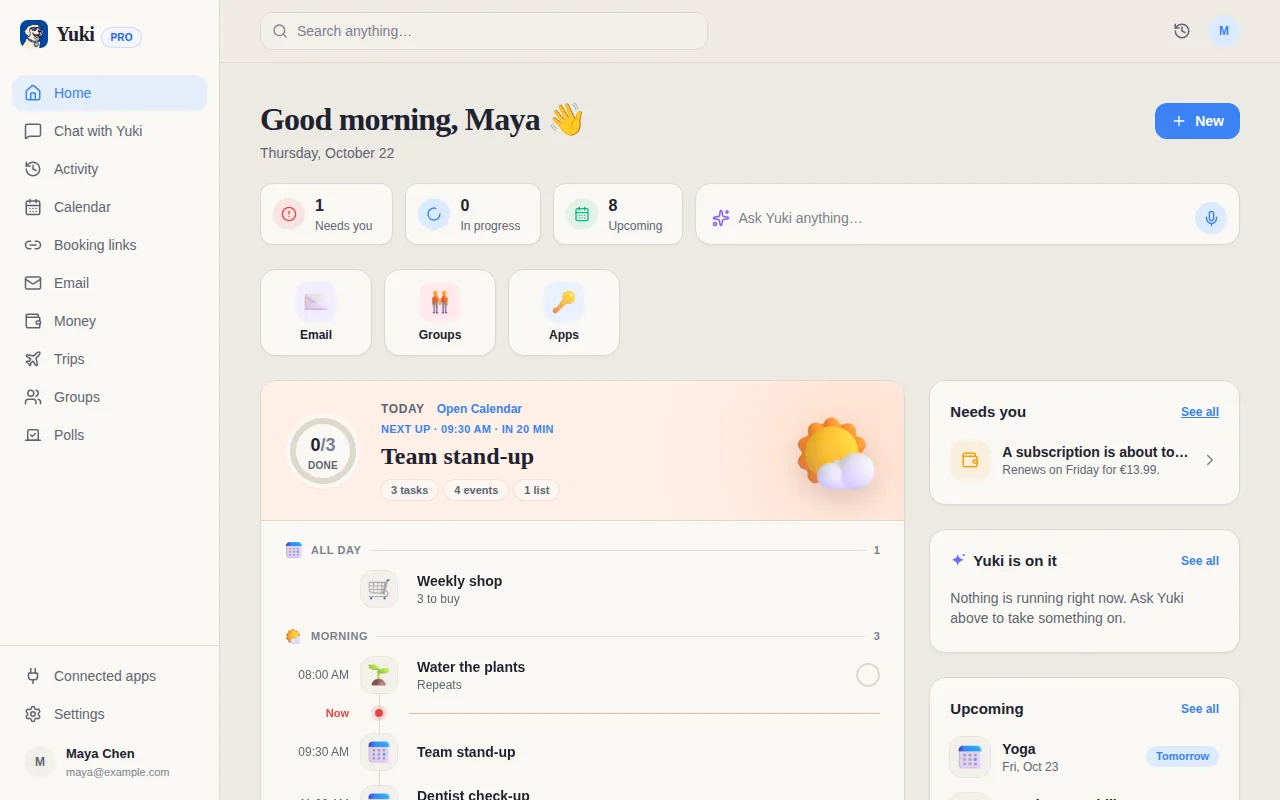
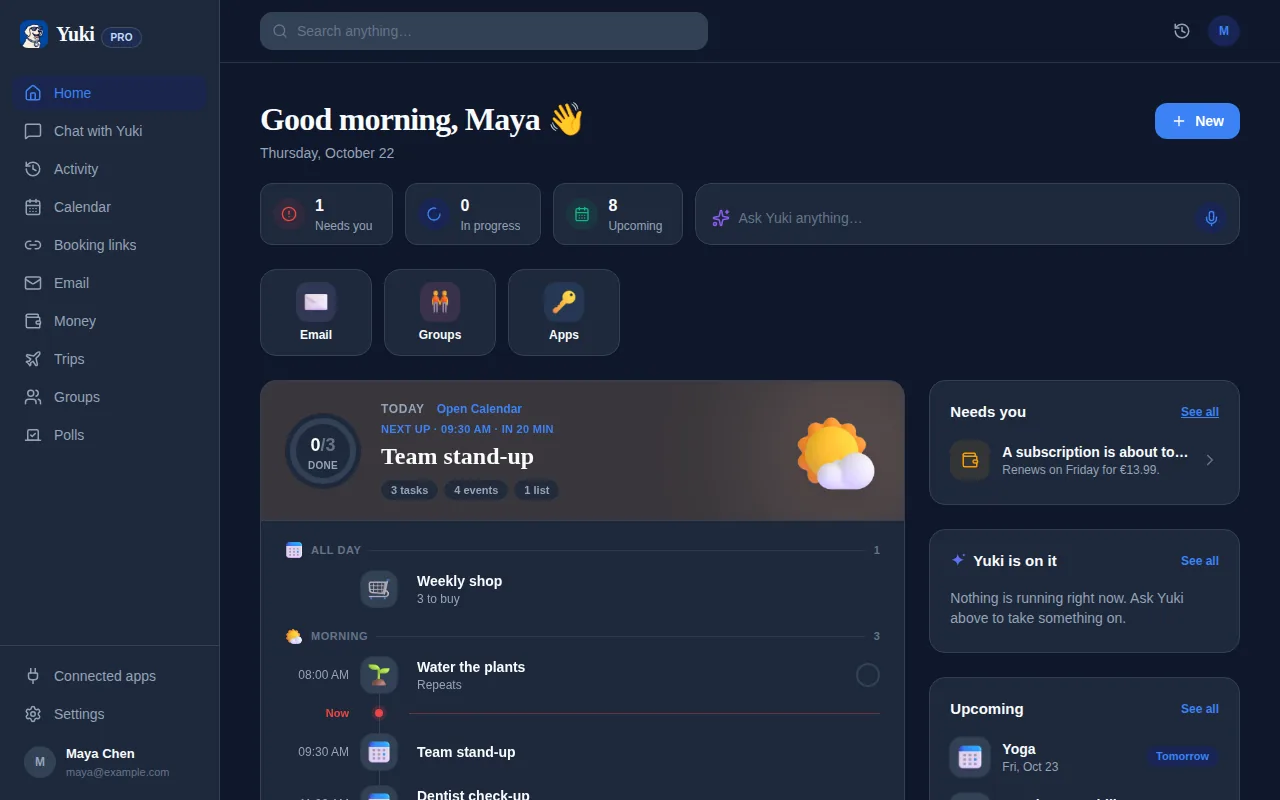
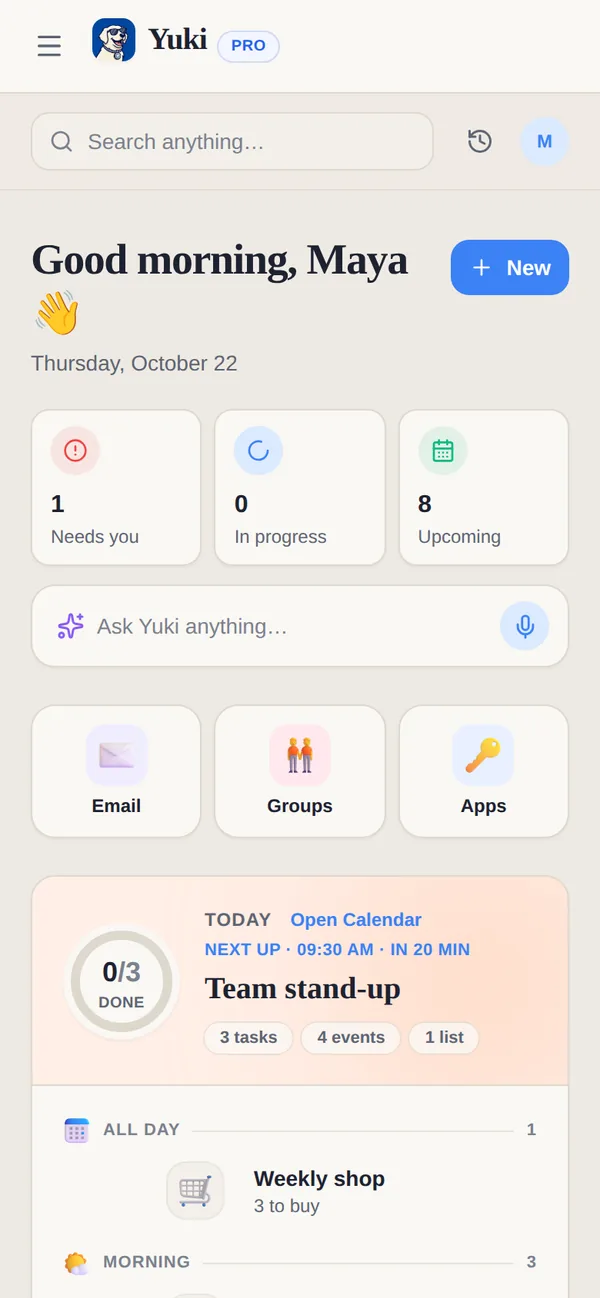
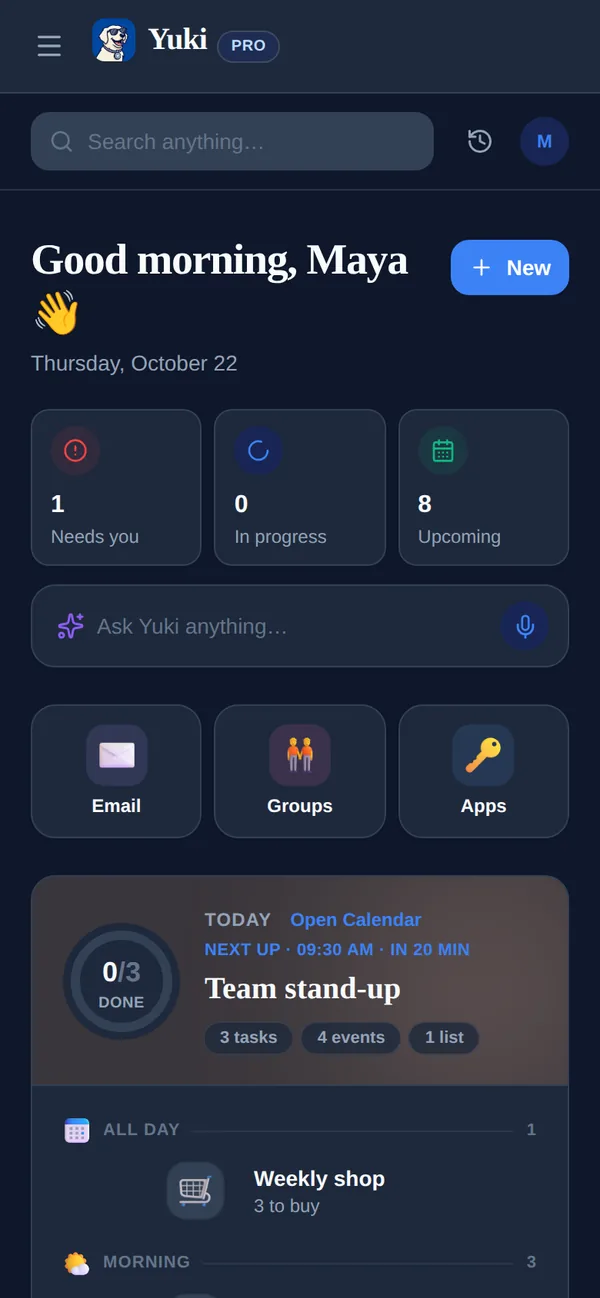
O Yuki é um app grátis para iOS e Android que atua como uma camada de memória e coordenação para a vida cotidiana. Você conecta o Gmail, e ele lê as confirmações, recibos, contas e convites que já estão lá e os transforma em coisas que você realmente pode usar — sem você copiar nada.
Uma confirmação de voo vira um roteiro de viagem e eventos de calendário (o Yuki grava de forma bidirecional no Google Calendar). Um recibo vira um gasto rastreado; uma cobrança recorrente aparece no controle de assinaturas antes de renovar. Entregas são rastreadas, aniversários e lembretes são revelados, e tudo pode viver em grupos compartilhados para casais, famílias, coparentalidade, ou colegas de quarto — incluindo divisão de contas e acerto de contas. Também existe o Yuki AI, um assistente de linguagem natural que você pode simplesmente perguntar. O ponto não é mais recursos para gerenciar; é que o lembrar e o coordenar acontecem por você, então a carga mental diminui.
- Caixa de entrada dentro, vida organizada fora — sem entrada manual de dados
- Um calendário vivo que grava de volta no Google Calendar
- Gastos e assinaturas rastreados a partir dos recibos que você já recebe
- Grupos compartilhados para que uma pessoa não seja o gerente da casa
- Grátis no iOS, no Android e na web, com uma única conta sempre sincronizada
Passo a passo
- 1Liste a sua administração pessoal recorrente: contas, assinaturas, compromissos fixos, e coordenação regular com outras pessoas.
- 2Automatize o que se repete — configure débito automático ou lembretes para toda conta e renovação para que nada seja surpresa.
- 3Pare de redigitar: conecte a sua caixa de entrada a uma ferramenta que transforma confirmações e recibos em eventos de calendário e gastos rastreados automaticamente.
- 4Escolha um bloco semanal de 30 minutos de administração e lide com itens não urgentes lá em vez de reagir o dia inteiro.
- 5Mova a logística compartilhada para uma única visão compartilhada para que um parceiro, família, ou colegas de quarto vejam o mesmo plano.
- 6Esvazie a sua cabeça semanalmente — capture todo ciclo aberto em algum lugar confiável para você não ficar ensaiando tarefas na mente.