
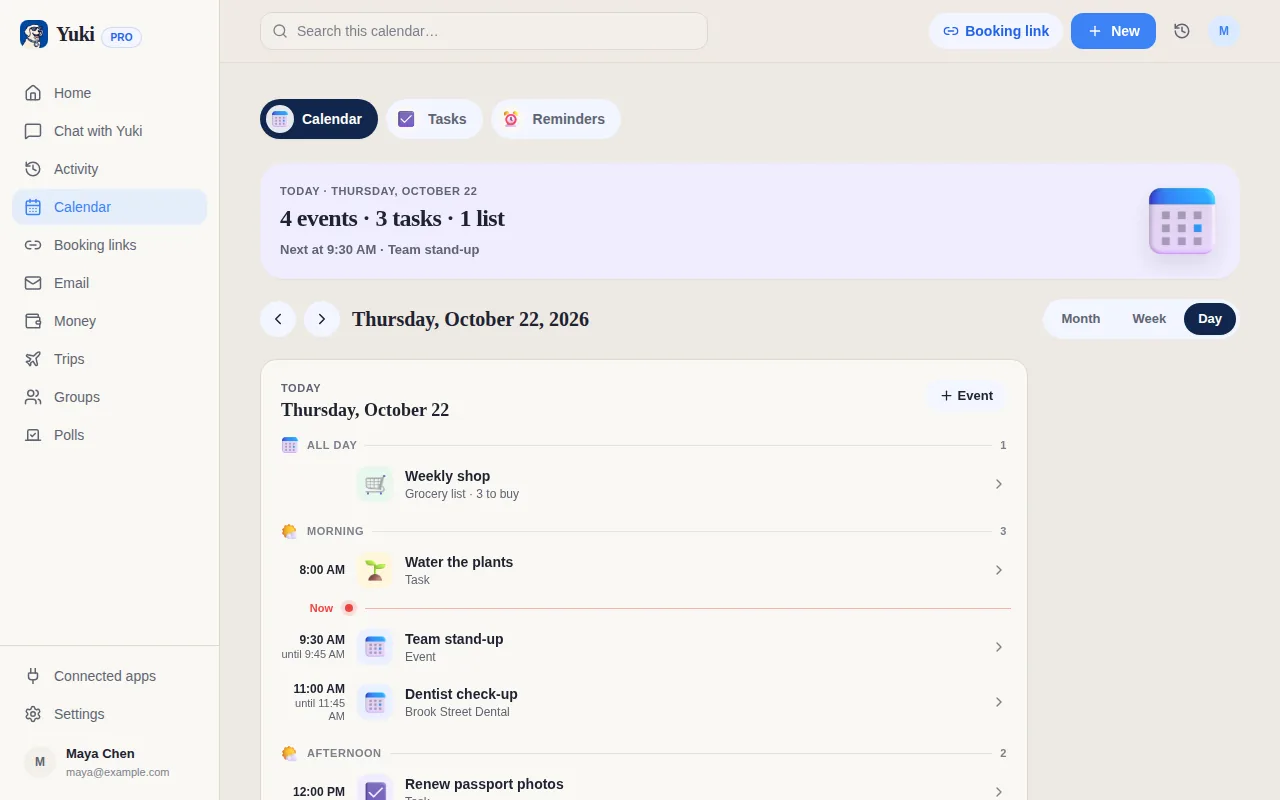
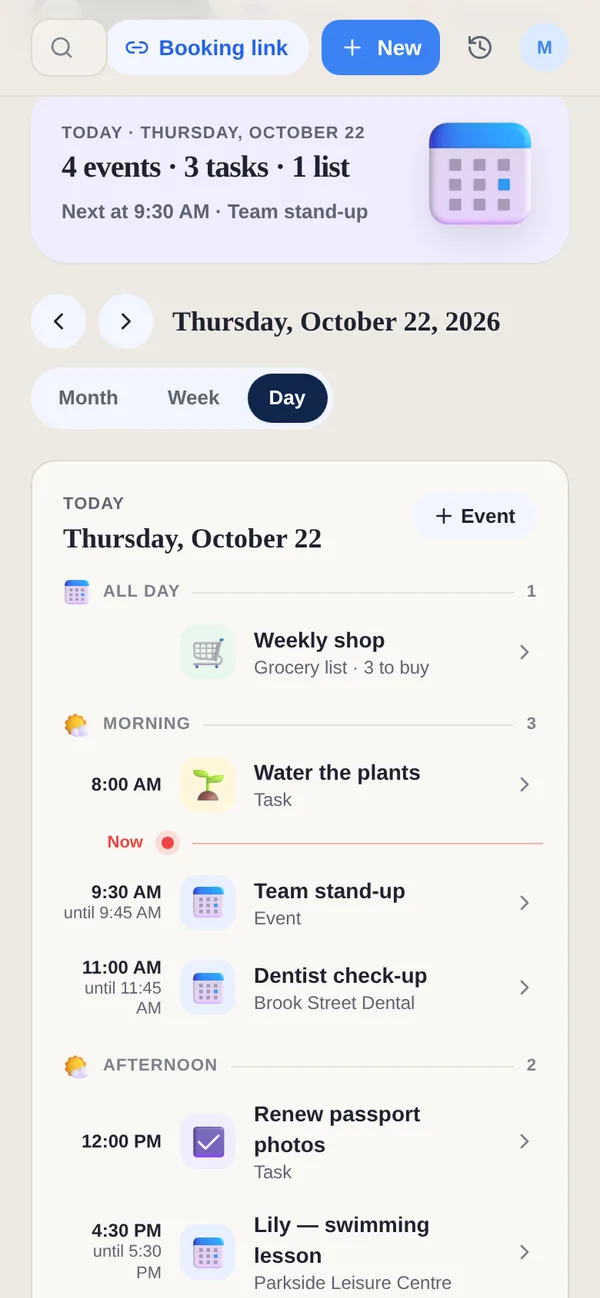
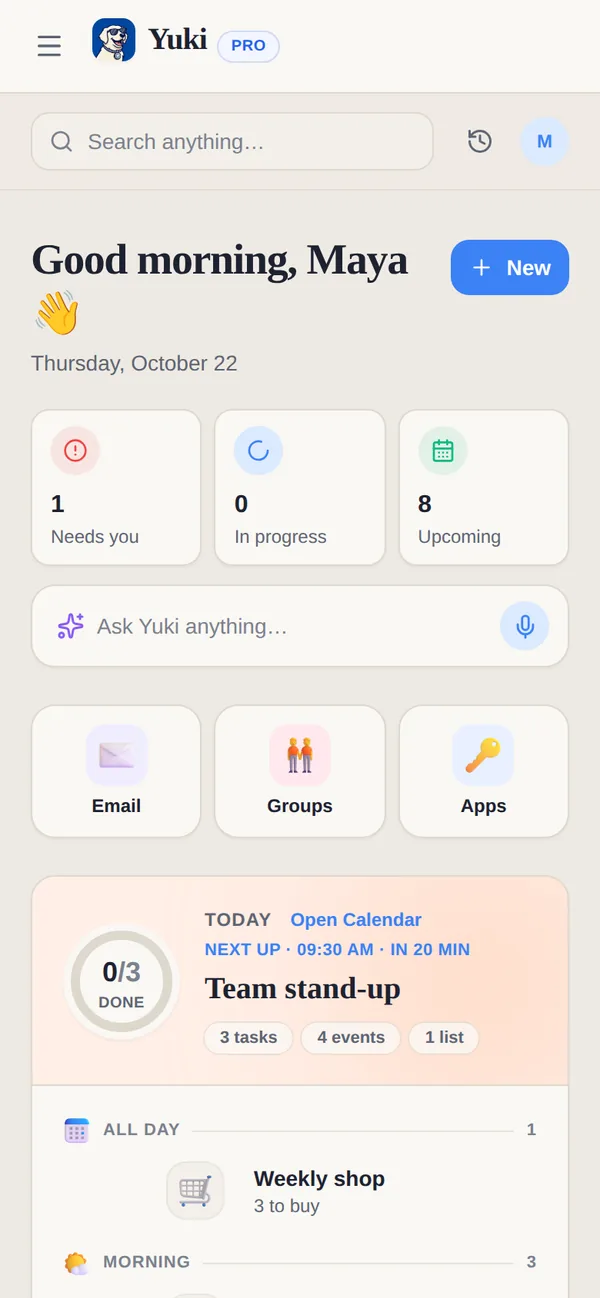
Fantastical est sans doute l’agenda le plus raffiné sur les plateformes Apple — saisie rapide en langage naturel, beaux jeux de calendriers, liens de planification, intégration profonde aux appareils. Yuki n’est pas un agenda plus agréable ; c’est un moyen d’arrêter d’en saisir un. Il lit votre boîte mail et transforme confirmations et invitations en agenda, voyages, dépenses et plans partagés à jour, tout seul. Fantastical perfectionne la saisie et la consultation de votre emploi du temps ; Yuki évite que l’emploi du temps soit quelque chose que vous saisissez.
| Feature | Yuki | Fantastical |
|---|---|---|
| Crée des événements automatiquement depuis votre boîte mail | ||
| Saisie d’événements en langage naturel | Via l’assistant Yuki AI | Oui — sa fonctionnalité phare |
| Synchronisation d’agenda bidirectionnelle (Google/iCloud/Exchange) | Écrit de façon bidirectionnelle dans Google Calendar | Oui — client d’agenda complet |
| Suivi des dépenses & abonnements | ||
| Itinéraires de voyage depuis les réservations | ||
| Groupes partagés pour familles/colocataires | Groupes partagés + tâches & listes | Partage d’agenda uniquement |
| Plateformes | iOS, Android + web | Apple (iPhone, iPad, Mac, Watch) + Windows ; pas d’Android |
| Prix | Gratuit | Formule gratuite + abonnement Premium (~57 $/an) |
Choisissez Yuki si…
- Vous voulez que votre agenda, vos voyages et vos dépenses se construisent pour vous depuis vos e-mails plutôt que d’être tapés à la main
- Vous êtes sur Android, ou vous coordonnez avec des personnes qui le sont, et avez besoin d’une seule appli fonctionnant sur les deux plateformes
- Vous voulez suivre les dépenses, les abonnements et les voyages aux côtés de votre emploi du temps, et les partager avec un partenaire ou un foyer
Choisissez Fantastical si…
- Vous vivez dans l’écosystème Apple (ou sur Windows) et voulez l’expérience d’agenda la plus soignée et native sur Mac, iPhone, iPad et Watch
- La saisie d’événements en langage naturel rapide et précise et des fonctionnalités comme les jeux de calendriers, la météo et les liens de planification comptent le plus pour vous
- Vous préférez un client d’agenda ciblé et parmi les meilleurs plutôt qu’une appli d’organisation de vie plus large
À jour en juillet 2026. Consultez le site actuel de chaque application pour les dernières nouveautés.
Questions fréquentes
Fantastical lit-il mes e-mails et crée-t-il des événements automatiquement ?
Non. Fantastical est un client d’agenda — vous ajoutez les événements vous-même, même si sa saisie en langage naturel rend cela très rapide. Yuki est construit autour de la lecture de votre Gmail et de la création automatique d’événements d’agenda, de voyages et de dépenses à partir des confirmations et reçus.
Yuki est-il disponible sur Android ?
Oui. Yuki fonctionne sur iOS, Android et le web, et il est gratuit pour commencer. Fantastical fonctionne sur les plateformes Apple (iPhone, iPad, Mac, Apple Watch) et, depuis fin 2024, Windows — mais il n’a ni application Android ni application web, donc il ne peut pas couvrir un foyer qui compte des utilisateurs Android.
Puis-je utiliser les deux ensemble ?
Oui. Yuki écrit de façon bidirectionnelle dans Google Calendar, donc les événements créés par Yuki depuis votre boîte mail apparaissent dans n’importe quelle appli d’agenda pointant vers ce compte Google — y compris Fantastical sur vos appareils Apple ou Windows.