
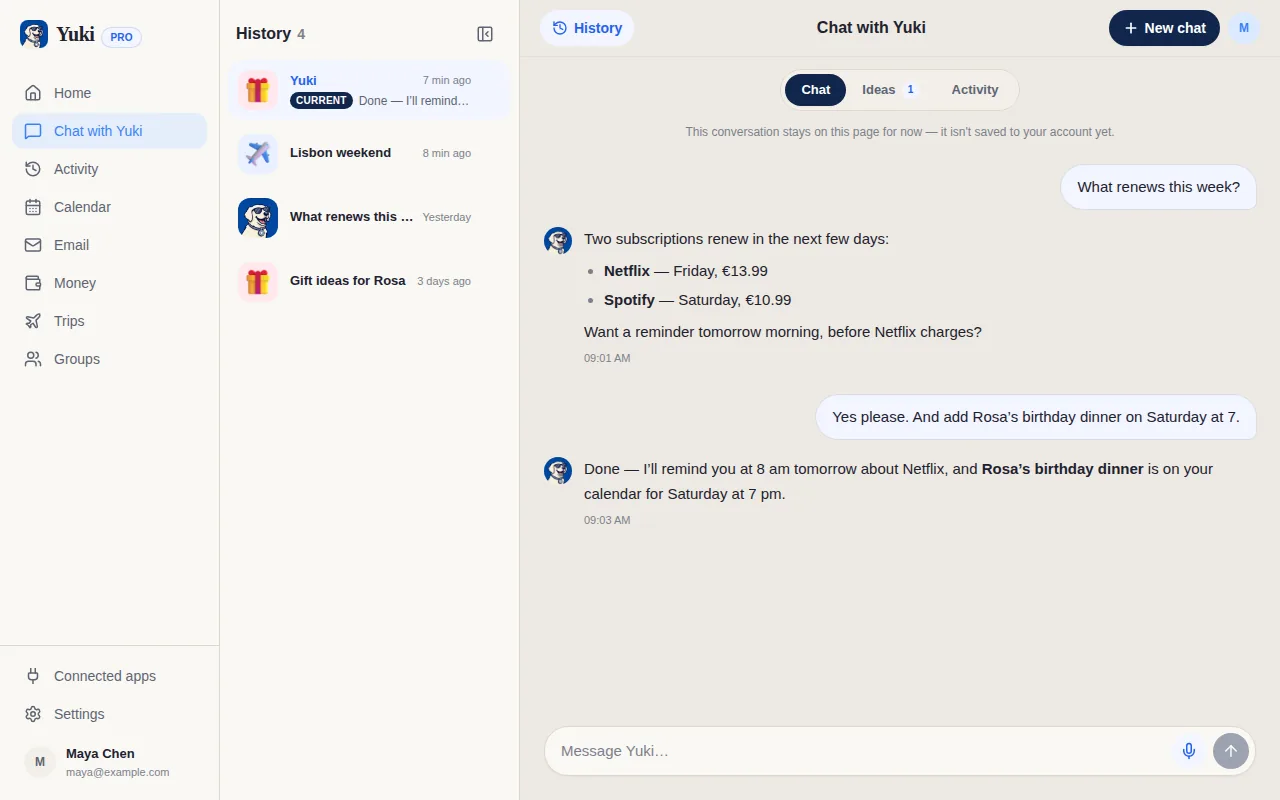
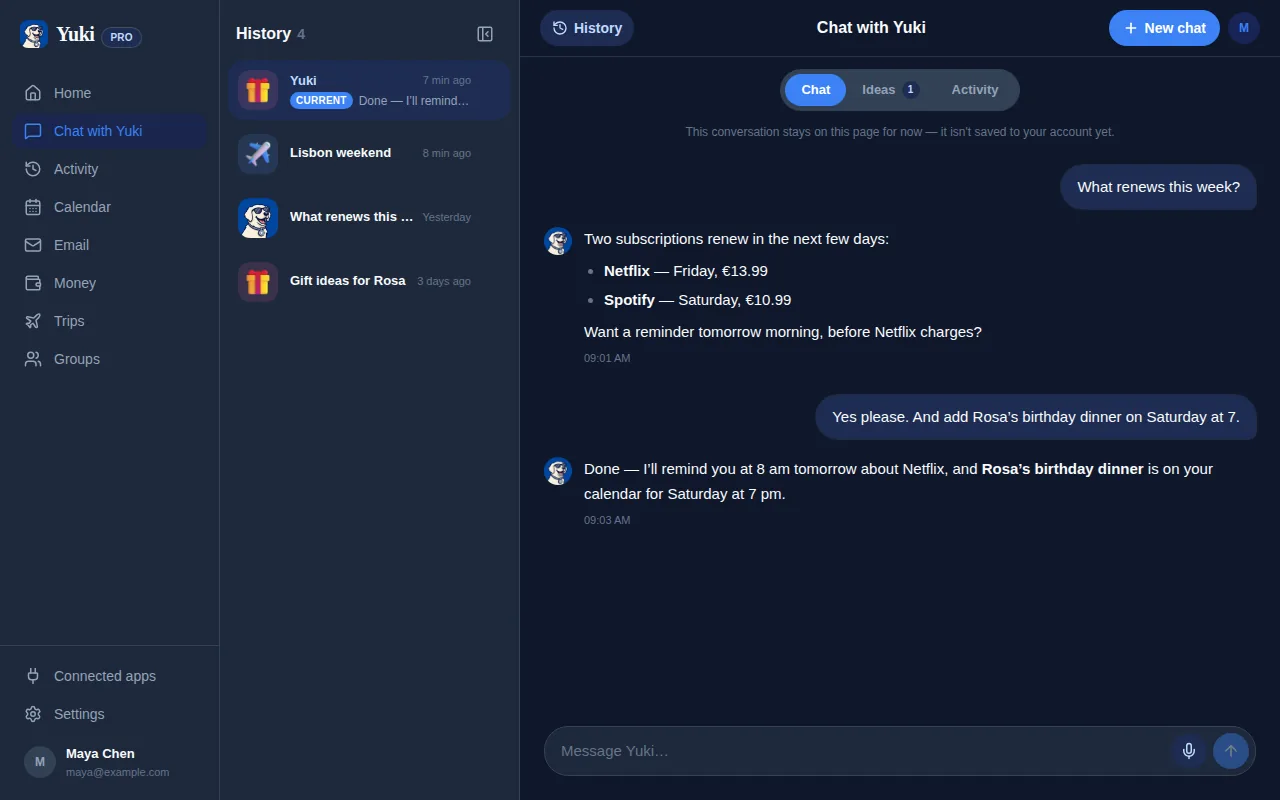
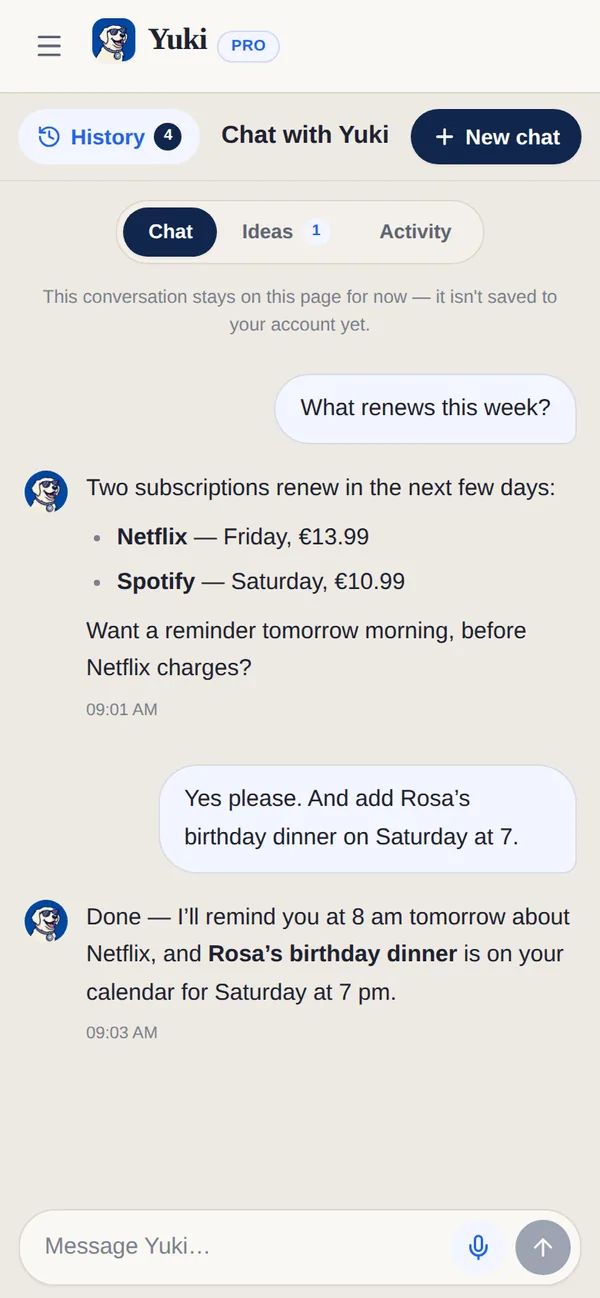
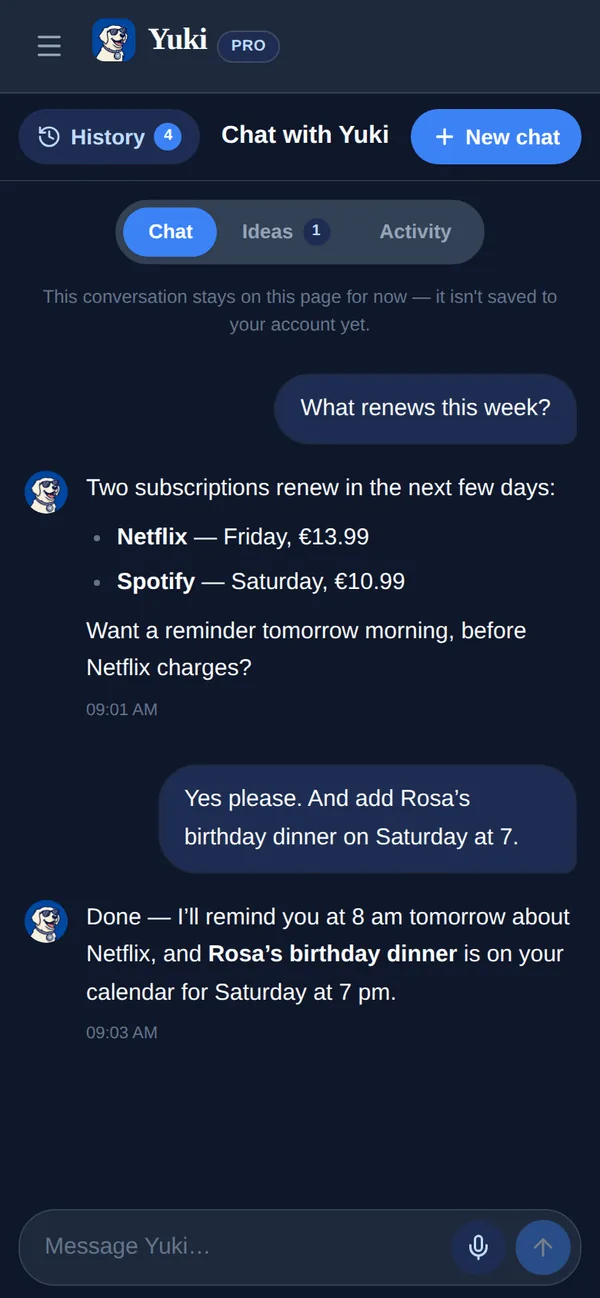
Microsoft Copilot vous fait aller plus vite dans Microsoft 365 — rédiger dans Outlook, résumer dans Word, faire le point sur Teams. Yuki vise un problème différent : votre vie personnelle. Il lit votre boîte mail et organise l’agenda, les dépenses, les voyages et les plans partagés derrière la logistique quotidienne. Copilot booste votre travail ; Yuki allège votre vie. Beaucoup de gens utilisent les deux.
| Feature | Yuki | Microsoft Copilot |
|---|---|---|
| Crée automatiquement événements, voyages & dépenses depuis vos e-mails | Non — résume et rédige, mais ne construit pas de plans structurés automatiquement | |
| Synchronisation d’agenda bidirectionnelle | Écrit dans Google Calendar | Fonctionne avec le calendrier Outlook ; peut planifier via Copilot |
| Suivi des dépenses & abonnements | Oui — depuis les reçus & factures | |
| Itinéraires de voyage | Oui — assemblés automatiquement | |
| Groupes partagés (couples, famille, colocataires) | Non — conçu pour le travail individuel & d’équipe dans M365 | |
| Assistant IA en langage naturel | Yuki AI | Oui — Copilot dans Word, Outlook, Teams |
| Plateformes | iOS, Android + web | Web, Windows, macOS, applis mobiles, intégré à M365 |
| Prix | Gratuit | Formule gratuite (Copilot Chat) ; Microsoft 365 Premium (grand public) et Microsoft 365 Copilot (entreprise) sont des abonnements payants |
Choisissez Yuki si…
- Vous voulez que les confirmations, factures et invitations de votre boîte mail deviennent automatiquement un agenda, des voyages et des dépenses suivies — sans saisie manuelle
- Vous devez coordonner le quotidien avec un partenaire, une famille ou des colocataires dans des groupes partagés
- Vous voulez une appli mobile gratuite qui réduit la charge mentale de se souvenir et de planifier, pas un outil de travail de plus
Choisissez Microsoft Copilot si…
- Votre journée se déroule dans Microsoft 365 et vous voulez que l’IA rédige, résume et réécrive dans Outlook, Word et Teams
- Vous avez besoin de sécurité, de conformité et de contrôles d’administration de niveau entreprise liés aux données de votre organisation
- Vous voulez un assistant IA généraliste pour les questions de travail, les comptes rendus de réunion et la génération de documents
À jour en juillet 2026. Consultez le site actuel de chaque application pour les dernières nouveautés.
Questions fréquentes
Yuki remplace-t-il Microsoft Copilot ?
Non. Ils résolvent des problèmes différents. Copilot est un assistant IA pour produire et résumer du travail dans Microsoft 365, tandis que Yuki est une couche de coordination qui organise votre vie personnelle depuis votre boîte mail. Beaucoup de gens utilisent les deux.
Yuki fonctionne-t-il avec Outlook ?
Oui. Yuki se connecte à Gmail et transforme les reçus, confirmations, factures et invitations déjà présents dans votre boîte mail en agenda, voyages, dépenses et rappels.
Combien coûte Yuki ?
Yuki est gratuit sur iOS et Android. Microsoft Copilot propose une formule gratuite (Copilot Chat), avec Microsoft 365 Premium (grand public) et Microsoft 365 Copilot (entreprise) en abonnements payants.