
A parte mais difícil da coparentalidade geralmente não é a divisão da guarda em si — são as cem pequenas trocas ao redor dela. Quem fica com os filhos na quinta-feira quando tem meio expediente escolar? As chuteiras de futebol foram para a casa do pai? Quem está pagando o depósito do acampamento, e até quando? Quando esses detalhes vivem em duas cabeças separadas (e dois grupos de mensagens separados), alguém sempre acaba com compromissos duplicados, uma busca é perdida, ou uma conta fica sem pagar. A solução não é mais lembretes para você mesmo — é uma única agenda compartilhada que os dois pais conseguem ver, além de uma forma clara e de baixo drama de mover a logística dos filhos entre as casas. Este guia percorre como construir esse sistema, para que a carga mental pare de cair sobre uma só pessoa.
Escolham um padrão de guarda e uma única fonte de verdade
Antes de qualquer ferramenta, definam o formato da agenda. A maioria dos pais separados usa um de alguns padrões: 2-2-3 (cada pai fica com dois dias de semana fixos, alternando um fim de semana de três dias), semana sim/semana não, ou fins de semana alternados com uma visita fixa no meio da semana. Anotem qual vocês estão usando e, tão importante quanto, como vão lidar com as exceções — feriados, aniversários, dias sem aula, e a troca ocasional quando surge uma viagem de trabalho.
A decisão mais útil que vocês podem tomar é escolher um único calendário compartilhado como fonte de verdade. O modo de falha na coparentalidade é cada pai manter a própria versão e reconciliar de memória. Quando existe exatamente um calendário que os dois conseguem abrir e editar, o 'eu achei que era meu fim de semana' para de acontecer. Codifiquem os blocos de guarda por cor, para que uma olhada diga de quem são os dias, e tratem esse calendário — não uma conversa de mensagens — como o registro.
- 2-2-3: dias de semana previsíveis, bom para crianças menores que precisam de contato frequente com os dois pais
- Semana sim/semana não: menos trocas, melhor para crianças em idade escolar e deslocamentos longos
- Fins de semana alternados + um jantar no meio da semana: padrão comum quando um dos pais tem a base durante a semana escolar
- Sempre anotem as regras de feriados e férias — são as que mais causam disputas
Tornem a agenda visível para as duas casas
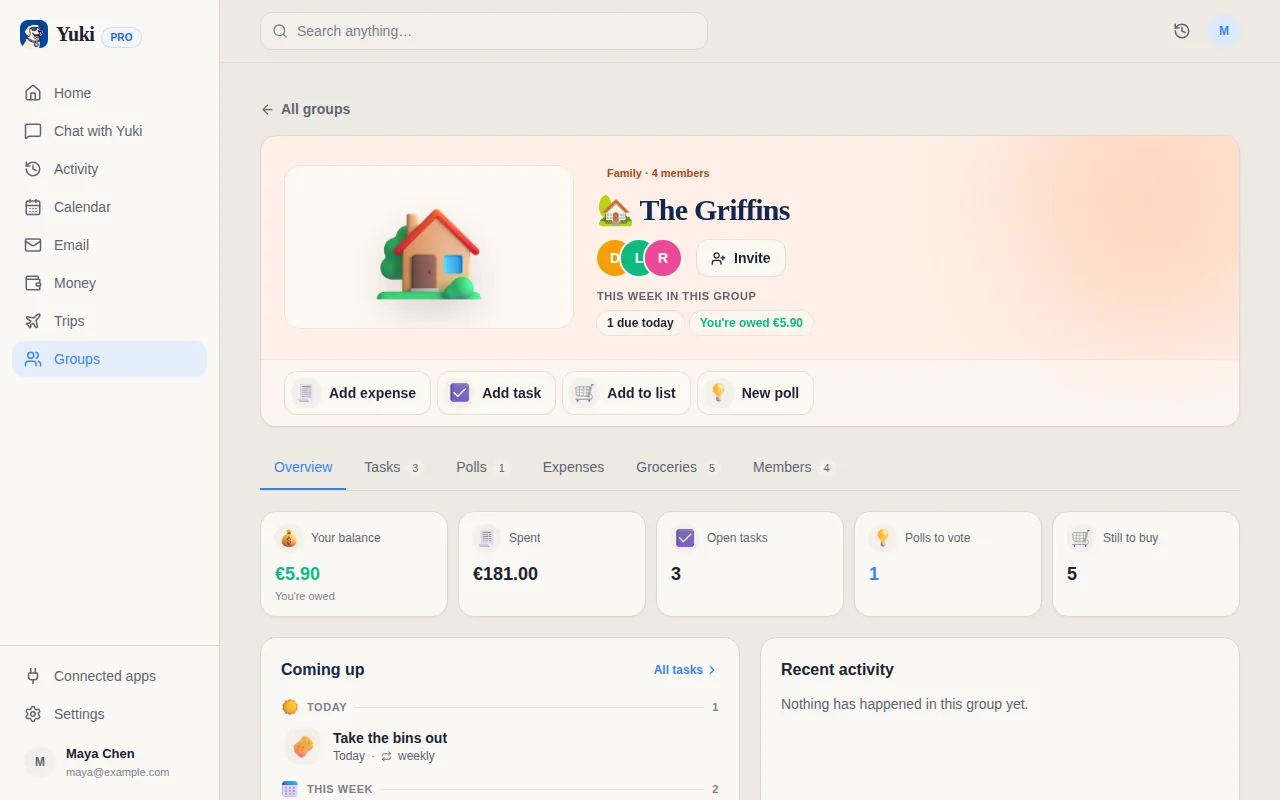
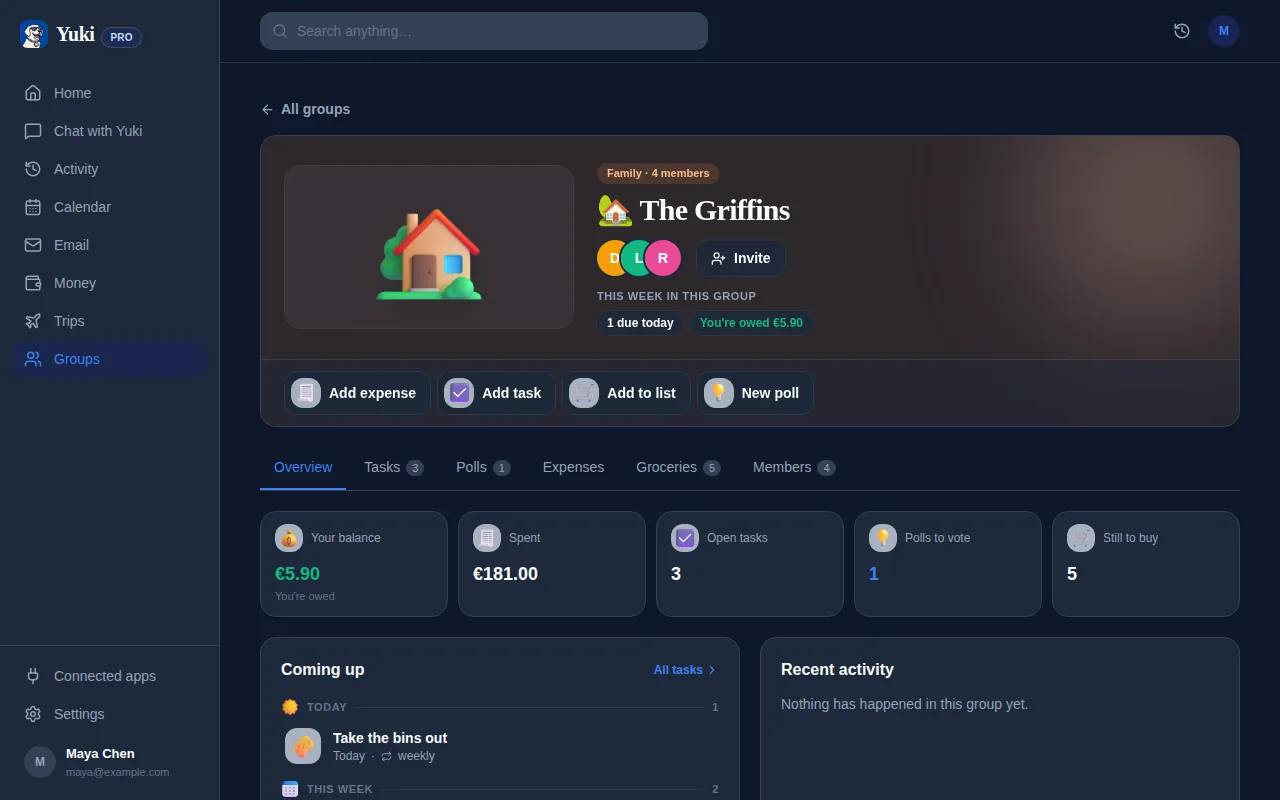
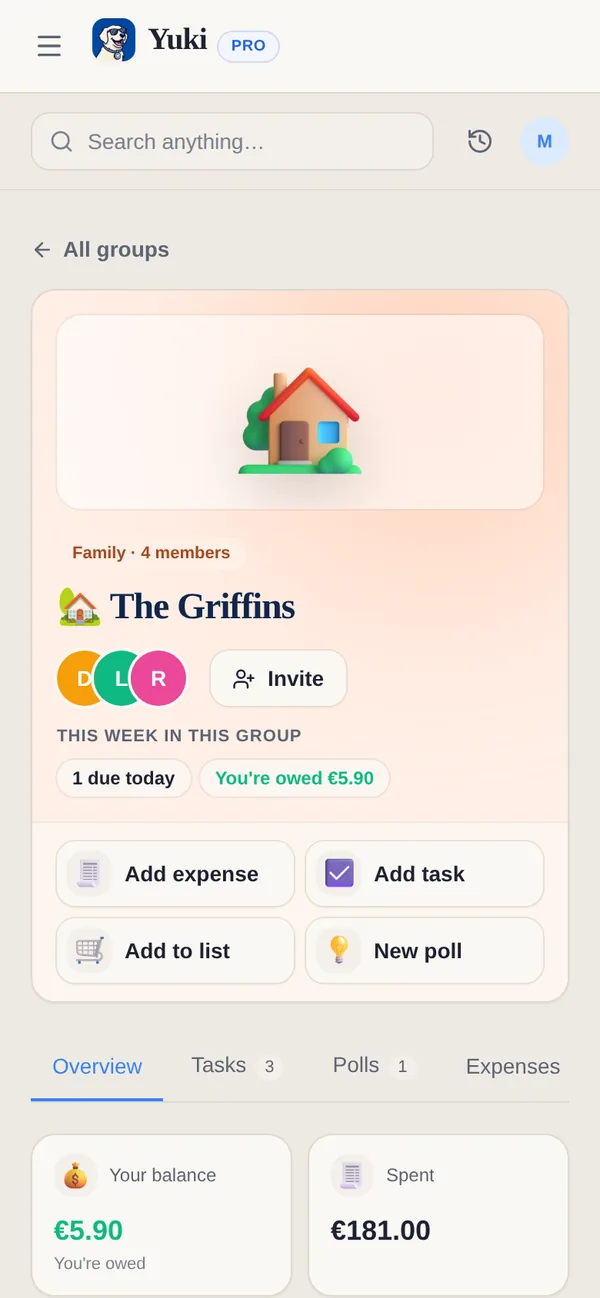
Uma agenda só reduz o conflito se os dois pais conseguirem realmente vê-la em tempo real. O Yuki foi construído exatamente em torno desse tipo de coordenação compartilhada: seus grupos compartilhados permitem que casais, famílias e coparentalidade compartilhem um calendário, tarefas e gastos em um só lugar, para que as duas casas vejam a mesma informação, em vez de manter cópias paralelas.
O calendário do Yuki grava de forma bidirecional no Google Calendar, o que importa aqui — vocês conseguem continuar usando o app de calendário que já têm no celular enquanto o Yuki o mantém sincronizado. E como o Yuki se conecta ao Gmail, as confirmações que já estão chegando na caixa de entrada (a consulta do pediatra, a matrícula do acampamento, o convite da peça escolar) podem virar eventos de calendário sem vocês redigitarem. Essa é a diferença entre uma agenda que você tem que manter na mão e uma que se mantém praticamente sozinha.
O objetivo é que nenhum dos pais seja a 'guardiã do calendário'. Quando a agenda vive em um lugar que os dois abrem todo dia, a coordenação para de ser o trabalho não remunerado de uma pessoa.
- Grupos compartilhados colocam o calendário, as tarefas e os gastos onde os dois pais conseguem vê-los
- A sincronização bidirecional com o Google Calendar significa que vocês mantêm o app de calendário que já têm
- E-mails de compromisso e matrícula podem virar eventos, em vez de serem redigitados
Lidem com a logística dos filhos que viaja entre as casas
A grade de guarda é a parte fácil. O atrito está na logística: as chuteiras, a bombinha, a autorização assinada, o livro da biblioteca que vence na terça. Essas são as coisas que são esquecidas exatamente porque cruzam entre duas casas, e nenhuma pessoa isolada guarda a lista inteira.
Mantenham uma lista de tarefas compartilhada e contínua no mesmo lugar da agenda. Quando algo precisa viajar com os filhos — 'devolver o aparelho ao ortodontista', 'levar os sapatos de balé para sexta' — vai para a lista, visível para qualquer um dos pais que estiver com os filhos naquele dia. Um organizador do dia compartilhado significa que o pai fazendo a troca consegue ver o que está pendente sem uma troca de mensagens, e os lembretes podem avisar os dois sobre buscas, compromissos e prazos, para que a agenda faça o trabalho de lembrar em vez de vocês.
É aqui que a ideia de carga mental fica mais concreta. A parte exaustiva da coparentalidade não é dirigir — é o acompanhamento constante em segundo plano do que precisa acontecer a seguir. Delegar esse acompanhamento a um sistema compartilhado que os dois pais e os lembretes conseguem ver é o que realmente alivia a carga.
- Coloquem equipamentos, formulários e tarefas em uma lista compartilhada vinculada ao dia em que são necessários
- Usem lembretes para trocas e horários de compromissos, para que nada dependa da memória de um dos pais
- Anotem o local em todo evento dos filhos, para que o pai de plantão saiba onde precisa estar
Mantenham os custos compartilhados claros, para que o dinheiro não vire a briga
A coparentalidade envolve um fluxo constante de gastos compartilhados: taxas de atividades, coparticipações médicas, depósitos de acampamento, sapatos novos, a conta do passeio escolar. Se não forem controlados, isso vira uma contagem constante na cabeça de alguém e uma fonte de ressentimento. A solução é o mesmo princípio do calendário — coloquem em um lugar que os dois pais conseguem ver.
O Yuki controla gastos e oferece divisão de contas e acerto de contas dentro dos grupos compartilhados, para que os custos compartilhados dos filhos fiquem bem ao lado da agenda a que se relacionam. Registrem o gasto assim que acontecer, associem ao grupo, e acertem as contas em uma cadência fixa — mensalmente, digamos — em vez de cobrarem recibos um do outro. Como o Yuki também lê recibos e contas da caixa de entrada, muitos desses custos podem ser capturados automaticamente, em vez de precisarem ser lembrados.
Manter o dinheiro transparente e em uma agenda remove um dos gatilhos mais comuns de conflito na coparentalidade: a sensação de que uma pessoa está silenciosamente cobrindo mais do que a sua parte.
- Registrem os custos compartilhados dos filhos no mesmo grupo compartilhado do calendário
- Dividam e acertem as contas em uma cadência fixa, em vez de pedidos avulsos
- Recibos e contas na caixa de entrada podem ser capturados automaticamente
Passo a passo
- 1Combinem por escrito um padrão de guarda (por exemplo, 2-2-3, semana sim/semana não, ou fins de semana alternados) e escolham um único calendário compartilhado como fonte de verdade, para que ninguém mantenha uma versão privada.
- 2Insiram primeiro os blocos de guarda recorrentes — configurem-nos como eventos repetidos com uma cor clara, e depois acrescentem feriados, férias escolares e trocas de férias por cima, para que as exceções sejam visíveis, em vez de presumidas.
- 3Adicionem todo evento específico dos filhos — treinos, compromissos, recitais, reuniões de pais — com o local e qualquer equipamento necessário, para que quem estiver com os filhos naquele dia saiba o que precisa viajar.
- 4Criem um grupo compartilhado para as duas casas, para que o calendário, uma lista de tarefas contínua e os gastos compartilhados vivam em um só lugar que os dois pais conseguem abrir.
- 5Definam uma regra permanente para mudanças: toda troca ou cancelamento é feito no calendário compartilhado (não em uma mensagem), para que o calendário seja sempre a coisa em que os dois confiam.
- 6Controlem os custos compartilhados dos filhos — acampamento, coparticipações médicas, taxas de atividades — no mesmo espaço compartilhado e acertem as contas em uma cadência fixa, em vez de cobrarem recibos um do outro.
- 7Ativem lembretes para trocas e prazos de pagamento, para que a agenda avise os dois automaticamente, em vez de um dos pais fazer o controle de tráfego aéreo sozinho.