
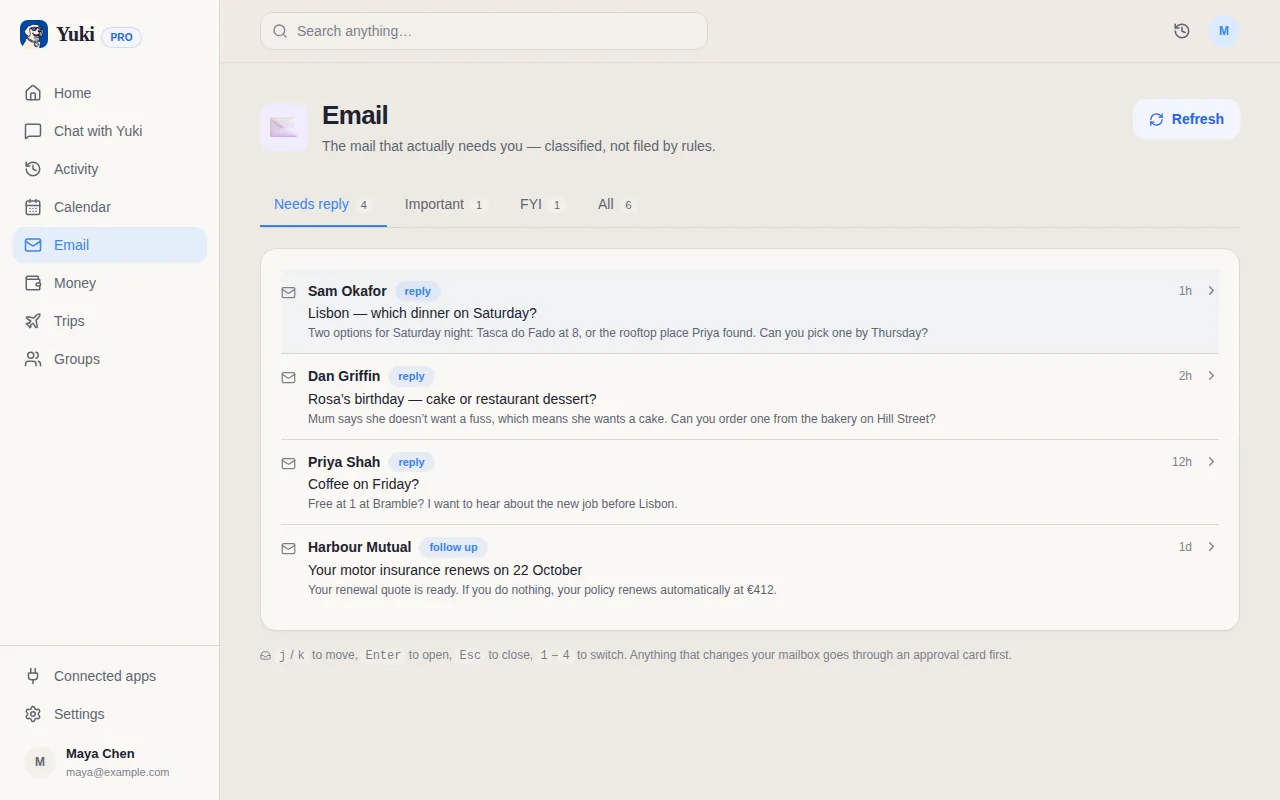
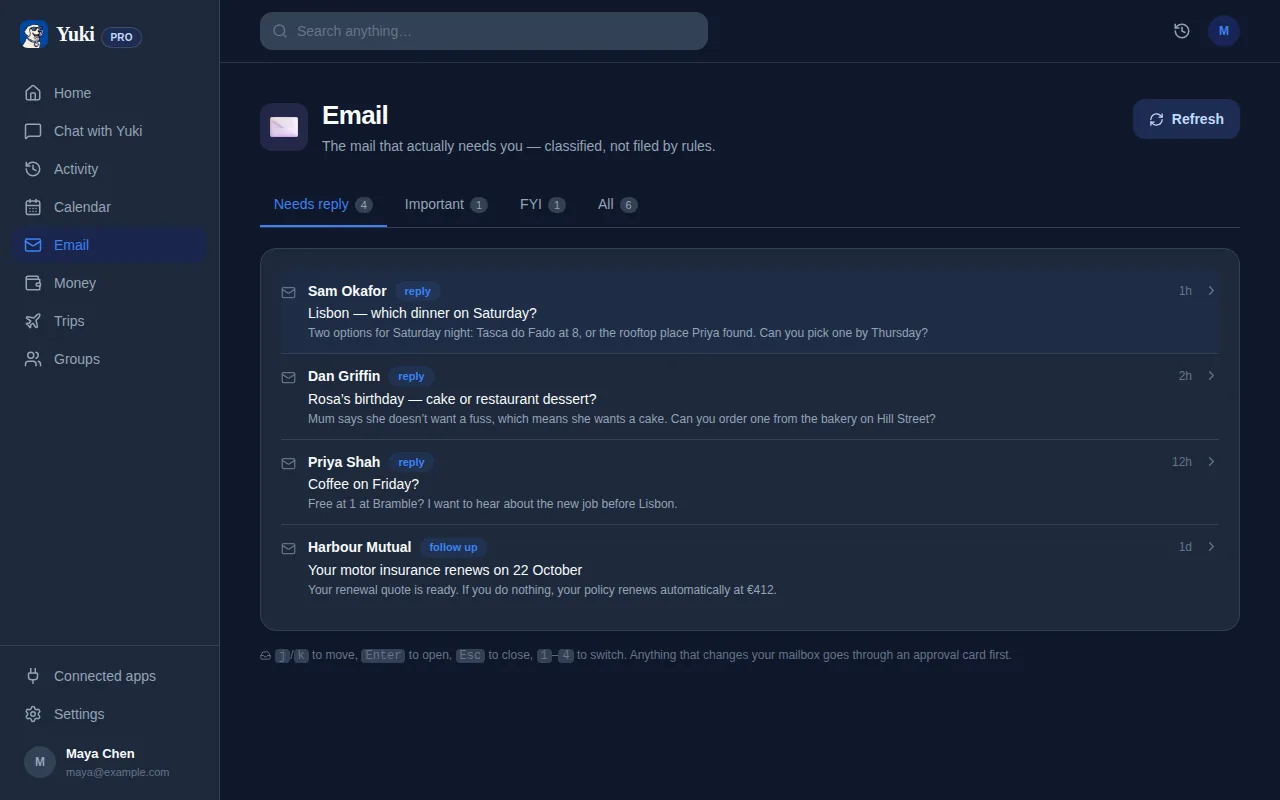
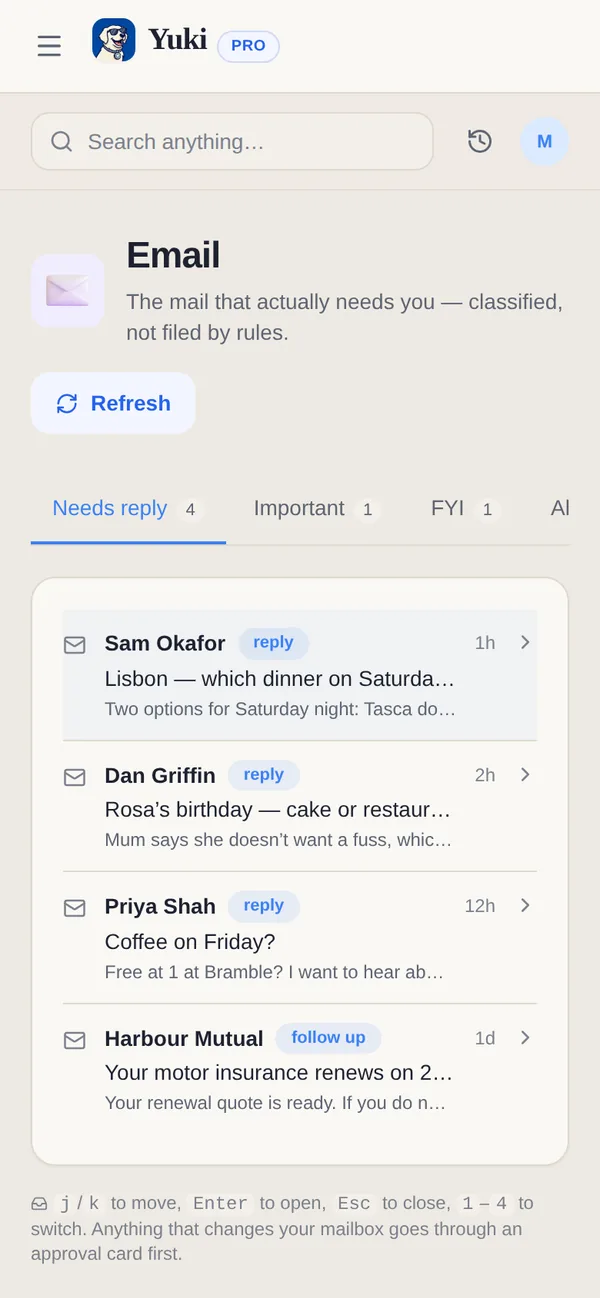
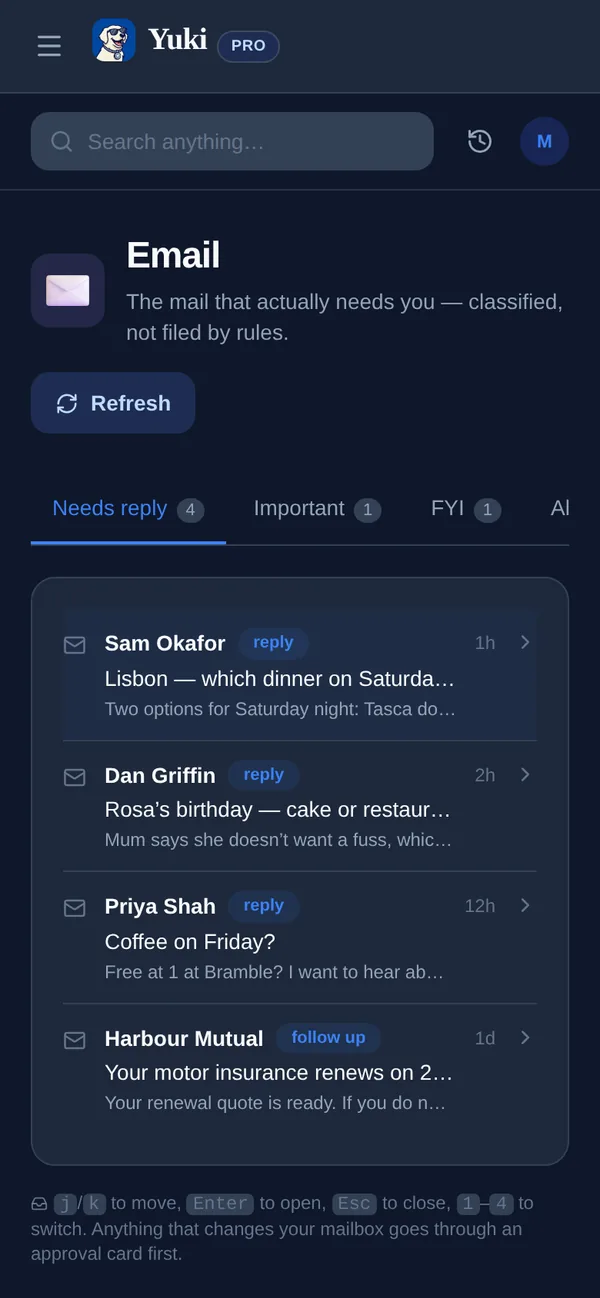
A maioria dos conselhos de organização de caixa de entrada manda você construir mais maquinário: pastas aninhadas, dezenas de regras de filtro, rótulos coloridos que você vai ter que manter para sempre. Funciona por umas três semanas, aí um remetente muda o endereço de "de" ou uma companhia aérea nova te manda e-mail, e todo o sistema silenciosamente começa a vazar. O problema de verdade não é que a sua caixa de entrada está bagunçada — é que as coisas importantes (um horário de voo, a data de vencimento de uma conta, a confirmação de presença de uma festa) estão enterradas dentro de e-mails que você tem que abrir, ler e arquivar mentalmente sozinho. Este guia cobre como resolver isso de verdade: primeiro com táticas manuais leves que não exigem um diploma em motores de regras, e depois com IA que lê as confirmações que já estão na sua caixa de entrada e as transforma automaticamente em um calendário, uma lista de gastos e uma lista de tarefas — para que você pare de ser o sistema de arquivamento.
Por que regras e pastas falham silenciosamente
Regras de filtro e pastas são estáticas — elas só pegam o que você já disse a elas para pegar. No instante em que uma loja usa um novo domínio de envio, uma companhia aérea muda de marca, ou um amigo te convida de um e-mail diferente, o seu sistema cuidadosamente construído deixa passar, e a mensagem importante volta para a pilha geral. Você acaba fazendo mais manutenção da máquina do que ela te ajuda.
As pastas também resolvem o problema errado. Arquivar um e-mail em 'Viagem' ou 'Contas' ainda deixa a informação de verdade — o horário de partida, o valor devido, a data da festa — trancada dentro de uma mensagem que agora você tem que lembrar de reabrir. Organizar e-mails não é o mesmo que extrair o que importa deles. É exatamente nessa lacuna que as coisas escapam: a conta fica arrumadinha na pasta e mesmo assim é paga com atraso.
- Regras quebram no momento em que o endereço ou formato de um remetente muda
- Pastas organizam o recipiente, não o dado útil dentro dele
- Você vira a equipe de manutenção de um sistema que deveria economizar o seu tempo
- Arquivado não significa resolvido — a data ou o valor continua preso dentro do e-mail
O método manual de baixo esforço (faça isso primeiro)
Você consegue chegar quase lá com quase nenhuma configuração. Reduza a sua bagunça de pastas para no máximo três grupos — um para coisas que precisam de ação, um para coisas que você está esperando, e um arquivo para todo o resto. Depois, confie na busca em vez do arquivamento; encontrar um recibo antigo digitando o nome do comerciante é mais rápido do que qualquer árvore de pastas que você teria que construir e lembrar.
A ação de maior impacto é cortar o ruído na fonte. Cancele a inscrição de qualquer coisa que você não abriu em três meses e silencie as notificações de newsletters e promoções. O que sobra na sua caixa de entrada é principalmente a categoria acionável: confirmações, recibos, contas e convites. Essas merecem atenção de verdade — e são exatamente os e-mails que uma IA pode processar para você no próximo passo.
- No máximo três grupos: Ação, Aguardando, Arquivo
- Busca vence pastas — arquive livremente, encontre depois
- Cancele a inscrição de qualquer coisa não aberta em 90 dias
- Silencie notificações de promoções e newsletters para expor o que realmente importa
Deixe a IA separar o acionável do ruído
É aqui que a automação se justifica. Em vez de você ler cada confirmação e arquivar os detalhes mentalmente, um assistente de IA os lê por você. O Yuki se conecta ao Gmail e escaneia as confirmações, recibos, contas e convites que já estão na sua caixa de entrada — sem regras para escrever, sem pastas para manter. Ele reconhece os e-mails relevantes e ignora o ruído de marketing automaticamente.
O mais importante: ele não só rotula esses e-mails — ele extrai as partes úteis. Uma confirmação de voo vira um evento de calendário e um roteiro de viagem. Um recibo vira um gasto controlado. Uma cobrança recorrente vira uma assinatura monitorada. Uma data de vencimento vira um lembrete. O e-mail já cumpriu o papel dele no momento em que chega, então você pode arquivá-lo e parar de guardar qualquer coisa disso na cabeça.
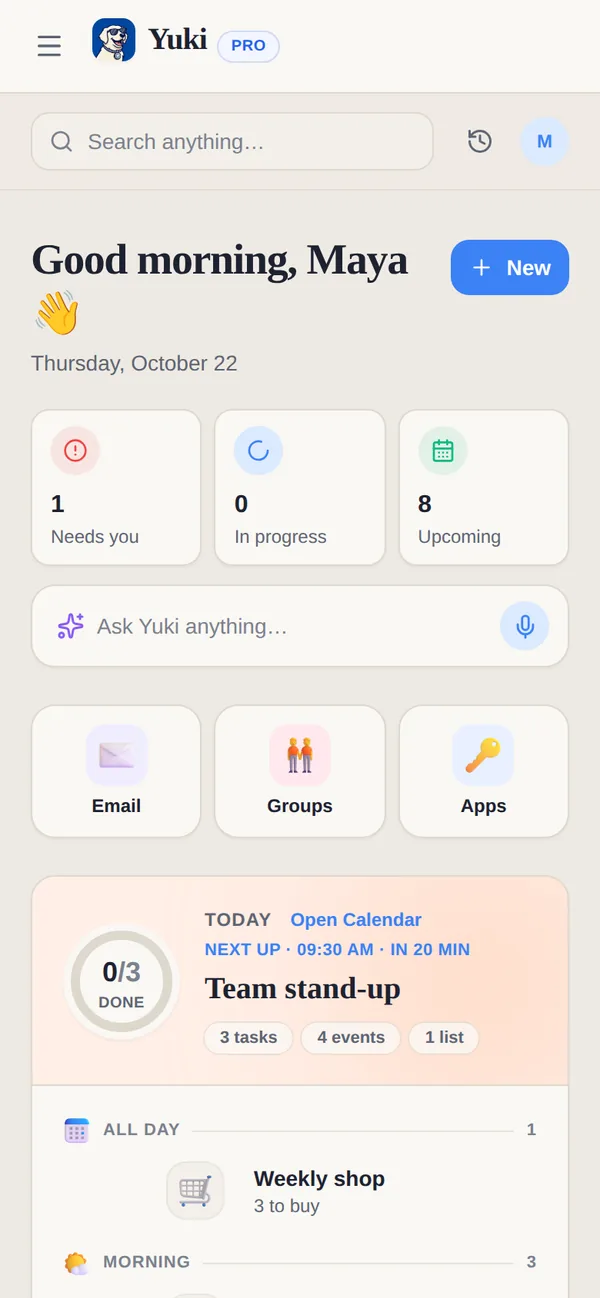
Como os detalhes vivem em um lugar estruturado em vez de espalhados pela sua caixa de entrada, você revisa um retrato limpo — um calendário, uma lista de gastos, um conjunto de tarefas — em vez de reler conversas inteiras de novo. Essa é a mudança de organizar e-mail para realmente tirar de você o trabalho mental de lembrar dele.
- Conecta-se ao Gmail; sem filtros ou pastas para construir
- Lê reservas, contas, recibos e convites — pula as promoções
- Extrai detalhes, não só rótulos: datas, valores, roteiros, tarefas
- Grátis no iOS e no Android
Para onde os seus detalhes extraídos realmente vão
O ganho da organização por IA está no que acontece depois da extração. O Yuki transforma itens da caixa de entrada em um calendário vivo e bidirecional (ele grava de volta no Google Calendar, e no Apple Calendar no iOS), roteiros de viagem montados automaticamente, gastos e assinaturas controlados, uma lista de tarefas do organizador do dia, lembretes e aniversários, listas de compras e rastreamento de entregas de pacotes. Um único e-mail de voo pode preencher o seu calendário, o seu roteiro e o registro de gastos da sua viagem, tudo de uma vez.
Você também pode compartilhar os fluxos importantes com as pessoas envolvidas. Casais, famílias, coparentalidade e colegas de quarto podem compartilhar viagens, contas e agendas em grupos compartilhados — incluindo divisão de contas e acerto de contas — para que ninguém precise encaminhar uma confirmação ou explicar um plano de novo. E quando você preferir só perguntar, o Yuki AI responde em linguagem simples: 'Quando é o meu próximo voo?' ou 'Quanto eu gastei no mercado este mês?'
O efeito final é menos carga mental. O lembrar, o planejar, o quem-deve-o-quê — as coisas que costumavam viver como pendências abertas na sua cabeça ou conversas enterradas na sua caixa de entrada — são capturadas e coordenadas para você.
- Calendário vivo (Google Calendar bidirecional; Apple Calendar no iOS)
- Roteiros de viagem, gastos, assinaturas, tarefas, lembretes, entregas
- Grupos compartilhados com divisão de contas para casais, famílias, coparentalidade, colegas de quarto
- Pergunte ao Yuki AI em linguagem simples, em vez de vasculhar o e-mail
Passo a passo
- 1Pare de superengenhar regras: mantenha no máximo três pastas (Ação, Aguardando, Arquivo) em vez de dezenas de pastas temáticas que você nunca vai manter.
- 2Desligue as notificações de newsletters e promoções, e use o cancelamento de inscrição em um clique em tudo que você não abriu em 90 dias — isso remove o ruído na fonte.
- 3Busque em vez de arquivar: a busca moderna de caixa de entrada é mais rápida do que qualquer pasta, então arquive de forma agressiva e confie na busca para encontrar as coisas depois.
- 4Identifique os seus e-mails realmente 'acionáveis' — confirmações, recibos, contas e convites — porque são esses que carregam uma data, um valor ou uma tarefa escondidos dentro.
- 5Conecte o Gmail a um assistente de IA como o Yuki, que lê esses e-mails de confirmação e extrai o voo, a data de vencimento ou a confirmação de presença para você.
- 6Deixe os detalhes acionáveis fluírem automaticamente para um calendário vivo, um controlador de gastos e uma lista de tarefas, para que o próprio e-mail possa ser arquivado no momento em que chega.
- 7Revise um único resumo diário em vez de reler a sua caixa de entrada, e compartilhe viagens ou contas com o parceiro ou colega de casa para que ninguém precise encaminhar nada.