
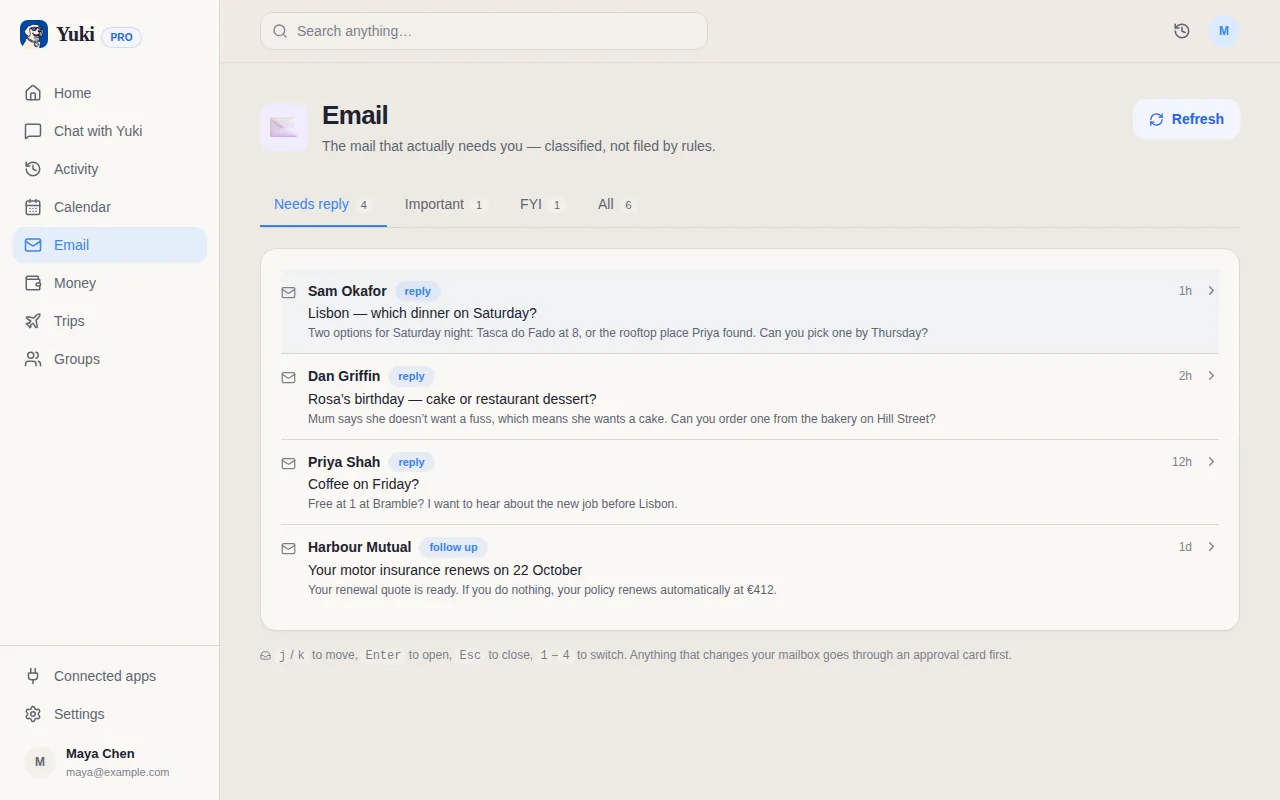
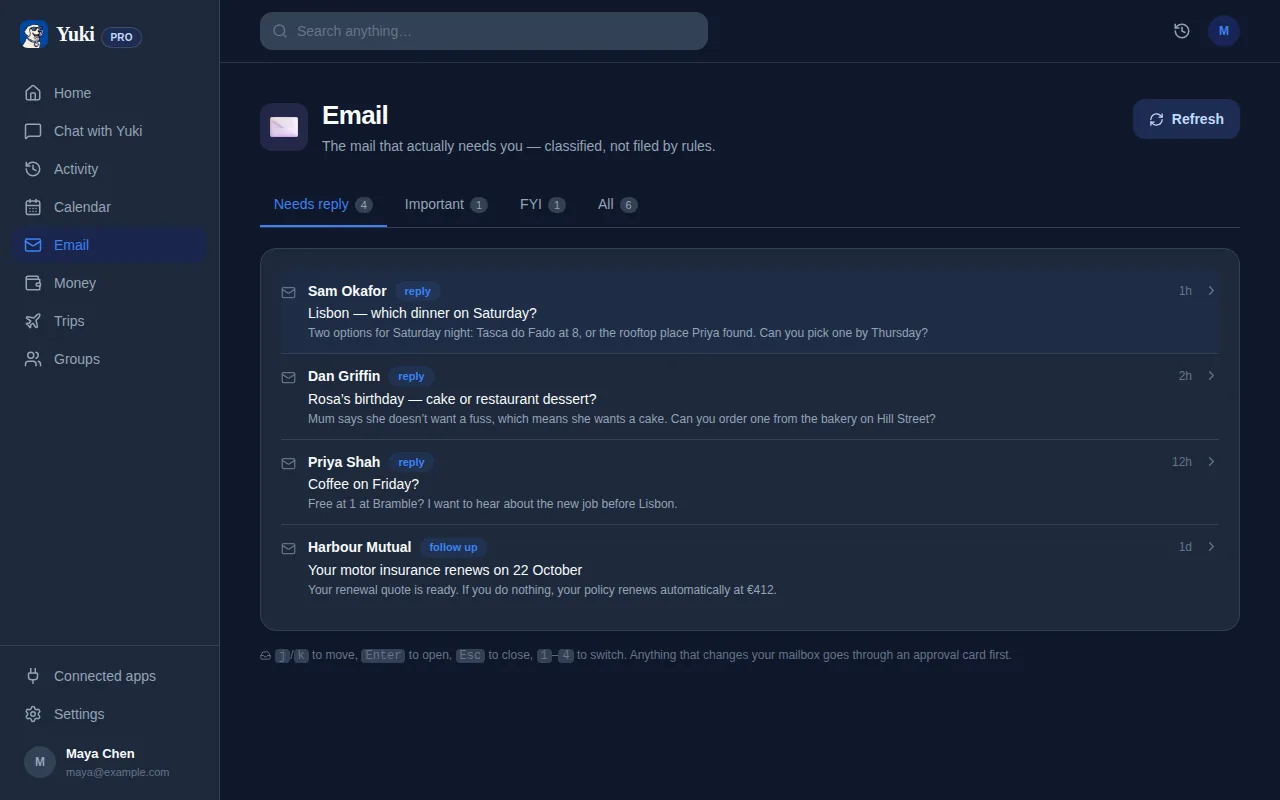
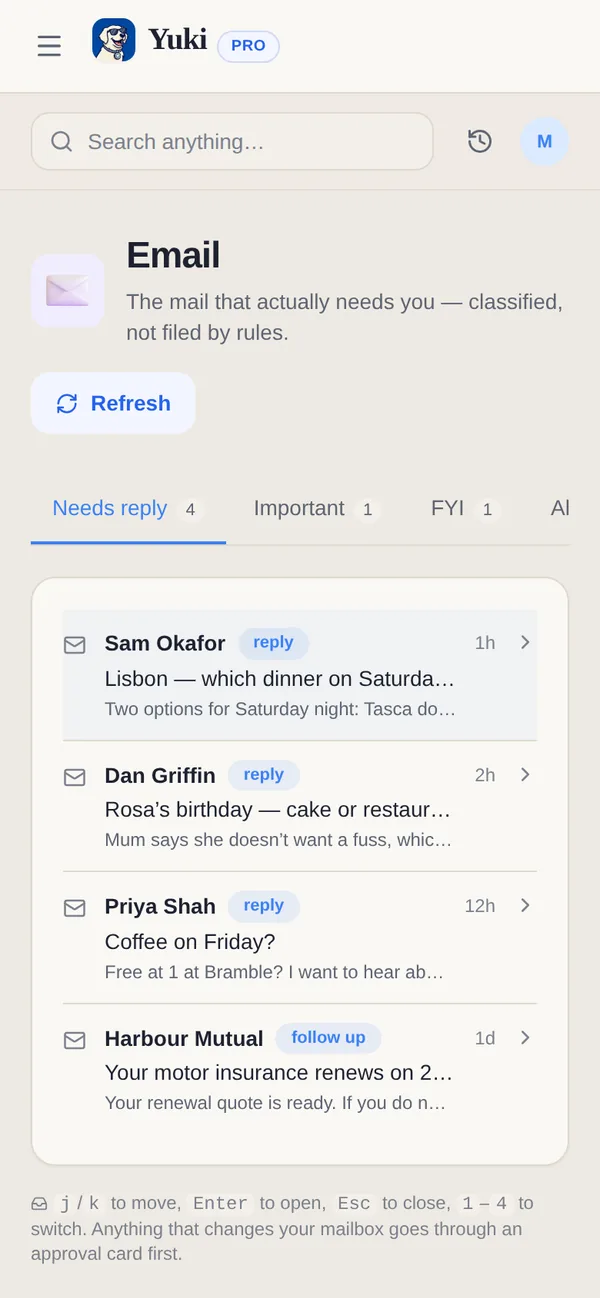
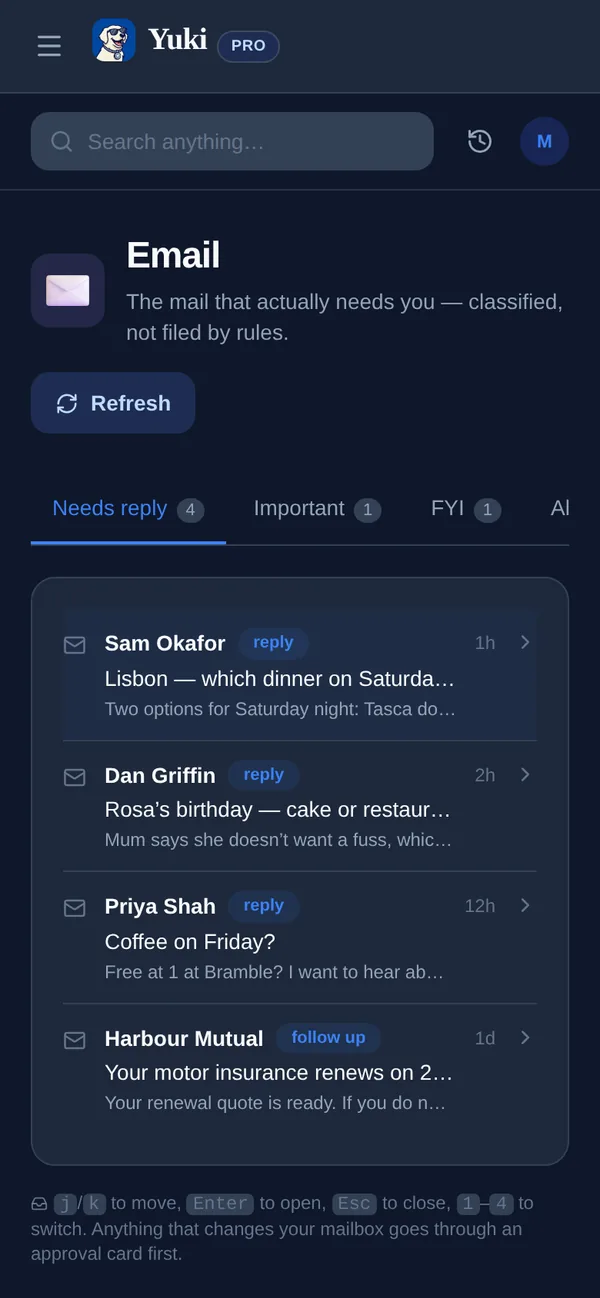
Durante veinte años, "IA para el correo" significó una cosa: un filtro de spam decidiendo qué esconder. Eso era útil, pero resolvía el problema equivocado. La carga real de una bandeja de entrada no es la basura — es el correo importante sobre el que tienes que actuar. Una confirmación de vuelo que necesitas recordar, una suscripción que se renueva en silencio, una factura que vence el viernes, una invitación a cenar que pensabas añadir a tu calendario. Cada una de esas es una pequeña tarea disfrazada de correo, y el trabajo mental de extraerlas, recordarlas y actuar sobre ellas es exactamente lo que hace agotador el correo. Una nueva generación de gestión de correo con IA no solo ordena tu bandeja de entrada — lee los mensajes que de verdad abrirías, entiende qué requiere cada uno de ti, y lo convierte en una tarea pendiente, un evento de calendario o un gasto controlado automáticamente. Esta guía explica cómo se ve eso, qué buscar, y dónde la tecnología realmente ayuda frente a dónde el humo se adelanta a la realidad.
El filtrado de spam fue el paso uno — la extracción es el verdadero salto
Un filtro de spam es un portero: toma una decisión de mantener-o-descartar sobre cada mensaje y luego se aparta. Nunca mira dentro de los mensajes que deja pasar. Pero los correos que crean más carga mental son precisamente los que un filtro de spam aprueba — la confirmación de pedido, el recordatorio de cita, el aviso de renovación, la tarjeta de embarque.
La gestión de correo con IA moderna invierte el enfoque. En vez de preguntar "¿es esto basura?", pregunta "¿qué requiere este correo de mí, y puedo hacerlo por ti?". Eso significa leer el cuerpo de una confirmación y extraer los datos estructurados escondidos dentro: fechas, importes, números de pedido, direcciones, horas. Esto es "extracción", y es la diferencia entre una bandeja de entrada que simplemente está ordenada y una que de verdad trabaja en tu nombre.
La recompensa práctica es que dejas de ser el analizador humano. Ya no copias una hora de vuelo a tu calendario, ni haces una nota mental de que un cargo de 14,99 € está a punto de llegar, ni rebuscas en tu bandeja de entrada un número de seguimiento. La IA ya sacó esos detalles y los puso en algún sitio útil.
Lo que la IA puede sacar de verdad de tu bandeja de entrada
Una vez que un asistente puede leer el correo con sentido de tu bandeja de entrada, una cantidad sorprendente de administración diaria se puede automatizar. Las categorías útiles son concretas y repetibles:
- Eventos de calendario — vuelos, entradas de hotel, reservas de restaurante, citas médicas y entradas a eventos se convierten en entradas con fecha, idealmente escritas directamente en tu calendario existente para que nada viva en un silo aparte.
- Gastos y recibos — las confirmaciones de compra y recibos se registran como gasto, así puedes ver adónde fue el dinero sin conexión bancaria ni entrada manual.
- Suscripciones y renovaciones — los cargos recurrentes se detectan y salen a la luz antes de renovarse, que es donde se esconde la mayoría del dinero de "olvidé que seguía pagando eso".
- Itinerarios de viaje — el vuelo, hotel y alquiler dispersos de un mismo viaje se cosen en una sola línea de tiempo en vez de seis confirmaciones separadas.
- Entregas y paquetes — los números de seguimiento y actualizaciones de envío se consolidan para que sepas qué llega y cuándo.
- Facturas y recordatorios — las fechas de vencimiento y obligaciones puntuales se convierten en recordatorios que salen a la luz en el momento correcto en vez de en el fondo de un hilo.
De leer a actuar: la capa de coordinación
La extracción es poderosa, pero el desbloqueo mayor es lo que pasa después. El sentido de sacar una hora de vuelo de un correo es ponerla en algún sitio donde la verás en el momento correcto — y, cada vez más, coordinarla con las otras personas a las que afecta.
Aquí es donde un asistente de correo con IA se convierte en una capa de memoria y coordinación para tu vida en vez de un filtro más inteligente. Una reserva de hotel no es solo un evento de calendario; es parte de un viaje que tu pareja debería ver. Una confirmación de entrega de comestibles no es solo un gasto; es contexto para un hogar compartido. Una factura no es solo un recordatorio; es algo que una pareja o compañeros de piso podrían dividir. El valor se multiplica cuando los detalles que tu bandeja de entrada ya contiene fluyen automáticamente a vistas compartidas — así nadie tiene que ser el calendario o el contable humano del hogar.
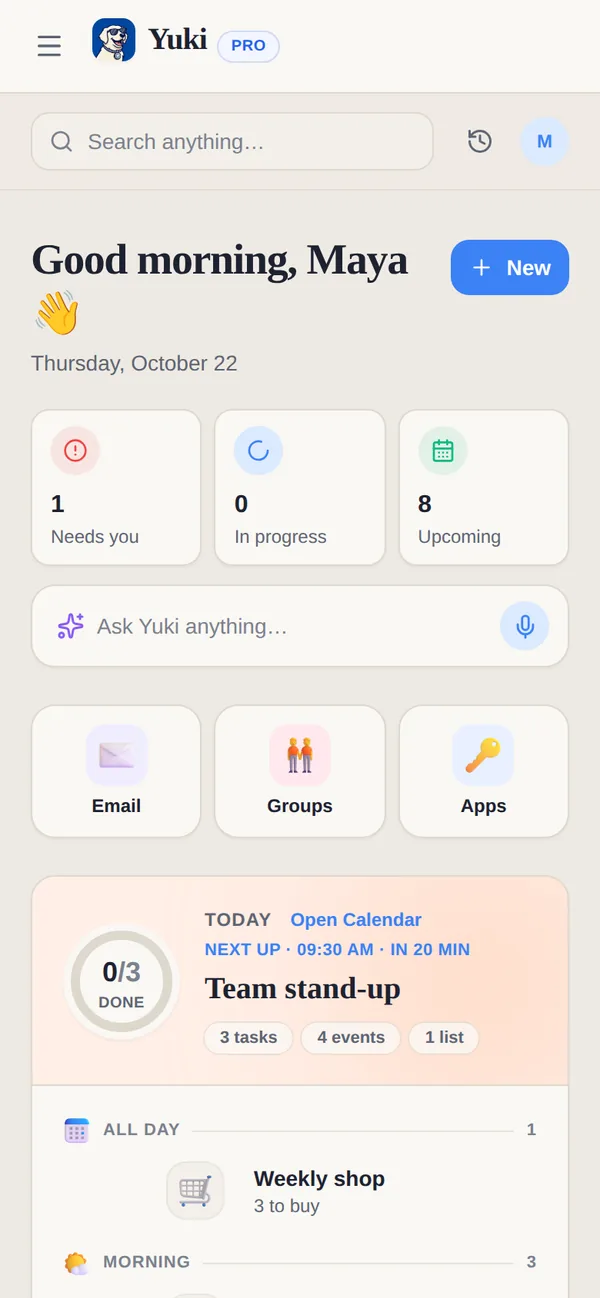
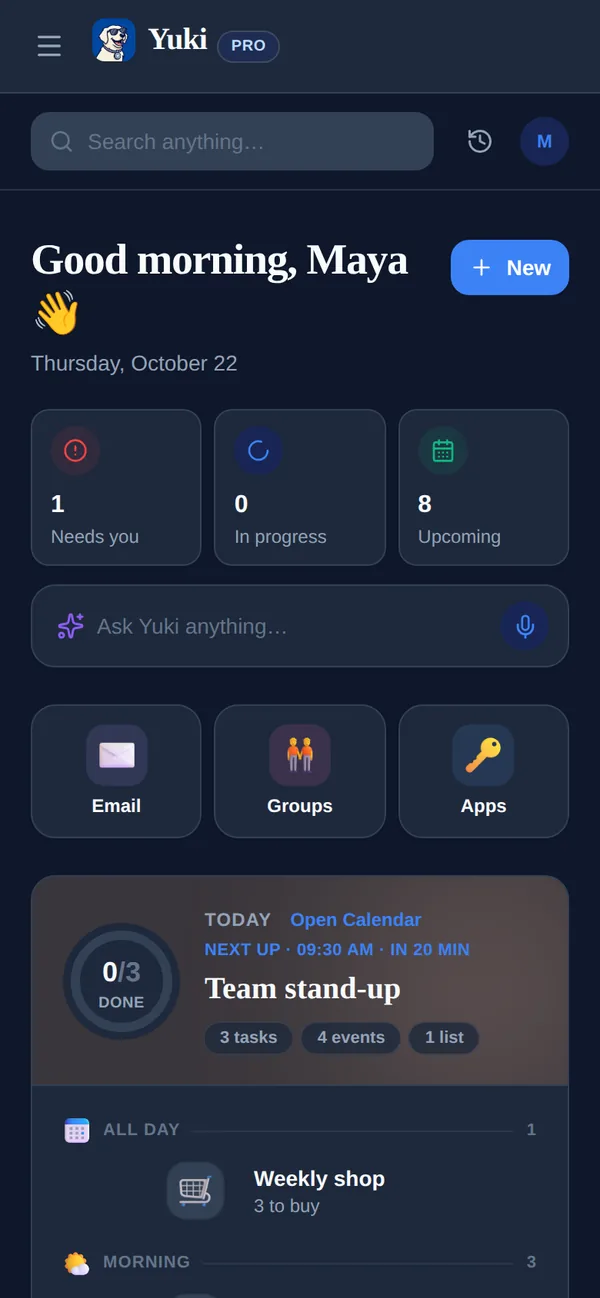
Esta es la idea central detrás de Yuki, el agente de IA gratuito que se encarga de tu día a día (iOS y Android). Se conecta a Gmail, convierte las confirmaciones, recibos, facturas e invitaciones que ya hay en tu bandeja de entrada en un calendario vivo, gastos controlados, itinerarios de viaje, tareas, recordatorios y seguimiento de entregas — y deja que parejas, familias, coparentalidad y compañeros de piso compartan las piezas relevantes, incluyendo división de facturas y liquidación. También puedes simplemente preguntarle a "Yuki AI" en lenguaje sencillo. El objetivo no es una bandeja de entrada más limpia por sí misma; es que tu cerebro gaste menos recordando y retecleardo lo que tu correo ya te dijo.
Qué buscar — y de qué ser escéptico
No toda afirmación de "correo con IA" es igual. Al evaluar una herramienta, unas pocas cosas separan la ayuda genuina de una demo:
- Sincronización de calendario bidireccional — los eventos extraídos deberían escribirse en el calendario que ya usas, no atraparte en una app nueva. (En iOS, algunas herramientas también pueden escribir en Apple Calendar; comprueba la compatibilidad de plataformas.)
- Amplitud de extracción — filtrar por sí solo es lo mínimo esperable; busca un manejo real de recibos, suscripciones, viajes y entregas, no solo "resume mi bandeja de entrada".
- Compartir que importa — si tu administración se comparte con una pareja, familia o compañeros de piso, un asistente que mantiene todo en solitario solo resuelve la mitad del problema.
- Límites sensatos — sé escéptico de las herramientas que prometen responder automáticamente a personas importantes o pagar facturas automáticamente sin supervisión. Las ganancias fiables son sacar a la luz y organizar; deja las acciones irreversibles en tus manos.
- Alcance honesto — un asistente de bandeja de entrada no es un agregador bancario, una suite completa de gestión de proyectos ni una wiki de notas. Las herramientas que afirman ser todo suelen hacer peor el trabajo central.