
La mayoría de los consejos sobre organización de bandeja de entrada te dicen que construyas más maquinaria: carpetas anidadas, docenas de reglas de filtro, etiquetas por colores que tendrás que mantener para siempre. Funciona durante unas tres semanas, y luego un remitente cambia su dirección de "de" o una nueva aerolínea te escribe y todo el sistema empieza a hacer aguas en silencio. El problema real no es que tu bandeja de entrada esté desordenada — es que lo importante (una hora de vuelo, una fecha de vencimiento de una factura, la confirmación de asistencia a una fiesta) está enterrado dentro de correos que tienes que abrir, leer y archivar mentalmente tú mismo. Esta guía cubre cómo arreglarlo de verdad: primero con tácticas manuales ligeras que no requieren un título en motores de reglas, y luego con IA que lee las confirmaciones que ya están en tu bandeja de entrada y las convierte automáticamente en un calendario, una lista de gastos y una lista de tareas — así dejas de ser tú el sistema de archivo.
Por qué las reglas y carpetas fallan en silencio
Las reglas de filtro y las carpetas son estáticas — solo atrapan lo que ya les dijiste que atraparan. En el instante en que una tienda usa un nuevo dominio de envío, una aerolínea cambia de marca, o un amigo te invita desde un correo distinto, tu sistema cuidadosamente construido lo pasa por alto, y el mensaje importante vuelve a caer en el montón general. Terminas manteniendo la máquina más de lo que ella te ayuda.
Las carpetas también resuelven el problema equivocado. Archivar un correo en "Viajes" o "Facturas" sigue dejando la información real — la hora de salida, el importe adeudado, la fecha de la fiesta — encerrada dentro de un mensaje que ahora tienes que acordarte de volver a abrir. Ordenar correos no es lo mismo que extraer lo que importa de ellos. Ese hueco es exactamente donde se escapan las cosas: la factura queda archivada ordenadamente y aun así se paga tarde.
- Las reglas se rompen en cuanto cambia la dirección o el formato de un remitente
- Las carpetas organizan el contenedor, no los datos útiles de dentro
- Te conviertes en el equipo de mantenimiento de un sistema pensado para ahorrarte tiempo
- Archivado no significa gestionado — la fecha o el importe siguen atrapados en el correo
El método manual de bajo esfuerzo (haz esto primero)
Puedes llegar la mayor parte del camino con casi ninguna configuración. Colapsa tu maraña de carpetas en tres cubos como máximo — uno para lo que necesita acción, uno para lo que estás esperando, y un archivo para todo lo demás. Luego apóyate en la búsqueda en vez de en el archivado; encontrar un recibo antiguo escribiendo el nombre del comercio es más rápido que cualquier árbol de carpetas que tendrías que construir y recordar.
El movimiento de mayor impacto es cortar el ruido de raíz. Date de baja de todo lo que no hayas abierto en tres meses y silencia las notificaciones de newsletters y promociones. Lo que queda en tu bandeja de entrada es sobre todo la categoría accionable: confirmaciones, recibos, facturas e invitaciones. Esos merecen atención de verdad — y son precisamente los correos que una IA puede procesar por ti en el siguiente paso.
- Máximo tres cubos: Acción, En espera, Archivo
- La búsqueda gana a las carpetas — archiva sin miedo, busca después
- Date de baja de todo lo que lleve 90 días sin abrir
- Silencia las notificaciones de promociones y newsletters para que aflore lo que de verdad importa
Deja que la IA separe lo accionable del ruido
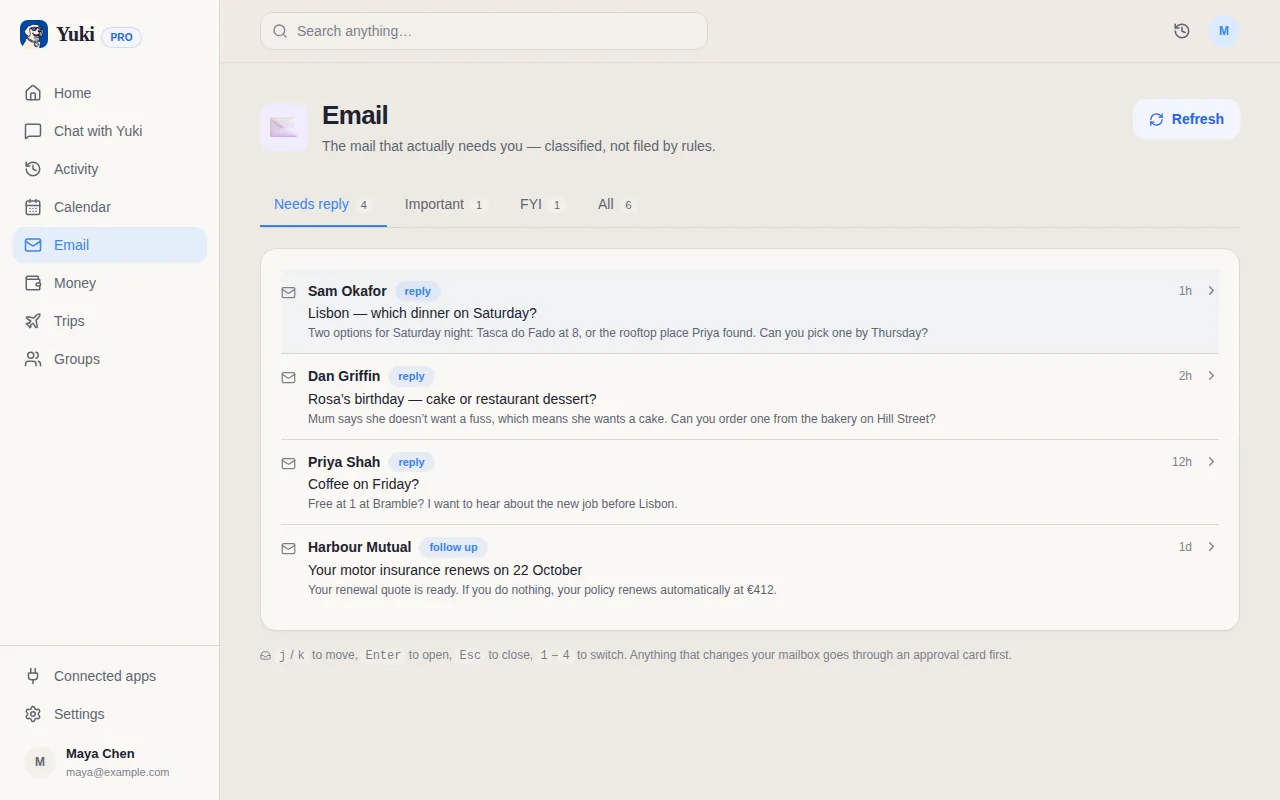
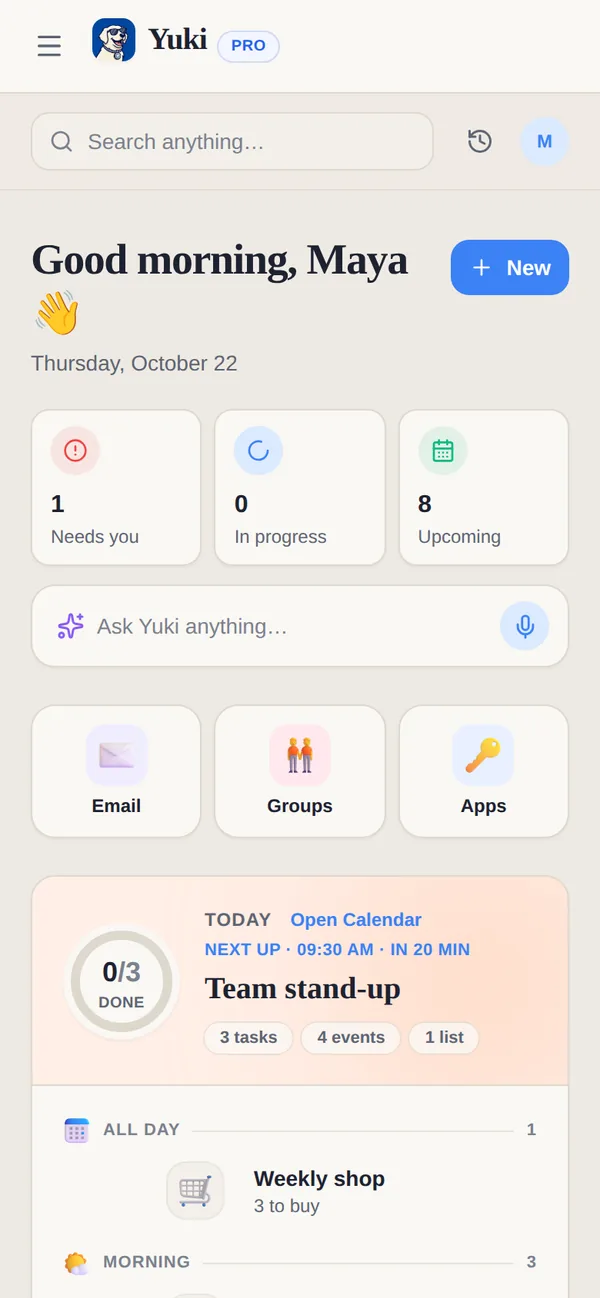
Aquí es donde la automatización se gana el sueldo. En vez de que tú leas cada confirmación y archives mentalmente los detalles, un asistente de IA las lee por ti. Yuki se conecta a Gmail y escanea las confirmaciones, recibos, facturas e invitaciones que ya están en tu bandeja de entrada — sin reglas que escribir, sin carpetas que mantener. Reconoce los correos con sentido e ignora el ruido de marketing automáticamente.
Y lo más importante, no se limita a etiquetar esos correos — extrae las partes útiles. Una confirmación de vuelo se convierte en un evento de calendario y un itinerario de viaje. Un recibo se convierte en un gasto controlado. Un cargo recurrente se convierte en una suscripción vigilada. Una fecha de vencimiento se convierte en un recordatorio. El correo ha cumplido su función en el momento en que llega, así que puedes archivarlo y dejar de llevar nada de eso en la cabeza.
Como los detalles viven en un lugar estructurado en vez de dispersos por tu bandeja de entrada, revisas una imagen limpia — un calendario, una lista de gastos, un conjunto de tareas — en vez de volver a escanear hilos. Ese es el cambio de organizar correo a de verdad descargar el trabajo mental de recordarlo.
- Se conecta a Gmail; sin filtros ni carpetas que construir
- Lee reservas, facturas, recibos e invitaciones — se salta las promociones
- Extrae detalles, no solo etiquetas: fechas, importes, itinerarios, tareas
- Gratis en iOS y Android
A dónde van de verdad tus detalles extraídos
La recompensa de la clasificación por IA está en lo que pasa después de la extracción. Yuki convierte los elementos de tu bandeja de entrada en un calendario vivo bidireccional (escribe de vuelta a Google Calendar, y a Apple Calendar en iOS), itinerarios de viaje construidos automáticamente, gastos y suscripciones controlados, una lista de tareas del organizador del día, recordatorios y cumpleaños, listas de la compra y seguimiento de paquetes. Un solo correo de vuelo puede rellenar tu calendario, tu itinerario y el registro de gastos de tu viaje a la vez.
También puedes compartir los flujos importantes con las personas a las que involucran. Parejas, familias, coparentalidad y compañeros de piso pueden compartir viajes, facturas y horarios en grupos compartidos — incluida la división de facturas y la liquidación — para que nadie tenga que reenviar una confirmación o volver a explicar un plan. Y cuando prefieras simplemente preguntar, Yuki AI responde en lenguaje sencillo: "¿Cuándo es mi próximo vuelo?" o "¿Cuánto gasté en comida este mes?".
El efecto neto es menos carga mental. El recordar, el planificar, el quién-debe-qué — lo que antes vivía como asuntos pendientes en tu cabeza o hilos enterrados en tu bandeja de entrada — queda capturado y coordinado por ti.
- Calendario vivo (Google Calendar bidireccional; Apple Calendar en iOS)
- Itinerarios de viaje, gastos, suscripciones, tareas, recordatorios, entregas
- Grupos compartidos con división de facturas para parejas, familias, coparentalidad, compañeros de piso
- Pregúntale a Yuki AI en lenguaje sencillo en vez de rebuscar en el correo
Paso a paso
- 1Deja de sobrediseñar reglas: quédate con como máximo tres carpetas (Acción, En espera, Archivo) en vez de docenas de carpetas temáticas que nunca mantendrás.
- 2Desactiva las notificaciones de newsletters y promociones, y usa la baja con un clic en todo lo que no hayas abierto en 90 días — esto elimina el ruido de raíz.
- 3Busca en vez de archivar: la búsqueda moderna en el correo es más rápida que cualquier carpeta, así que archiva sin miedo y confía en la búsqueda para encontrar cosas después.
- 4Identifica tus correos realmente "accionables" — confirmaciones, recibos, facturas e invitaciones — porque son los que llevan una fecha, un importe o una tarea escondida dentro.
- 5Conecta Gmail a un asistente de IA como Yuki que lea esos correos de confirmación y extraiga el vuelo, la fecha de vencimiento o la confirmación de asistencia por ti.
- 6Deja que los detalles accionables fluyan a un calendario vivo, un control de gastos y una lista de tareas automáticamente, así el correo en sí puede archivarse en el momento en que llega.
- 7Revisa un único resumen diario en vez de volver a escanear tu bandeja de entrada, y comparte viajes o facturas con una pareja o compañero de piso para que nadie tenga que reenviar nada.