
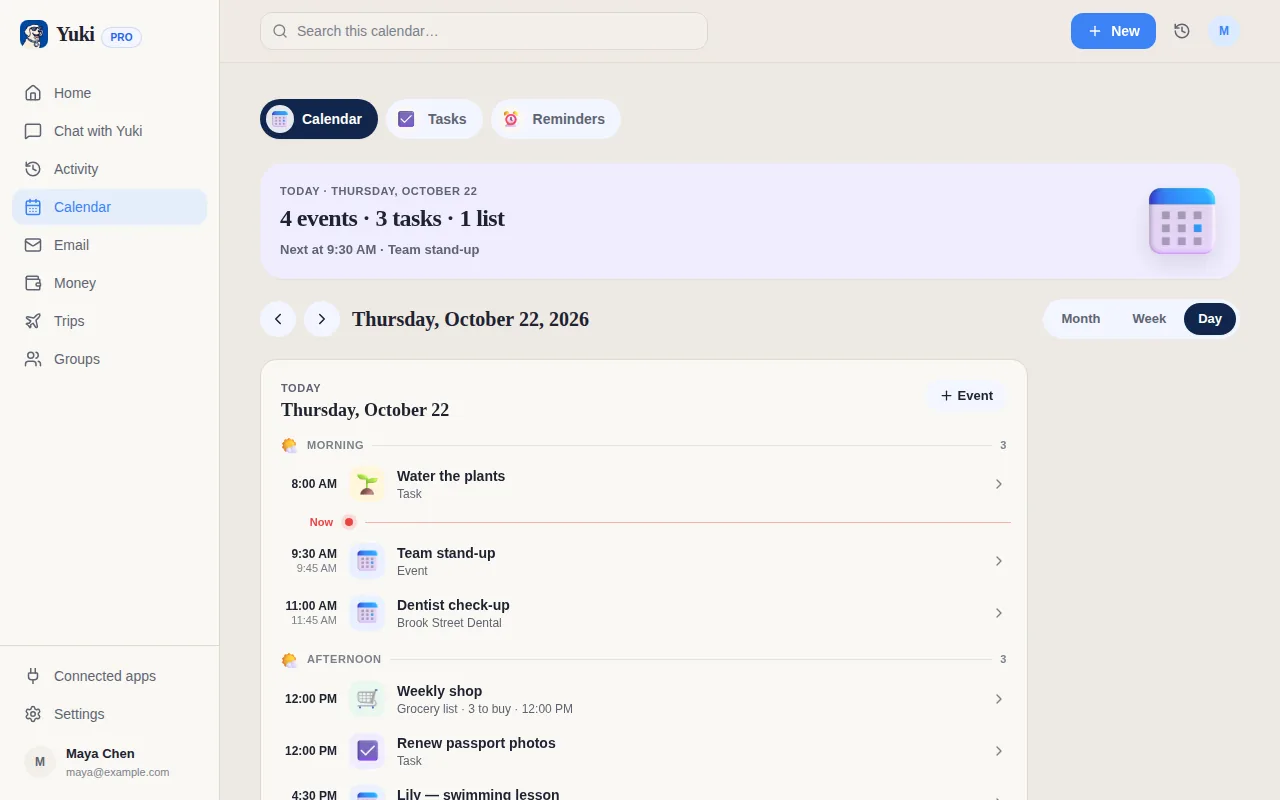
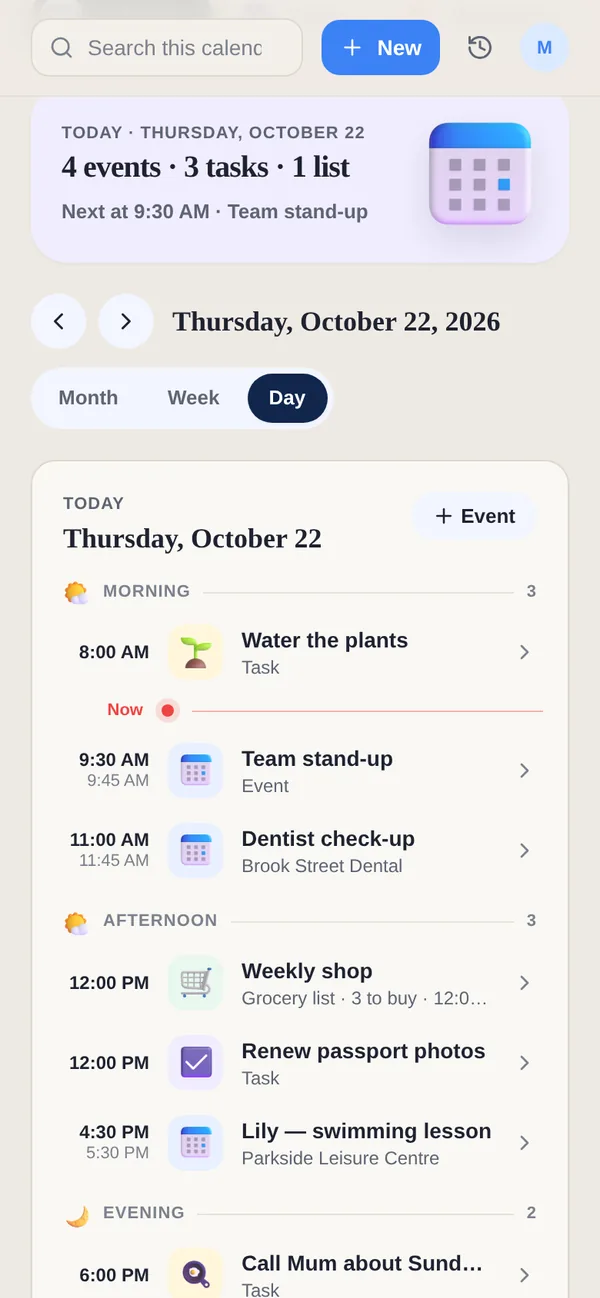
Finding a time with someone outside your household usually means an email thread: “Tuesday?” “Can't, Wednesday?” “Morning or afternoon?” A booking link replaces the thread with a page. You decide when you are available; they pick a time that suits them; the meeting appears in your calendar.
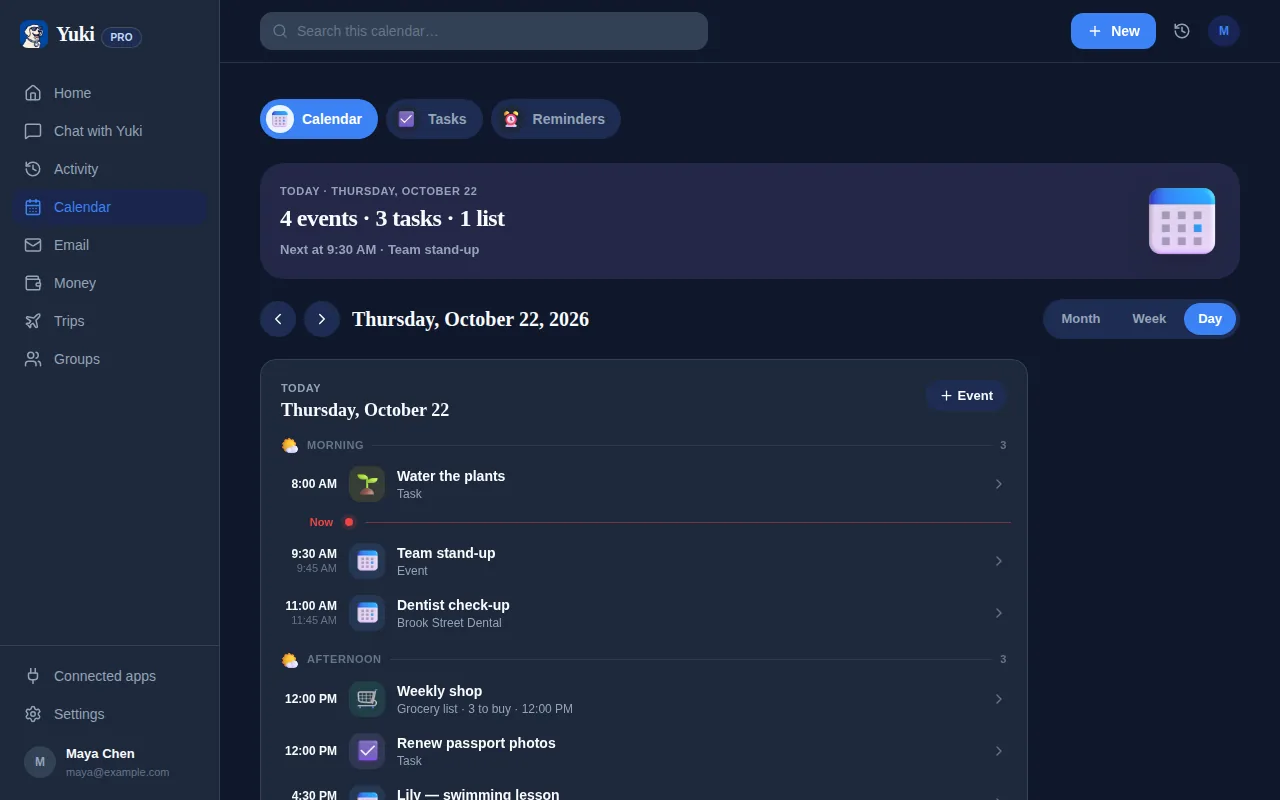
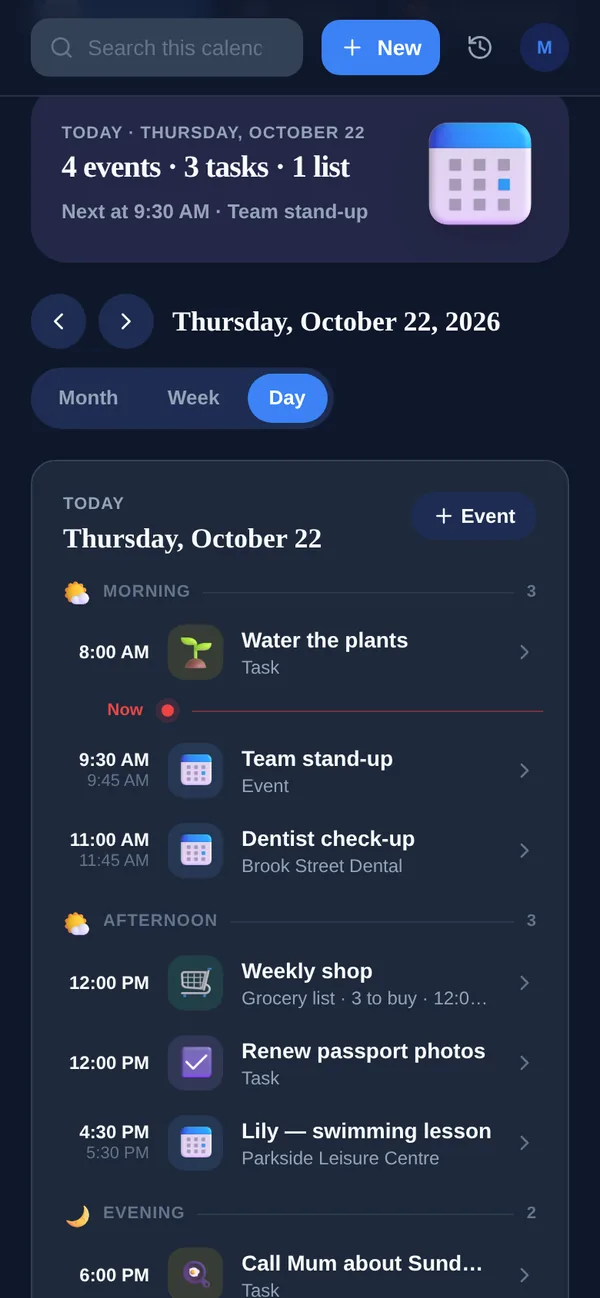
Yuki's version is built into the app you already use for the rest of your day, so the booking lands next to your tasks, trips and plans rather than in a separate tool.
How it will work
- 1In Yuki on your phone or on the web, create a booking link and set when you are available.
- 2Share the link — in an email, a message or your signature.
- 3The other person opens it in a browser, sees only your free times in their own time zone, and books with their email.
- 4The meeting lands in the calendars you chose, and both of you can cancel or reschedule from a link.
What the person booking gets
- No account and no app — a web page, their email address, and an optional name and note.
- Their own time zone — times are shown where they are, so nobody does the arithmetic.
- Only free times — they never see what is in your calendar, just when you are available.
- Cancel or reschedule from a link — no login to find, no email back to you.
Where the meeting goes
- Your Yuki calendar, your Google Calendar, or both — you choose per link. Outlook is planned for later.
- Google Meet, if you want it — a video link added to the booking automatically.
- No double bookings — a time that has been taken is no longer offered.
What it is designed for
Booking links are built for your own calendar: a tutor's lessons, a coach's calls, a parent-teacher slot, coffee with someone you have just met. If you need team routing, round-robin assignment or payments at the point of booking, a dedicated scheduling tool such as Calendly is built for that today — our comparison page says so plainly.
Booking links are coming soon. Yuki's calendar, tasks, trips and groups work today — Yuki is free on iOS, Android and the web.