
Vous avez essayé les applis. Le planificateur en couleurs, le gestionnaire de tâches avec les étiquettes parfaites, le tableur partagé que tout le monde a promis de mettre à jour. Pendant environ deux semaines, chacun a semblé être la réponse, puis s’est discrètement rempli de données obsolètes et est devenu une chose de plus dont se sentir coupable. Le problème n’a jamais été votre discipline. Le problème est que les systèmes manuels vous demandent d’être le préposé à la saisie de votre propre vie — et aucun humain ne tient ce rythme éternellement. La solution n’est pas une meilleure appli à entretenir. C’est une organisation qui s’entretient toute seule en puisant dans des informations que vous avez déjà reçues : les confirmations, reçus, factures et invitations déjà présents dans votre boîte mail. Ce guide explique pourquoi les systèmes auto-entretenus s’effondrent et comment en construire un qui reste à jour tout seul.
Pourquoi chaque nouvelle appli finit par être abandonnée
La demi-vie d’une appli de productivité est d’environ deux semaines. Pas parce que l’appli est mauvaise, mais à cause d’une taxe cachée qu’elle prélève : chacune vous demande de saisir et ressaisir manuellement ce qui se passe dans votre vie. Vous tapez l’heure de vol que vous avez déjà reçue par e-mail. Vous copiez le montant de la facture que vous avez déjà vu sur un relevé. Vous ajoutez l’anniversaire que vous connaissez déjà. Cette double saisie est invisible jusqu’à ce que vous soyez fatigué, et alors c’est la première chose à sauter.
Une fois que la saisie s’arrête, le système pourrit. Un agenda avec trois vrais événements et quarante manquants est pire que pas d’agenda du tout, parce que vous cessez de lui faire confiance — et un outil d’organisation auquel vous ne faites pas confiance n’est que de l’encombrement. L’échec est structurel, pas personnel. Tout système dont la précision dépend de votre effort quotidien finira par devenir obsolète, parce que la vie ne s’arrête pas pour vous laisser faire de l’administratif.
La sortie, c’est d’arrêter de mesurer les outils par leurs fonctionnalités et de commencer à les mesurer par leur coût d’entretien. La bonne question n’est pas « que peut faire cette appli ? » mais « qu’est-ce que cette appli m’oblige à continuer de faire ? ». La meilleure réponse est : rien.
- La saisie manuelle est la taxe — elle semble petite jusqu’à ce que vous soyez occupé, puis c’est la première chose lâchée
- Un système à moitié mis à jour érode la confiance, et un outil sans confiance est ignoré
- Jugez les outils par leur coût d’entretien continu, pas par leur liste de fonctionnalités
Le changement : laissez l’information s’organiser toute seule
Voici l’aperçu que la plupart des conseils de productivité manquent. Les détails de votre vie sont déjà écrits — vous les recevez juste dispersés dans des dizaines d’e-mails. Une réservation de vol est un événement d’agenda, une réservation d’hôtel, et un voyage dans un seul message. Une commande Amazon est une livraison à suivre et une dépense à enregistrer. Un reçu de streaming est un abonnement récurrent. Une invitation à une fête est une date, un rappel, et parfois un cadeau à acheter. Personne n’a saisi tout ça manuellement ; c’est arrivé.
L’organisation auto-entretenue signifie traiter votre boîte mail comme la source de vérité et laisser la structure en découler automatiquement. Au lieu que vous traduisiez un e-mail en entrée d’agenda, l’entrée d’agenda est générée depuis l’e-mail. Quand la compagnie aérienne annonce un retard par e-mail, l’événement se met à jour tout seul. Il n’y a pas de système séparé à garder synchronisé parce que le système découle des messages que vous recevez déjà.
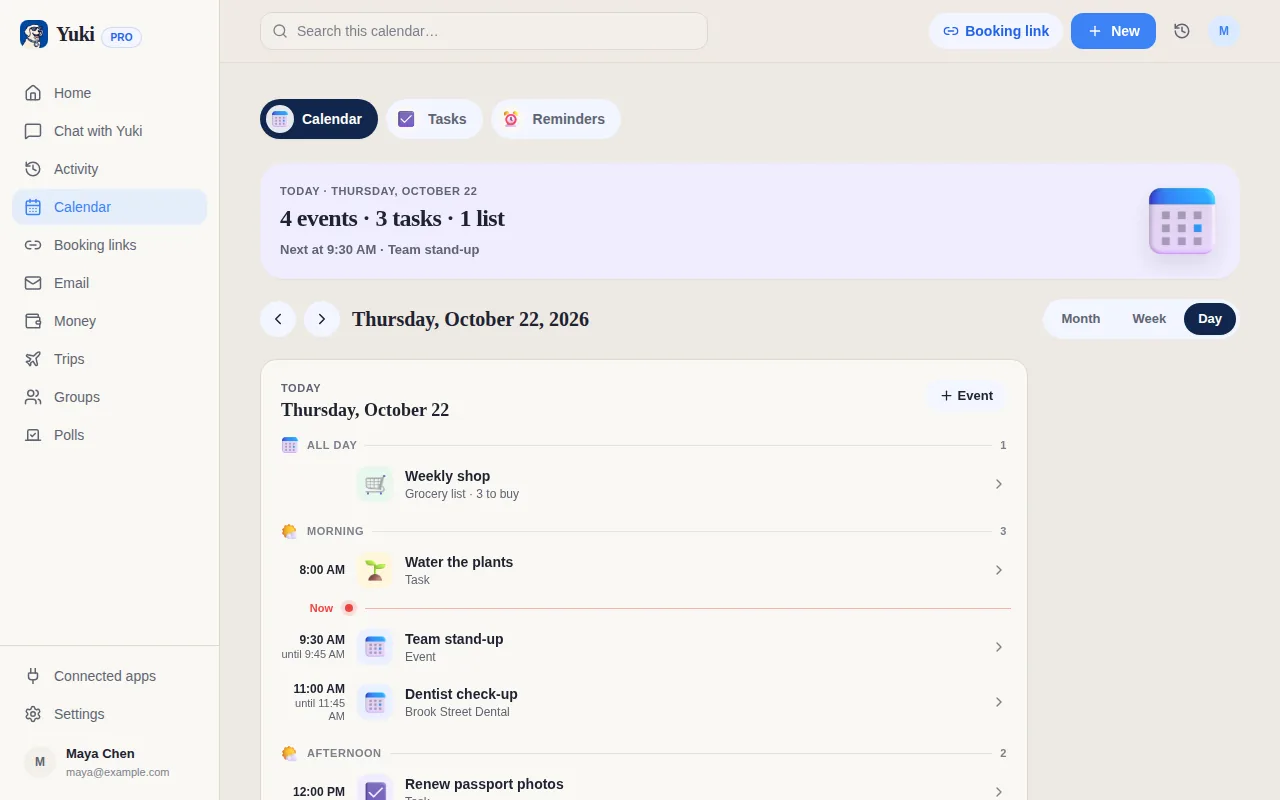
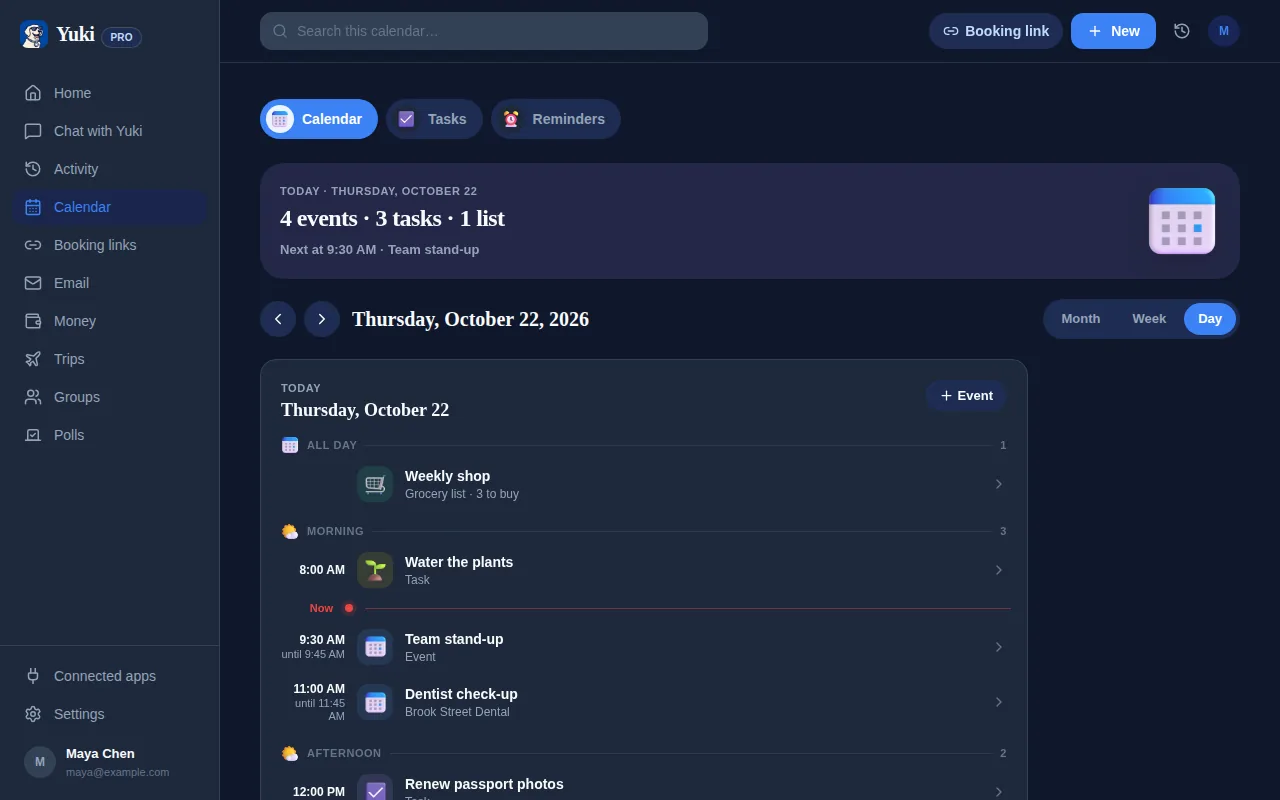
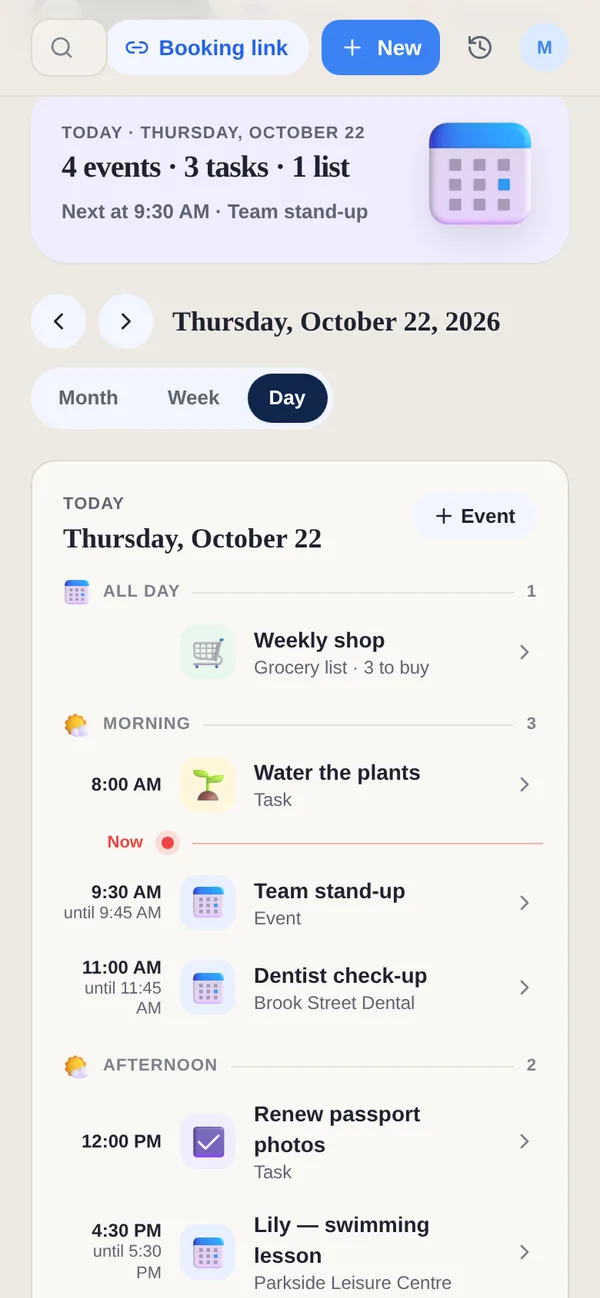
C’est exactement le modèle que Yuki utilise. Il se connecte à votre Gmail et transforme les confirmations, reçus, factures et invitations déjà présents dans votre boîte mail en un agenda à jour, des itinéraires de voyage, des dépenses et abonnements suivis, des tâches, des rappels et un suivi de colis — sans que vous ayez à retaper quoi que ce soit. L’organisation se produit comme un effet secondaire d’e-mails que vous alliez recevoir de toute façon.
- Votre boîte mail contient déjà les détails structurés — dates, montants, adresses, horaires
- Laissez l’agenda, les dépenses et les itinéraires être générés depuis ces messages, pas tapés
- Yuki lit Gmail et construit la structure automatiquement — pas de double saisie
Comment le configurer en une seule fois
Le but de la configuration est de faire la connexion une seule fois pour que l’entretien tombe à presque zéro ensuite. Contrairement à une appli de tâches vide qui vous fixe en attendant une saisie, un système auto-entretenu démarre plein — parce qu’il lit l’historique que vous avez déjà. Voici la séquence qui vous fait passer du désordre à l’organisation en environ dix minutes, dont la plupart est Yuki travaillant en arrière-plan pendant que vous ne faites rien.
Remarquez qu’aucune de ces étapes n’est « maintenant, gardez-le à jour pour toujours ». Cette étape n’existe pas, ce qui est tout le point.
- Connectez votre e-mail une fois — Yuki lit les confirmations existantes et remplit votre agenda, vos voyages, vos dépenses et vos livraisons
- Laissez-le écrire dans Google Calendar (bidirectionnel) pour que votre vrai agenda reste à jour sans une deuxième appli à consulter
- Parcourez les abonnements qu’il fait apparaître et annulez ceux que vous aviez oublié de payer
- Activez les rappels pour les factures et anniversaires pour que rien ne dépende de votre mémoire
- Partagez un groupe avec votre partenaire, votre famille ou vos colocataires pour que la coordination soit automatique, pas une conversation de groupe
Coordonner avec d’autres personnes sans tableur partagé
L’organisation partagée est là où la plupart des systèmes meurent le plus vite, parce que maintenant le fardeau d’entretien est réparti entre des personnes qui supposent chacune que quelqu’un d’autre le mettra à jour. L’agenda partagé devient obsolète, le tableur de partage a trois colonnes impayées, et finalement tout le monde revient aux textos.
L’approche auto-entretenue fonctionne aussi ici : si les propres confirmations de chaque personne alimentent un espace partagé, l’espace reste à jour peu importe qui est la personne organisée. Les groupes partagés de Yuki font ça pour les couples, familles, coparents et colocataires — une vue partagée des plans, factures et logistique, y compris le partage de factures et le solde des comptes, qui se met à jour depuis les boîtes mail de tous plutôt que depuis une personne qui se porte volontaire pour être l’administrateur du foyer.
Le résultat, c’est une coordination qui survit à la vraie vie : personne n’a besoin d’être la personne qui maintient le système en vie, donc il ne s’effondre pas dès la première semaine chargée.
- Les systèmes partagés échouent quand tout le monde suppose que quelqu’un d’autre les mettra à jour
- Alimentez l’espace partagé depuis les confirmations de chaque personne pour qu’il reste à jour automatiquement
- Partage de factures et solde des comptes qui ne nécessitent pas d’administrateur désigné du foyer
Faire que ça tienne : moins d’outils, moins de charge mentale
La mesure d’une bonne configuration organisationnelle n’est pas ce qu’elle peut faire mais ce qu’elle vous demande ensuite. Une fois que votre agenda, vos dépenses, vos voyages et vos rappels découlent tous d’une seule source, vous pouvez supprimer les quatre applis à moitié utilisées qui contenaient chacune un fragment. La consolidation, ce n’est pas juste de l’ordre — chaque appli que vous abandonnez est une chose de moins à consulter, mettre à jour, et sur laquelle vous sentir en retard.
Le vrai gain est mental. La majeure partie de l’épuisement d’une vie chargée n’est pas de faire, c’est de se souvenir : le bourdonnement sourd de suivre ce qui est dû, ce qui est réservé, qui doit quoi, et ce que vous êtes peut-être en train d’oublier. Un système qui tient tout ça pour vous délègue entièrement le fait de se souvenir. C’est le vrai produit ici — pas un tableau de bord de plus à admirer, mais le calme de ne pas avoir à tout garder en tête.
Si vous voulez aller plus loin, Yuki AI vous permet de simplement demander — « qu’est-ce qu’il y a jeudi », « combien ai-je dépensé en courses », « quand est mon prochain voyage » — en langage clair, pour que même la récupération n’exige pas que vous alliez fouiller.
- Chaque outil consolidé est une chose de moins à entretenir et sur laquelle se sentir en retard
- Le gain, c’est de déléguer le fait de se souvenir, pas d’admirer un tableau de bord de plus
- Demandez en langage clair au lieu de chercher une réponse à travers des applis
Étape par étape
- 1Connectez votre Gmail une fois pour que les confirmations, reçus et invitations existants remplissent automatiquement votre agenda, vos voyages, vos dépenses et vos livraisons.
- 2Activez la synchronisation bidirectionnelle avec Google Calendar pour que votre vrai agenda reste à jour sans une appli séparée à consulter (l’écriture dans Apple Calendar est réservée à iOS).
- 3Passez en revue les abonnements que Yuki fait apparaître depuis vos reçus et annulez ceux que vous aviez oublié de payer.
- 4Activez les rappels pour les factures et anniversaires pour que rien d’important ne dépende de votre mémoire.
- 5Créez un groupe partagé avec votre partenaire, votre famille, votre coparent ou vos colocataires pour coordonner les plans et partager les factures automatiquement.
- 6Utilisez Yuki AI pour poser des questions en langage clair au lieu de chercher manuellement, puis supprimez les applis à moitié utilisées dont vous n’avez plus besoin.