
Vous avez déjà vécu ça : c’est l’heure d’embarquement, ou vous êtes à la réception, et vous faites défiler frénétiquement votre boîte mail à la recherche du numéro de confirmation — enfoui sous trois e-mails d’alerte tarifaire, un reçu et un avis de changement d’horaire de la compagnie aérienne. Les documents de voyage se dispersent entre e-mails, textos, applis de compagnies aériennes et PDF, et le coût mental de tous les suivre est réel. Ce guide passe en revue comment regrouper chaque confirmation de vol, d’hôtel et de location de voiture dans un seul endroit auquel vous faites vraiment confiance — d’abord comme système manuel que n’importe qui peut mettre en place, puis la méthode automatique qui se maintient à jour toute seule sans que vous leviez le petit doigt.
Pourquoi chercher dans sa boîte mail vous lâche au pire moment
Votre e-mail est une lance à incendie, pas un classeur. Un seul voyage génère une douzaine de messages — la réservation d’origine, le reçu de paiement, une offre de sélection de siège, un changement d’horaire, un rappel d’enregistrement, et la note « nous avons hâte de vous accueillir » de l’hôtel. Seuls deux ou trois d’entre eux comptent vraiment quand vous êtes debout à une porte d’embarquement, mais ils sont mélangés avec tout le reste.
Le problème le plus profond, c’est le timing. Les confirmations arrivent des semaines avant votre voyage, puis coulent sous du courrier plus récent. Le jour du départ, l’enregistrement dont vous avez besoin est 400 e-mails plus bas, et les changements d’horaire de la compagnie aérienne veulent dire que la *première* confirmation que vous trouvez est peut-être déjà fausse. Chercher « confirmation » fait ressortir chaque reçu de détaillant que vous avez jamais reçu. Le coût n’est pas seulement des minutes perdues — c’est l’anxiété sourde de ne jamais être sûr d’avoir l’image actuelle et complète.
- Un voyage = beaucoup d’e-mails ; seuls quelques-uns sont des documents « il me le faut maintenant »
- Les confirmations s’enfouissent sous du courrier plus récent en quelques jours
- Les changements d’horaire veulent dire que le plus récent e-mail fait autorité, pas le premier
- Les recherches génériques (« confirmation », « réservation ») renvoient trop de bruit
Le système manuel : construisez un foyer que vous entretenez vraiment
Si vous voulez le faire à la main, le principe est simple : une seule destination pour les documents de voyage, mise à jour au moment où une réservation arrive. Choisissez un seul foyer — une étiquette/dossier e-mail dédié, un document de notes, ou un dossier cloud — et acheminez-y tout systématiquement. Le système ne fonctionne que si vous ne faites jamais d’exception « juste cette fois ».
L’approche manuelle est fiable mais exigeante en effort : vous devez vous souvenir de classer chaque nouvel e-mail, reclasser quand la compagnie aérienne reprogramme, et assembler manuellement la vue du jour J (numéro de vol, code de confirmation, adresse de l’hôtel, heure d’enregistrement) qu’aucun e-mail unique ne vous donne. Ce fardeau d’entretien est exactement pourquoi le dossier bien rangé de la plupart des gens s’effondre dès leur deuxième voyage.
- Créez une étiquette/dossier (par ex. « Voyage — Actif ») et classez-y immédiatement chaque réservation
- Marquez d’une étoile ou épinglez le seul e-mail faisant autorité par réservation ; archivez ceux qui sont dépassés
- Gardez les numéros de confirmation dans un court document de notes pour qu’ils soient lisibles hors ligne
- Capturez les cartes d’embarquement et adresses d’hôtel pour un accès en mode avion
La méthode automatique : laissez votre itinéraire se construire tout seul
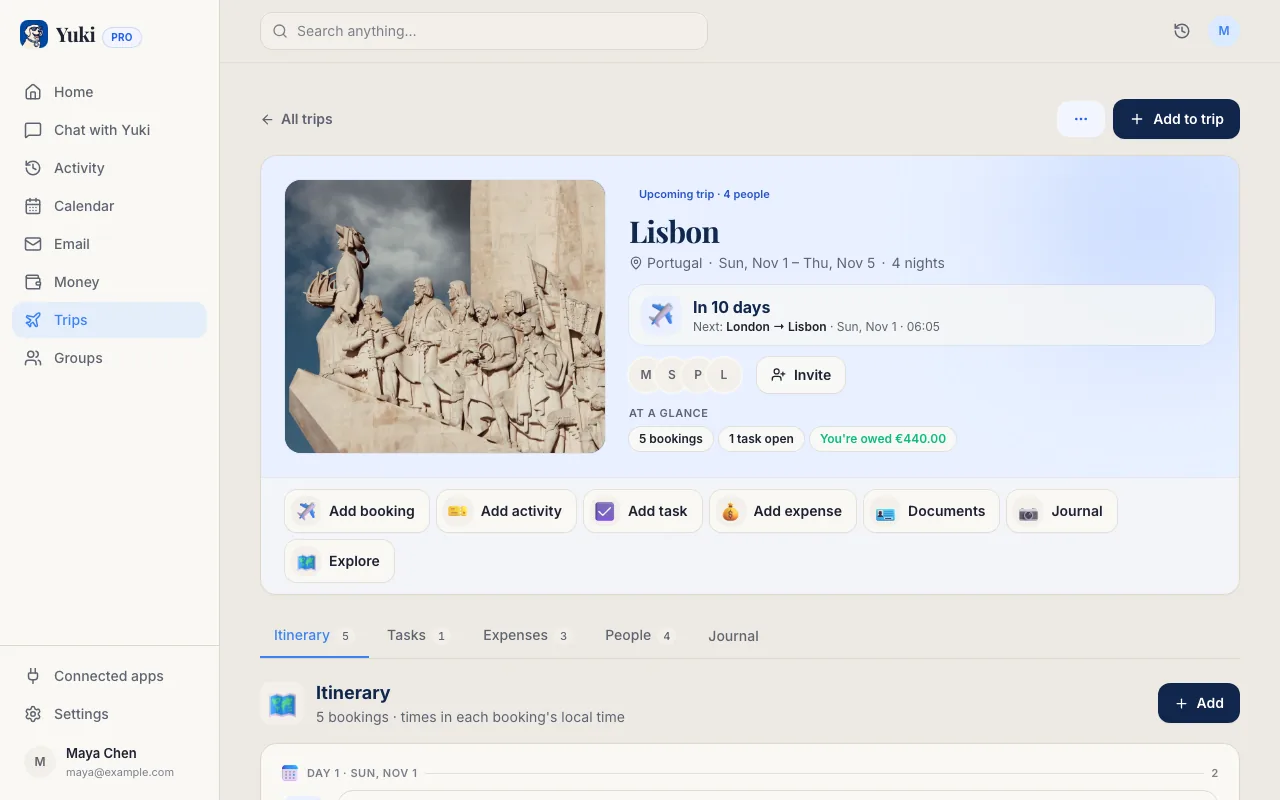
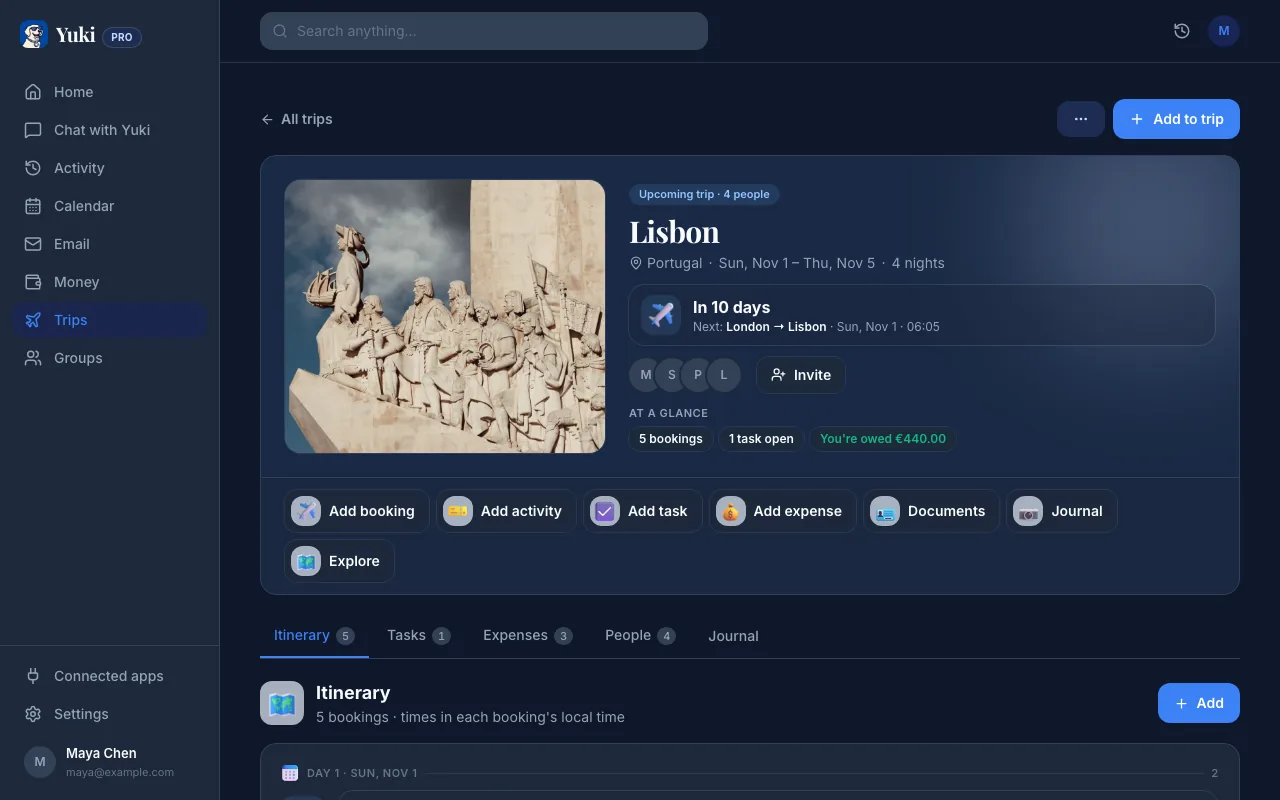
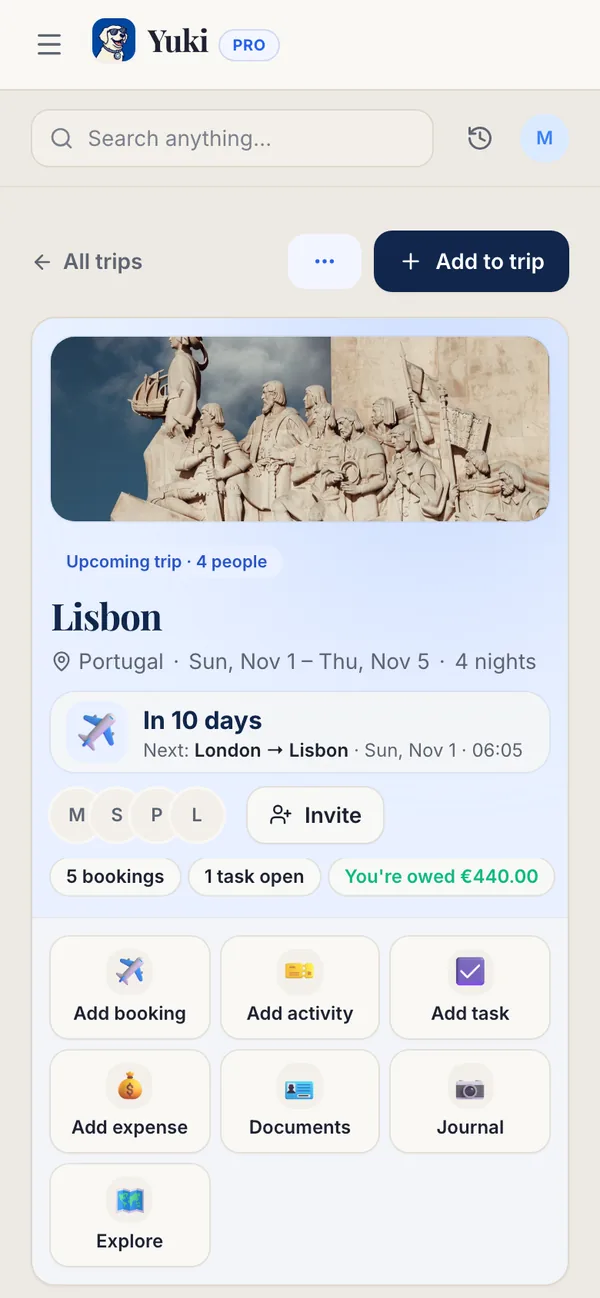
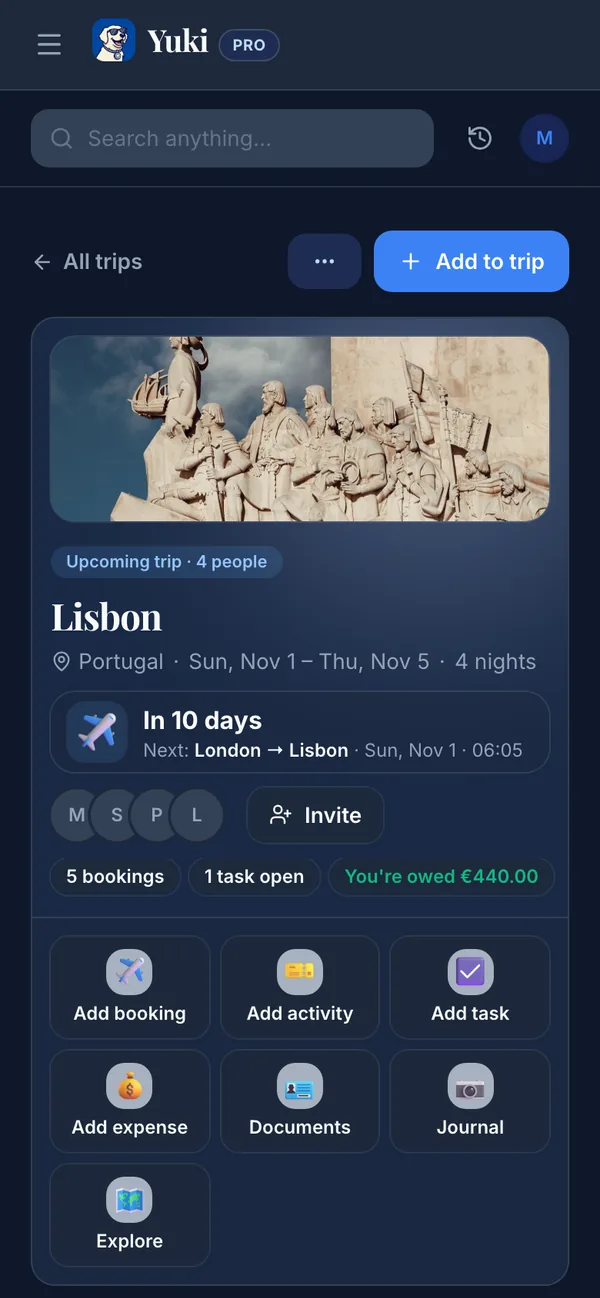
La raison pour laquelle les dossiers s’effondrent, c’est qu’ils dépendent de vous pour le classement. Un meilleur système lit votre boîte mail pour vous. Yuki se connecte à Gmail et reconnaît les confirmations de vol, d’hôtel et de location de voiture à leur arrivée, puis les organise automatiquement en un seul itinéraire de voyage — sans transfert, sans classement manuel, sans exceptions à oublier.
Comme il puise à la source, il reste à jour : quand une compagnie aérienne pousse un changement d’horaire, l’itinéraire reflète la nouvelle heure, et le voyage vit sur un agenda qui écrit de façon bidirectionnelle dans Google Calendar pour que votre voyage apparaisse aux côtés du reste de votre vie. C’est gratuit sur iOS et Android, et ça sert aussi de foyer pour les reçus et dépenses que ces voyages génèrent — donc l’enregistrement n’est pas seulement trouvable, il est déjà assemblé dans la vue du jour J dont vous avez vraiment besoin.
Le but n’est pas une appli de plus à consulter. C’est de retirer entièrement le voyage de votre tête : vous arrêtez d’être l’index humain de vos propres réservations, et la couche de mémoire et de coordination le retient pour vous.
- Se connecte à Gmail et détecte les confirmations automatiquement — sans transfert
- Regroupe vols, hôtels et voitures en un seul itinéraire par voyage
- Reflète les changements d’horaire de la compagnie aérienne au lieu de montrer une première réservation obsolète
- Écrit les voyages dans votre agenda (synchronisation bidirectionnelle Google Calendar)
- Gratuit sur iOS et Android ; suit aussi les dépenses et livraisons du voyage
Rendez-le à toute épreuve pour le jour du voyage
Quelle que soit votre organisation, le dernier kilomètre, c’est l’accès quand la connectivité est mauvaise. Ayez vos détails clés — codes de confirmation, porte/terminal, adresse de l’hôtel — disponibles sans signal, que ce soit via des captures d’écran, un billet téléchargé dans votre appli de portefeuille, ou un itinéraire que vous avez ouvert une fois pour qu’il soit mis en cache sur votre téléphone.
Si vous voyagez en famille ou avec un partenaire, partagez le plan plutôt que d’en être le seul gardien. Les groupes partagés permettent à tout le monde de voir le même itinéraire, donc votre partenaire ne vous envoie pas de texto pour l’adresse de l’hôtel pendant que vous êtes en vol. L’objectif à travers tout ça est une seule chose : personne n’a à reconstruire le voyage à partir d’e-mails épars au moment où ça compte le plus.
- Gardez codes et adresses accessibles hors ligne (captures d’écran ou billets de portefeuille)
- Partagez l’itinéraire avec vos compagnons de voyage plutôt que d’être le seul à l’avoir
- Confirmez les essentiels du jour la veille au soir, pas à la porte d’embarquement
Étape par étape
- 1Choisissez un seul foyer pour les documents de voyage — et engagez-vous à tout y acheminer sans exception.
- 2Connectez votre e-mail pour que les confirmations puissent être rassemblées à la source : dans Yuki, liez votre compte Gmail.
- 3Laissez Yuki détecter vos confirmations de vol, d’hôtel et de location de voiture et les regrouper automatiquement en un seul itinéraire de voyage.
- 4Ajoutez votre voyage à votre agenda (Yuki se synchronise de façon bidirectionnelle avec Google Calendar) pour que le voyage vive aux côtés du reste de votre emploi du temps.
- 5Partagez l’itinéraire avec quiconque voyage avec vous pour qu’il voie le même plan.
- 6Avant le départ, enregistrez codes de confirmation, porte/terminal et adresse de l’hôtel pour un accès hors ligne.