
Presque personne ne rate une facture parce qu’il ne peut pas se le permettre. On la rate parce que le rappel était enfoui sous 40 autres e-mails, que l’échéance ne vivait que dans sa tête, et qu’au moment où on s’en est souvenu, le prélèvement automatique avait déjà échoué ou la pénalité était déjà tombée. La bonne nouvelle : « ne jamais rater une facture » n’est pas un problème de discipline qu’on règle avec plus de volonté — c’est un problème de capture qu’on règle avec un système fiable. Vos factures s’annoncent déjà dans votre boîte mail. L’astuce, c’est de transformer ces e-mails épars en une seule liste de confiance de ce qui est dû et quand, pour que se souvenir cesse d’être votre travail. Voici comment construire ce système, et comment le laisser tourner tout seul.
Pourquoi les factures passent entre les mailles — et pourquoi les rappels ne suffisent pas
Le problème central, c’est que l’échéance d’une facture vit dans trois endroits fragiles : un seul e-mail que vous ferez défiler, une note mentale que vous perdrez d’ici demain, et peut-être une appli de facturation que vous ouvrez rarement. Aucun de ces trois n’est un système. Quand l’information est aussi dispersée, rater un paiement n’est pas un défaut de caractère — c’est le résultat prévisible.
Le prélèvement automatique aide, mais ce n’est pas le filet de sécurité qu’on croit. Les cartes expirent, les soldes sont insuffisants et le prélèvement échoue en silence, les essais gratuits se convertissent au plein tarif, et les factures variables (charges, médical, péages) ont encore besoin qu’une personne remarque le montant. Le prélèvement automatique gère le paiement ; il ne fait rien pour vous aider à *voir* ce qui arrive.
La solution, c’est un seul endroit de confiance où chaque échéance atterrit automatiquement — une liste que vous consultez d’un coup d’œil sans avoir à chercher. Une fois que se souvenir est délégué à un système plutôt qu’à votre mémoire, la charge mentale du « attends, j’ai bien payé ça ? » disparaît.
- Les échéances vivent dispersées entre e-mails, mémoire et applis de facturation — jamais une seule liste
- Le prélèvement automatique échoue en silence : cartes expirées, soldes insuffisants, essais convertis
- Les factures variables (charges, médical) ont encore besoin qu’une personne remarque le montant
- L’objectif n’est pas plus de rappels — c’est un seul endroit auquel vous faites vraiment confiance
Faites un balayage de cinq minutes de votre boîte mail pour les factures cachées
Avant d’automatiser quoi que ce soit, voyez à quoi vous avez vraiment affaire. Ouvrez votre boîte mail et cherchez les mots que les facturiers utilisent systématiquement : « échéance », « facture », « relevé », « paiement », « prélèvement automatique », « se renouvelle » et « en retard ». Vous ferez ressortir des choses que vous aviez oublié payer.
Faites une liste rapide de chaque facture récurrente, son montant approximatif, son échéance et sa méthode de paiement (automatique ou manuelle). Les factures manuelles sont votre vrai risque. Triez-les par échéance pour que les deux prochaines semaines soient évidentes.
Faites le même balayage pour les abonnements — le service de streaming, l’essai d’appli, le renouvellement annuel mis en place il y a 11 mois. Ce sont les plus sournois, car le « rappel » est souvent le prélèvement lui-même. Ce seul passage fait généralement ressortir une ou deux choses à annuler sur-le-champ.
- Cherchez : échéance, facture, relevé, paiement, se renouvelle, en retard
- Notez le montant, l’échéance et automatique vs. manuel pour chaque facture
- Repérez les factures manuelles — c’est là que le retard se produit vraiment
- Repérez les essais sur le point de se convertir en renouvellements payants
Mettez chaque échéance sur un seul agenda que vous consultez vraiment
Une liste dans une appli de notes se dégrade dès que vous la fermez. Les échéances doivent vivre sur l’agenda que vous regardez déjà chaque jour, comme des événements horodatés avec un rappel quelques jours à l’avance — assez tôt pour régler un problème, pas le matin même. Pour chaque facture, créez un événement récurrent à sa date d’échéance et fixez une alerte deux ou trois jours avant ; ce délai fait toute la différence entre « je vais la payer maintenant » et « la pénalité est déjà tombée ».
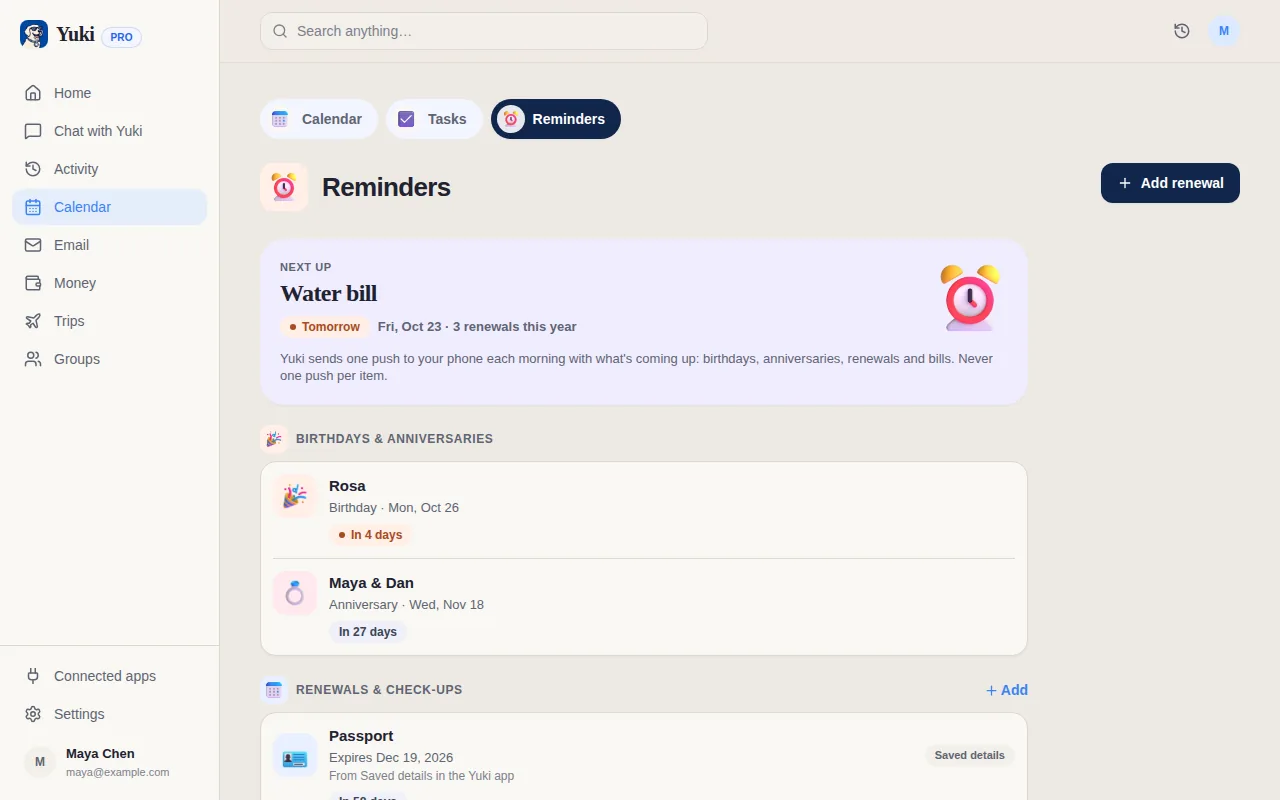
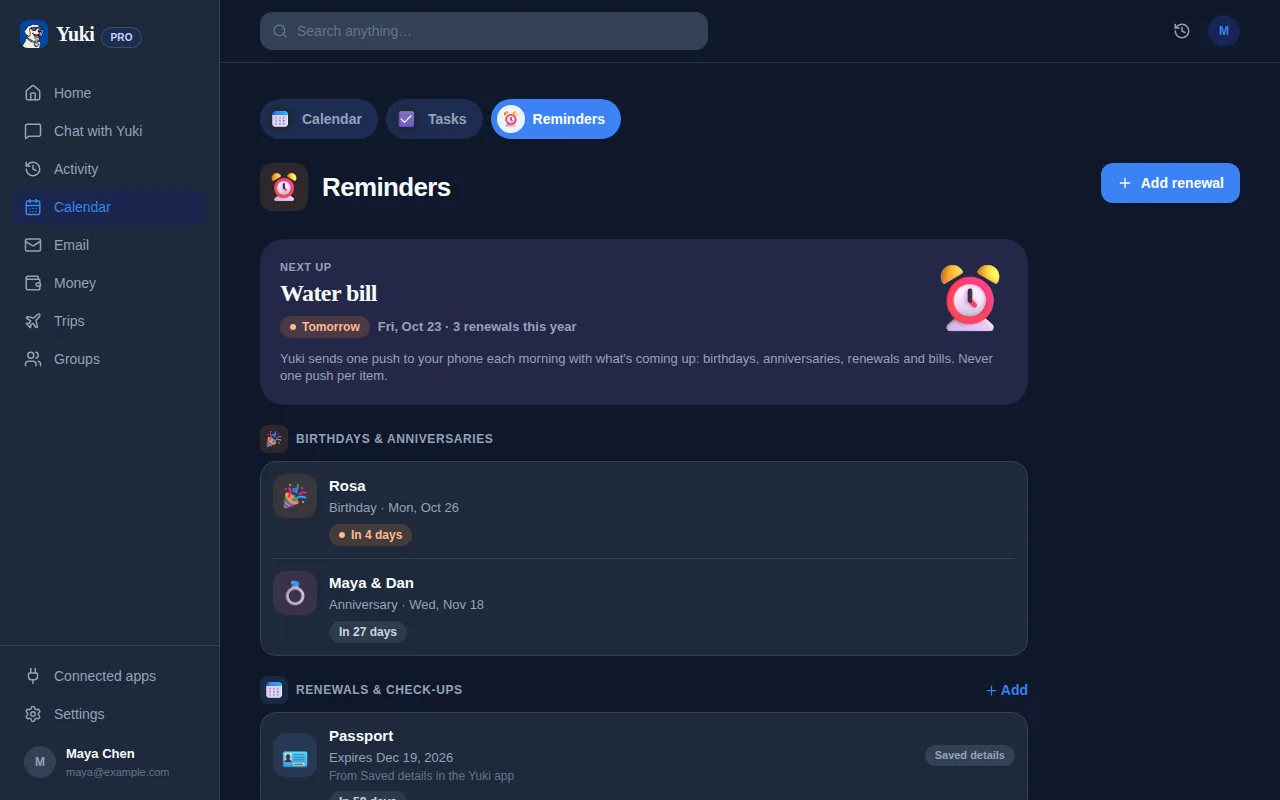
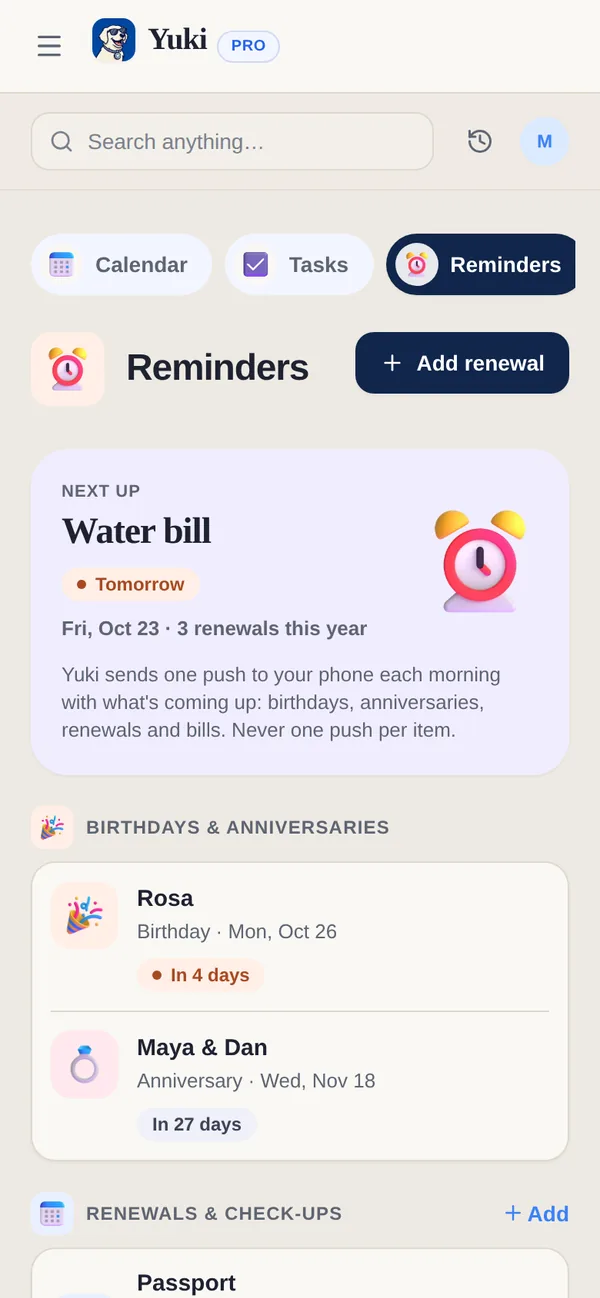
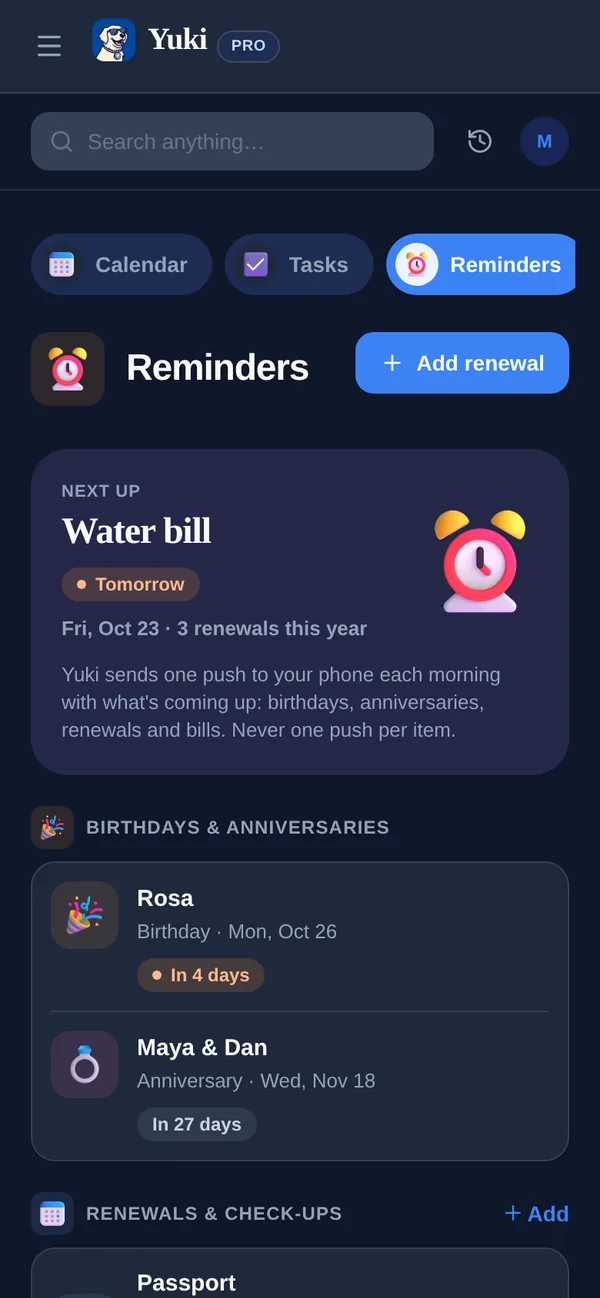
Garder cet agenda à jour à mesure que les factures changent est une corvée en soi — exactement le genre de travail qui mérite d’être confié à un assistant qui lit les e-mails à votre place. Yuki le fait automatiquement : il se connecte à votre Gmail, lit les factures et avis de renouvellement déjà présents, et inscrit les échéances directement sur un agenda à jour.
Cet agenda est synchronisé de façon bidirectionnelle avec Google Calendar — et sur iPhone, Yuki inscrit aussi vos échéances dans Apple Calendar — pour qu’elles apparaissent partout où vous regardez déjà. Vous obtenez la liste unique de confiance sans avoir à l’entretenir à la main — et se souvenir cesse d’être quelque chose que vous devez faire.
- Utilisez l’agenda que vous consultez chaque jour, pas une liste séparée qui devient obsolète
- Fixez des alertes 2 à 3 jours à l’avance, pour que les problèmes soient réparables
- Mettez le montant et le payeur dans le titre pour une clarté au premier coup d’œil
- Laissez Yuki lire votre boîte mail et placer les échéances sur votre agenda pour vous
Automatisez la capture pour qu’elle tourne sans vous
Le système ne « ne rate jamais rien » que s’il reste à jour sans effort. Les nouvelles factures, les montants qui changent et les nouveaux abonnements doivent tous affluer tout seuls — sinon vous revenez à l’entretien manuel et au même oubli.
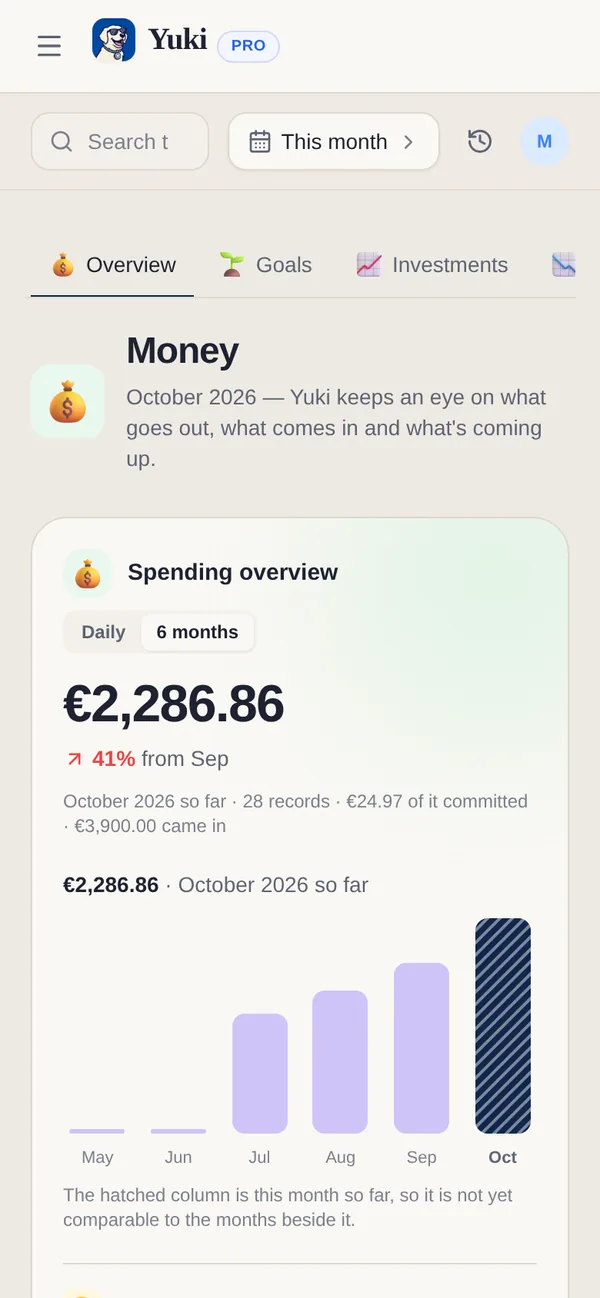
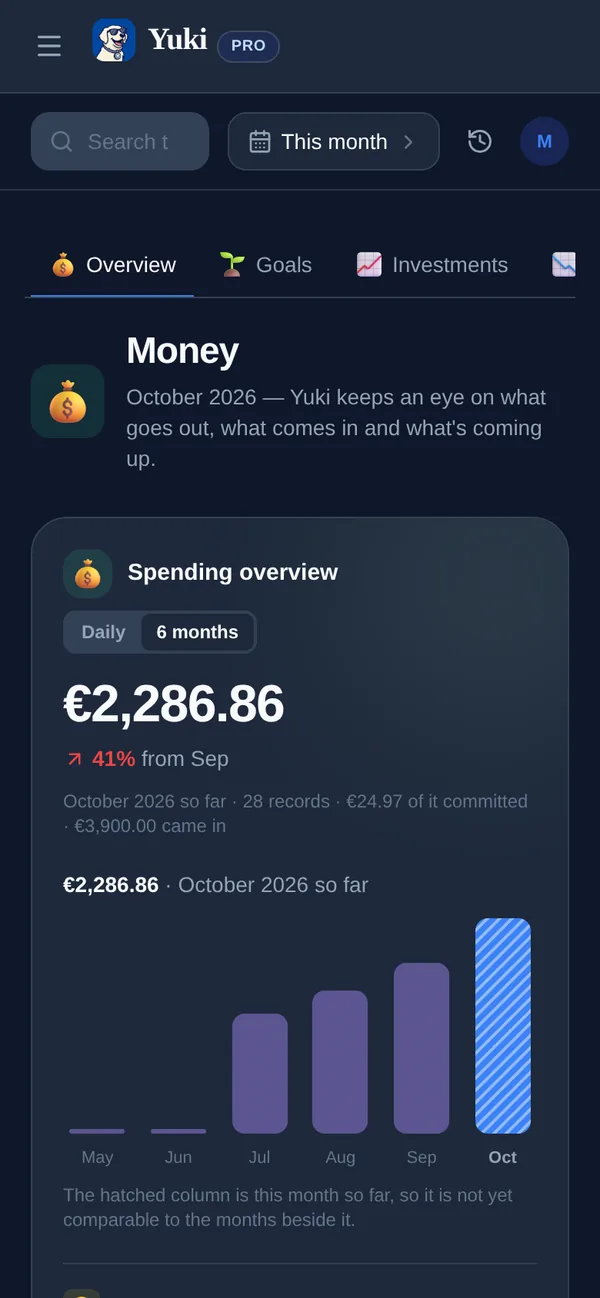
C’est là que connecter votre boîte mail porte ses fruits. Yuki transforme en continu les confirmations, factures et avis de renouvellement de votre e-mail en dépenses suivies et en liste d’abonnements, pour que vous voyiez ce que vous dépensez et ce qui est sur le point de se renouveler avant le prélèvement. Les notifications intelligentes font ressortir la prochaine échéance, et un récap quotidien vous donne une seule vue « voici ce qui arrive » au lieu d’une chasse au trésor entre applis.
Vous pouvez aussi simplement demander. Yuki AI répond à des questions en langage simple comme « quelles factures sont dues cette semaine ? » ou « à quoi suis-je abonné ? » — en puisant dans ce qu’il a déjà lu dans votre boîte mail, pour que la réponse soit là sans que vous ayez à fouiller.
- Les nouvelles factures et renouvellements affluent automatiquement une fois votre boîte mail connectée
- Le suivi des abonnements signale les renouvellements avant qu’ils ne prélèvent
- Un récap quotidien regroupe ce qui est dû dans une seule vue
- Demandez à Yuki AI « qu’est-ce qui est dû cette semaine ? » plutôt que de chercher dans vos e-mails
Partagez la charge si les factures ne sont pas que les vôtres
Si vous partagez un foyer avec un partenaire, une famille, des colocataires ou un coparent, le flou du « qui paie ça déjà ? » est une deuxième façon dont les factures se perdent — tout le monde suppose que quelqu’un d’autre s’en occupe. Une vue partagée comble cet écart.
Les groupes partagés de Yuki permettent aux couples, familles, colocataires et coparents de voir les mêmes factures, échéances et dépenses partagées, avec un partage de factures et un solde des comptes intégrés pour que ce que chacun doit soit clair. L’intérêt n’est pas seulement l’équité — c’est qu’une facture que deux personnes peuvent voir a bien moins de chances d’être oubliée qu’une facture enfouie dans la boîte mail d’une seule personne.
Mettez-le en place une fois, et la coordination du quotidien — se souvenir, partager, solder les comptes — cesse de vivre dans la tête d’une seule personne. C’est la vraie victoire : moins de charge mentale, moins de paiements manqués, pour tout le monde.
- La visibilité partagée met fin au flou du « je pensais que tu l’avais payée »
- Le partage de factures et le solde des comptes rendent évident qui doit quoi
- Une facture que deux personnes peuvent voir est bien plus difficile à rater
Étape par étape
- 1Balayez votre boîte mail : cherchez « échéance », « facture », « relevé », « se renouvelle » et « en retard » pour faire ressortir chaque facture et abonnement.
- 2Listez le montant, l’échéance et le mode de paiement (automatique ou manuel) de chaque facture — repérez les manuelles comme votre vrai risque.
- 3Mettez chaque échéance sur l’agenda que vous consultez chaque jour, comme un événement récurrent avec une alerte 2 à 3 jours avant.
- 4Connectez votre Gmail à Yuki pour que les nouvelles factures et échéances atterrissent automatiquement sur votre agenda.
- 5Activez le suivi des abonnements pour repérer les essais et renouvellements avant qu’ils ne vous prélèvent.
- 6Activez les notifications intelligentes et le récap quotidien pour que la prochaine échéance vous trouve toujours.
- 7Si les factures sont partagées, ajoutez votre partenaire, votre famille ou vos colocataires à un groupe partagé avec partage de factures et solde des comptes.
- 8Vérifiez chaque semaine en 60 secondes : jetez un œil à ce qui est dû et confirmez que rien ne nécessite un paiement manuel.