
Un voyage en famille est vraiment un problème de coordination déguisé en amusement. Les vols sont réservés dans la boîte mail d’un parent, la confirmation d’hôtel atterrit dans celle de l’autre, le reçu de la voiture de location est enfoui sous douze newsletters, et les pass d’activité des enfants sont une capture d’écran que quelqu’un a prise il y a trois semaines. Le temps que vous arriviez à l’aéroport, une personne porte tout ça dans sa tête — et cette personne est épuisée avant même que les vacances ne commencent. La bonne nouvelle : presque tout ce dont vous avez besoin pour planifier le voyage est déjà dans votre boîte mail. Vous n’avez pas à le retaper dans un tableur ou une conversation de groupe. Vous avez juste besoin d’un moyen de rassembler ces confirmations, de les mettre sur une seule frise, et de partager cette frise avec tous ceux qui voyagent. Ce guide vous accompagne pour faire exactement ça, et comment Yuki peut faire la majeure partie de l’assemblage pour vous automatiquement.
Commencez par votre boîte mail, pas un tableur vide
Le réflexe en planifiant un gros voyage, c’est d’ouvrir un tableur tout neuf et de commencer à taper : numéros de vol, codes de confirmation, heures d’enregistrement. Ça donne un sentiment d’organisation. C’est en fait le chemin le plus lent possible, parce que vous copiez manuellement une information qui existe déjà sous forme structurée à l’intérieur de vos e-mails de réservation.
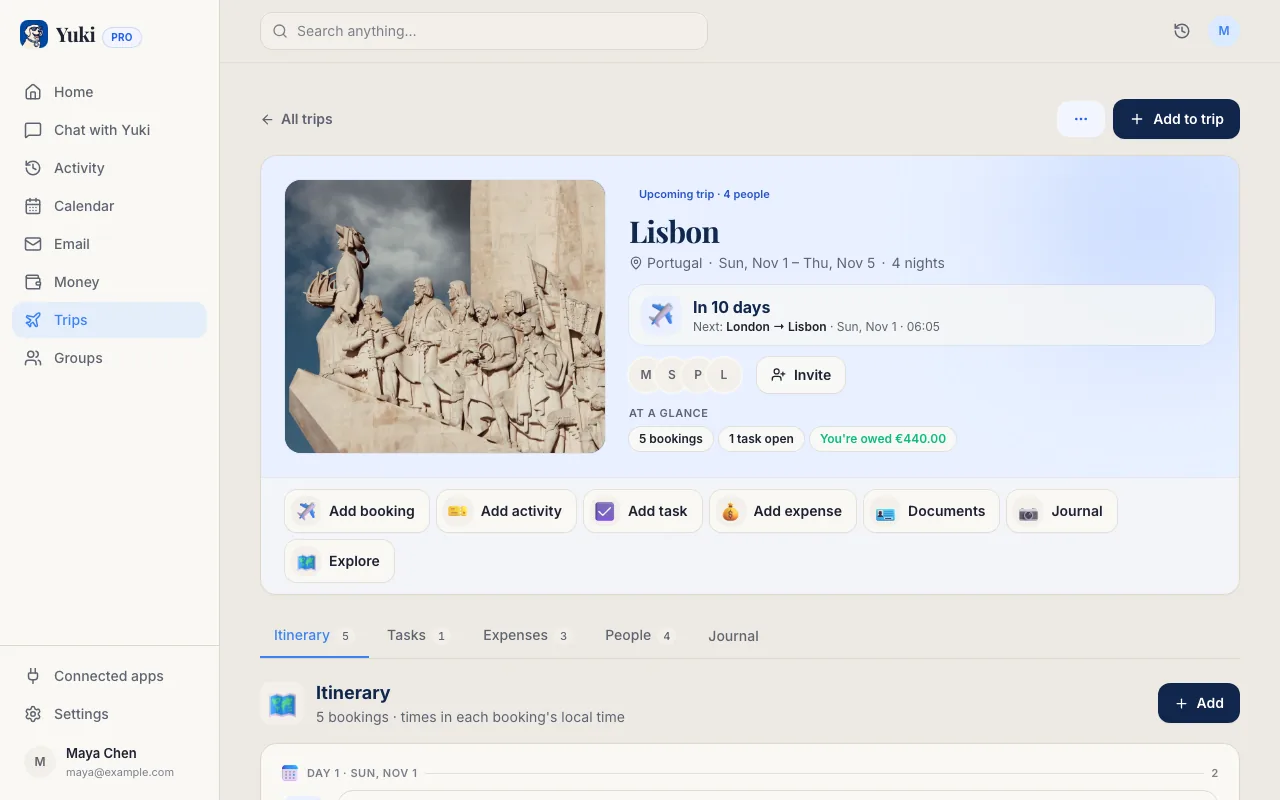
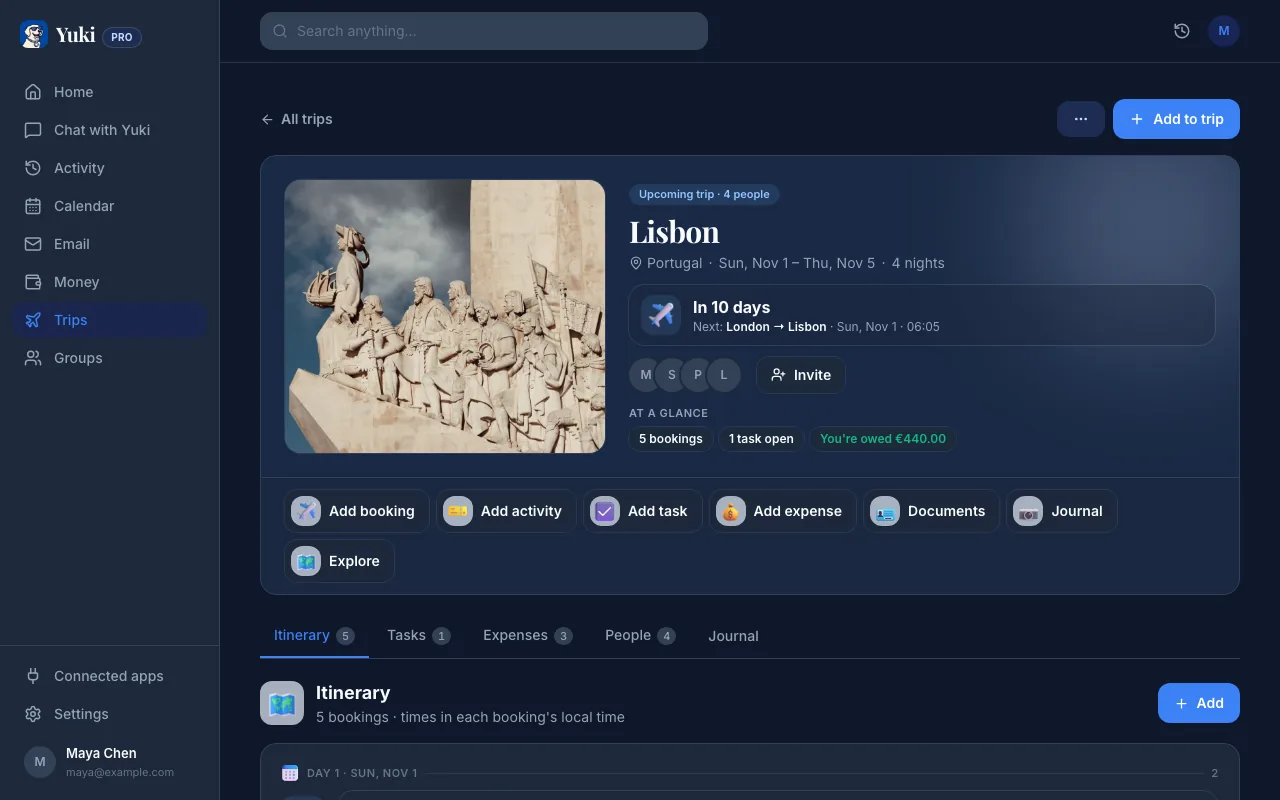
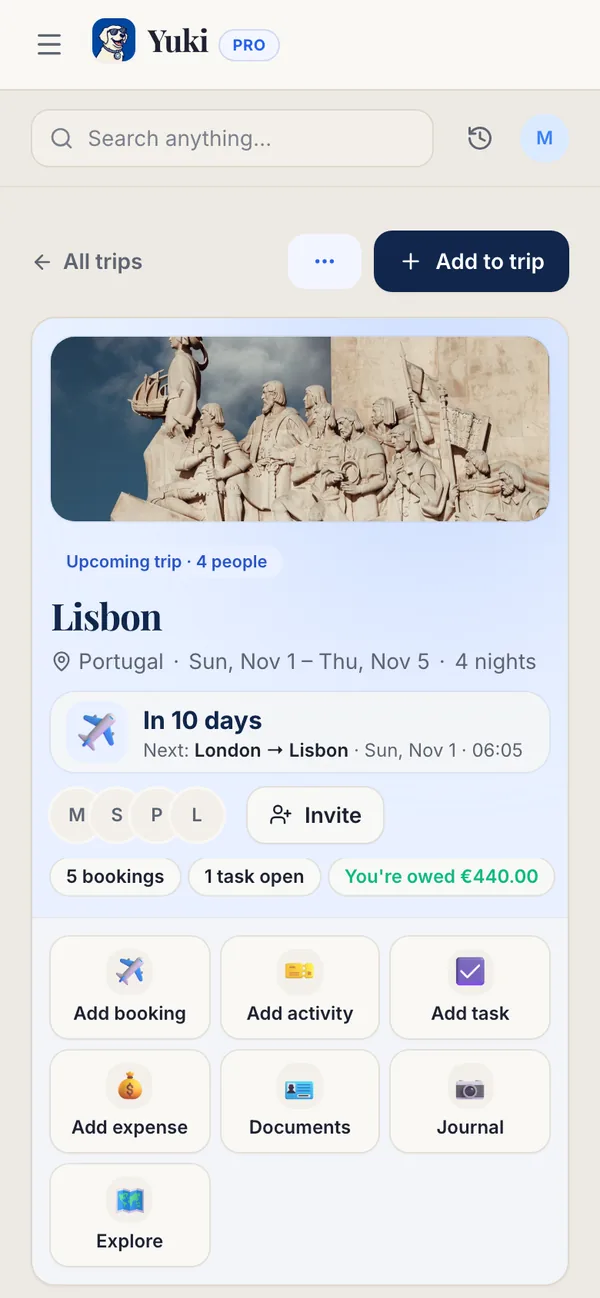
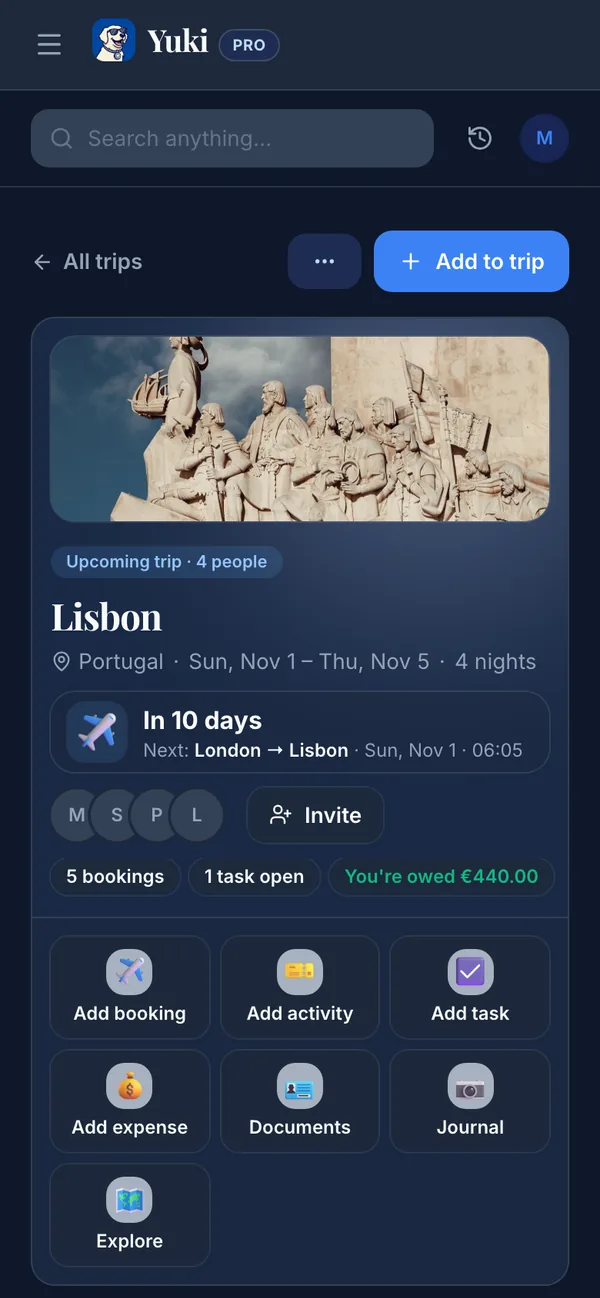
Chaque compagnie aérienne, hôtel et site de réservation envoie une confirmation avec les mêmes faits essentiels : dates, heures, lieux, numéros de référence. C’est votre itinéraire — il est juste dispersé dans des dizaines de messages. Le vrai travail n’est pas de trouver l’information, c’est de la consolider. Yuki lit les confirmations, reçus et invitations déjà présents dans votre Gmail et les transforme en un itinéraire de voyage à jour, donc le vol que vous avez réservé à minuit et l’hôtel que vous avez réservé un mois plus tard finissent sur la même frise sans que vous retapiez quoi que ce soit.
- Évitez la saisie manuelle de données — l’e-mail de confirmation a déjà le numéro de vol, les infos de porte, et les dates
- Rien ne devient obsolète : si une compagnie aérienne envoie un changement d’horaire par e-mail, l’itinéraire le reflète au lieu que votre tableur soit discrètement faux
- Les vieilles captures d’écran et PDF transférés cessent d’être la source de vérité
Mettez toute la famille sur un seul itinéraire partagé
L’échec classique d’un voyage en famille n’est pas une réservation manquante — c’est que seule une personne connaît le plan. Quand les détails vivent dans la tête ou la boîte mail d’un seul parent, ce parent devient le service d’assistance du voyage : répondre « c’est à quelle heure notre vol ? » pour la cinquième fois, transférer l’adresse de l’hôtel, rappeler à tout le monde le réveil à 6h.
Le partage corrige la charge mentale, et ça ne fonctionne que si tout le monde voit le même plan continuellement mis à jour plutôt qu’une capture ponctuelle. Les groupes partagés de Yuki sont conçus exactement pour ça — couples, familles et coparents peuvent tous voir l’itinéraire du voyage, donc votre partenaire peut vérifier l’heure d’enregistrement et votre adolescent peut voir quand les billets du musée sont réservés, sans que personne ne vous demande. Le plan cesse de vivre dans une seule tête et commence à vivre là où toute la famille peut y accéder.
- Tout le monde voit le même itinéraire à jour, pas une copie transférée déjà obsolète
- Réduit le travail invisible d’être la seule personne qui « se souvient de tout »
- Fonctionne aussi pour les foyers séparés — les coparents peuvent partager les parties d’un voyage qui concernent les enfants
Faites atterrir le voyage sur l’agenda et le téléphone de tout le monde
Un itinéraire que vous devez ouvrir et lire n’est que la moitié du travail. Les détails qui sauvent vraiment des vacances — partez pour l’aéroport maintenant, la réservation de dîner est dans une heure, le départ de l’hôtel est à 11h — doivent vous atteindre au bon moment, sur l’appareil que vous regardez déjà.
Yuki écrit les événements de voyage de façon bidirectionnelle dans Google Calendar, donc heures de départ, enregistrements et réservations apparaissent aux côtés du reste de votre vie plutôt que dans une appli séparée que vous oubliez de consulter. Rappels et notifications intelligentes relancent alors la bonne personne avant que chaque chose n’arrive. Au lieu qu’un parent règle six alarmes et suive mentalement la journée, le plan relance discrètement tout le monde. C’est la différence entre un voyage que vous gérez et un voyage qui se gère tout seul.
- La synchronisation bidirectionnelle avec Google Calendar signifie que les événements de voyage se trouvent à côté des emplois du temps de travail et d’école
- Les rappels se déclenchent avant vols, enregistrements et réservations — pour qui en a besoin
- L’écriture dans Apple Calendar est disponible sur iOS si c’est ce que votre foyer utilise par défaut
Empêchez l’argent de devenir une réflexion après coup
Les vacances en famille sont là où les dépenses partagées deviennent désordonnées : une personne réserve les vols, une autre couvre l’hôtel, quelqu’un d’autre avance la voiture de location et les dîners. Personne ne le suit sur le moment, et le tri se fait des semaines plus tard de mémoire — ce qui est comment le ressentiment et le « attends, qui a payé quoi ? » commencent.
Comme les reçus atterrissent de toute façon dans votre boîte mail, Yuki peut suivre les dépenses du voyage à leur arrivée et, dans un groupe partagé, aider à partager les coûts et solder les comptes. Vous voyez ce que le voyage a vraiment coûté et qui doit quoi à qui sans garder un décompte permanent en tête. Le but n’est pas de transformer les vacances en comptabilité — c’est de s’assurer que le plaisir n’est pas suivi d’une séance de calculs gênante.
- Les dépenses sont capturées depuis les e-mails de reçus au lieu d’être reconstituées plus tard
- Le partage de factures en groupe montre qui a couvert quoi et qui doit quoi à qui
- Abonnements et prélèvements récurrents restent aussi suivis, pour qu’un voyage ne cache pas un renouvellement que vous comptiez annuler
Étape par étape
- 1Rassemblez chaque confirmation au même endroit — vols, hôtel, voiture de location, trains et pass d’activité vivent tous dans l’e-mail, donc commencez là plutôt que par un tableur vide.
- 2Connectez votre Gmail à Yuki pour qu’il puisse lire ces confirmations et construire un itinéraire de voyage automatiquement, avec dates, heures et lieux déjà remplis.
- 3Créez un groupe familial partagé et invitez votre partenaire et vos enfants plus âgés pour que tout le monde voie le même itinéraire, pas un PDF transféré qui devient obsolète.
- 4Poussez les moments clés — départ de vol, enregistrement à l’hôtel, réservations de dîner — vers votre agenda pour que les rappels atteignent chaque téléphone avant que ça ne compte.
- 5Suivez les dépenses du voyage à l’arrivée des reçus, et partagez les coûts communs pour que personne ne se retrouve discrètement débiteur à la fin.
- 6Faites une revue la veille : vérifiez l’itinéraire une fois, confirmez que les rappels sont réglés, et laissez le voyage partagé porter les détails pour que vous n’ayez pas à le faire.