
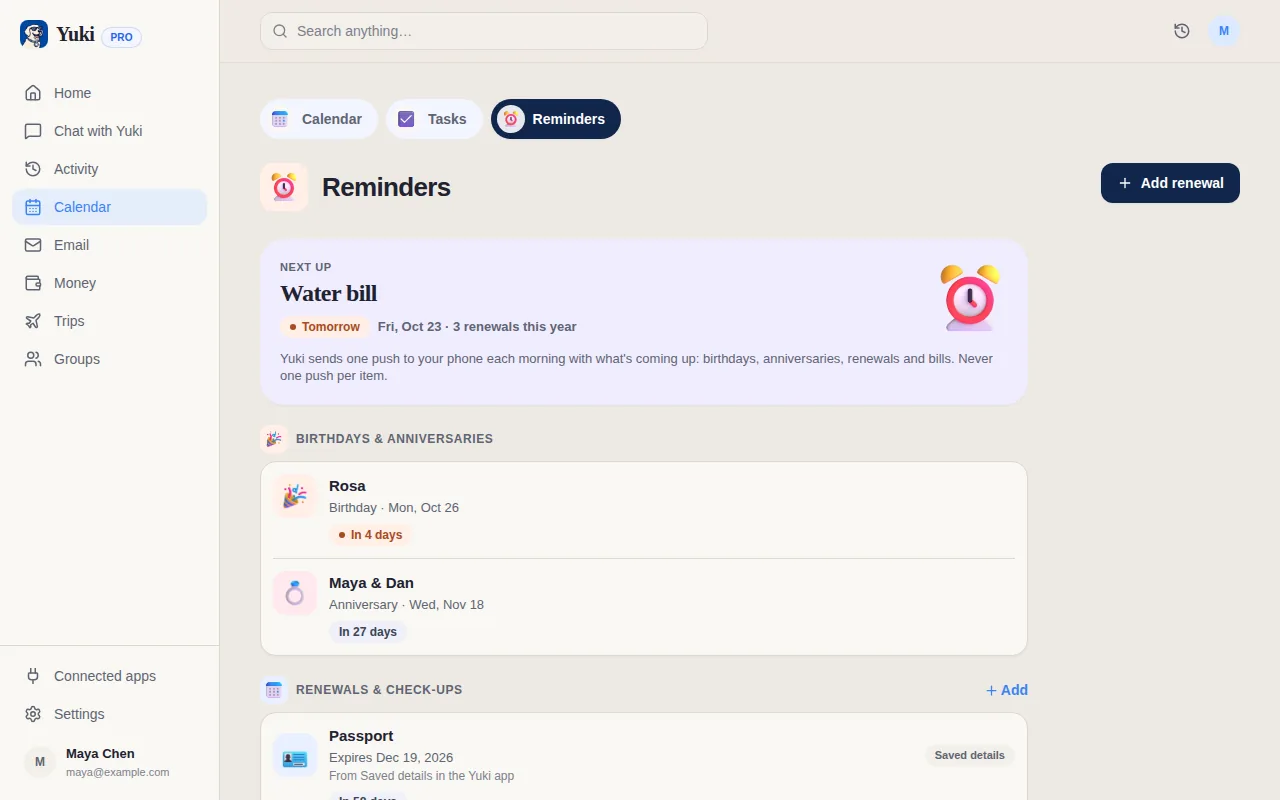
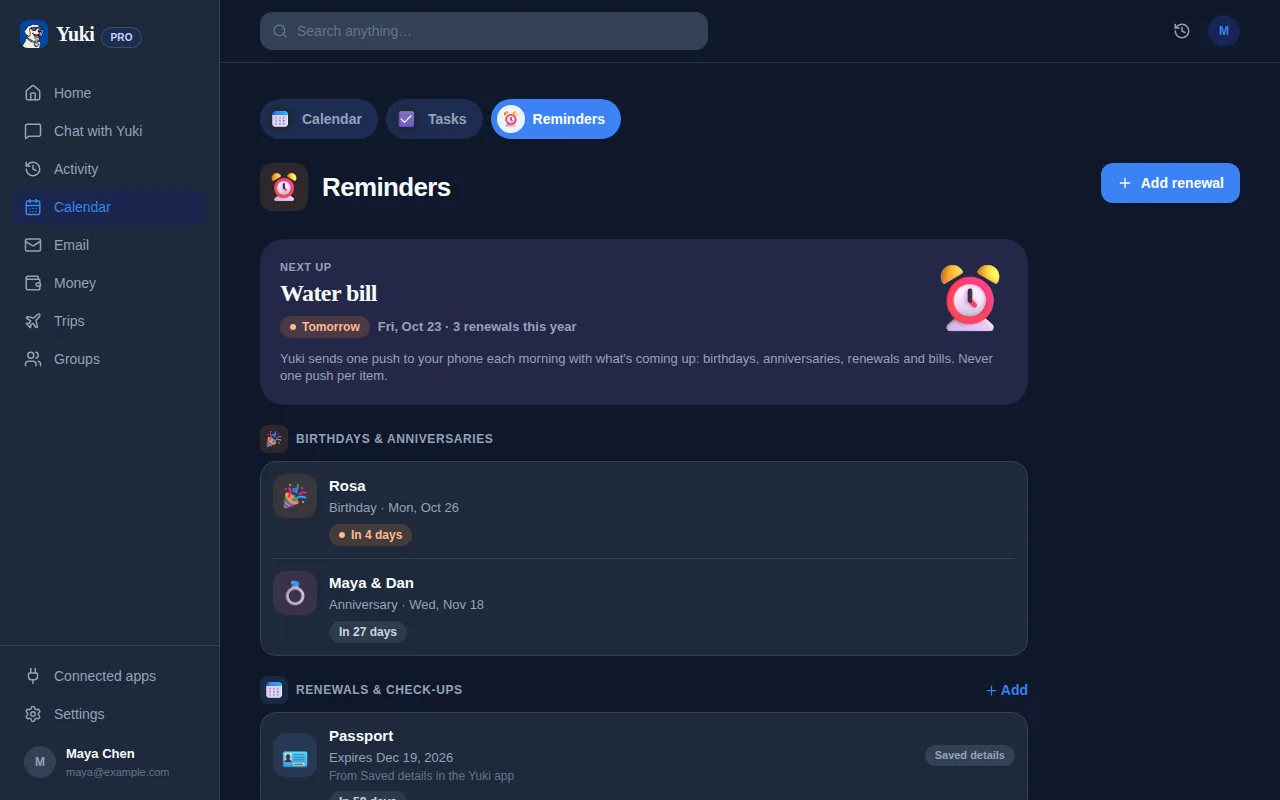
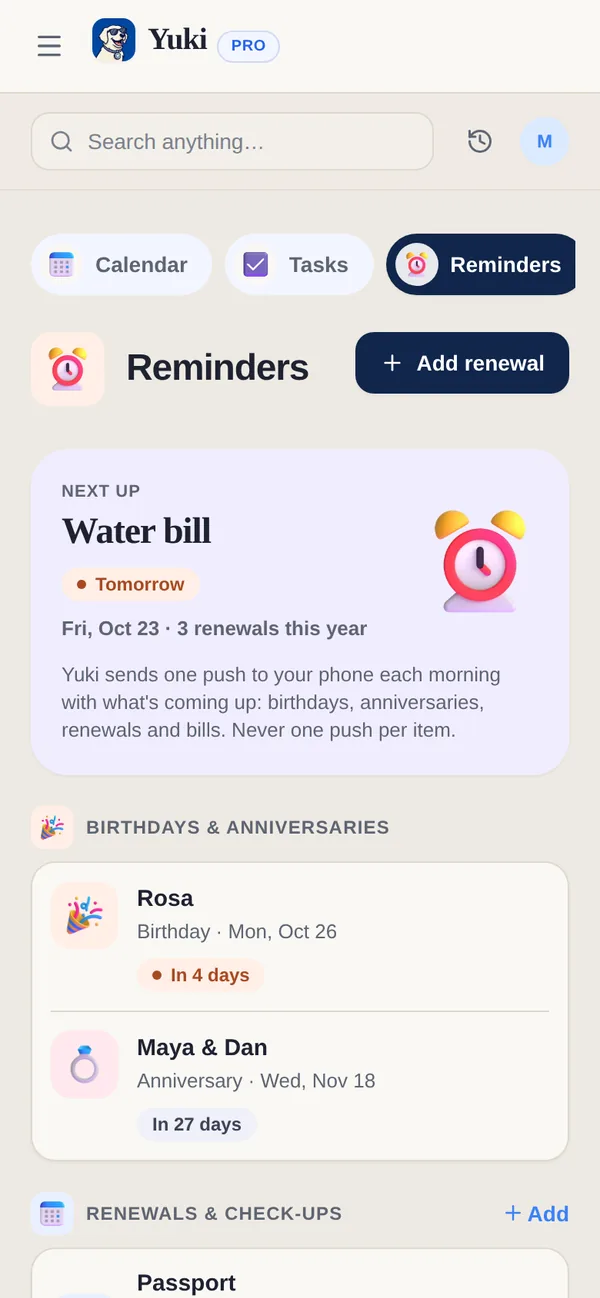
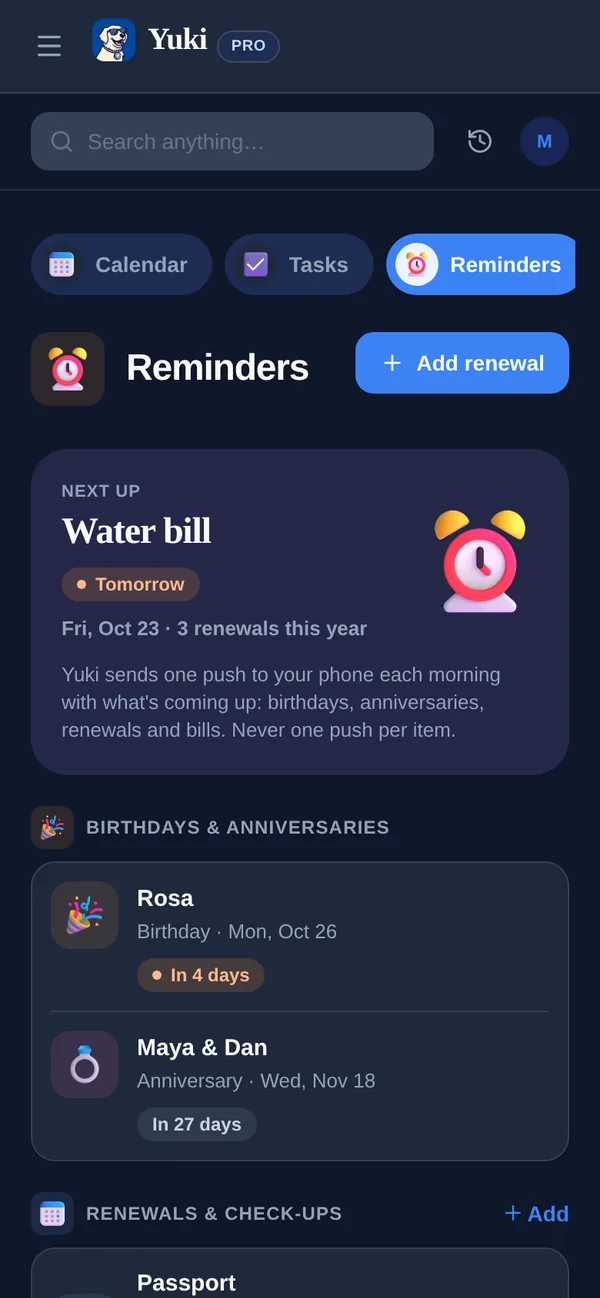
Oublier un anniversaire arrive rarement parce que vous vous en fichez — ça arrive parce que le rappel arrive trop tard, ou pas du tout. Vous vous en souvenez le jour même, quand il n’y a plus le temps de commander un cadeau ou de réserver une table, ou vous l’apprenez par une conversation de groupe deux jours après. La solution n’est pas une meilleure mémoire ; c’est un système qui fait ressortir les occasions à l’avance et vous relance pendant que vous pouvez encore agir. Ce guide vous accompagne pour construire ce système une fois pour toutes, pour que vous arrêtiez de compter sur votre cerveau — et comment Yuki peut discrètement le faire tourner pour vous en arrière-plan.
Pourquoi on oublie — et pourquoi les rappels le jour même n’aident pas
La plupart des gens ont déjà des anniversaires enregistrés quelque part — un contact téléphone, un agenda, une note mentale. Le problème, c’est le timing. Une notification qui se déclenche à 9h le jour même vous dit qu’il est trop tard pour expédier un cadeau, et souvent trop tard pour faire quoi que ce soit d’attentionné. À ce moment-là, vous vous précipitez pour écrire un message de dernière minute qui a exactement l’air d’avoir été écrit à la dernière minute.
Le deuxième mode d’échec, c’est la fragmentation. L’anniversaire de votre partenaire vit dans votre tête, celui de votre mère est dans une fiche contact, celui de votre meilleur ami est enfoui dans un souvenir Facebook, et la réservation de dîner pour votre anniversaire de couple est un e-mail de confirmation que vous ne retrouverez jamais en faisant défiler. Quand l’information vit à cinq endroits, aucun d’eux ne vous atteint de façon fiable à temps.
Le but est de regrouper chaque occasion à un seul endroit et de déplacer le rappel plus tôt — assez tôt pour que « se souvenir » et « agir » puissent être le même moment calme au lieu d’une panique.
Construisez une seule liste complète de dates
Commencez par rassembler chaque occasion récurrente qui compte dans une seule liste. C’est un effort unique qui rapporte pendant des années, parce que les anniversaires se répètent chaque année — saisissez-les une fois comme événements récurrents et ils ne disparaîtront jamais.
Soyez exhaustif maintenant pour ne pas ajouter des noms de façon réactive pour le reste de votre vie. Un bon balayage couvre plus que vous ne le pensez.
- La famille proche et votre partenaire — anniversaires et votre propre anniversaire de couple
- Les amis proches et les anniversaires de leurs enfants
- La famille élargie : parents, frères et sœurs, beaux-parents, grands-parents
- Les relations professionnelles qui méritent d’être reconnues — un manager, un collègue proche
- Les occasions récurrentes au-delà des anniversaires : anniversaires de mariage, commémorations, dates « on s’est rencontrés »
- Les événements ponctuels déjà dans votre boîte mail : invitations, réponses, save-the-dates
Fixez le rappel assez tôt pour agir
C’est l’étape la plus importante. Pour tout ce qui pourrait impliquer un cadeau, fixez votre alerte 10 à 14 jours avant. Pour une carte ou un plan (dîner, appel), 5 à 7 jours suffisent. Pour un simple texto, la veille convient. Adaptez le délai à l’effort que mérite l’occasion.
Un schéma utile est une relance en deux temps : un préavis précoce (« l’anniversaire de maman dans deux semaines — commande quelque chose ») et une confirmation la même semaine (« l’anniversaire de maman samedi — tu l’as envoyé ? »). Le premier vous donne du temps ; le second attrape ce qui aurait échappé.
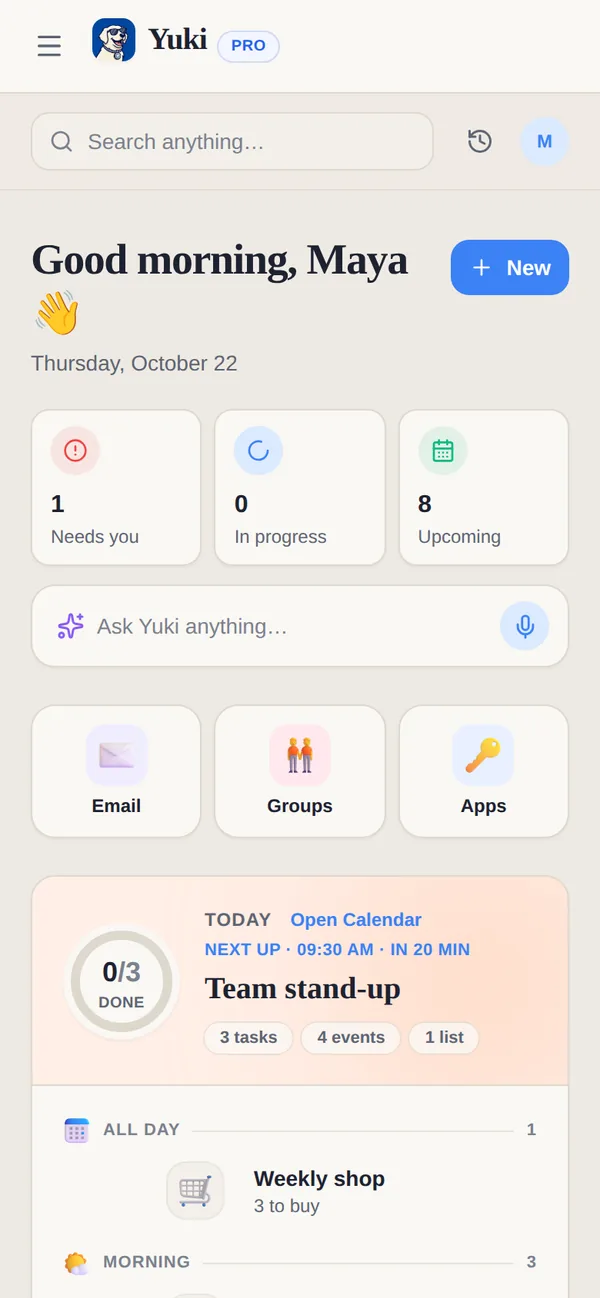
Si vous gardez vos occasions dans un agenda, c’est là que la synchronisation bidirectionnelle d’agenda compte — une occasion ajoutée sur votre téléphone devrait apparaître partout où vous regardez déjà, pour que vous ne dépendiez jamais d’une seule appli que vous pourriez oublier d’ouvrir. L’agenda de Yuki écrit de façon bidirectionnelle dans Google Calendar, donc anniversaires et dates commémoratives apparaissent aux côtés du reste de votre vie plutôt que dans un silo séparé.
Laissez votre boîte mail se souvenir à votre place
Tenir une liste manuellement, c’est la version fiable-mais-fastidieuse. La version à faible effort consiste à laisser les confirmations déjà présentes dans votre boîte mail remplir le système automatiquement. Invitations à des fêtes, save-the-dates, fils de réponses et reçus de commande de cadeaux portent tous des dates — et ils arrivent déjà dans votre e-mail.
C’est là que Yuki élimine entièrement la charge mentale. Il se connecte à Gmail et transforme ces invitations et confirmations en événements d’agenda et rappels sans que vous copiiez quoi que ce soit. Une invitation qui atterrit dans votre boîte mail devient un événement daté dont on vous rappellera vraiment, et un cadeau que vous avez commandé devient une livraison suivie pour que vous sachiez qu’il arrivera à temps.
Vous pouvez aussi simplement demander. Yuki AI comprend le langage naturel, donc « c’est quand l’anniversaire de ma sœur ? » ou « quelles occasions arrivent le mois prochain ? » vous donne une réponse sans fouiller — se souvenir cesse d’être votre travail.
Partagez la charge pour que personne ne laisse tomber
Pour les couples, familles et coparents, les occasions sont souvent une responsabilité partagée qui retombe discrètement sur une seule personne. L’échec classique, c’est que les deux partenaires supposent que l’autre « s’en occupe » pour l’anniversaire d’une nièce — et aucun des deux ne le fait.
Une liste partagée corrige ça en rendant le plan visible à tous. Quand les deux personnes peuvent voir les mêmes occasions à venir, les idées de cadeaux et qui s’occupe de quoi, la charge mentale cesse de vivre dans la tête d’une seule personne. Les groupes partagés de Yuki permettent aux couples, familles et coparents de garder une vue commune des anniversaires, événements et plans — pour que se souvenir devienne un effort d’équipe plutôt qu’un effort solitaire dont vous êtes silencieusement responsable.
Étape par étape
- 1Rassemblez chaque occasion récurrente — famille, partenaire, amis proches, beaux-parents, anniversaires de mariage — à un seul endroit, saisie comme événements récurrents annuels.
- 2Pour chaque occasion, fixez un délai adapté à l’effort : 10 à 14 jours pour les cadeaux, 5 à 7 jours pour les cartes ou plans, 1 jour pour un texto.
- 3Ajoutez une relance en deux temps là où ça compte : un préavis précoce pour agir, plus une confirmation la même semaine pour attraper ce qui échappe.
- 4Connectez votre e-mail pour que invitations, save-the-dates et réponses se transforment automatiquement en rappels datés au lieu d’être enfouis.
- 5Synchronisez les occasions avec l’agenda que vous consultez déjà chaque jour pour que les rappels vous atteignent là où vous regardez vraiment.
- 6Partagez la liste avec votre partenaire ou votre famille pour que la responsabilité soit visible et que rien ne dépende de la mémoire d’une seule personne.