
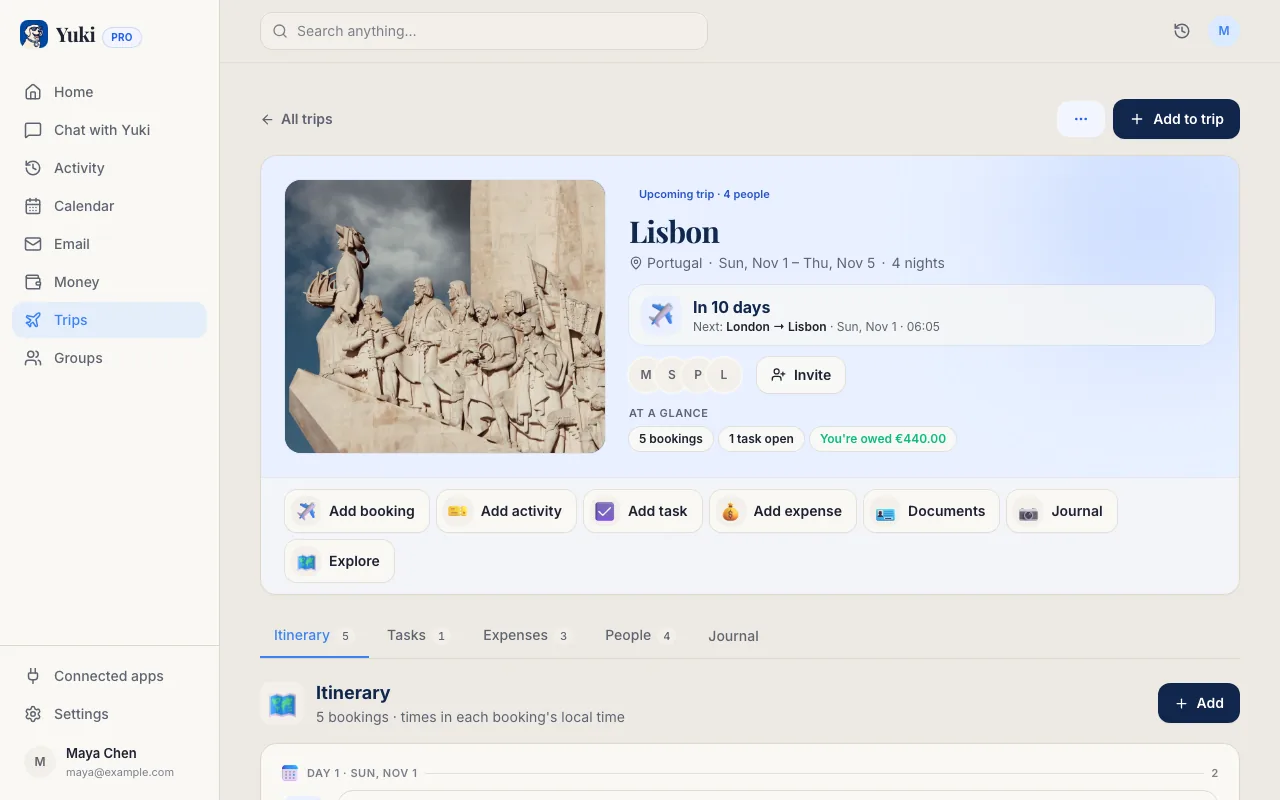
Reservar uma viagem é empolgante. Acompanhá-la não é. Quando você já reservou um voo, um hotel, um transfer de aeroporto e um carro alugado, os detalhes estão espalhados entre uma dúzia de e-mails de confirmação de quatro empresas diferentes — cada um com o seu próprio formato, seus próprios horários, e seu próprio número de confirmação que você vai precisar no check-in. A solução antiga é uma planilha manual ou uma nota que você reconstrói a cada viagem. A solução melhor é deixar os e-mails que você já tem se montarem sozinhos em um único roteiro, dia a dia. Este guia mostra como fazer isso na mão, se você quer controle total, e como fazer isso acontecer automaticamente, para que o seu roteiro esteja sempre atualizado — mesmo quando a companhia aérea muda o seu voo.
Comece com o que já está na sua caixa de entrada
Você quase nunca precisa caçar detalhes de viagem — eles foram enviados por e-mail no momento em que você reservou. Um roteiro completo é, na verdade, só quatro tipos de confirmação, reunidos na ordem certa:
O erro que a maioria das pessoas comete é tratar cada e-mail como uma coisa separada para lembrar. Uma confirmação de voo, uma reserva de hotel e um aluguel de carro para a mesma viagem são um único roteiro vestindo três fantasias. O trabalho é conectá-los.
- Voos — companhia aérea, número do voo, horários de partida/chegada, terminal, e o localizador de reserva (PNR) que você vai precisar no balcão
- Hotéis — nome e endereço do estabelecimento, datas de check-in/check-out, e o número de confirmação
- Carros alugados e transfers — local e horário de retirada e devolução, mais o número da reserva
- Passeios, eventos e refeições — qualquer coisa com data e horário que ancore parte de um dia
Reúna os detalhes em uma única visão cronológica
Um roteiro só é útil quando está ordenado por quando as coisas acontecem, não por quando você as reservou. Organize a viagem inteira em uma linha do tempo: pousar às 14h40, check-in do hotel a partir das 15h, reserva de jantar às 19h30, retirada do carro na manhã seguinte às 9h. Ver na sequência é o que revela os problemas — a conexão apertada, o hotel em que você não consegue fazer check-in por três horas, a devolução do carro que não deixa margem antes de o portão fechar.
É também aqui que você pega as lacunas que custam dinheiro e estresse de verdade: um voo noturno que pousa antes de o check-in abrir, uma devolução de carro em um terminal diferente da sua partida, reservas sobrepostas por causa de uma mudança que você esqueceu de cancelar. Uma pilha plana de e-mails esconde isso. Um único roteiro cronológico torna tudo óbvio.
Mantenha os números de confirmação grudados a cada item. Todo o objetivo de um roteiro é que, quando você estiver no balcão de aluguel com a bateria do celular descarregada, você não precise rolar o seu e-mail — o número que você precisa está bem ali, ao lado do horário de retirada.
Deixe o Yuki montar e manter isso automaticamente
Fazer tudo isso na mão funciona uma vez. O problema é que os planos mudam — as companhias aéreas remarcam você, os hotéis ajustam, você adiciona um passeio de última hora — e um roteiro montado na mão fica desatualizado no momento em que é terminado. Essa é exatamente a carga mental que o Yuki foi feito para remover.
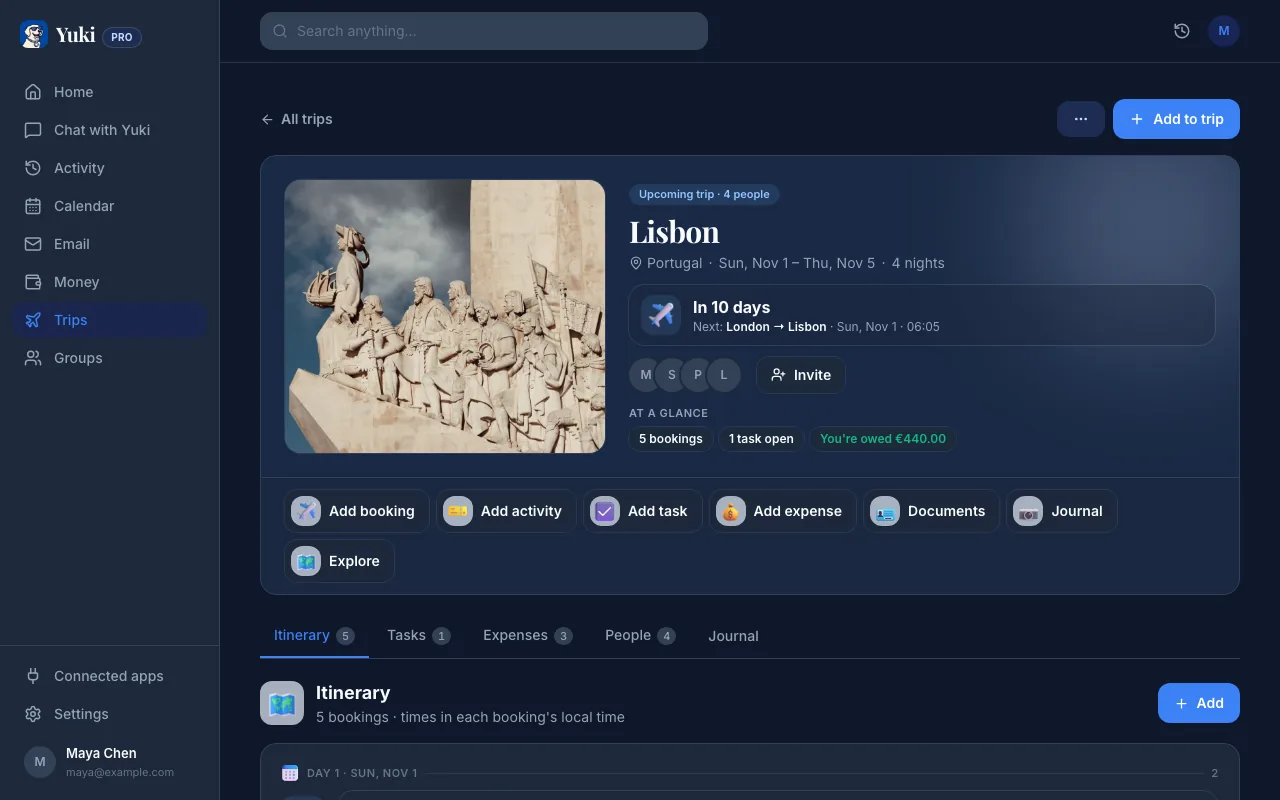
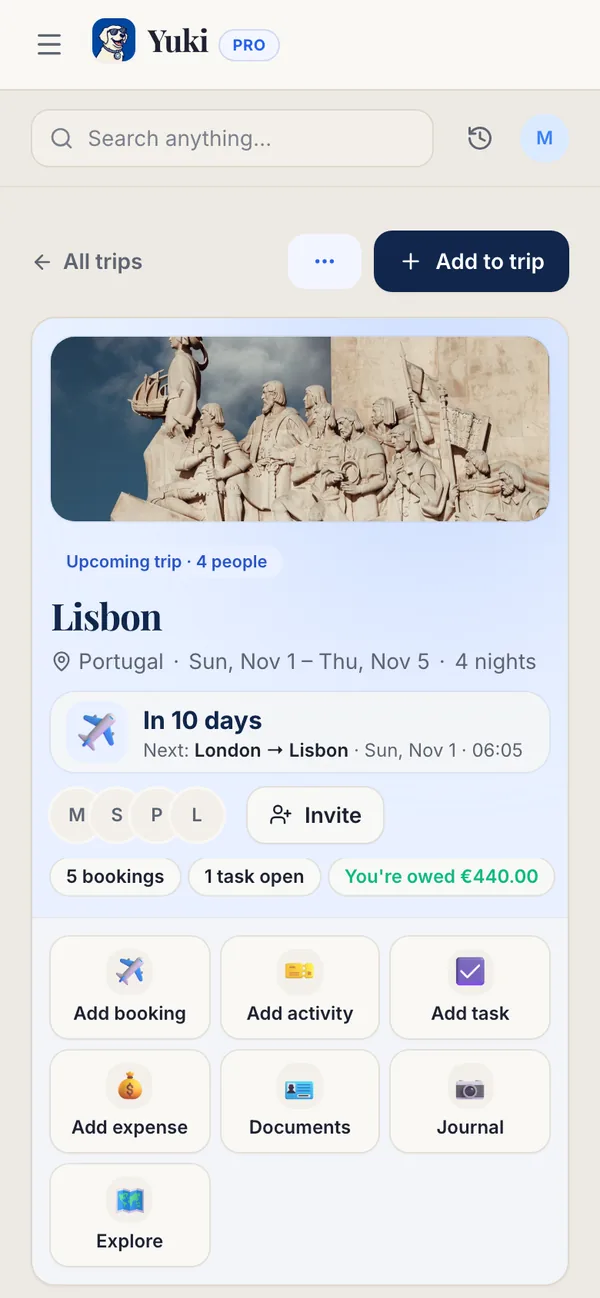
Conecte o seu Gmail, e o Yuki lê as confirmações que já estão na sua caixa de entrada, reconhece quais pertencem à mesma viagem, e monta os voos, hotéis e carros alugados em um único roteiro automaticamente — em ordem, com números de confirmação e endereços no lugar. Quando uma nova confirmação ou uma mudança chega no seu e-mail, ele atualiza a viagem em vez de deixar você perceber sozinho. É memória e coordenação trabalhando em segundo plano, para que a viagem continue organizada sem você precisar gerenciá-la.
Como o Yuki também grava no seu calendário, a mesma viagem aparece ao lado do resto da sua vida — sincronizada de forma bidirecional com o Google Calendar (e com o Apple Calendar no iOS) — para que uma partida às 6h da manhã não seja uma surpresa enterrada em um e-mail que você esqueceu de reabrir.
Compartilhe e mantenha a viagem inteira junta
A maioria das viagens não é solo. O parceiro, a família ou amigos precisam dos mesmos horários de voo e do mesmo endereço de hotel que você — e reencaminhar uma corrente de confirmações para todo mundo é uma tarefa em si. Com os grupos compartilhados, o roteiro vive em um único lugar que todo o grupo pode ver, então ninguém está perguntando 'que horas a gente pousa?' na noite anterior.
O roteiro também é só uma parte de uma viagem. A mesma caixa de entrada que guarda a sua confirmação de voo guarda os recibos de reserva, as cobranças de depósito, e as assinaturas que você talvez queira pausar enquanto está fora. O Yuki controla esses gastos ao lado da viagem, para que 'quanto isso custou' tenha uma resposta sem um projeto de reconstrução quando você voltar para casa. Com o tempo, os lugares que você visita até se acumulam em um passaporte de viagens de países visitados — um registro que você não precisou anotar.
Passo a passo
- 1Reúna toda confirmação da viagem: voos, hotéis, carros alugados, transfers, e quaisquer reservas de passeio ou evento — elas geralmente chegam de remetentes diferentes em dias diferentes.
- 2Extraia os detalhes essenciais de cada uma: datas e horários exatos, números de confirmação/localizador, endereços, e informações de terminal/portão ou local de retirada.
- 3Ordene tudo em uma sequência cronológica, dia a dia, para que partidas, check-ins e retiradas se alinhem do jeito que você realmente vai vivê-los — não na ordem em que você reservou.
- 4Anote as lacunas e sobreposições: uma conexão de 40 minutos, um check-in de hotel que é horas depois de você pousar, uma devolução de carro que está apertada com o seu voo.
- 5Coloque o roteiro em algum lugar que você consiga acessar offline e compartilhe com quem estiver viajando com você.
- 6Ou conecte o Gmail ao Yuki e pule os passos 1 a 5 — ele detecta as confirmações, as agrupa em uma viagem, e mantém o roteiro atualizado quando os planos mudam.