

A maioria de nós é péssima em lembrar exatamente onde já esteve. Aquela conexão em Doha foi realmente uma "visita"? Aquela viagem de carro cruzou para outro país por uma tarde? Anos depois, os carimbos de fronteira desbotam, os cartões de embarque são jogados fora, e a resposta para "quantos países você já visitou?" vira um chute confuso. Manter um registro real dos países que você visitou transforma esse chute em algo que você pode ver, compartilhar e continuar adicionando pelo resto da vida. Este guia cobre como decidir o que conta, as melhores formas de registrar cada viagem, e como deixar as confirmações que já estão na sua caixa de entrada construírem o mapa para você.
Primeiro, decida o que realmente conta como "visitado"
Antes de começar a registrar, defina uma regra para você mesmo, para que a sua lista permaneça honesta e consistente. Os dois padrões mais comuns são a regra do trânsito no aeroporto e a regra do pé no chão. Na versão estrita, um país só conta se você saiu do aeroporto e passou um tempo nele; na versão mais flexível, uma conexão ou até sobrevoar o espaço aéreo conta. Não existe uma resposta oficial — escolha uma e aplique a todas as viagens.
O motivo pelo qual a consistência importa é a comparação ao longo do tempo. Se você conta conexões este ano mas não no próximo, o seu total perde o sentido. Comunidades de viajantes frequentes e sites de contagem de países costumam se decidir por "você pisou no solo e passou pela imigração ou saiu da zona de trânsito", que é um padrão bom e defensável. O que você escolher, anote ao lado da sua lista, para que o seu eu futuro lembre da regra.
- Estrito: só conta se você saiu do aeroporto/passou pela imigração
- Flexível: conexões e trânsito contam
- Decida também como você vai lidar com territórios, regiões disputadas e países que não existem mais
- Anote a sua regra ao lado da sua lista, para que ela permaneça consistente por anos
Registre cada país enquanto a viagem está fresca — não anos depois
O maior motivo pelo qual as pessoas não conseguem lembrar de todo país que já visitaram é que elas tentam reconstruir a lista de memória muito tempo depois do fato. A solução é registrar um país no momento em que você tem prova da viagem: quando você reserva o voo, quando faz check-in no hotel, ou no dia em que cruza a fronteira. Esperar até "algum dia" é como os passeios de uma tarde e as férias em família de muito tempo atrás desaparecem silenciosamente do seu registro.
As suas confirmações de reserva são a melhor evidência que você tem. Uma confirmação de voo nomeia o aeroporto e o país de destino; uma confirmação de hotel nomeia a cidade; uma reserva de carro alugado ou trem traça a sua rota. Esses e-mails caem na sua caixa de entrada automaticamente, o que faz da sua caixa de entrada o diário de viagem mais completo e preciso que você já possui — você só precisa transformá-lo em uma lista.
- Registre o país quando reservar ou quando chegar, não meses depois
- Confirmações de voo, hotel e trem são fortes provas com data
- Guarde o e-mail de confirmação — é o seu carimbo de data/hora e recibo
- Acrescente uma anotação de uma linha sobre o que você fez lá enquanto está fresco na memória
Transforme a sua caixa de entrada em um passaporte de viagens automaticamente
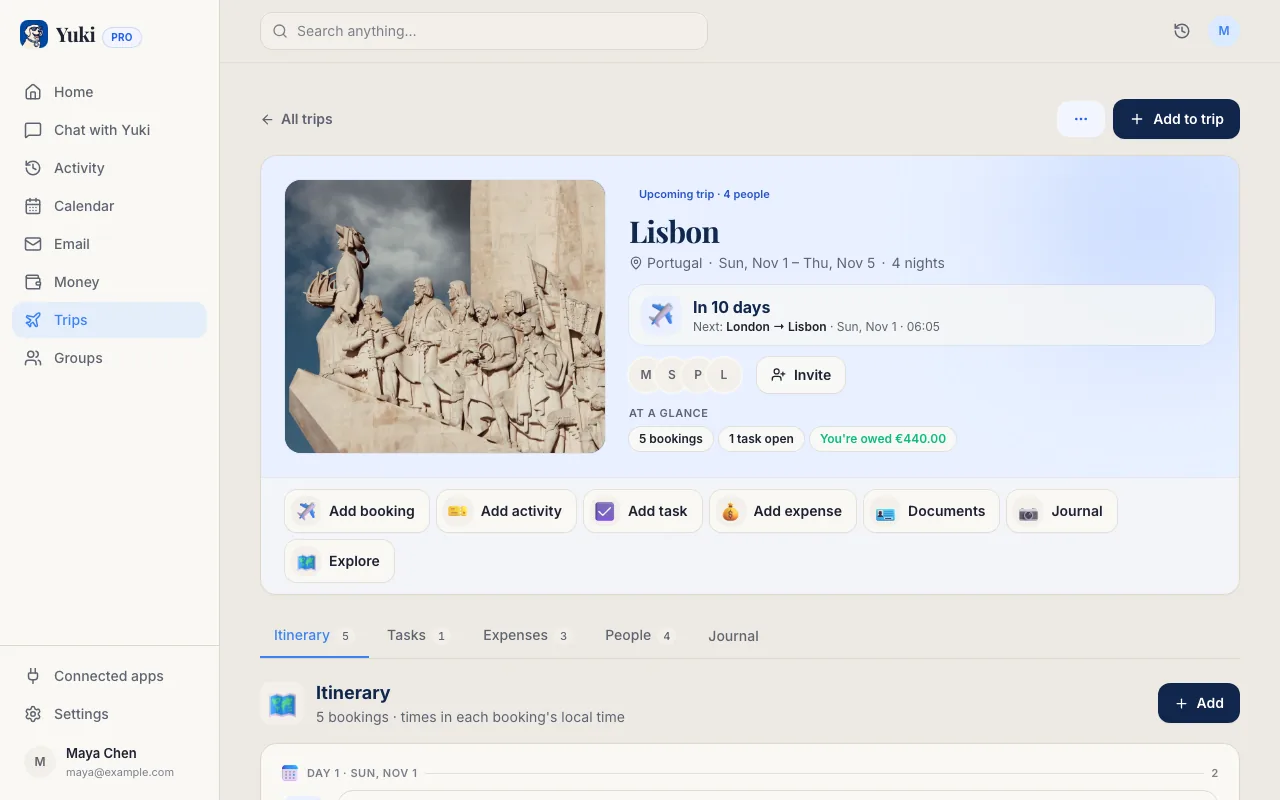
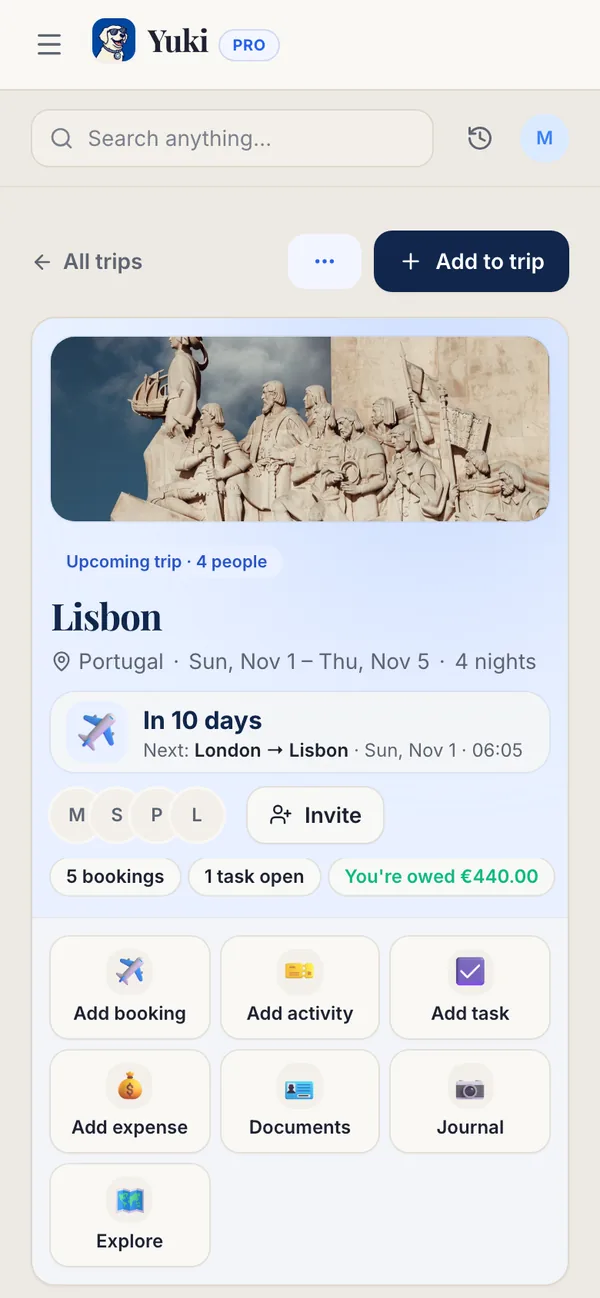
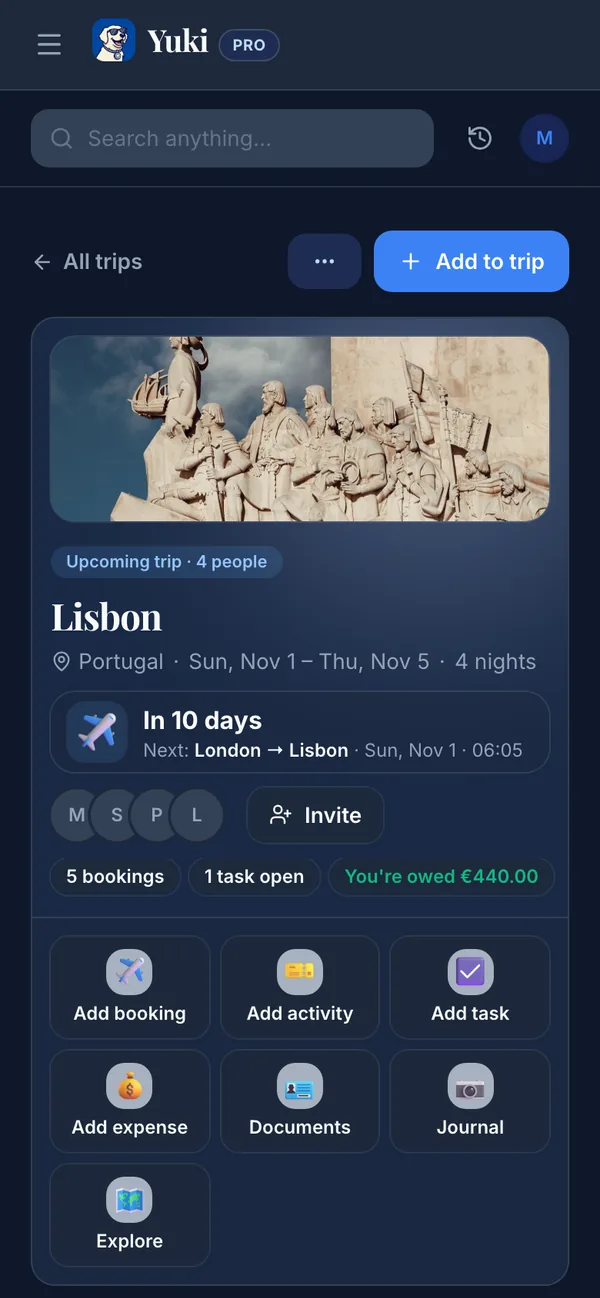
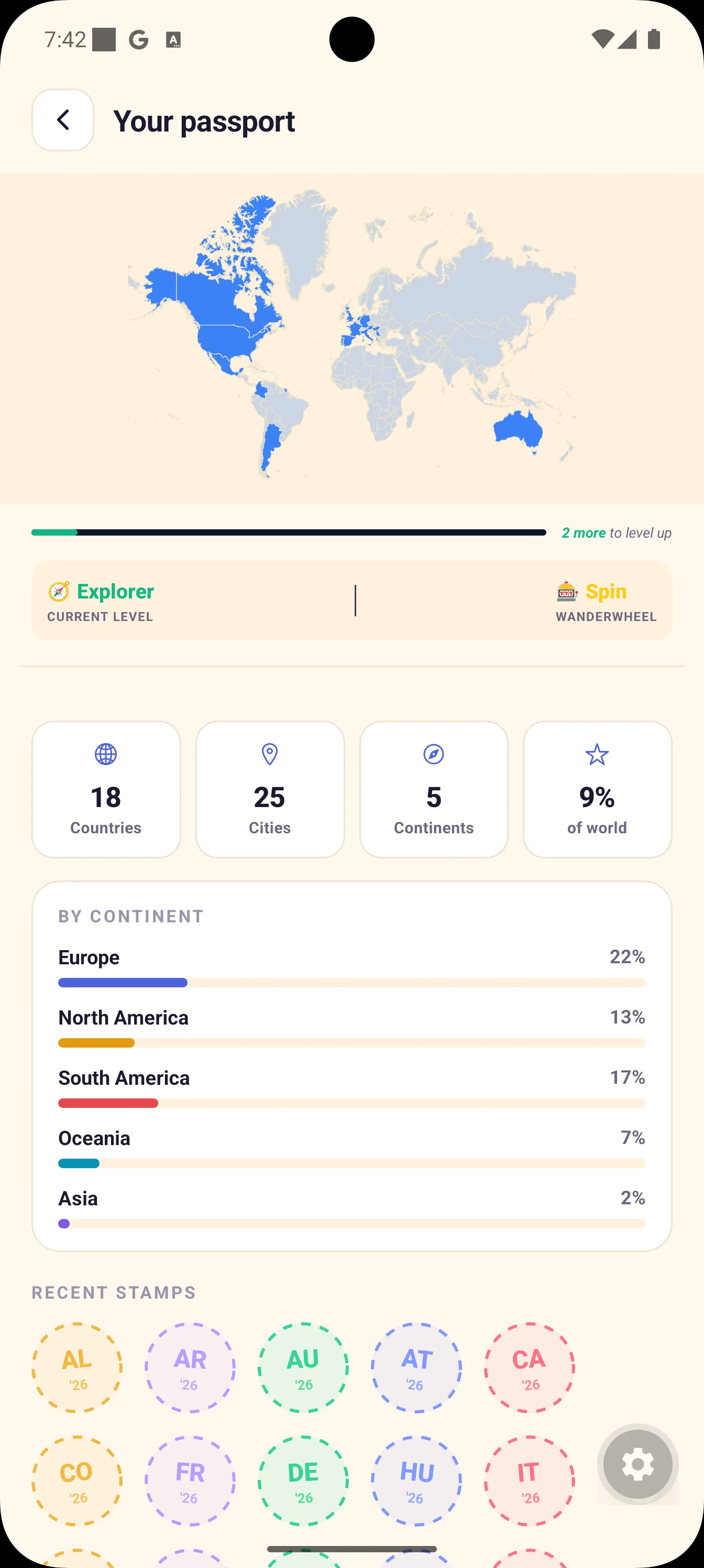
Manter uma planilha ou um mapa de raspar manualmente funciona, mas depende inteiramente de você lembrar de atualizar. Uma abordagem mais duradoura é deixar uma ferramenta ler as confirmações de viagem que já estão no seu e-mail e construir o registro para você. O Yuki se conecta ao Gmail e transforma confirmações de voo, hotel e reserva em roteiros de viagem completos — e, ao fazer isso, monta um passaporte de viagens dos países que você visitou, para que o seu mapa cresça a cada viagem, sem nenhum registro manual.
Como o Yuki trabalha a partir das suas confirmações reais, o registro é fundamentado em evidências, não em memória, e ele alcança as viagens que já estão na sua caixa de entrada. Essa é a mesma ideia de memória e coordenação por trás de tudo o que o Yuki faz: ele lembra os detalhes da sua vida para que você não precise carregá-los na cabeça. O Yuki é grátis para baixar e roda no iOS e no Android.
Se você viaja com o parceiro ou a família, você também pode manter uma visão compartilhada das viagens, para que o registro de onde vocês já estiveram viva em um só lugar, em vez de espalhado em celulares separados.
- Conecte o Gmail — as confirmações viram roteiros automaticamente
- Um passaporte de viagens de países visitados se constrói sozinho conforme você reserva viagens
- Funciona a partir de evidências reais de reserva, incluindo viagens passadas na sua caixa de entrada
- Grátis no iOS e no Android
Mantenha o registro rico, não só um número
Uma contagem de "37 países" é divertida, mas o registro que você vai realmente valorizar daqui a dez anos é aquele com textura: o ano em que você foi, com quem estava, e uma memória de cada lugar. Quando você registrar um país, acrescente uma frase — a refeição em que você ainda pensa, a pessoa que conheceu, o motivo da viagem. Custa segundos agora e transforma uma contagem em uma história.
Fotos ancoram a memória melhor do que nomes, então associe pelo menos uma imagem a cada país, se possível, e faça backup de tudo periodicamente. O objetivo é um registro que sobreviva a um celular perdido e a uma memória desbotada — algo que você possa abrir para responder "já estivemos lá?" ou para planejar o próximo destino.
- Acrescente o ano, os companheiros e uma memória por país
- Anexe uma foto para fazer cada registro grudar na memória
- Faça backup para que sobreviva a um celular perdido ou trocado
- Use as lacunas no mapa para planejar a sua próxima viagem
Passo a passo
- 1Escolha a sua regra para o que conta como um país visitado (por exemplo, passou pela imigração/saiu do aeroporto) e anote.
- 2Reúna suas evidências: carimbos de passaporte, cartões de embarque antigos, e — de forma mais completa — as confirmações de voo e hotel no seu e-mail.
- 3Escolha onde o registro vai viver: uma planilha simples, um mapa de raspar, ou um app que o constrói a partir da sua caixa de entrada.
- 4Conecte o Gmail ao Yuki para que as confirmações da sua viagem virem roteiros e um passaporte de viagens de países visitados automaticamente.
- 5Preencha viagens passadas a partir de e-mails de confirmação antigos, para que o registro alcance o passado, não só o futuro.
- 6Acrescente um ano, os companheiros e uma memória (e, idealmente, uma foto) a cada país.
- 7Crie o hábito: registre o país no momento em que reservar uma nova viagem, para que nada escape.
- 8Faça backup do registro periodicamente, para que ele sobreviva a qualquer dispositivo isolado.