
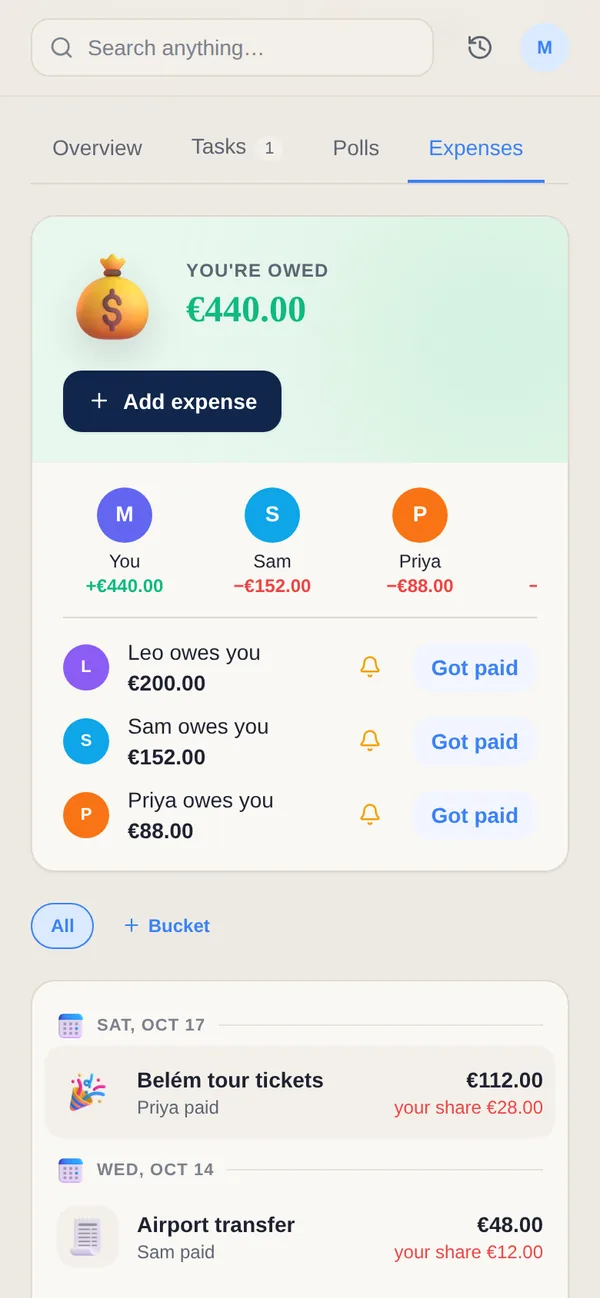
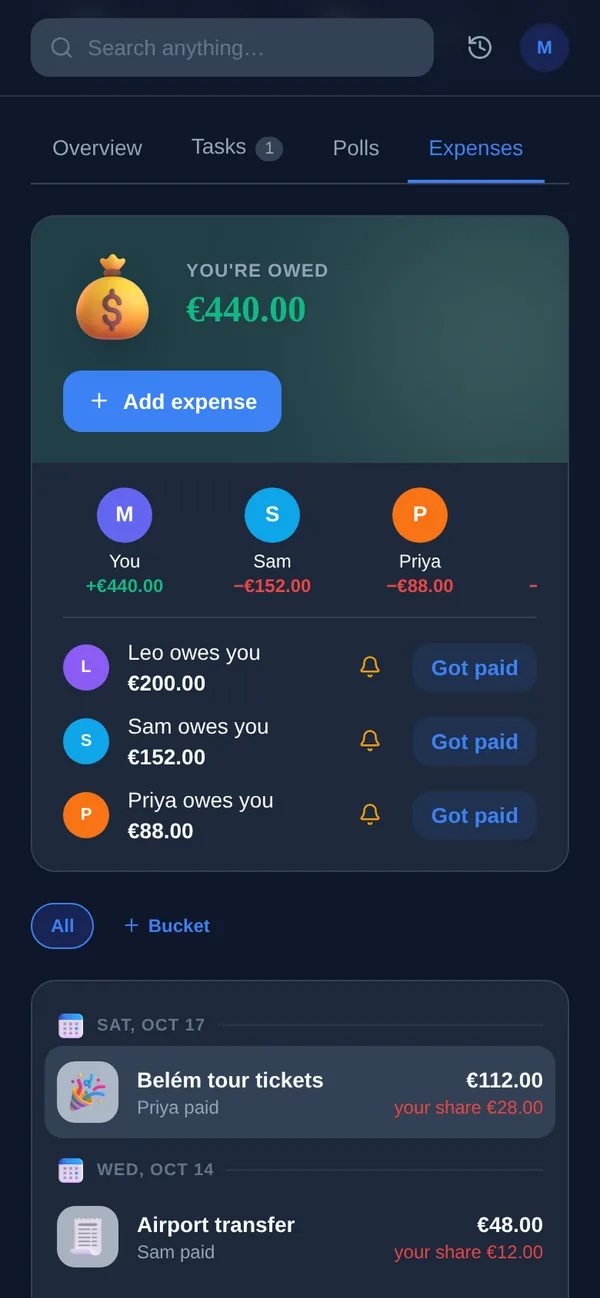
L’argent partagé commence simplement — une personne fait les courses, une autre couvre le dîner, quelqu’un avance la facture de charges — et se transforme discrètement en une taxe sourde sur votre attention. Le tableur que tout le monde jurait de tenir à jour devient obsolète en deux semaines, et maintenant personne ne sait vraiment qui doit quoi à qui. Vous n’avez pas besoin d’un meilleur tableur ; vous avez besoin d’un système qui enregistre les dépenses au fur et à mesure, les partage équitablement par défaut, et donne à tout le monde le même total continu sans rituel de réconciliation mensuel. Ce guide vous accompagne pour mettre ça en place, ce dont il faut convenir à l’avance, et comment laisser un suivi partagé porter la charge mentale au lieu de votre mémoire.
Pourquoi les tableurs échouent avec l’argent partagé
Les tableurs excellent en calcul et sont terribles en entretien. Les formules fonctionnent parfaitement — le problème, c’est qu’un suivi de dépenses partagé ne dit la vérité que si tout le monde saisit tout, à chaque fois, et cette discipline s’effondre en quelques jours. Une personne enregistre en temps réel, une autre garde les reçus pour les saisir « plus tard », et plus tard n’arrive jamais.
Le problème plus profond, c’est qu’un tableur est un document passif. Il ne rappelle rien à personne, il ne remarque pas une nouvelle facture dans votre boîte mail, et il ne dit pas à votre colocataire que le solde a changé. Toute cette coordination retombe sur la mémoire humaine — ce qui est exactement la charge mentale que vous essayiez de déléguer. La solution n’est pas plus de colonnes ; c’est de passer à un outil qui capture les dépenses activement et garde tout le monde synchronisé automatiquement.
- La saisie manuelle se dégrade vite — le suivi n’est aussi à jour que la personne la moins assidue
- Aucun rappel ni relance, donc les factures récurrentes sont oubliées ou comptées deux fois
- Confusion de versions — qui a la dernière copie, et la dernière modification a-t-elle été enregistrée ?
- Peu pratique à partager et modifier sur un téléphone, là où la plupart des dépenses ont vraiment lieu
Convenez des règles avant de suivre le moindre euro
La plupart des frictions d’argent partagé ne concernent pas le suivi — c’est les suppositions tues. Avant d’enregistrer quoi que ce soit, ayez la conversation de cinq minutes sur comment les choses se partagent. Un 50/50 net est le plus simple, mais les partages proportionnels aux revenus (chacun paie une part de ses gains) semblent plus équitables à beaucoup de couples, et les colocataires mélangent souvent les méthodes : loyer selon la taille de la chambre, charges également, courses seulement entre ceux qui en mangent.
Écrivez les règles quelque part que vous verrez tous les deux. Décidez ce qui compte comme « partagé » par opposition à personnel, comment vous gérerez les gros achats ponctuels, et — c’est essentiel — quand vous soldez les comptes. Un rythme fixe comme le jour de paie ou le 1er du mois transforme le solde des comptes en routine plutôt qu’en demande gênante. Rendre ces accords explicites, c’est ce qui rend le suivi quotidien sans effort, parce que chaque dépense a déjà un foyer évident.
- Choisissez une méthode de partage : égale, basée sur les revenus, ou par catégorie
- Définissez partagé vs. personnel pour que les achats limites ne suscitent pas de débat
- Fixez un rythme de solde des comptes (jour de paie, hebdomadaire, ou le 1er) et tenez-vous-y
- Décidez à l’avance comment les coûts importants ou irréguliers sont gérés
Enregistrez les dépenses là où elles se produisent vraiment — automatiquement
La plus grande amélioration par rapport à un tableur, c’est une capture qui ne dépend pas de la volonté. Beaucoup de dépenses partagées génèrent déjà une trace dans votre boîte mail : la facture de charges, le renouvellement de streaming, la commande de courses en ligne, le vol que vous avez réservé ensemble. Si un outil lit ces confirmations et les transforme tout seul en dépenses suivies, vous avez éliminé l’étape où le suivi échoue habituellement.
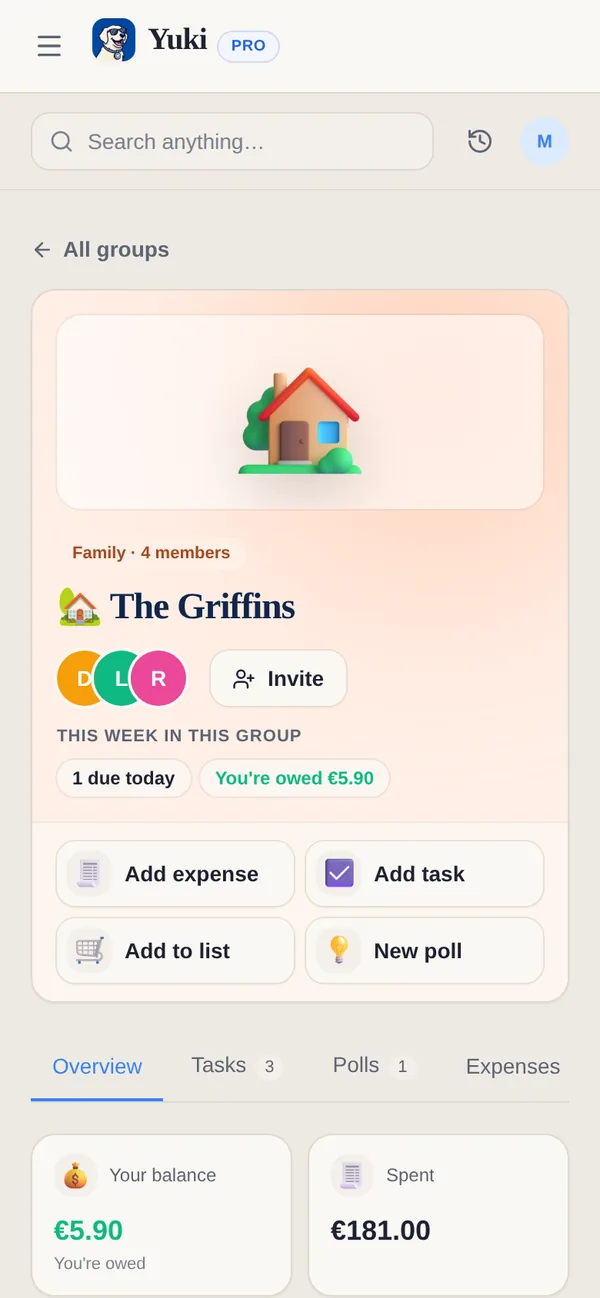
Yuki fait exactement ça. Il se connecte à votre Gmail et transforme les reçus, factures et renouvellements d’abonnement déjà présents dans votre boîte mail en dépenses suivies — sans saisie manuelle, sans coûts oubliés. Ce qu’il capture atterrit dans un groupe partagé que vous configurez pour votre partenaire, votre famille, ou vos colocataires, donc tout le monde voit le même total continu en temps réel. Comme il puise dans la boîte mail plutôt que dans votre mémoire, le suivi reste à jour même les semaines où personne n’a envie de faire de l’administratif.
Pour tout ce qui n’est pas dans un e-mail — le liquide que vous avez avancé pour quelqu’un, le taxi partagé — vous l’ajoutez en quelques tapotements sur votre téléphone, là où vous êtes déjà quand la dépense a lieu. Cette combinaison de capture automatique plus saisie manuelle rapide, c’est ce qu’un tableur ne pourra jamais égaler.
- Factures et reçus de votre boîte mail deviennent des dépenses suivies automatiquement
- Les groupes partagés donnent aux couples, familles et colocataires une seule source de vérité en direct
- Ajoutez du liquide ou des partages hors boîte mail en quelques secondes depuis votre téléphone
- Les factures récurrentes se répètent toutes seules au lieu d’une ressaisie mensuelle
Partagez, soldez les comptes, et gardez ça sans drame
Une fois que les dépenses atterrissent à un seul endroit partagé, partager et solder les comptes cessent d’être une négociation. Un bon suivi partagé tient un solde continu de qui est en avance et qui doit, applique votre partage convenu à chaque dépense, et vous laisse solder les comptes à zéro quand le jour de paie arrive. Les groupes partagés de Yuki incluent le partage de factures et le solde des comptes, donc la conversation gênante « alors… je te dois combien ? » devient un coup d’œil à un chiffre auquel vous faites déjà tous les deux confiance.
Gardez le registre honnête en attachant la source — le reçu ou l’e-mail de confirmation — à chaque dépense. Quand il y a une question, vous pointez vers le registre au lieu de compter sur des mémoires concurrentes, ce qui est d’où viennent vraiment la plupart des désaccords d’argent. Passez le solde en revue ensemble chaque semaine pour qu’il ne se transforme jamais en surprise tendue de fin de mois. Tout l’intérêt est de retirer de votre assiette le fait de se souvenir, de relancer et de réconcilier, et de le confier à un système qui n’oublie jamais.
- Un solde en direct montre qui est en avance sans aucun calcul manuel
- Le solde des comptes ramène le total à zéro selon votre rythme choisi
- Les reçus attachés règlent les litiges par le registre, pas par une dispute
- Des coups d’œil hebdomadaires gardent les soldes petits et les conversations calmes
Étape par étape
- 1Convenez des règles de partage à l’avance : 50/50, selon les revenus, ou par catégorie (loyer divisé par taille de chambre, courses également).
- 2Choisissez un seul endroit partagé pour enregistrer les dépenses afin qu’il y ait une seule source de vérité au lieu de textos et reçus éparpillés.
- 3Enregistrez chaque coût partagé au moment où il se produit — montant, qui a payé, et comment il se partage — pour que rien ne dépende de la mémoire.
- 4Laissez les factures récurrentes (loyer, charges, streaming) se répéter automatiquement au lieu de les ressaisir chaque mois.
- 5Passez le solde continu en revue chaque semaine pour qu’il ne se transforme jamais en réconciliation effrayante de fin de mois.
- 6Soldez les comptes à un rythme fixe — jour de paie ou le 1er — et ramenez le solde à zéro.
- 7Gardez reçus et confirmations attachés à chaque dépense pour que tout désaccord soit réglé par le registre, pas par une dispute.