
A maioria das pessoas não abandona o orçamento porque é descuidada com dinheiro — abandona porque registrar cada compra na mão é uma tarefa que ninguém mantém. Planilhas ficam desatualizadas depois de duas semanas. Apps de orçamento vibram pedindo uma categoria que você tem que atribuir manualmente. Mas aqui está algo que quase todo mundo ignora: você já tem um registro quase completo e com data e hora dos seus gastos, parado no seu e-mail. Todo pedido on-line, renovação de assinatura, corrida, voo e conta de serviço envia uma confirmação ou recibo. Este guia mostra como controlar seus gastos minerando o que já está na sua caixa de entrada — sem entrada de dados diária, sem força de vontade e sem planilha separada para manter.
Por que o orçamento manual quase sempre falha
O problema das planilhas e dos apps de orçamento tradicionais não é a matemática — é a manutenção. Ambos dependem de você lembrar de registrar uma compra na hora, categorizá-la e continuar fazendo isso todos os dias. Perca alguns dias e o retrato já fica errado; perca uma semana e você desiste. O sistema pede disciplina exatamente quando você tem menos dela: na fila do caixa ou meio dormindo depois de um pedido on-line.
O controle de gastos mais confiável é o tipo que acontece independentemente de você estar com vontade de fazer isso. Isso significa tirar o trabalho da sua memória e colocá-lo em algo que captura as compras automaticamente. O seu e-mail é a fonte natural, porque um comerciante te envia um recibo esteja você prestando atenção ou não.
- A entrada manual depende de força de vontade que você nem sempre vai ter
- Categorizar é tedioso e fácil de pular
- Uma semana perdida e todo o registro fica pouco confiável
- Planilhas nunca te avisam sobre renovações futuras
A sua caixa de entrada já é um livro-caixa de gastos
Pense em como você realmente paga pelas coisas hoje. Pedidos on-line, entrega de comida, corridas de aplicativo, serviços de streaming, assinaturas de software, voos, hotéis e a maioria das contas de serviços e telefone enviam um recibo ou confirmação por e-mail. Cada um contém o comerciante, o valor e a data — os três campos que qualquer controlador de gastos precisa. Você vem coletando um livro-caixa detalhado há anos sem perceber.
A versão manual desse truque é simples: busque na sua caixa de entrada por frases como "confirmação de pedido", "seu recibo", "pagamento recebido" e "assinatura renovada". Crie um filtro que rotule esses e-mails assim que chegam, e uma vez por semana você pode examinar a pasta para ver para onde foi o seu dinheiro. É grátis e funciona — mas você ainda é quem lê, soma e lembra.
Essa é exatamente a carga mental que vale a pena tirar de você. Os recibos são dados estruturados; um computador deveria estar lendo eles, não você.
Deixe um assistente ler os recibos por você
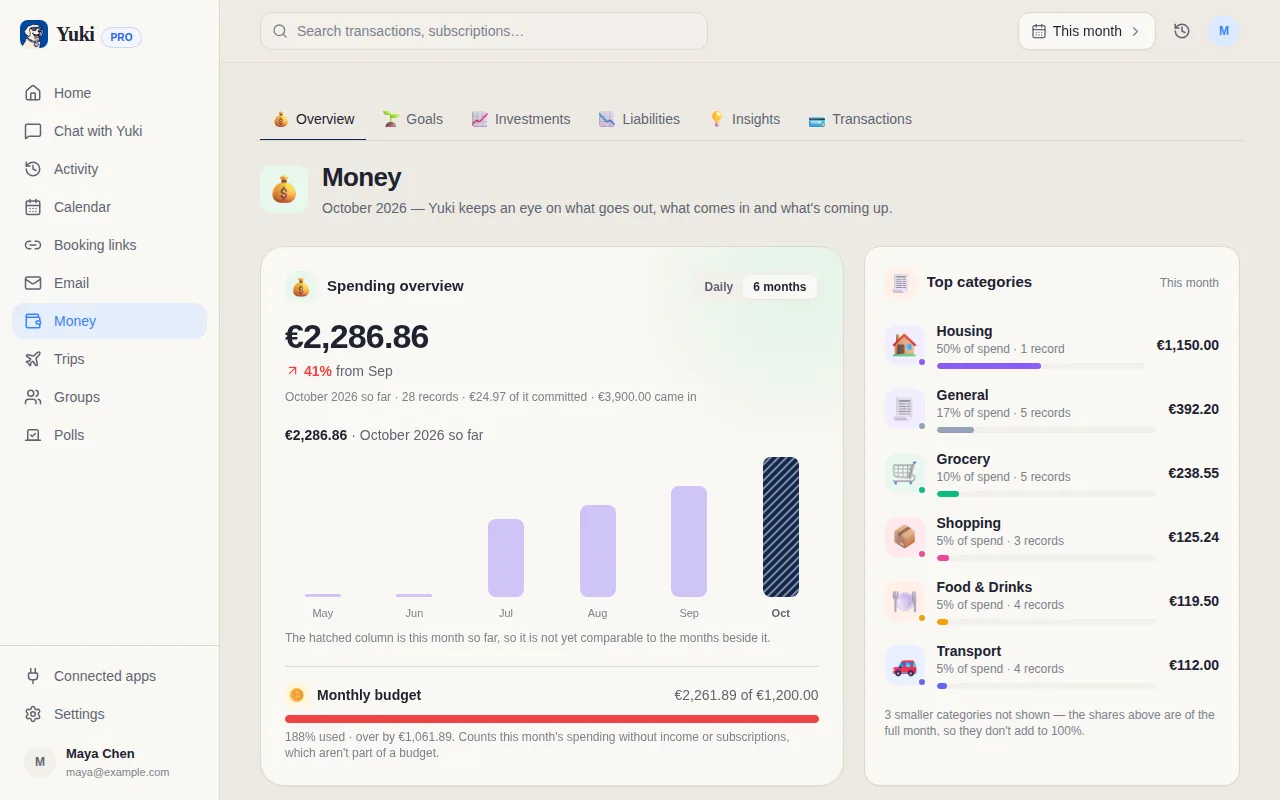
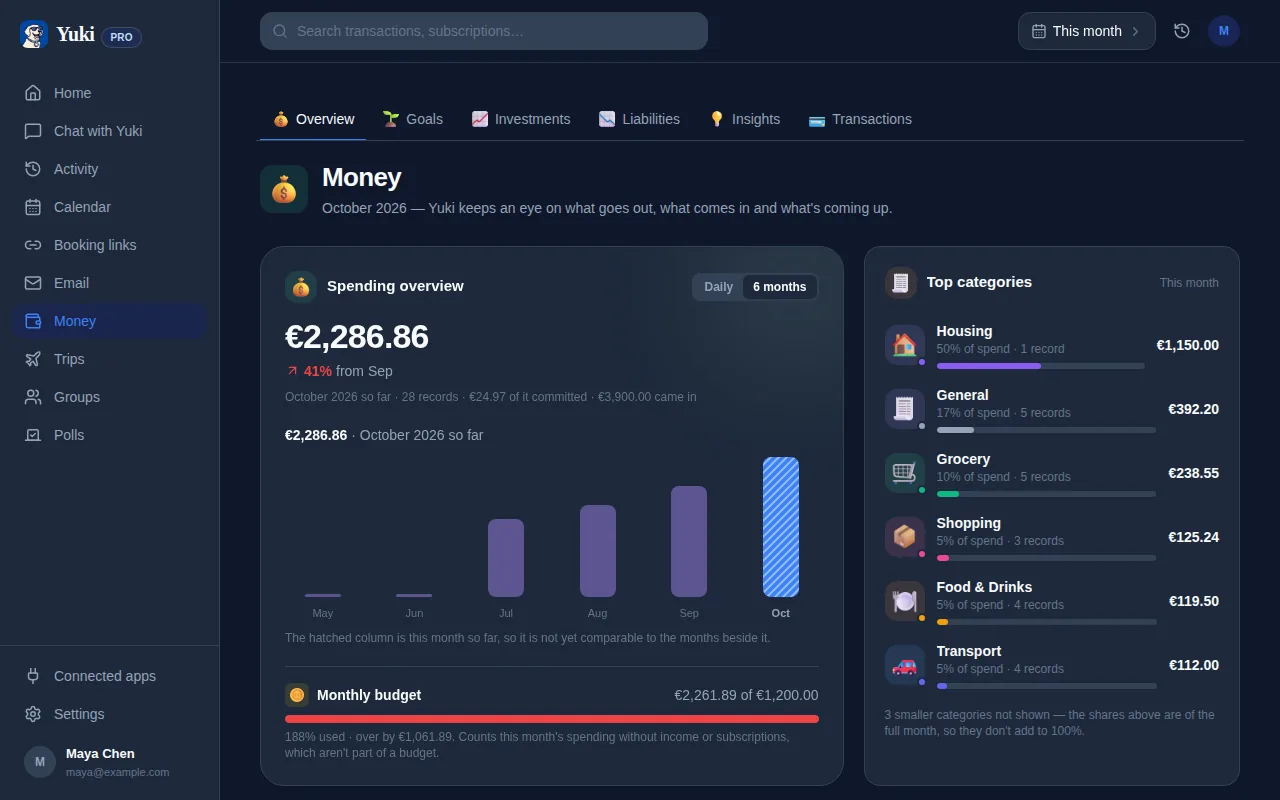
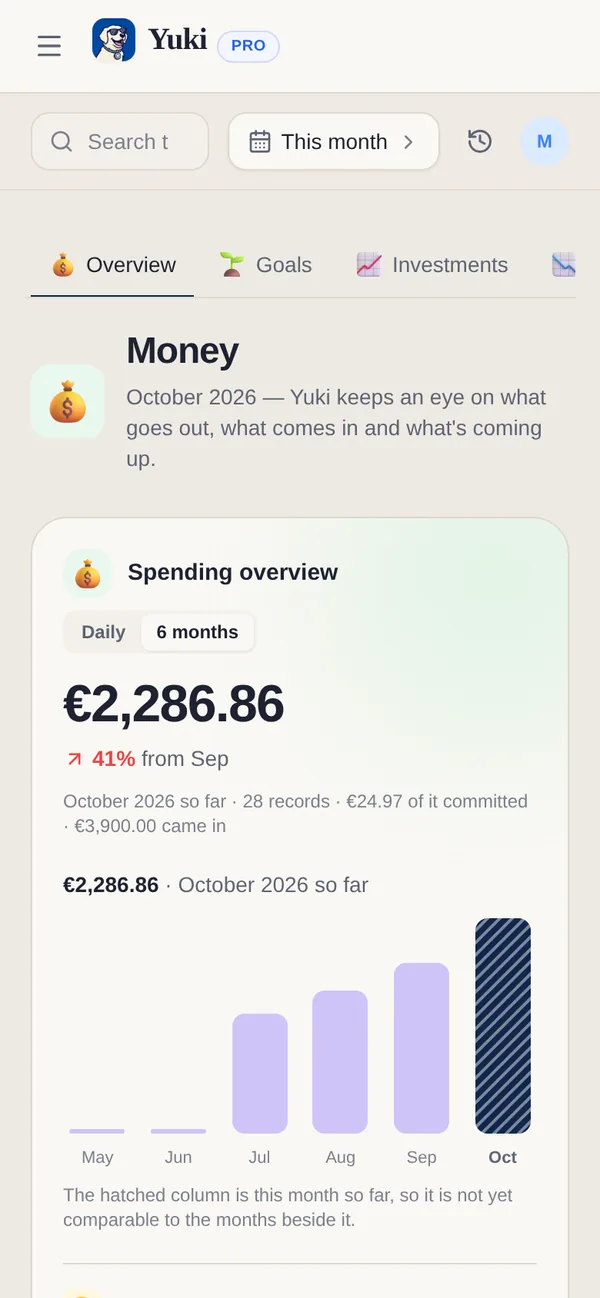
O Yuki se conecta ao seu Gmail e faz a varredura da caixa de entrada automaticamente. Ele lê as confirmações e recibos que já estão chegando no seu e-mail e os transforma em gastos controlados — comerciante, valor, data e categoria — sem nenhuma entrada manual da sua parte. Como ele trabalha a partir de recibos reais em vez de um feed bancário, você vê o que realmente comprou, não só uma linha enigmática de extrato de cartão.
O mais importante: o Yuki não é um agregador bancário que faz login nas suas contas — ele trabalha a partir dos e-mails que você já recebe, então a configuração é só conectar a sua caixa de entrada uma vez. A partir daí, as novas compras aparecem sozinhas. Esse é todo o apelo: o controle se mantém sozinho, então o registro continua preciso na semana em que você está ocupado demais para pensar em dinheiro.
- Conecta-se ao Gmail — sem precisar de login bancário
- Lê recibos e confirmações e os transforma em gastos categorizados automaticamente
- Mostra o comerciante e o item reais, não uma linha vaga de extrato
- Grátis no iOS e no Android
Não esqueça o vazamento silencioso de dinheiro: as assinaturas
O gasto que mais dói é aquele que você esquece que está pagando — a renovação anual que você assinou há onze meses, o serviço de streaming que você parou de usar, o "teste grátis" que virou cobrança em silêncio. Esses e-mails de renovação também chegam na sua caixa de entrada, o que os torna perfeitamente rastreáveis.
O Yuki sinaliza cobranças recorrentes e renovações futuras, para que você possa cancelar antes de ser cobrado, em vez de depois. Combinar o controle de gastos passivo com lembretes de renovação transforma a sua caixa de entrada de uma pilha de recibos em um sistema de alerta antecipado — a versão prática de nunca mais ser surpreendido por uma cobrança.
Um hábito semanal que realmente pega
O controle passivo ainda se beneficia de uma revisão leve. Uma vez por semana, gaste cinco minutos olhando o que chegou: gasto total, maiores categorias e qualquer assinatura que você tinha esquecido. Como os dados se coletaram sozinhos, a revisão é genuinamente rápida — você está lendo um resumo pronto, não construindo um.
Esse é o princípio de reduzir a carga mental aplicado ao dinheiro: automatize a captura para que lembrar não seja o seu trabalho, e reserve a sua atenção para a única decisão que importa — se o gasto vale a pena. Esse é um hábito que você consegue manter por anos, porque ele nunca pede que você faça a parte tediosa.
Passo a passo
- 1Busque no seu e-mail por palavras-chave de recibo como "confirmação de pedido", "seu recibo", "pagamento recebido" e "renovação" para ver quanto dos seus gastos já chega na sua caixa de entrada.
- 2Crie um único rótulo ou pasta de e-mail (por exemplo, "Recibos") e configure um filtro para que tudo que corresponda a essas palavras-chave seja marcado automaticamente ao chegar.
- 3Uma vez por semana, dê uma passada nos e-mails marcados e anote cobranças recorrentes — essas são suas assinaturas, as vitórias mais fáceis de cortar.
- 4Para pular a checagem manual por completo, conecte o Yuki ao seu Gmail para que ele leia recibos e renovações por você e os arquive como gastos controlados automaticamente.
- 5Revise seus gastos por categoria e a sua lista de assinaturas ativas em um só lugar, e configure lembretes antes das renovações anuais, para que nada seja cobrado automaticamente por surpresa.