
The average person underestimates their monthly subscription spend by more than half — not because they're careless, but because recurring charges are designed to be forgettable. A free trial converts silently. A $4.99 app renews annually at $59. A streaming service you canceled quietly reactivated. The money leaves your card in small, unremarkable amounts, so nothing ever triggers the "wait, what is this?" moment. This guide walks you through a repeatable way to find every recurring charge hitting your card — starting with the single richest source of truth you already own: your email inbox.
Start with your inbox, not your bank statement
Most people try to audit subscriptions by scrolling their bank statement. It's the wrong place to start. A statement line reads 'GOOGLE *YUKI 855-XXX' or 'PADDLE.NET' — cryptic descriptors that tell you a charge happened but not what it was for. Worse, annual subscriptions only appear once every twelve months, so any single statement misses most of them.
Your inbox is the better source. Nearly every subscription sends a sign-up confirmation, a receipt, or a renewal reminder — and those emails name the service, the amount, and often the exact next-billing date. Reading your email is how you turn 'a charge happened' into 'this is Notion, $8/month, renews the 14th.'
- Search these phrases one at a time: "your subscription", "auto-renew", "your receipt", "payment received", "your trial ends", "renews on", "we've charged", "order confirmation".
- Also search common billing processors that show up in receipts: "paddle", "stripe", "apple.com/bill", "google play".
- Don't forget annual and yearly plans — search "annual", "yearly", and "1-year" specifically, since these are the ones that hide.
Catch the silent chargers your statement reveals
A small number of recurring charges never send a useful email — some legacy services, certain gym memberships, and a few app-store bundles just debit your card quietly. For those, your statement is the safety net, not the starting point.
Pull twelve months of history so annual renewals surface, and scan for anything that repeats at a regular interval or that you don't recognize. When a descriptor is cryptic, search that exact string online — someone has almost always asked 'what is this charge?' before you. This is also where duplicate subscriptions show up: two music services, an app you pay for on both iOS and the web, or a tool your partner is also paying for.
- Review a full year, not one month — annual plans only bill once.
- Look for the same amount recurring on a predictable date each cycle.
- Check app-store bills (Apple, Google) closely — they bundle many subscriptions under one opaque line.
Know the three traps that keep charges hidden
Recurring charges survive audits because they exploit predictable blind spots. Free trials are engineered to convert on a day you've forgotten — the reminder email, if it comes at all, arrives 24 hours before billing. Annual plans feel 'cheap' at signup and then vanish from memory for eleven months. And price creep is the quietest of all: the service you approved at $9 is now $16, and the receipt looks identical to last year's unless you compare the numbers.
The fix for all three is the same: capture the renewal date and the amount the moment you find each subscription, so the next charge is something you chose rather than something that happened to you. This is really a memory problem, not a math problem — the load of remembering dozens of renewal dates is exactly what makes these charges stick.
Turn a one-time audit into an always-current list
The hardest part of a subscription audit isn't doing it once — it's that it's stale within weeks. You sign up for two new things, cancel one, and a trial converts. Three months later you're back to square one, scrolling receipts again.
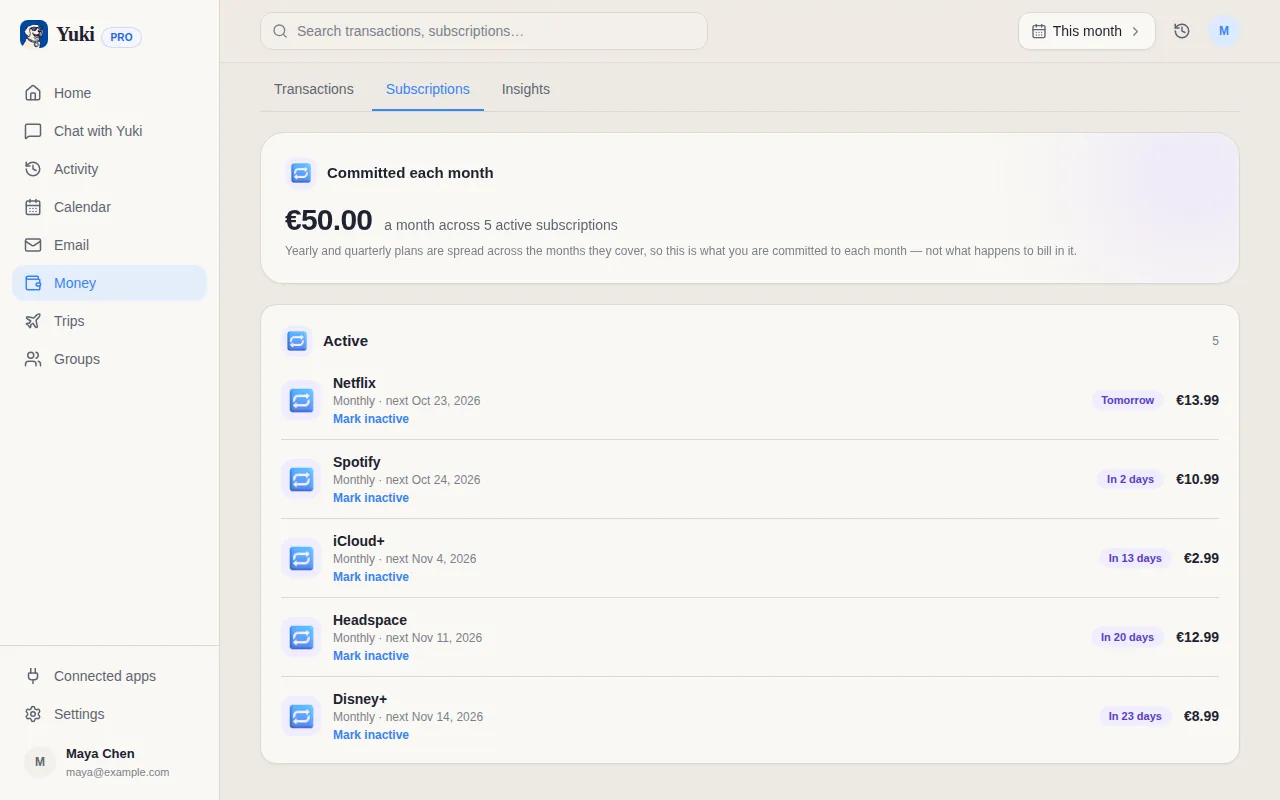
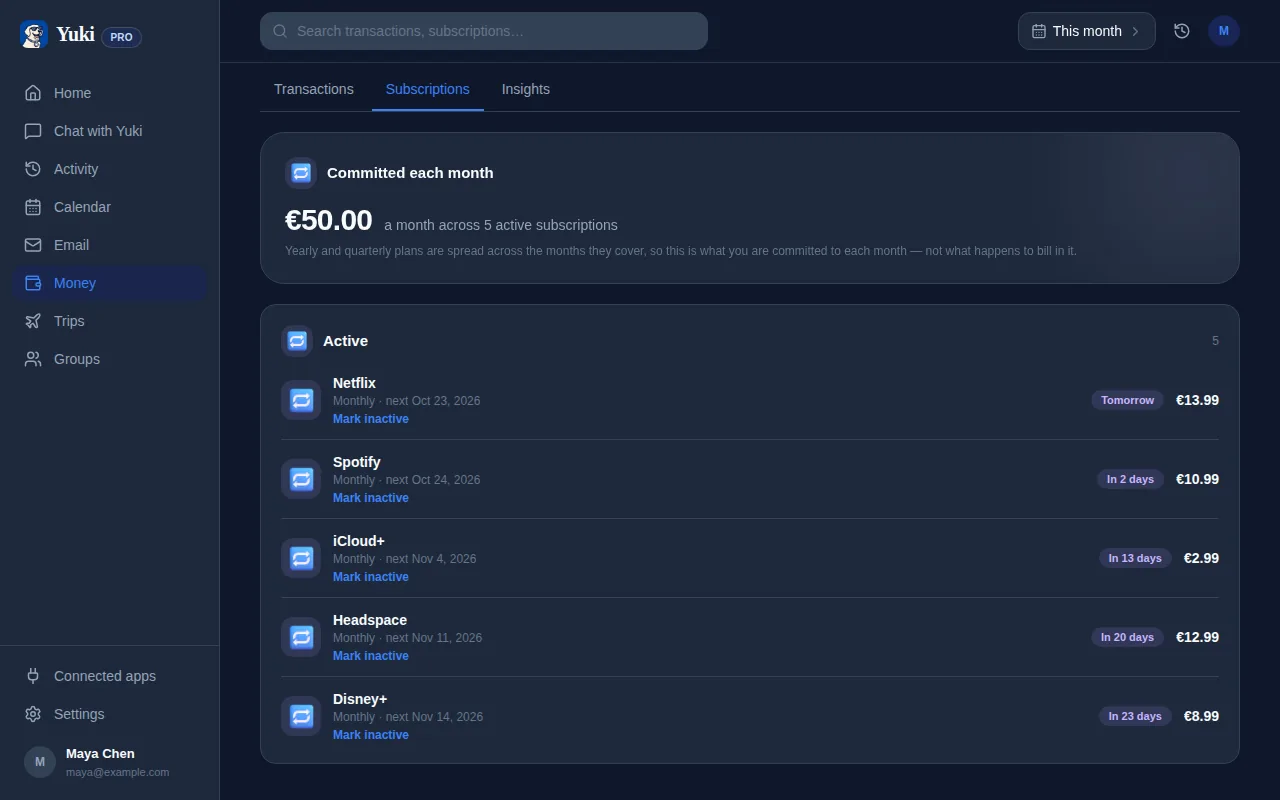
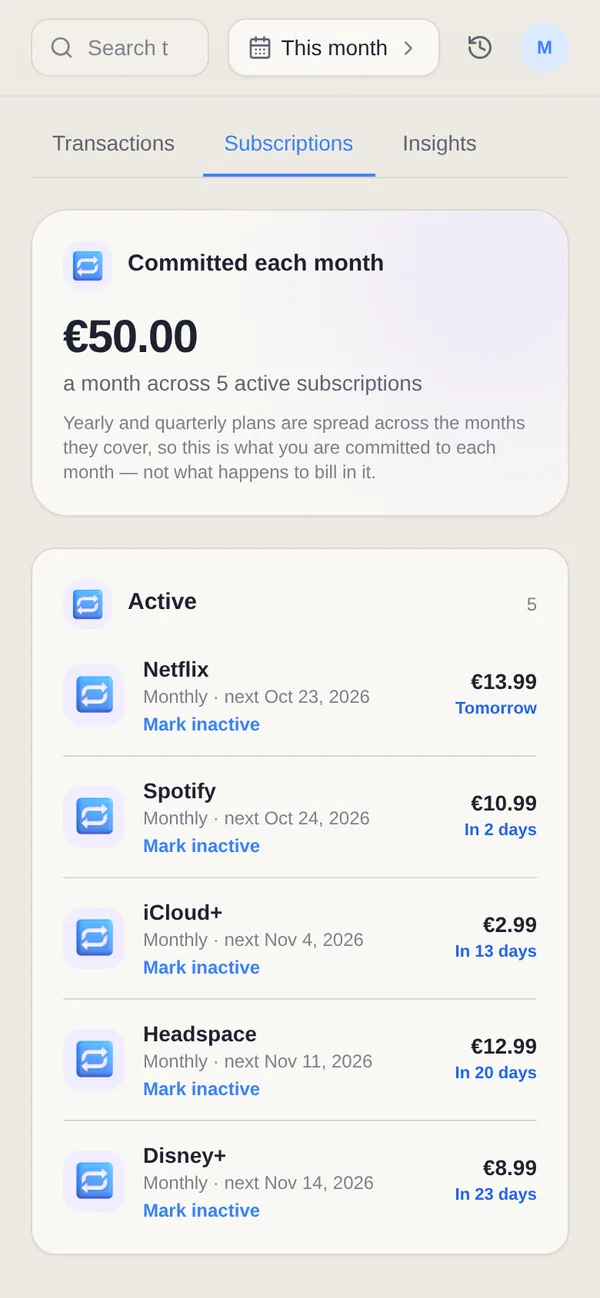
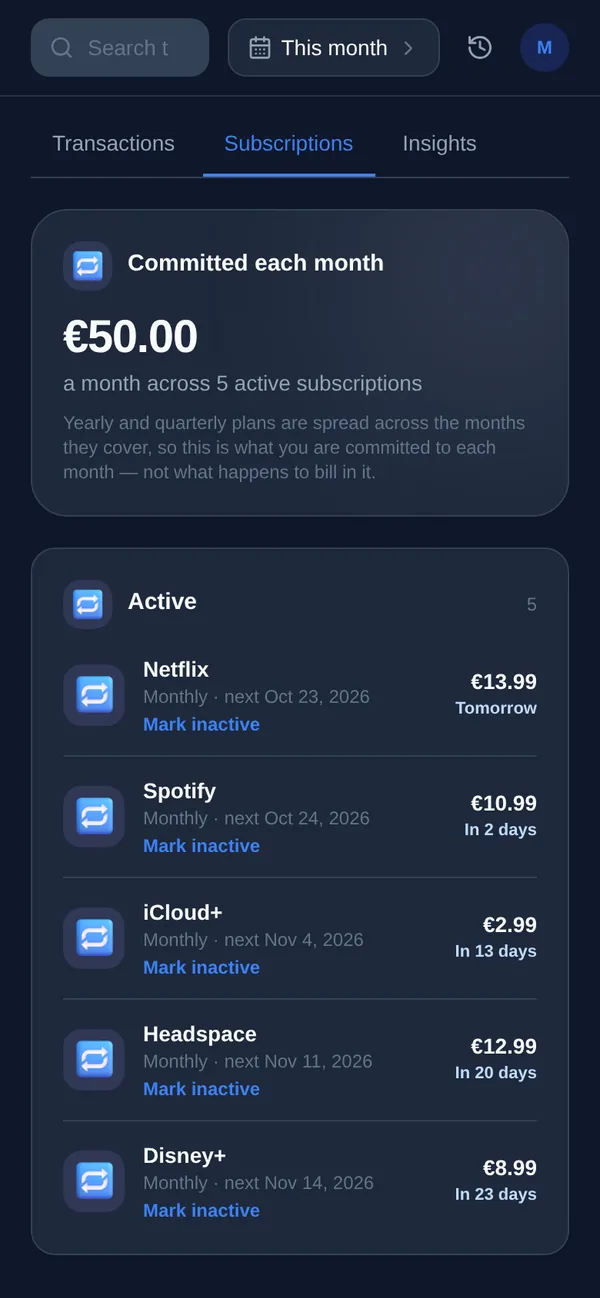
This is where letting software read your inbox for you pays off. Yuki (free, on iOS and Android) connects to your Gmail and automatically turns the receipts, renewal notices, and payment confirmations already in your inbox into a running list of tracked subscriptions and expenses — with amounts and renewal dates attached. Instead of a spreadsheet you rebuild every quarter, you get a live view that updates itself as new receipts arrive, plus reminders before a charge hits so the renewal is never a surprise.
Yuki isn't a bank aggregator and it doesn't connect to your card — it works from the same email receipts you'd be reading manually, which is exactly why it catches the annual plans and quiet renewals a statement scan misses. And because everything lives in one place, you can share the list inside a household group so couples or roommates stop double-paying for the same services.
- Reads Gmail receipts automatically — no manual entry.
- Tracks amount, cycle, and next renewal date per subscription.
- Reminds you before a renewal so trials and price hikes don't slip through.
- Shareable with a partner or roommates to kill duplicate subscriptions.
Step by step
- 1Search your inbox for renewal and receipt language — terms like 'your subscription', 'auto-renew', 'receipt', 'your trial ends', 'payment received', and 'we've charged your card'.
- 2List every merchant you find, along with the amount, the billing cycle (monthly vs annual), and the next renewal date from the email.
- 3Cross-check against 12 months of card and bank statements to catch anything that bills silently with no email receipt.
- 4Flag the traps: annual renewals (they only bill once a year, so they hide), free trials about to convert, and services whose price quietly increased.
- 5Cancel what you don't use, and for the keepers, note the renewal date so the next charge is never a surprise.
- 6Set up a system that watches new receipts automatically so the list stays current without you repeating this every quarter.