
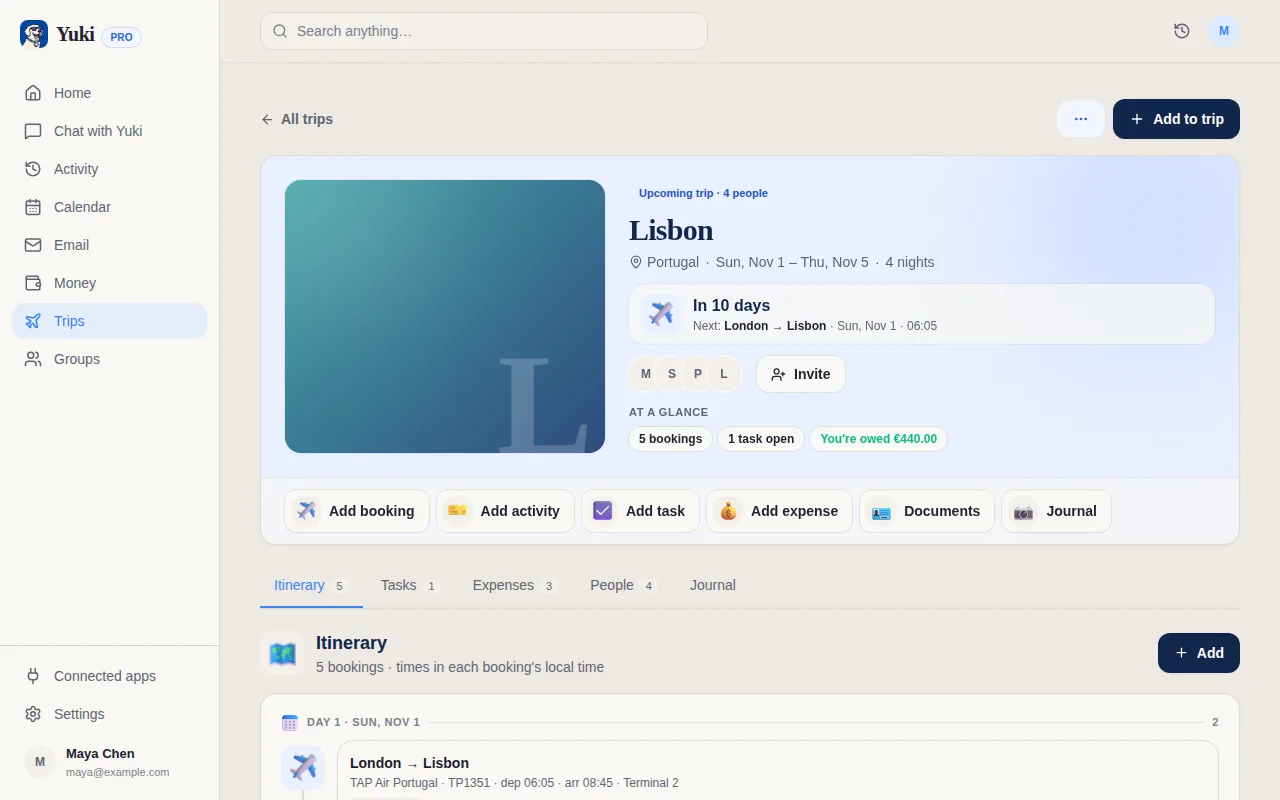
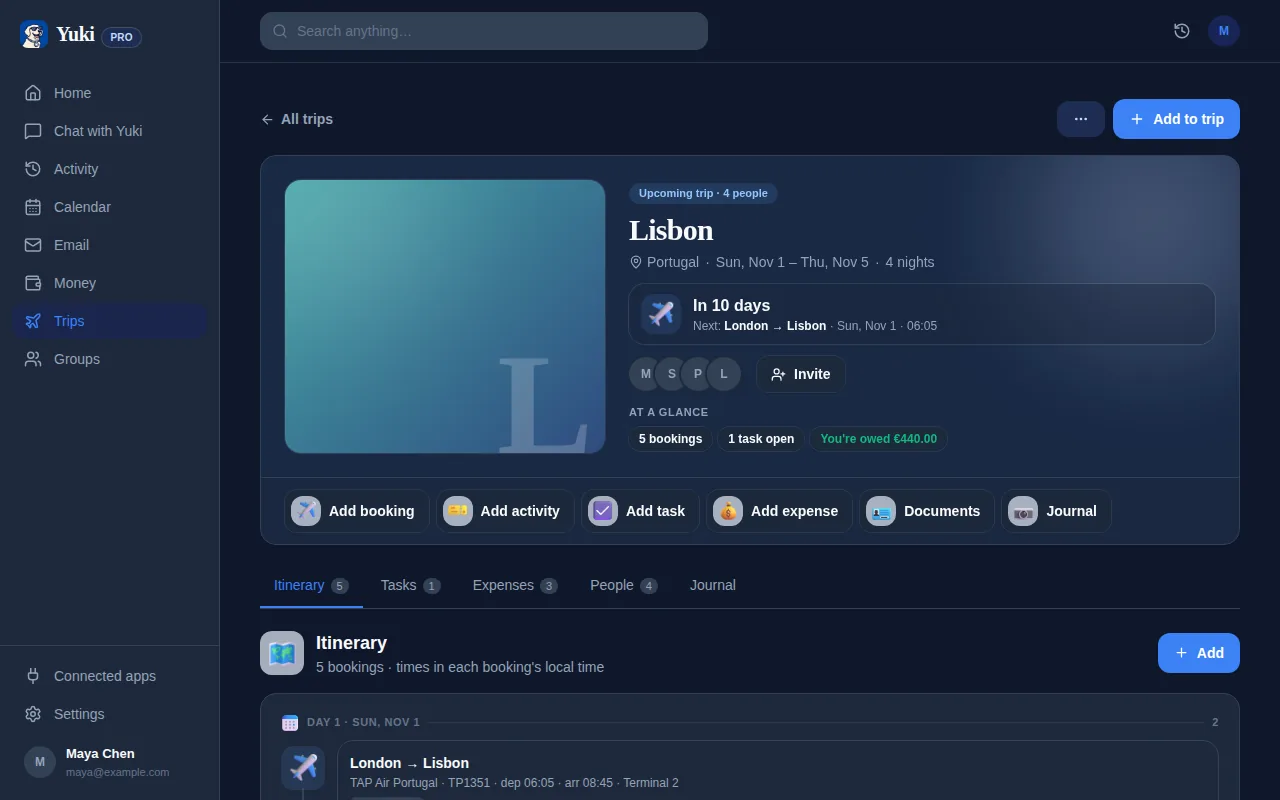
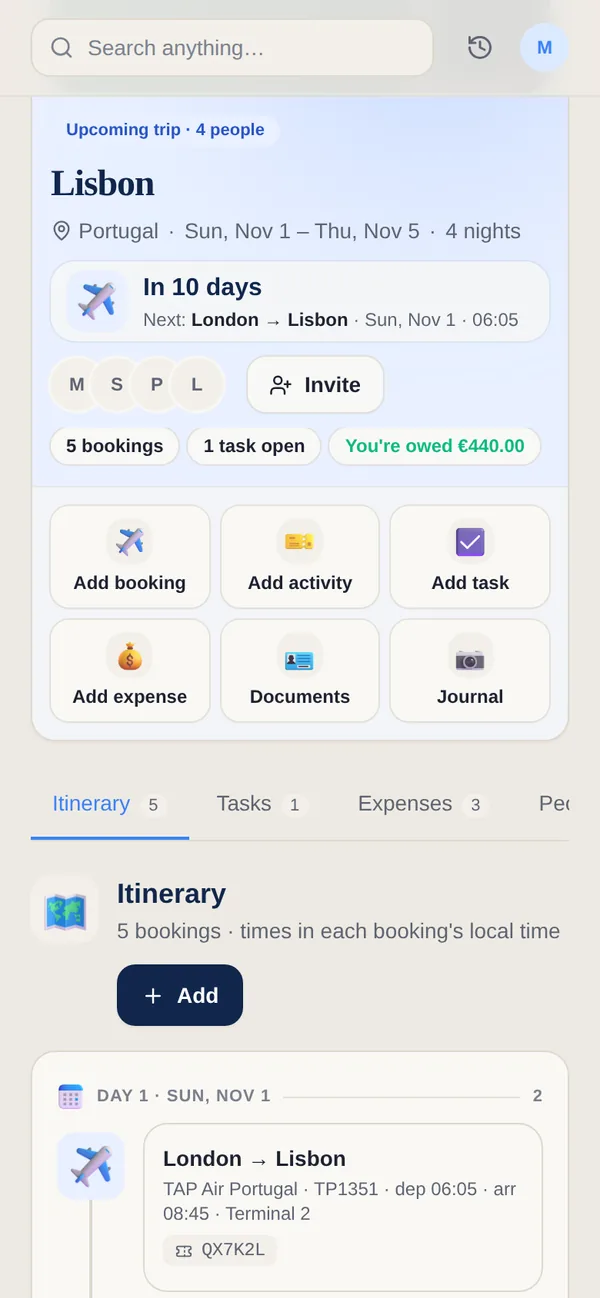
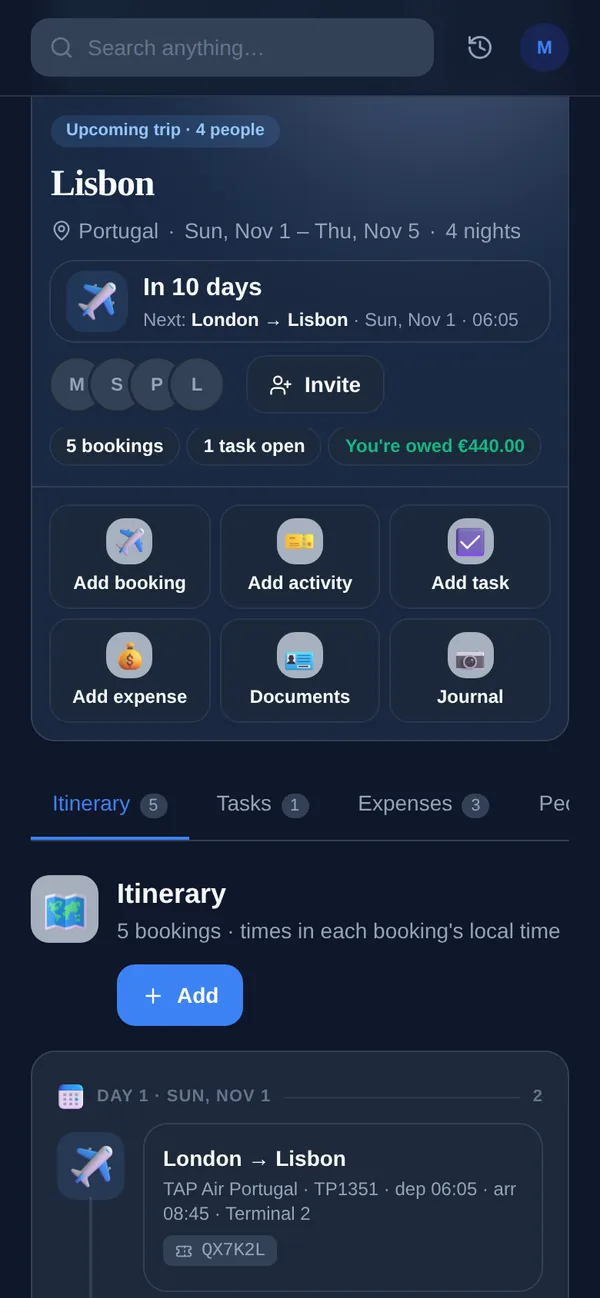
Every trip you book arrives in pieces — a flight email from one place, a hotel from another, a rental car from a third — and holding it all together is its own job. Yuki reads those confirmations straight from your inbox and assembles them into a single ordered, day-by-day itinerary, with times, addresses, PNRs and Open-in-Maps links, plus a built-in destination guide for where you're going. When a change or new booking lands, the trip updates itself, so the plan stops living in your head. Share it into a group and everyone traveling sees the same itinerary.
One itinerary, built for you
- Day-by-day timeline — flights, walks, restaurants and sights laid out by day, each with times, addresses and an Open in Maps link.
- Flights & bookings pulled from confirmation emails — airline, flight number, times and PNR in one place.
- Destination guide — visa, currency, plug type, emergency number and tap-water safety for where you’re going, built in.
- Trip documents — keep boarding passes, hotel vouchers and PDFs attached to the trip.
- Live weather for your dates, plus an activity count for the trip at a glance.
- Tasks, expenses & people — a packing/to-do list, shared expenses split among travellers, and everyone you’re going with, all on the trip.
- Shareable — share the trip into a group so everyone sees the same plan.
And soon, the booking itself
Today Yuki builds the trip from confirmations that already exist. Searching live fares, holding a seat and booking the stay are rolling out — and when they land, a flight Yuki books goes into this same itinerary rather than a separate list.