
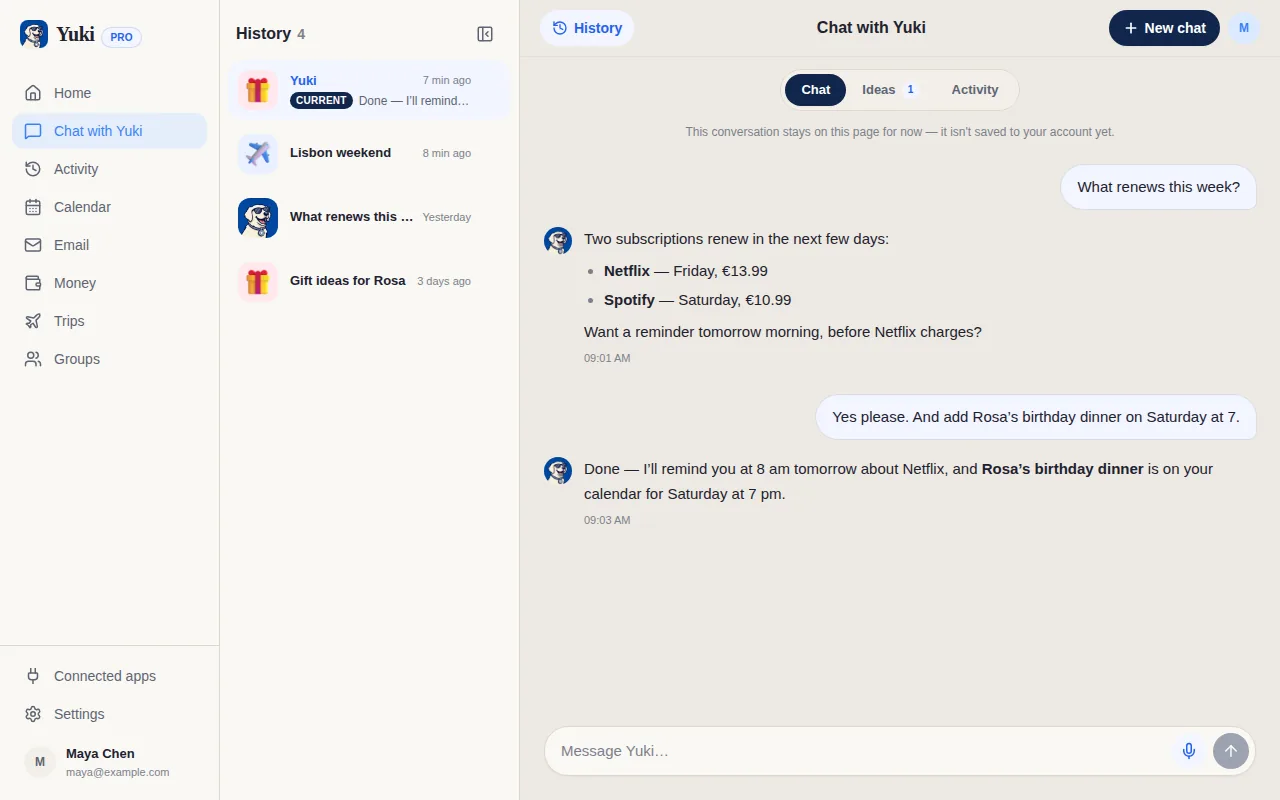
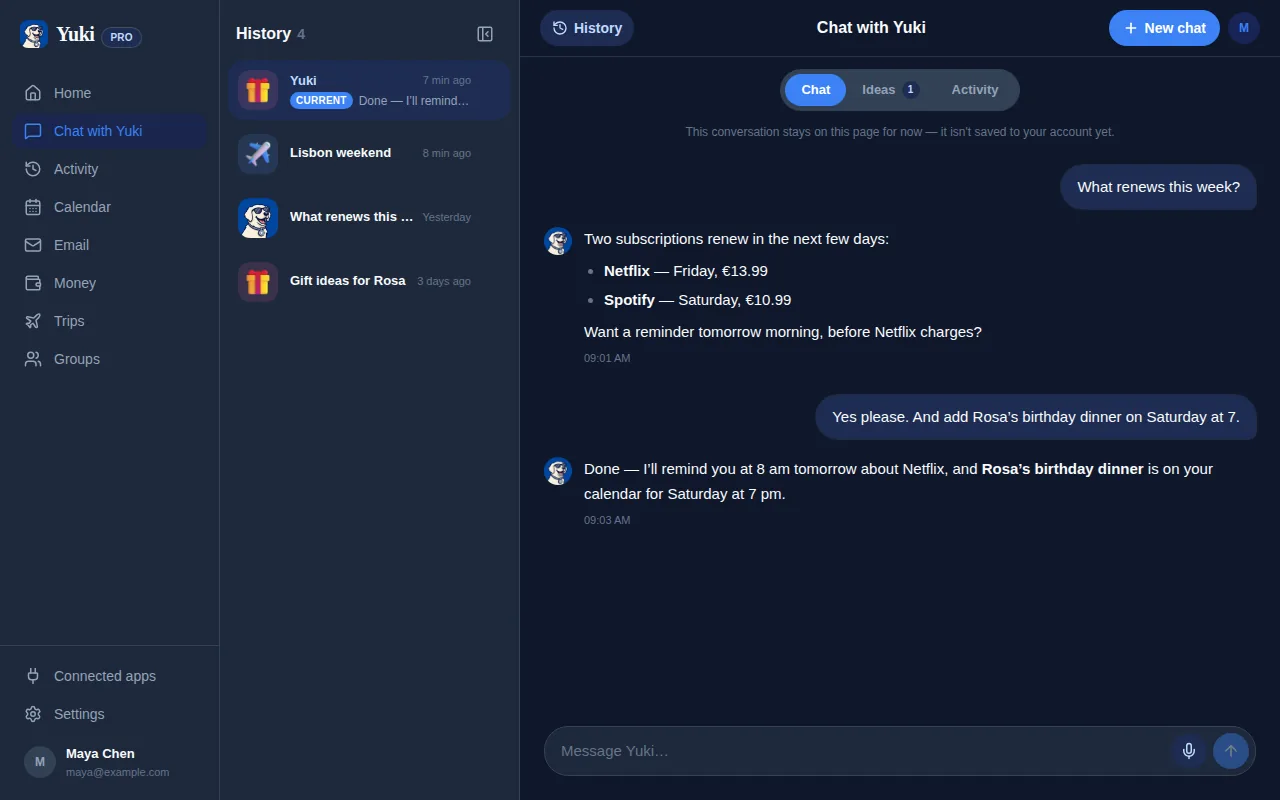
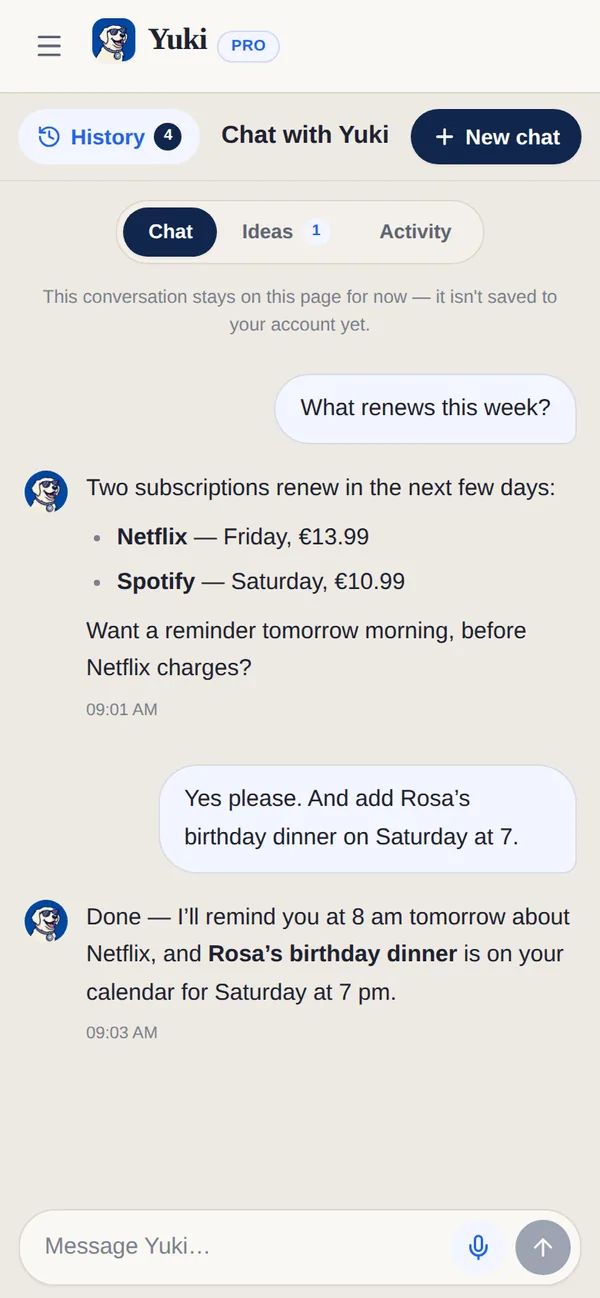
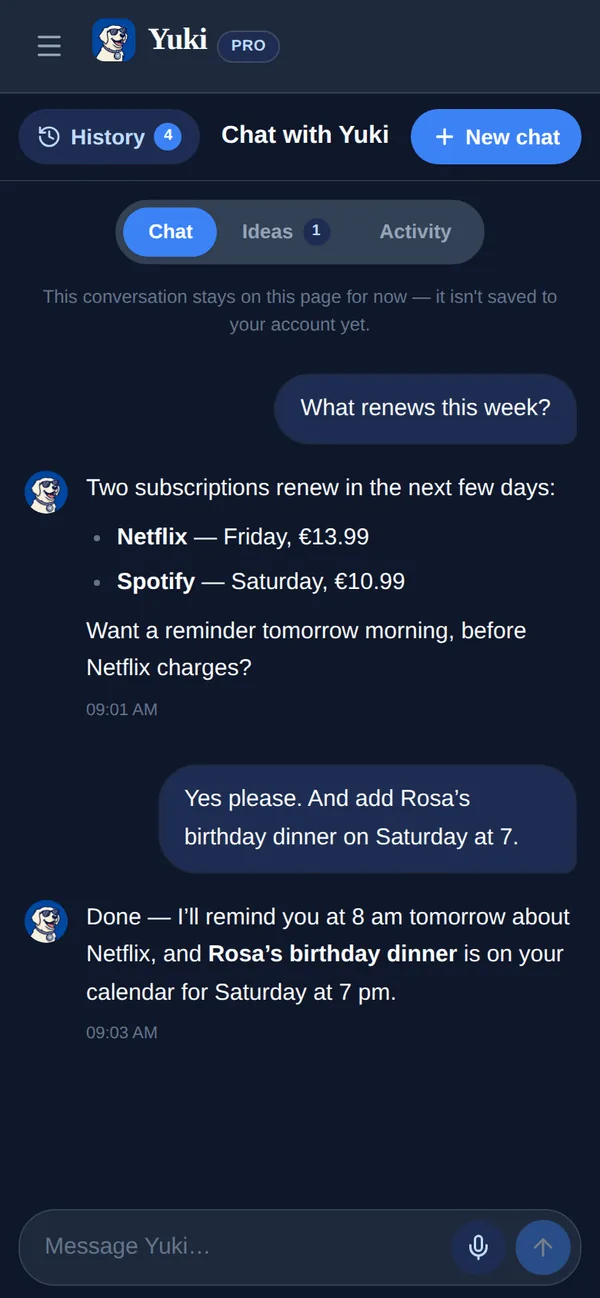
Gemini is a brilliant general-purpose assistant — it reasons, writes, codes and taps Google's knowledge whenever you ask. Yuki isn't something you consult; it runs in the background, turning your inbox into a live calendar, trips, expenses and shared plans. Gemini answers questions; Yuki reduces how much you have to remember. Many people use both.
| Feature | Yuki | Google Gemini |
|---|---|---|
| Auto-organizes your inbox into a live calendar, trips & expenses | ||
| General-purpose AI (writing, coding, open questions) | Life-focused only | |
| Multimodal (images, voice, general knowledge) | ||
| Writes events into Google Calendar | Limited | |
| Tracks expenses & subscriptions | ||
| Builds trip itineraries from booking emails | ||
| Shared groups for couples, families & roommates | ||
| Platforms & price | iOS, Android & web; free to start | Web, iOS & Android; free + paid tier |
Choose Yuki if…
- You want your trips, bills, subscriptions and calendar organized for you automatically, not re-typed into a chat each time.
- You want events written into Google Calendar and itineraries built from your inbox without asking.
- You need to share plans, expenses and reminders with a partner, family or roommates in one place.
Choose Google Gemini if…
- You want a genuinely general-purpose AI for writing, research, coding and open-ended questions.
- You value multimodal help — images, voice and Google's broad knowledge in one assistant.
- You're already deep in Google Workspace and want AI to draft, summarize and answer across Gmail and Docs on demand.
Accurate as of July 2026. Product capabilities change — check each app’s current site for the latest.
Frequently asked questions
Is Yuki a Google Gemini alternative?
Not exactly — they solve different problems. Gemini is a general-purpose AI you prompt for answers; Yuki is a background system that turns your inbox into an organized calendar, trips, expenses and shared plans. Many people use both.
Does Gemini organize my life from email like Yuki?
No. Gemini can answer questions about your Gmail on demand through Workspace, but it doesn't continuously maintain a live calendar, trip itineraries or an expense ledger. That persistent, automatic organization is Yuki's core.
Can Yuki answer general questions like Gemini?
Yuki includes a natural-language assistant, Yuki AI, focused on your life data — your plans, spending and schedule. For open-ended research, writing or coding, a general assistant like Gemini is the better fit.