
You should never have to re-type information a company already emailed you. Yuki connects to Gmail and quietly reads the actionable messages hiding in your inbox — flight and hotel confirmations, order receipts, subscription renewals, event invites — then files each one where it belongs: a trip itinerary, a tracked expense, a calendar event, a task. Instead of scanning for the booking reference or the renewal date when you need it, the details are already organized and up to date. It's one less thing to hold in your head.
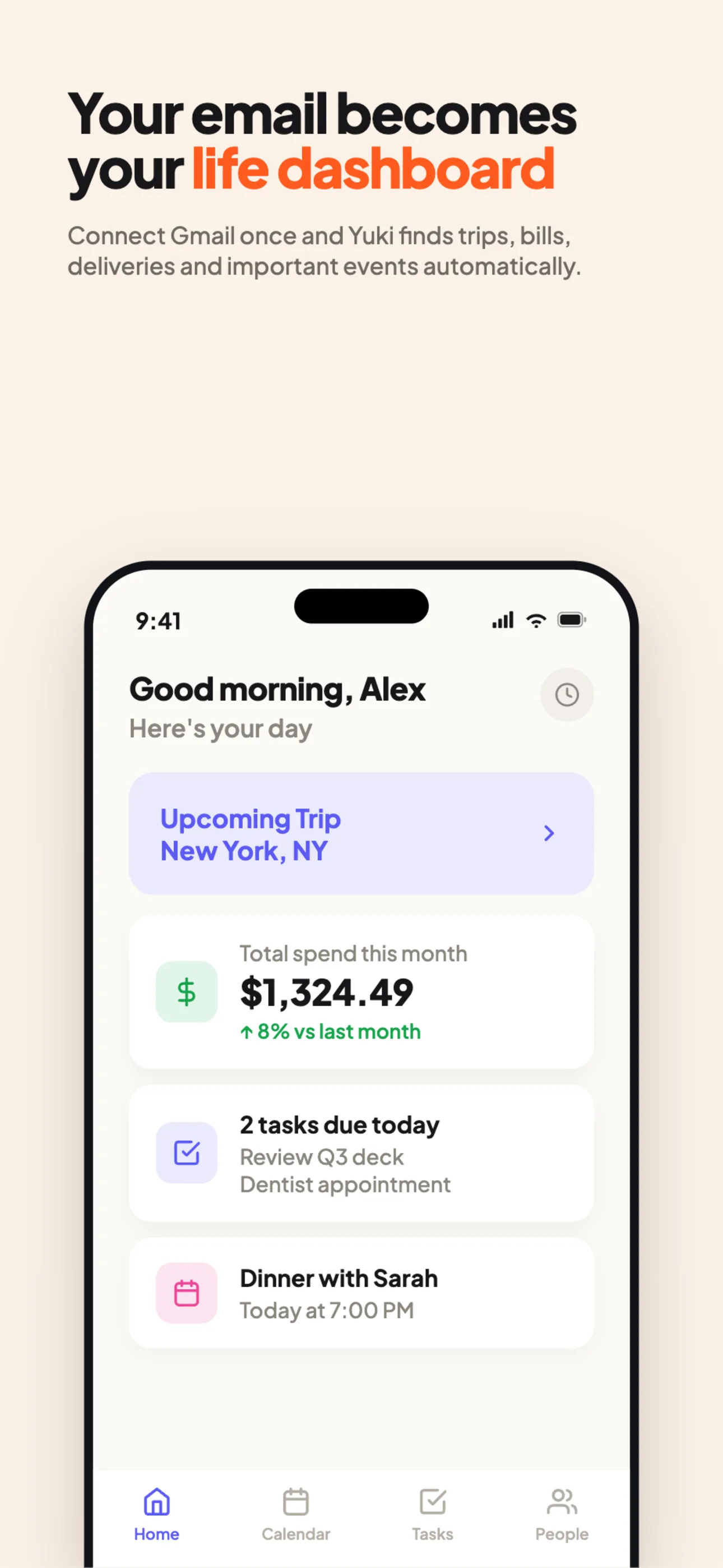
What Yuki pulls out of your inbox
- Trips from flight, hotel and rental confirmations.
- Expenses & subscriptions from receipts and renewal notices.
- Calendar events from invites and appointment emails — written into Google Calendar.
- Tasks & reminders from things that need a response or a deadline.
No manual entry, ever
This is the core idea of Yuki: you should never re-type information a company already emailed you. Connect once, and your trips, money and calendar keep themselves current.
Works with what you have. Yuki supports Gmail, so most people can connect the inbox they already use.
Frequently asked questions
Which email providers does Yuki support?
Yuki works with Gmail (and other providers). You connect your inbox and Yuki organizes it for you.
Does Yuki read all my email?
Yuki looks for actionable messages — bookings, receipts, bills, invites — to turn into organized items. It is built to surface what matters, not to make you read more email.
Do I have to forward emails to Yuki?
No. Once your inbox is connected, Yuki organizes incoming mail automatically — there is nothing to forward or copy-paste.