
Almost no one misses a bill because they can't afford it. They miss it because the reminder was buried under 40 other emails, the due date lived only in their head, and by the time they remembered, the autopay had already failed or the late fee had already posted. The good news: "never miss a bill" isn't a discipline problem you fix with more willpower — it's a capture problem you fix with a reliable system. Your bills already announce themselves in your inbox. The trick is turning those scattered emails into one trusted list of what's due and when, so remembering stops being your job. Here's how to build that system, and how to let it run itself.
Why bills slip through — and why reminders aren't enough
The core problem is that a bill's due date lives in three fragile places: a single email you'll scroll past, a mental note you'll lose by tomorrow, and maybe a biller's app you rarely open. None of those is a system. When the information is that scattered, missing a payment isn't a character flaw — it's the predictable result.
Autopay helps, but it's not the safety net people assume. Cards expire, balances run short and the charge silently fails, free trials convert at full price, and variable bills (utilities, medical, tolls) still need a human to notice the amount. Autopay handles the paying; it does nothing to help you *see* what's coming.
The fix is a single, trusted place where every due date lands automatically — one list you glance at without hunting. Once remembering is offloaded to a system instead of your memory, the mental load of 'wait, did I pay that?' disappears.
- Due dates live scattered across email, memory, and biller apps — never one list
- Autopay fails quietly: expired cards, short balances, converted trials
- Variable bills (utilities, medical) still need a human to notice the amount
- The goal isn't more reminders — it's one place you actually trust
Do a five-minute inbox sweep for hidden bills
Before you automate anything, see what you're actually dealing with. Open your email and search for the words billers reliably use: 'due', 'invoice', 'statement', 'payment', 'auto-pay', 'renews', and 'past due'. You'll surface things you forgot you were paying for.
Make a quick list of every recurring bill, its rough amount, its due date, and how it's paid (autopay or manual). The manual ones are your real risk. Sort them by due date so the next two weeks are obvious.
Do the same sweep for subscriptions — the streaming service, the app trial, the annual renewal you set up 11 months ago. These are the sneakiest, because the 'reminder' is often the charge itself. This one pass usually turns up one or two things worth canceling on the spot.
- Search: due, invoice, statement, payment, renews, past due
- Note amount, due date, and autopay vs. manual for each bill
- Flag manual bills — those are where lateness actually happens
- Catch trials that are about to convert to paid renewals
Put every due date on one calendar you actually check
A list in a notes app decays the moment you close it. Due dates need to live on the calendar you already look at every day, as timed events with a reminder a few days ahead — early enough to fix a problem, not the morning it's due. For each bill, create a recurring event on its due date and set an alert two or three days before; that lead time is the difference between 'I'll pay it now' and 'the fee already posted.'
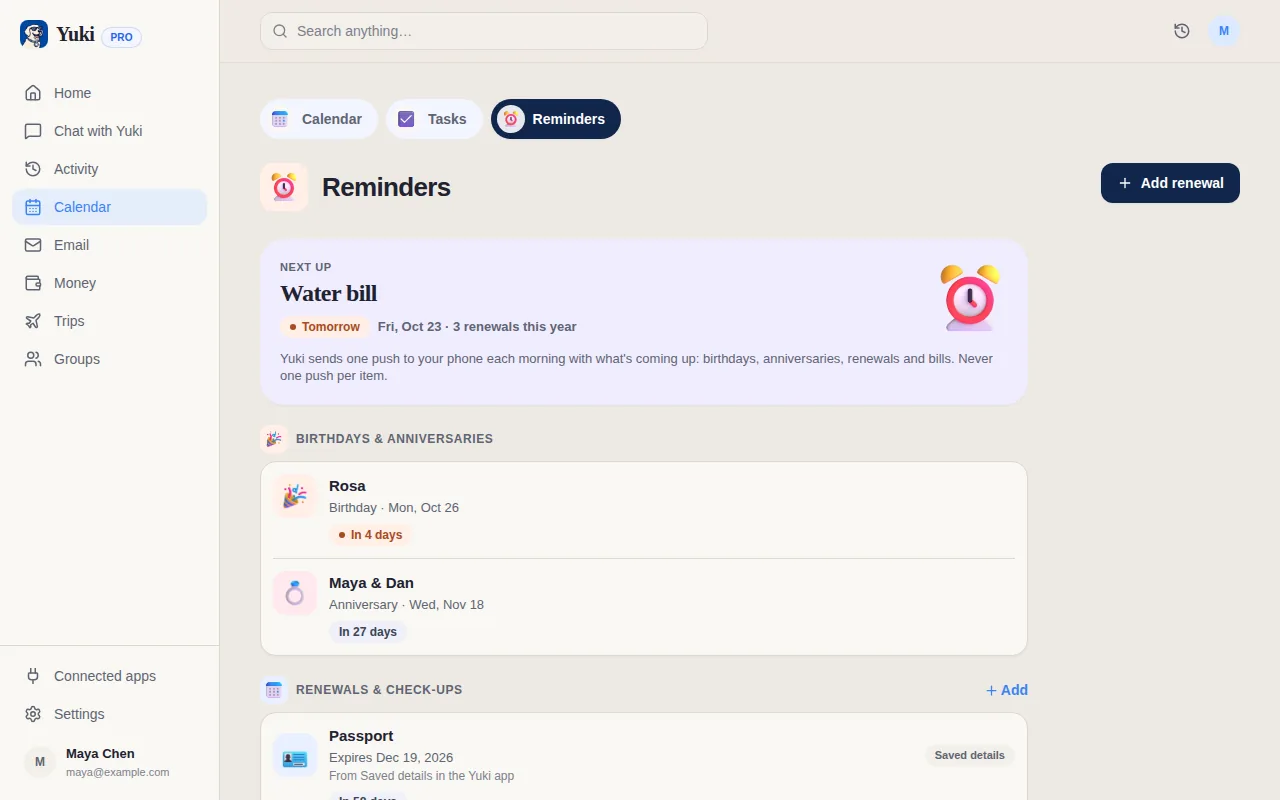
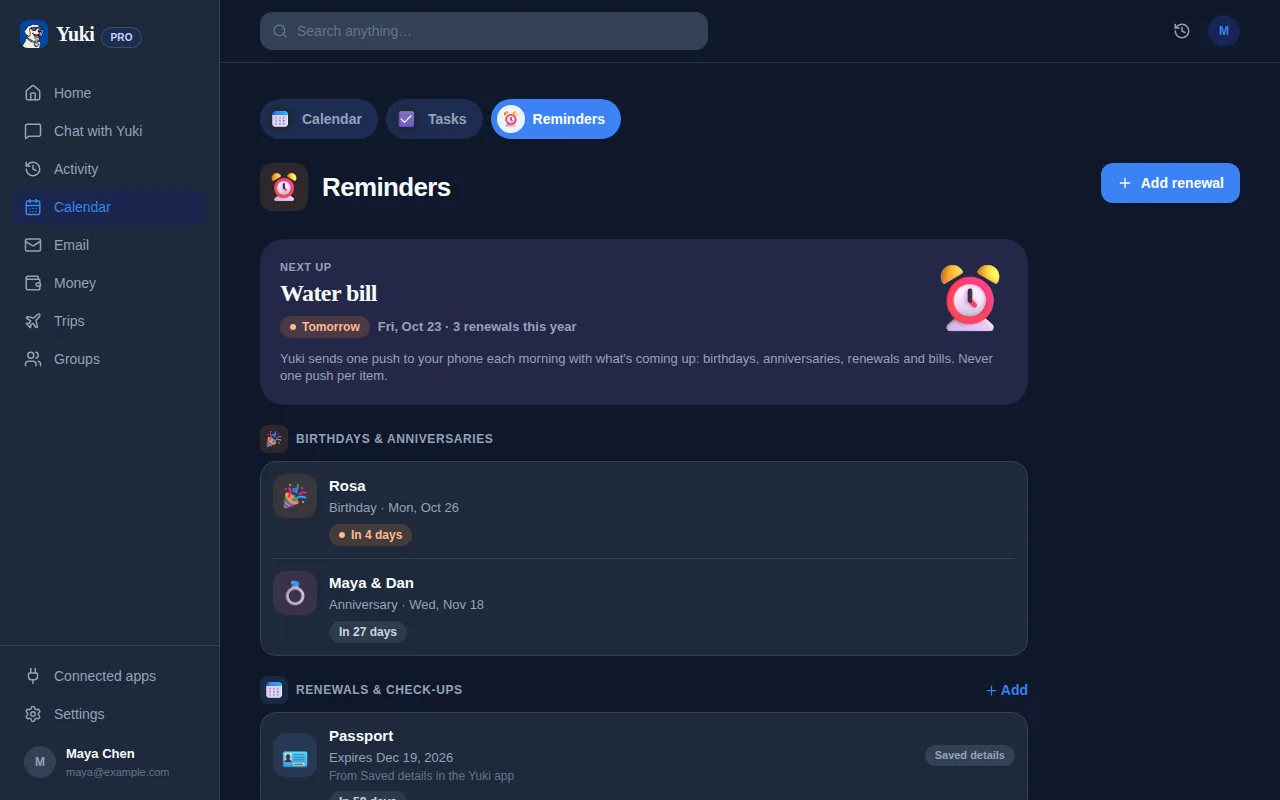
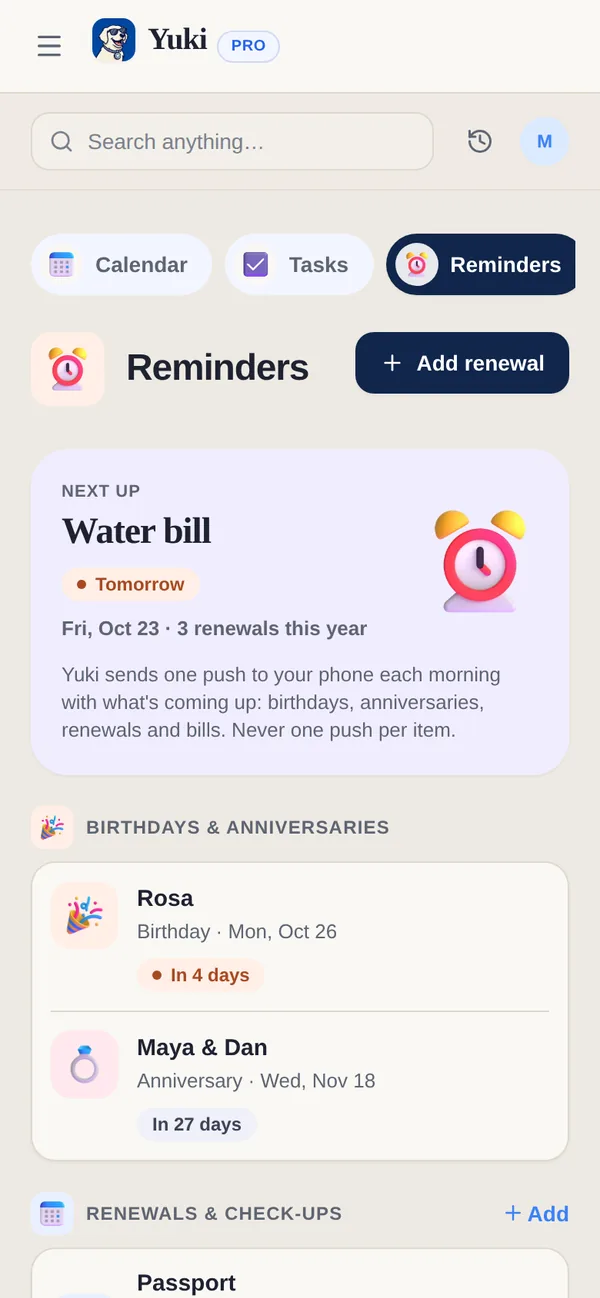
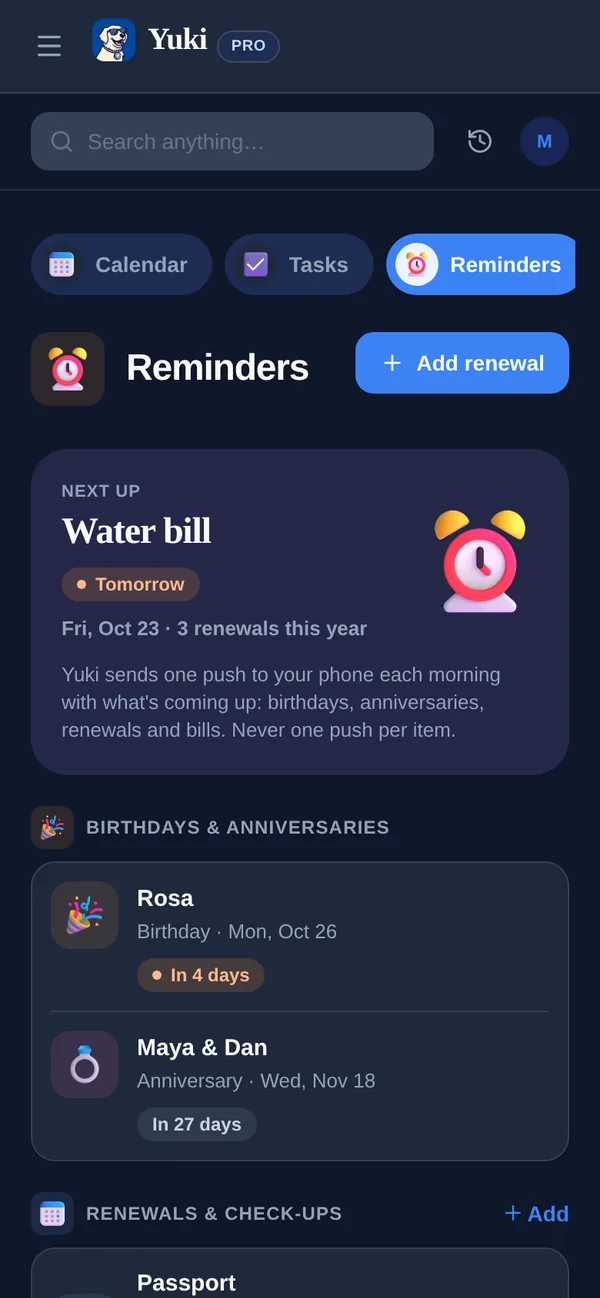
Keeping that calendar current as bills change is its own chore — which is exactly the job worth handing to an assistant that reads the emails for you. Yuki does this automatically: it connects to your Gmail, reads the bills and renewal notices already there, and writes the due dates straight onto a live calendar.
That calendar is two-way synced with Google Calendar — and on iPhone, Yuki writes your due dates into Apple Calendar too — so they show up wherever you already look. You get the single trusted list without maintaining it by hand — and remembering stops being something you have to do.
- Use the calendar you check daily, not a separate list that goes stale
- Set alerts 2–3 days early, so problems are fixable
- Put the amount and payer in the title for at-a-glance clarity
- Let Yuki read your inbox and place due dates on your calendar for you
Automate the capture so it runs without you
The system only 'never misses' if it stays current without effort. New bills, changed amounts, and new subscriptions all need to flow in on their own — otherwise you're back to manual upkeep and the same forgetting.
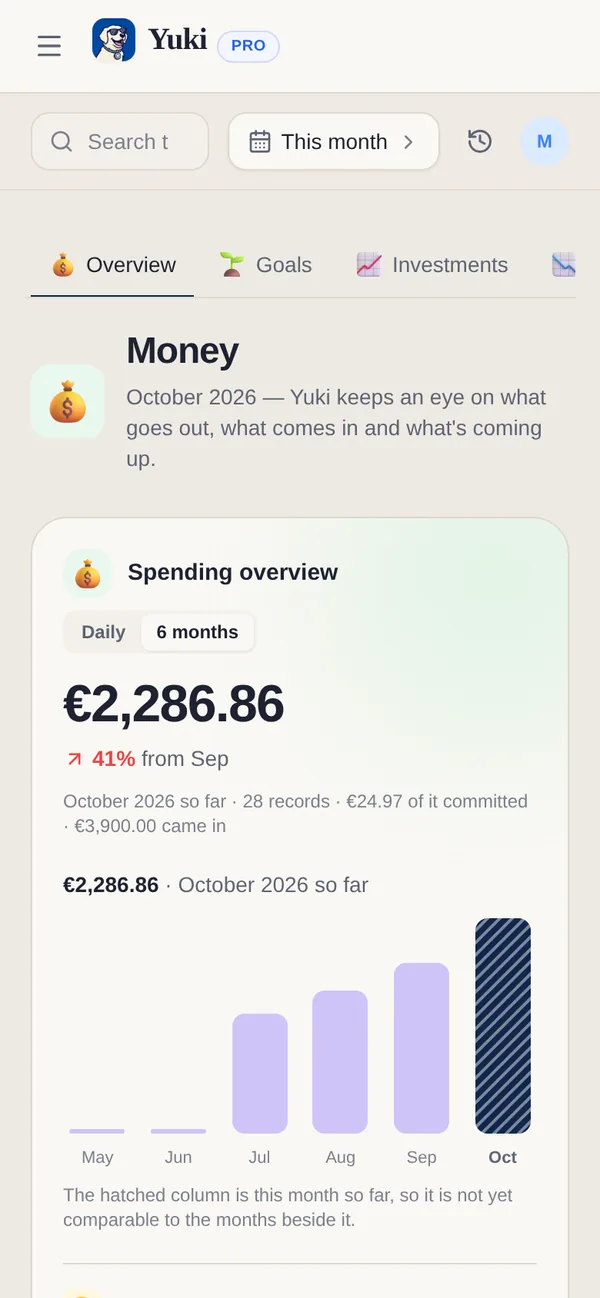
This is where connecting your inbox pays off. Yuki continuously turns the confirmations, invoices, and renewal notices in your email into tracked expenses and a subscription list, so you can see what you're spending and what's about to renew before it charges. Smart notifications surface the next thing due, and a daily briefing gives you a single 'here's what's coming' view instead of a scavenger hunt across apps.
You can also just ask. Yuki AI answers plain-language questions like 'what bills are due this week?' or 'what am I subscribed to?' — pulling from what it already read in your inbox, so the answer is there without you digging.
- New bills and renewals flow in automatically once your inbox is connected
- Subscription tracking flags renewals before they charge
- A daily briefing consolidates what's due into one view
- Ask Yuki AI 'what's due this week?' instead of searching your email
Share the load if bills aren't just yours
If you split a household with a partner, family, roommates, or a co-parent, the 'who's paying that?' gap is a second way bills get missed — everyone assumes someone else has it. A shared view closes that gap.
Yuki's shared groups let couples, families, roommates, and co-parents see the same bills, due dates, and shared expenses, with built-in bill-splitting and settle-up so it's clear who owes what. The point isn't just fairness — it's that a bill two people can see is far less likely to be forgotten than one buried in a single person's inbox.
Set it up once, and the everyday coordination — remembering, splitting, settling — stops living in one person's head. That's the real win: less mental load, fewer missed payments, for everyone involved.
- Shared visibility ends the 'I thought you paid it' gap
- Bill-splitting and settle-up make who-owes-what obvious
- A bill two people can see is far harder to miss
Step by step
- 1Sweep your inbox: search 'due', 'invoice', 'statement', 'renews', and 'past due' to surface every bill and subscription.
- 2List each bill's amount, due date, and whether it's autopay or manual — flag the manual ones as your real risk.
- 3Put every due date on the calendar you check daily, as a recurring event with an alert 2–3 days ahead.
- 4Connect your Gmail to Yuki so new bills and due dates land on your calendar automatically.
- 5Turn on subscription tracking to catch trials and renewals before they charge you.
- 6Enable smart notifications and the daily briefing so the next thing due always finds you.
- 7If bills are shared, add your partner, family, or roommates to a shared group with bill-splitting and settle-up.
- 8Sanity-check weekly for 60 seconds: glance at what's due and confirm nothing needs a manual payment.