
Most "life admin" problems aren't caused by laziness — they're caused by trying to hold everything in your head at once. The bill you meant to pay, the RSVP you never sent, the subscription that quietly renewed, the appointment you double-booked: each one is small, but together they create a constant background hum of low-grade stress. A weekly review is the antidote. It's a short, fixed ritual where you pull everything out of your head, check the few things that actually matter, and decide what happens next. Done well, it takes about ten minutes and buys you a whole week of not worrying. This guide gives you a concrete, repeatable version you can run on autopilot — and shows how to make most of it happen automatically instead of by memory.
Why a weekly review beats trying to remember
The reason life admin feels heavy isn't the tasks themselves — most take five minutes. It's the mental load of continuously tracking which ones exist and whether they've been done. Your brain is a terrible database. It surfaces the electricity bill at 11pm when you can't pay it and stays silent when you're actually at your desk.
A weekly review fixes this by moving the tracking out of your head and into a fixed moment. Instead of thirty small anxieties spread across seven days, you have one calm ten-minute pass. You're not trying to be more disciplined — you're removing the need for discipline by making the check automatic and time-bound.
The trick to keeping it to ten minutes is to review, not to do. If something takes under two minutes, handle it on the spot. If it takes longer, it becomes a task with a date. The review's only job is to make sure nothing important is invisible.
- Replaces constant low-grade worry with one scheduled check
- Catches time-sensitive items while you can still act on them
- Turns vague dread into a short, concrete list you can clear
The 10-minute structure: money, plans, tasks, people
A good review covers four buckets in order. Money first, because missed bills have the highest cost. Scan what's due in the next seven days and anything set to auto-renew — the sneaky subscription you forgot about is almost always found here, not in your bank statement after the fact.
Plans second: open the week ahead and look for the three failure modes — something unconfirmed, something double-booked, and something that needs prep or travel time you haven't blocked. Fixing these now prevents the Tuesday-morning scramble.
Tasks third: do a genuine brain-dump of every open loop, then be ruthless and pick only the three-to-five that must happen this week. A list of forty tasks is just anxiety in list form. People last: anything involving a partner, family, co-parent, or roommate needs a message sent now, because coordination is where things quietly fall through.
- Money: bills due soon, upcoming renewals, unsettled shared costs
- Plans: unconfirmed events, clashes, prep and travel time
- Tasks: brain-dump, then choose the vital few
- People: send the coordinating messages before you close the review
Make it nearly automatic instead of manual
The weakest part of any review is the gathering step. If you have to log into your bank, your email, three different apps, and a shared calendar just to see what's going on, you'll skip it. The fix is to have the raw material already collected in one place before you sit down.
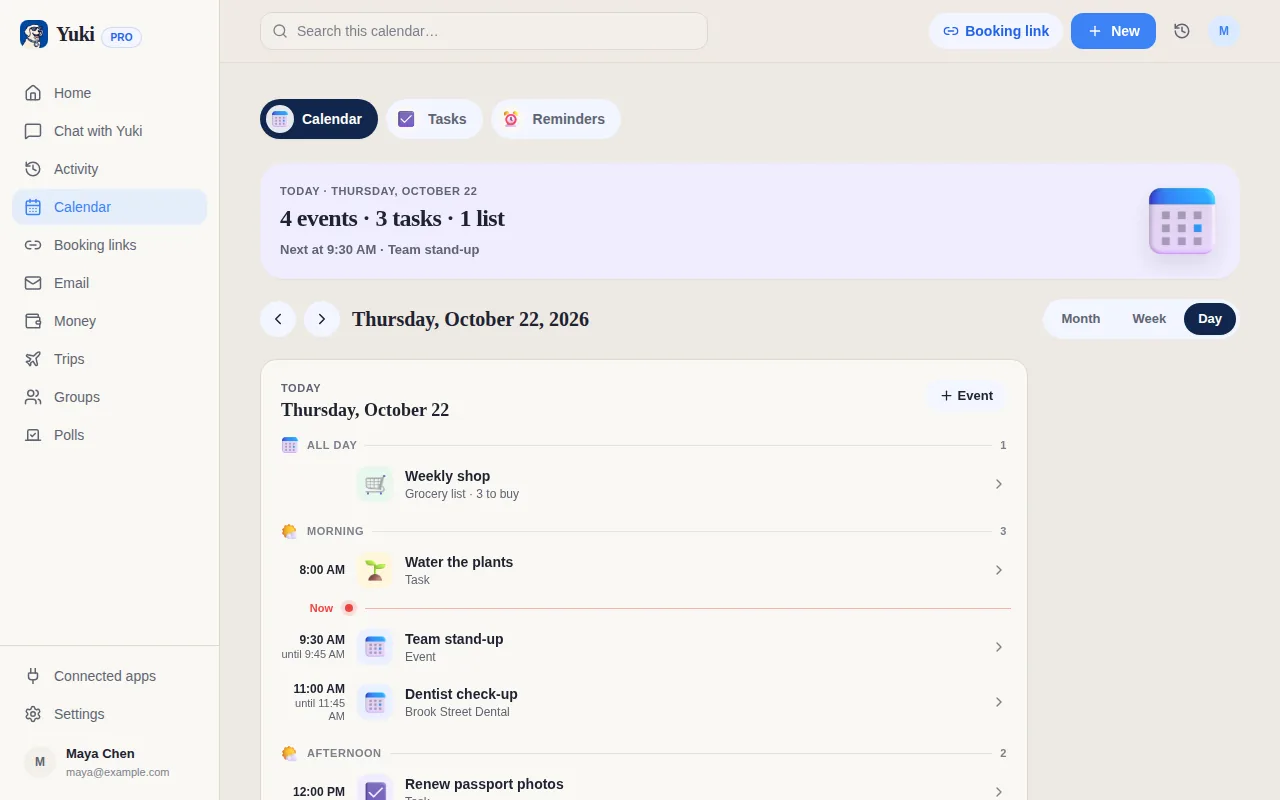
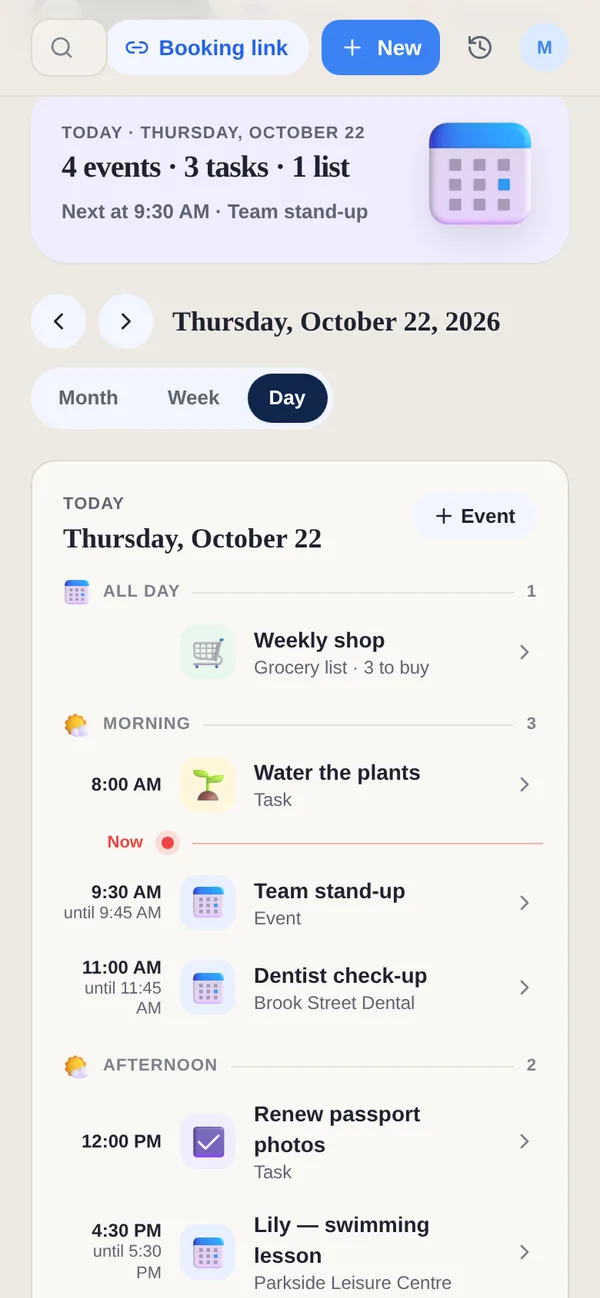
This is where a tool like Yuki does the heavy lifting. Yuki connects to your Gmail and turns the confirmations, receipts, bills, and invites already sitting in your inbox into a live calendar, tracked expenses and subscriptions, a task list, and reminders — without you entering anything by hand. When you run your weekly review, the bills, renewals, and upcoming plans are already surfaced, so the ten minutes is spent deciding, not digging.
Because it acts as a memory layer for everyday life, the things you'd otherwise have to reconstruct from scratch each week are simply there. That's the difference between a review that survives and one you abandon after three weeks. Yuki is free on iOS and Android, and it writes two-way to Google Calendar so anything you confirm stays in sync.
- Pre-gathered bills and renewals mean no logging into five accounts
- Plans already on a live calendar you can confirm in one pass
- Less to remember week to week, so the habit actually sticks
Handle the shared stuff without the back-and-forth
For anyone sharing a household — couples, families, co-parents, roommates — the messiest admin is the shared kind. Who paid for what, who's collecting the kids, whose turn it is for groceries. This is exactly the category that a solo review can't fully solve, because the information lives in someone else's head too.
Yuki's shared groups put the relevant plans, expenses, and bill-splitting in one place both people can see, with settle-up built in. In your weekly review, instead of drafting a paragraph explaining who owes what, you glance at a shared ledger and the numbers are already there. The coordination that usually generates a dozen texts becomes a shared source of truth.
The principle holds even without an app: for anything shared, the review's job is to convert a private worry into a sent message. Don't finish your ten minutes with an unsent 'I should tell them about…' still in your head.
- Shared groups keep plans and expenses visible to everyone involved
- Built-in bill-splitting and settle-up removes the 'who owes what' math
- End the review with coordinating messages sent, not pending
Step by step
- 1Pick a fixed 10-minute slot each week (Sunday evening and Friday afternoon are popular) and treat it as a standing appointment.
- 2Money check: scan for bills due in the next 7 days, any subscription about to renew, and shared expenses that still need settling.
- 3Calendar check: look at the week ahead, confirm anything unconfirmed, spot double-bookings, and note what needs prep or travel time.
- 4Task sweep: empty your head of every open loop onto one list, then pick the 3-5 things that genuinely must happen this week.
- 5Coordination check: flag anything that involves other people — a partner, family, co-parent, or roommate — and send those messages now, not later.
- 6Close the loop: set reminders for time-sensitive items so the follow-through doesn't depend on you remembering.
- 7Stop. Ten minutes is the point — resist turning it into an hour-long reorganization.