
You paid the electricity bill, rebooked the dentist, forwarded the flight confirmation to your partner, remembered your niece's birthday, split the restaurant bill three ways, and cancelled a free trial before it charged you. None of that is "work," exactly — but it took real time, real attention, and a running mental checklist you can never quite put down. That's life admin: the unpaid, invisible logistics of keeping a life running. This guide defines it clearly, explains why it feels so heavy, and gives you specific, do-it-today ways to spend less of your life on it.
What life admin actually is
Life admin is the ongoing set of small administrative tasks required to run a household and a personal life — the errands, decisions, and follow-ups that no one assigns you but everyone has to do. It's distinct from chores (physical tasks like laundry) and from your paid job. It's the coordinating, remembering, and paperwork layer that sits underneath everything else.
The reason it feels heavier than the sum of its parts is that most of it lives in your head as 'open loops' — things you're afraid to forget. Researchers call this the mental load: the cognitive work of noticing what needs doing, deciding when, and making sure it actually happens. A five-minute task can occupy you for days if you're carrying it around waiting for the right moment.
- Money: bills, renewals, subscriptions, splitting shared costs, tracking what you spent
- Time: booking appointments, RSVPing, scheduling, remembering birthdays
- Travel: flights, hotels, itineraries, keeping everyone in the loop
- Household & shared: groceries, deliveries, coordinating with a partner, family, or roommates
- The invisible part: remembering all of the above exists and hasn't slipped
Why it eats so much time (and energy)
Life admin is expensive not because any single task is hard, but because it's fragmented and interrupt-driven. The information you need is scattered — a booking is in your inbox, the date belongs in your calendar, the cost belongs in a budget, and the plan needs to reach another person. You become the human integration layer, copying details from one place to another.
It's also asymmetric in households. One person often becomes the 'default manager' who holds the master list in their head, which is a real and tiring form of labour even when tasks are technically shared. And it's mostly reactive: a confirmation email lands, a renewal is about to hit, a package is late — and you context-switch to deal with it, losing focus on whatever you were actually doing.
- Fragmentation: the same trip lives in email, calendar, and a group chat
- Manual copying: retyping flight times, amounts, and addresses by hand
- Mental load: the unpaid work of remembering and reminding
- Context-switching: each small task interrupts deeper work
Practical ways to cut it down
You reduce life admin by attacking two things: the number of decisions you make, and the amount you have to hold in your head. Automation and defaults handle the first; a single trusted system handles the second. Here are tactics that work regardless of what tools you use.
The highest-leverage move is to stop being the integration layer. Most of your admin information already arrives in your inbox — confirmations, receipts, bills, invites. If that information flowed automatically into your calendar, expenses, and shared plans, you'd eliminate the retyping and most of the remembering in one step.
- Automate the recurring: put every bill and subscription on autopay or a calendar reminder so renewals never surprise you
- Batch it: pick one 30-minute 'admin block' a week instead of reacting all day
- Default and template: reuse the same packing list, the same grocery staples, the same booking choices
- Get it out of your head: capture every open loop somewhere trusted so you can stop rehearsing it
- Share the source of truth: give a partner or roommate the same live view so nobody has to be the 'manager'
- Let your inbox do the data entry: turn confirmations and receipts into calendar events and tracked expenses automatically
How Yuki removes the manual part
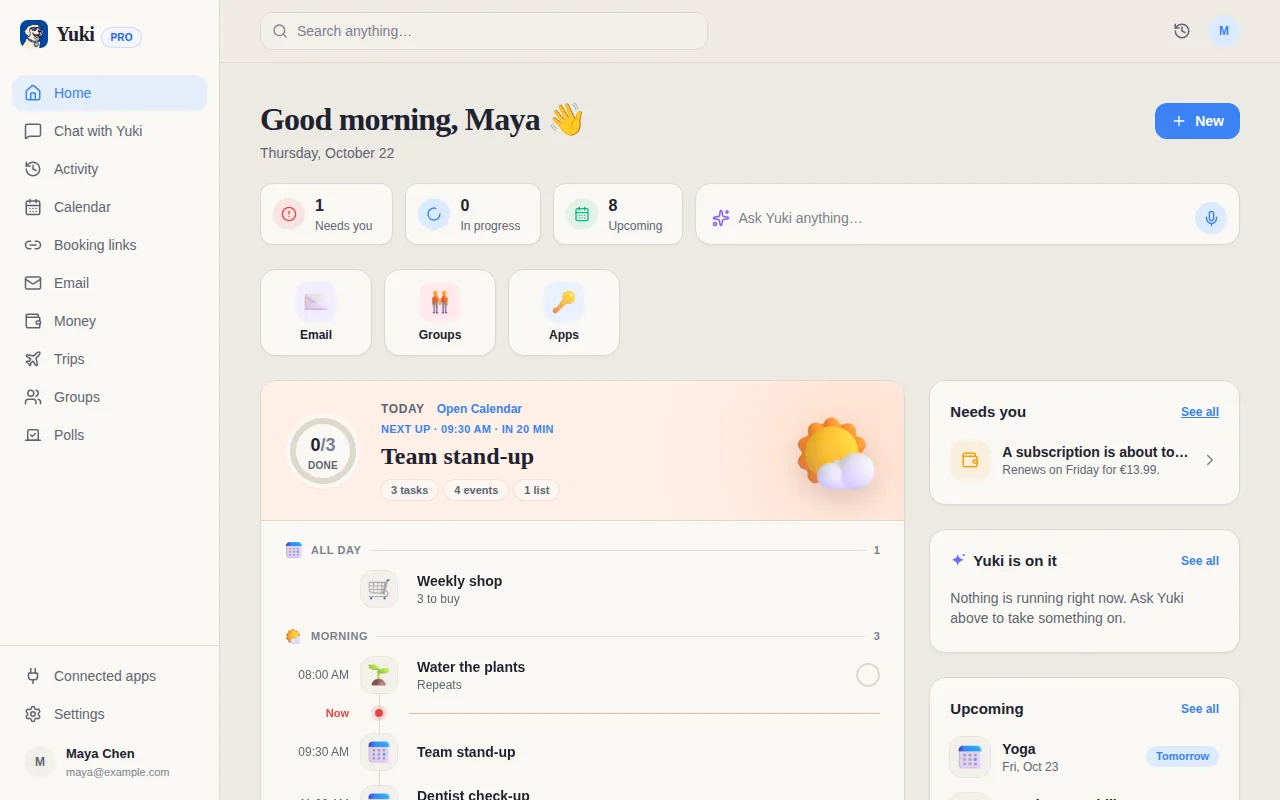
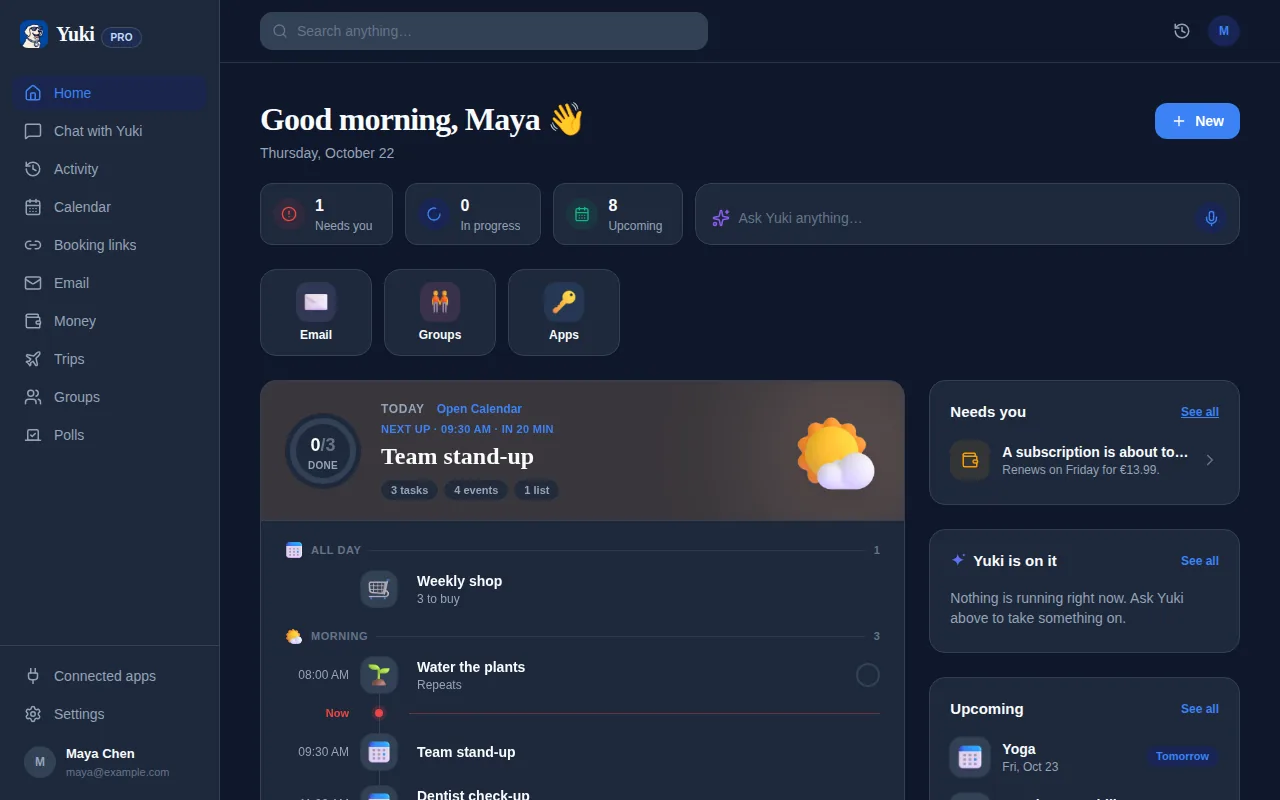
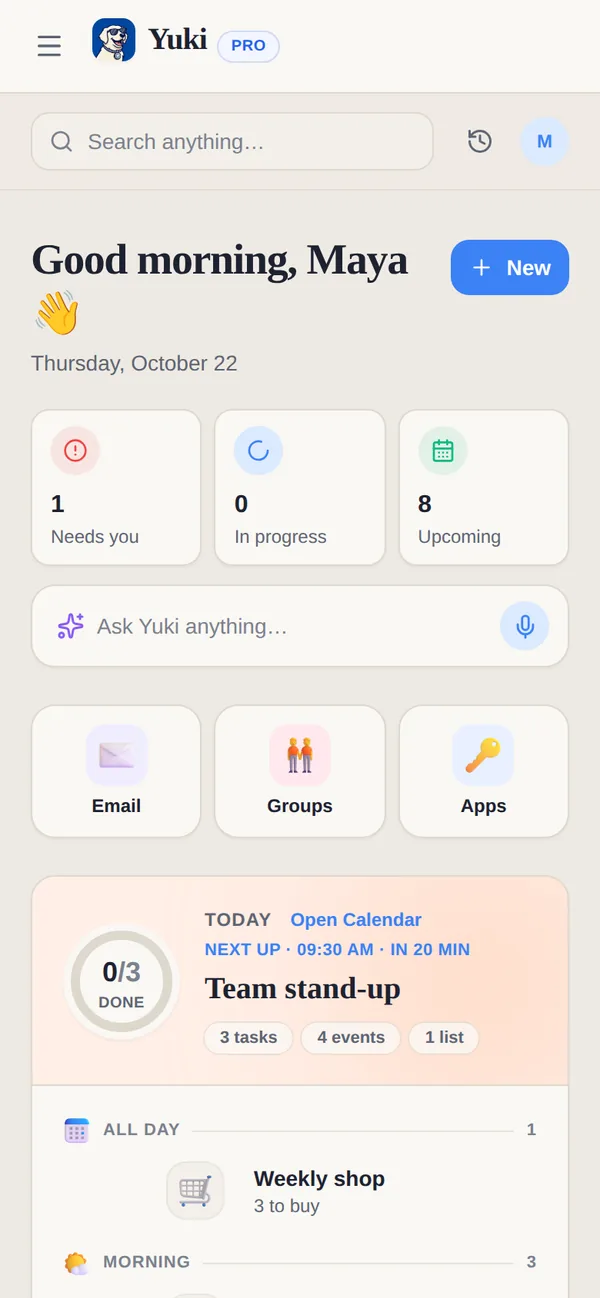
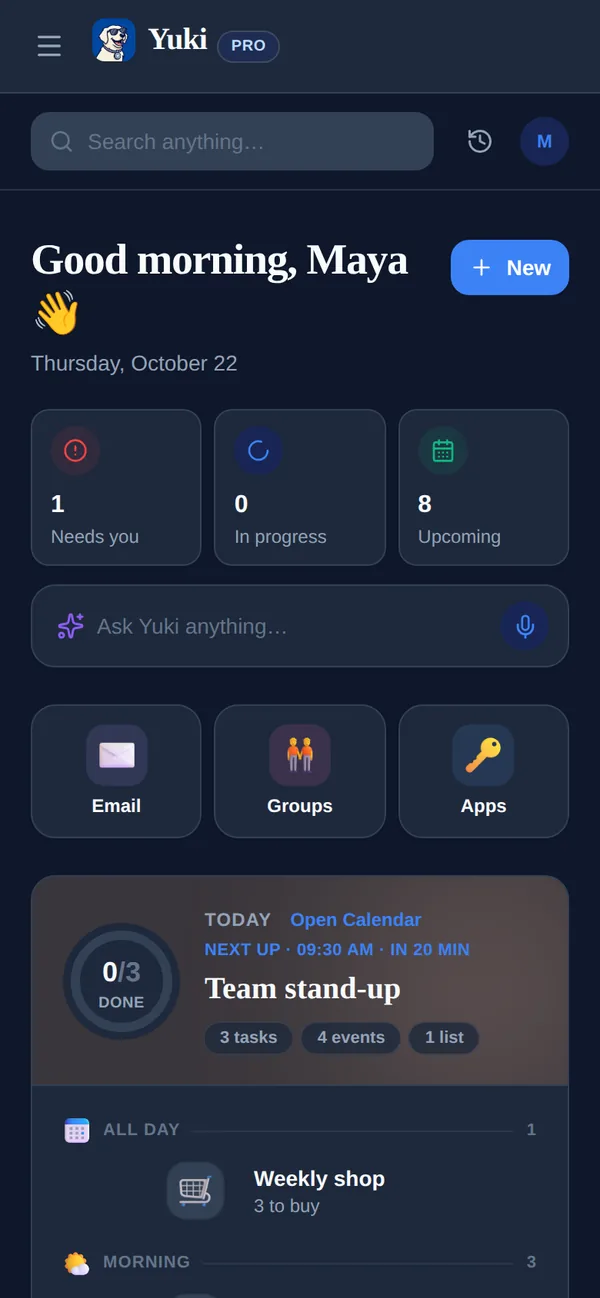
Yuki is a free app for iOS and Android that acts as a memory-and-coordination layer for everyday life. You connect Gmail, and it reads the confirmations, receipts, bills, and invites already sitting there and turns them into things you can actually use — without you copying anything.
A flight confirmation becomes a trip itinerary and calendar events (Yuki writes two-way to Google Calendar). A receipt becomes a tracked expense; a recurring charge shows up in subscription tracking before it renews. Deliveries get tracked, birthdays and reminders get surfaced, and everything can live in shared groups for couples, families, co-parents, or roommates — including bill-splitting and settle-up. There's also Yuki AI, a natural-language assistant you can just ask. The point isn't more features to manage; it's that the remembering and coordinating happen for you, so the mental load goes down.
- Inbox in, organized life out — no manual data entry
- A live calendar that writes back to Google Calendar
- Expenses and subscriptions tracked from the receipts you already get
- Shared groups so one person isn't the household manager
- Free on iOS, Android and the web, with one account that stays in sync
Step by step
- 1List your recurring life admin: bills, subscriptions, standing appointments, and regular coordination with other people.
- 2Automate what repeats — set autopay or reminders for every bill and renewal so nothing is a surprise.
- 3Stop retyping: connect your inbox to a tool that turns confirmations and receipts into calendar events and tracked expenses automatically.
- 4Pick one weekly 30-minute admin block and handle non-urgent items there instead of reacting all day.
- 5Move shared logistics into a single shared view so a partner, family, or roommates see the same plan.
- 6Empty your head weekly — capture every open loop somewhere trusted so you're not rehearsing tasks in your mind.