

Most of us are terrible at remembering exactly where we've been. Was that layover in Doha actually a "visit"? Did that road trip cross into another country for an afternoon? Years later, the border stamps fade, the boarding passes get tossed, and the answer to "how many countries have you been to?" becomes a fuzzy guess. Keeping a real record of the countries you've visited turns that guesswork into something you can see, share, and add to for the rest of your life. This guide covers how to decide what counts, the best ways to log each trip, and how to let the confirmations already sitting in your inbox build the map for you.
First, decide what actually counts as "visited"
Before you start logging, set one rule for yourself so your list stays honest and consistent. The two most common standards are the airport-transit rule and the feet-on-the-ground rule. Under the strict version, a country only counts if you left the airport and spent time in it; under the looser version, a layover or even flying through its airspace counts. There's no official answer — pick one and apply it to every trip.
The reason consistency matters is comparison over time. If you count layovers this year but not next year, your total becomes meaningless. Frequent-traveler communities and count-your-countries sites mostly settle on "you set foot on the soil and passed through immigration or left the transit zone," which is a good, defensible default. Whatever you choose, write it down next to your list so future-you remembers the rule.
- Strict: only counts if you left the airport / cleared immigration
- Loose: layovers and transit count
- Also decide how you'll handle territories, disputed regions, and countries that no longer exist
- Note your rule alongside your list so it stays consistent for years
Capture each country while the trip is fresh — not years later
The single biggest reason people can't remember every country they've been to is that they try to reconstruct the list from memory long after the fact. The fix is to log a country at the moment you have proof of the trip: when you book the flight, when you check into the hotel, or the day you cross the border. Waiting until "someday" is how the afternoon side-trips and long-ago family holidays quietly disappear from your record.
Your booking confirmations are the best evidence you have. A flight confirmation names the destination airport and country; a hotel confirmation names the city; a rental-car or train booking traces your route. These land in your email inbox automatically, which makes your inbox the most complete and accurate travel diary you already own — you just have to turn it into a list.
- Log the country when you book or when you arrive, not months later
- Flight, hotel, and rail confirmations are strong dated proof
- Keep the confirmation email — it's your timestamp and receipt
- Add a one-line note of what you did there while it's fresh
Turn your inbox into a travel passport automatically
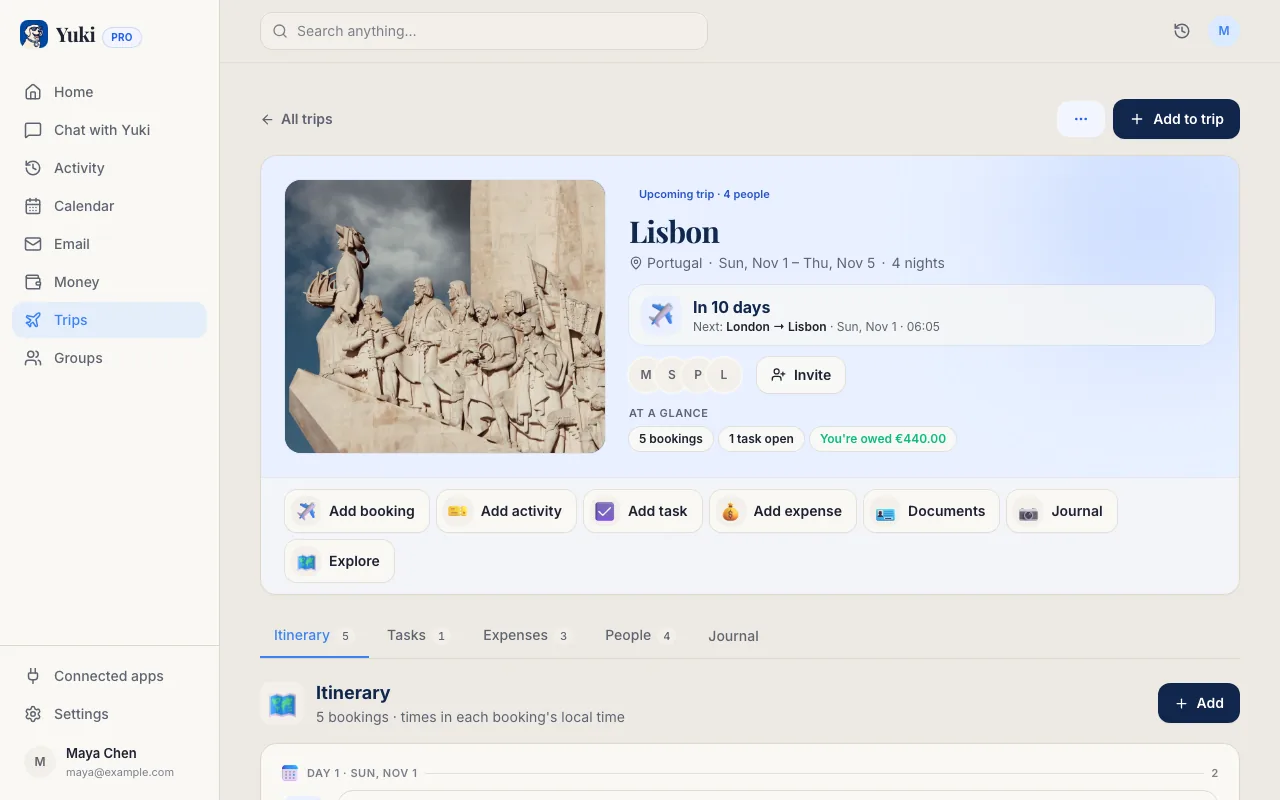
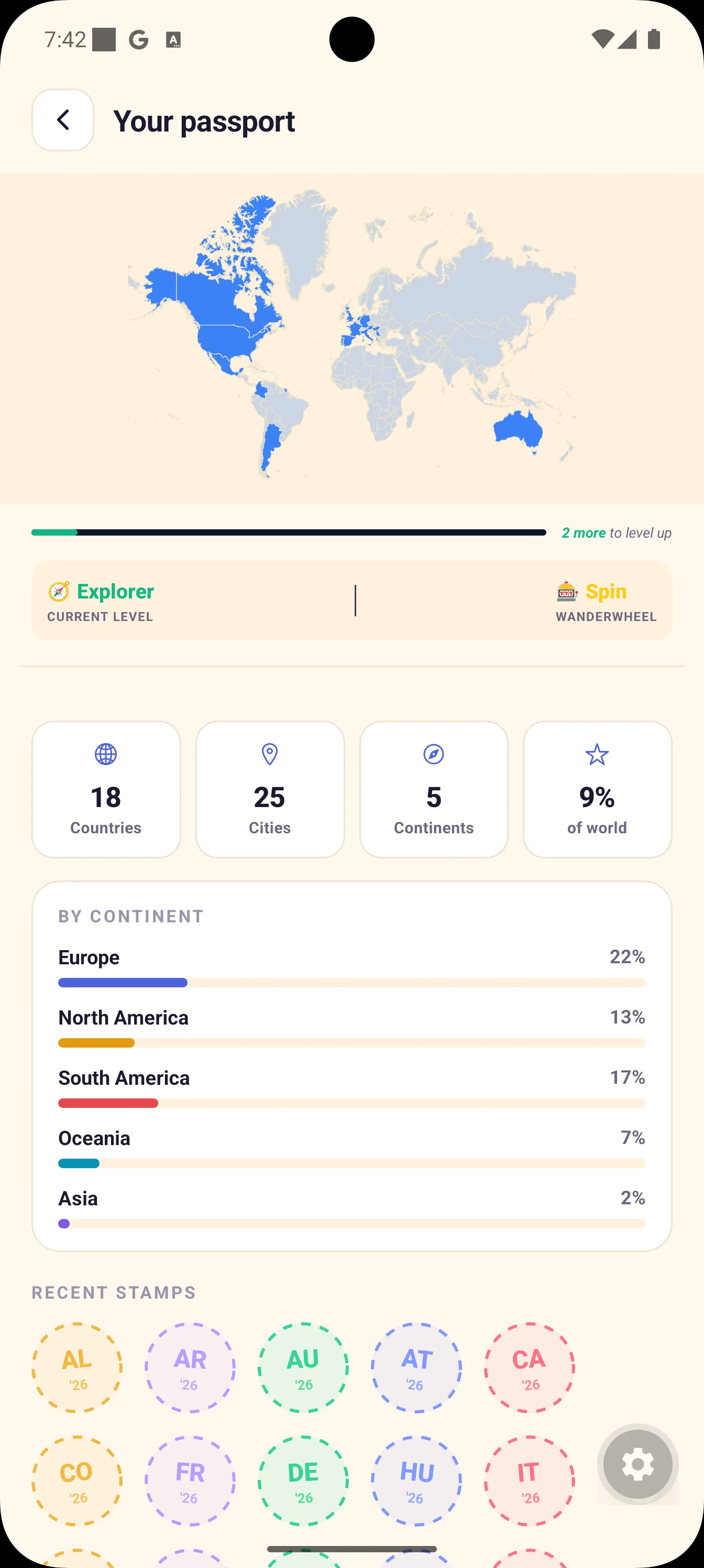
Manually keeping a spreadsheet or scratch-map works, but it depends entirely on you remembering to update it. A more durable approach is to let a tool read the trip confirmations already in your email and build the record for you. Yuki connects to Gmail and turns flight, hotel, and booking confirmations into full trip itineraries — and as it does, it assembles a travel passport of the countries you've visited, so your map grows every time you take a trip without any manual logging.
Because Yuki works from your actual confirmations, the record is grounded in evidence rather than memory, and it reaches back through the trips already sitting in your inbox. That's the same memory-and-coordination idea behind everything Yuki does: it remembers the details of your life so you don't have to carry them in your head. Yuki is free to download and runs on iOS and Android.
If you travel with a partner or family, you can keep a shared view of trips too, so the record of where you've all been lives in one place instead of scattered across separate phones.
- Connect Gmail — confirmations become itineraries automatically
- A travel passport of visited countries builds itself as you book trips
- Works from real booking evidence, including past trips in your inbox
- Free on iOS and Android
Keep the record rich, not just a number
A count of "37 countries" is fun, but the record you'll actually treasure in ten years is the one with texture: the year you went, who you were with, and one memory from each place. When you log a country, add a sentence — the meal you still think about, the person you met, the reason for the trip. It costs seconds now and turns a tally into a story.
Photos anchor memory better than names, so tie at least one image to each country if you can, and periodically back the whole thing up. The goal is a record that survives a lost phone and a faded memory — something you can pull up to answer "have we been there?" or to plan where to go next.
- Add the year, companions, and one memory per country
- Attach a photo to make each entry stick
- Back it up so it survives a lost or replaced phone
- Use gaps in the map to plan your next trip
Step by step
- 1Pick your rule for what counts as a visited country (e.g. cleared immigration / left the airport) and write it down.
- 2Gather your evidence: passport stamps, old boarding passes, and — most completely — the flight and hotel confirmations in your email.
- 3Choose where the record will live: a simple spreadsheet, a scratch map, or an app that builds it from your inbox.
- 4Connect Gmail to Yuki so your trip confirmations become itineraries and a travel passport of visited countries automatically.
- 5Backfill past trips from old confirmation emails so the record reaches back, not just forward.
- 6Add a year, companions, and one memory (and ideally a photo) to each country.
- 7Set a habit: log the country the moment you book a new trip, so nothing slips.
- 8Back up the record periodically so it outlives any single device.