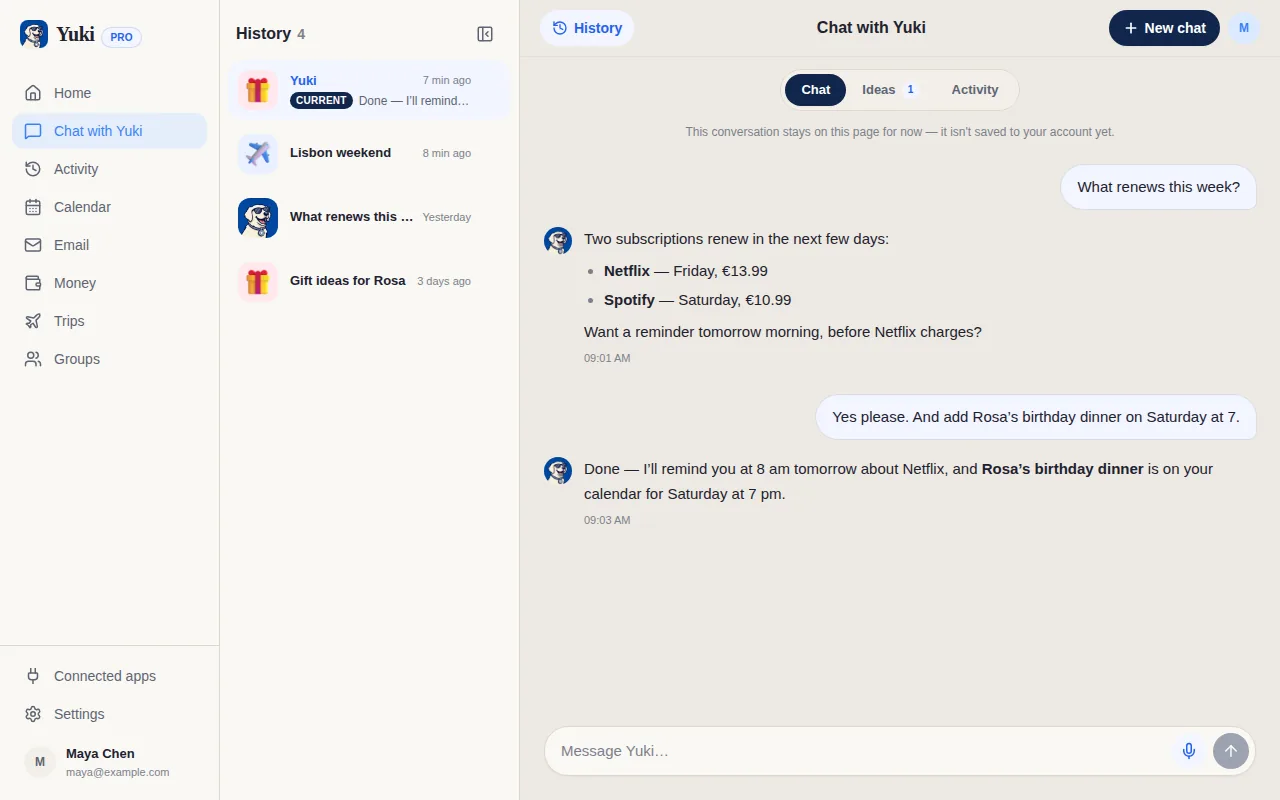
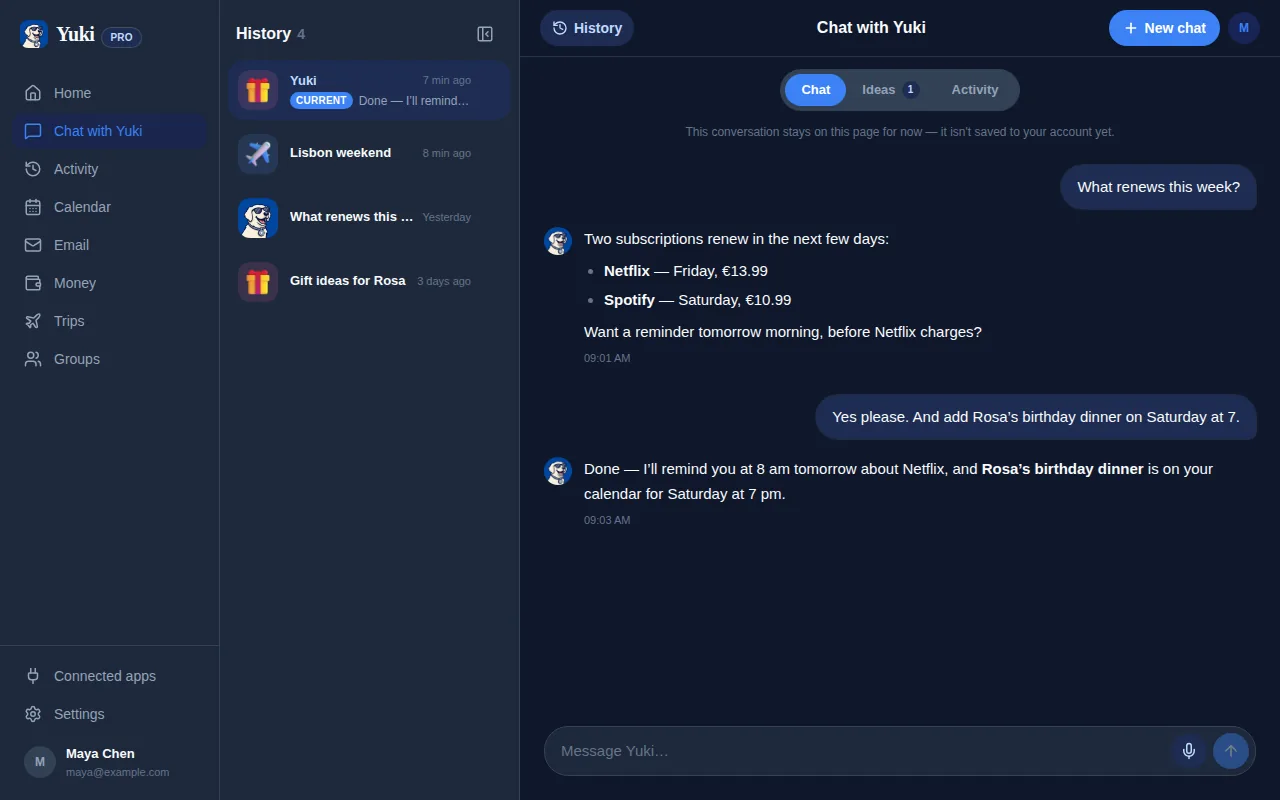
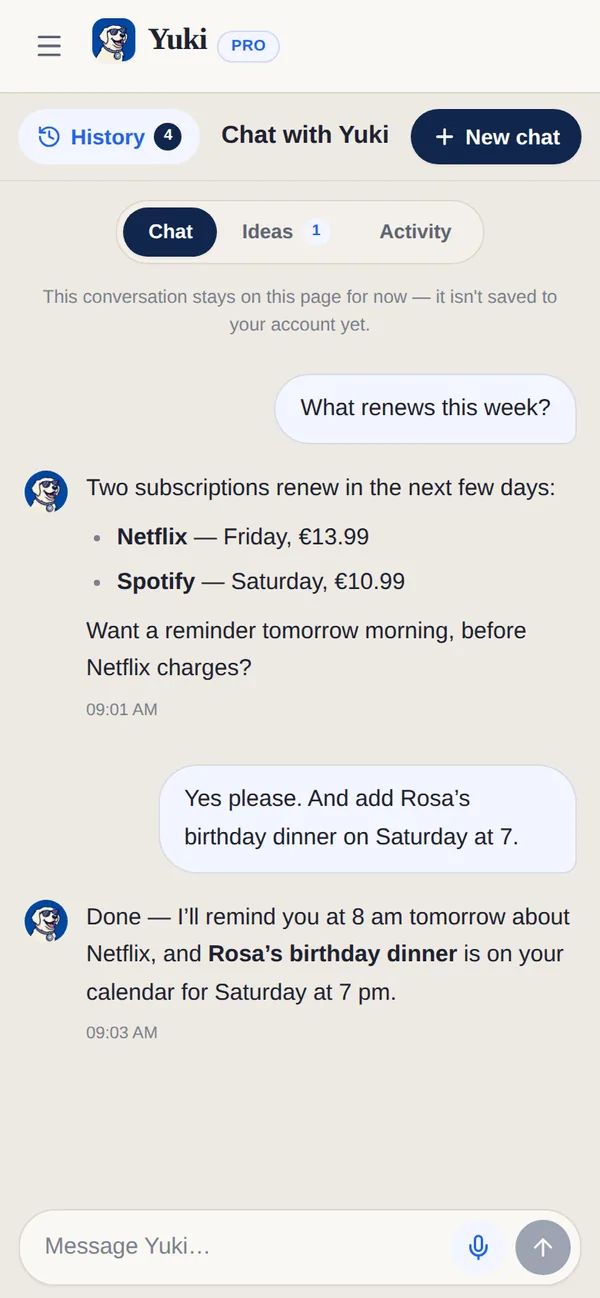
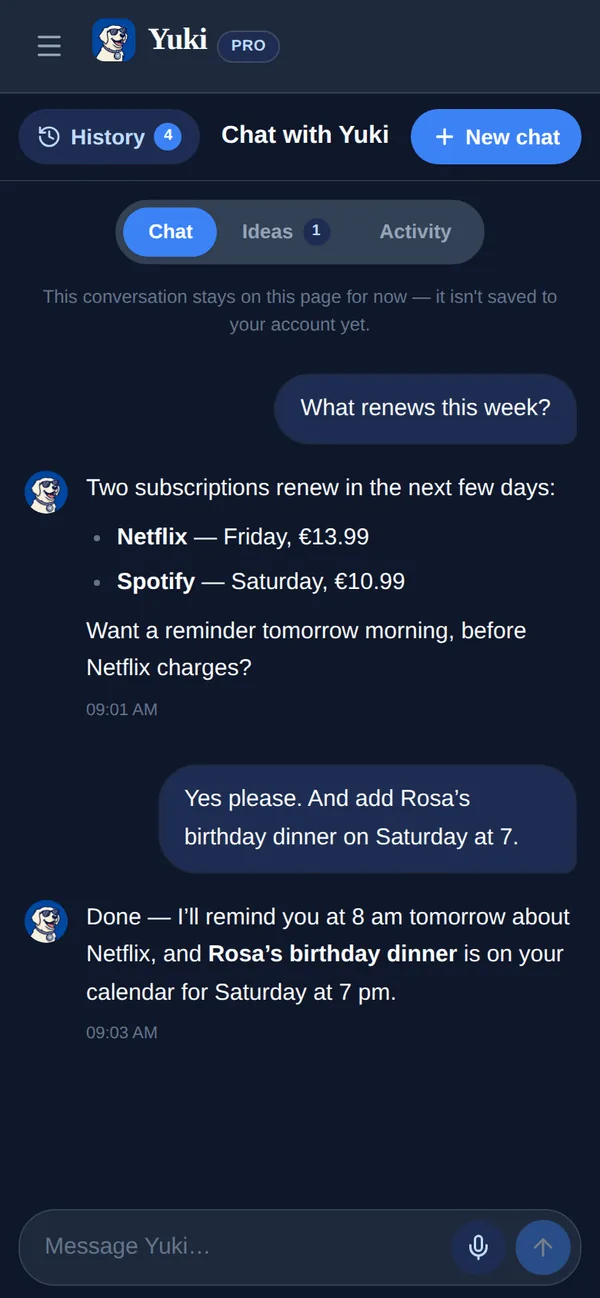
An assistant that can act is only useful if you can see what it did and stop it doing more. Every meaningful action asks first, shows its work, and can be undone — and you decide how far the leash goes.
Coming soonThis is coming soon. Everything else on this page works today — we would rather tell you what is on the way than describe a product you cannot use yet.
yukihq.com/app
The uncomfortable question about any agent is not "can it do the thing". It is "what happens the first time it does the wrong thing". Yuki is built around the answer: it asks first, it writes down what it did, and it lets you reverse what can be reversed.
Ask first
Anything consequential produces an approval card before it happens, and the card is rendered from the action itself rather than from the model’s account of it — so what you approve is what runs. You can edit an email before it sends. Decline is the same size as approve, in the same row.
Show the work
Everything Yuki does lands in an activity log, by day, with what it was, when it happened and what it touched. Tap through to the real record. This is the screen you check when you want to know what has been going on — and the one that makes the rest of it trustworthy.
Then choose the leash
Setting
What it means
Ask for approval
Recommended. Nothing consequential happens without your tap.
Auto-approve this task
Skip approval for the one thing you are doing right now.
Auto-approve below a limit (coming soon)
e.g. up to €100 for rides, €50 for groceries.
Auto-approve for this trip (coming soon)
e.g. hotels and transport, while you are away.
There is a floor you cannot switch off. High-risk actions — sending an email, a large purchase — always require approval, whatever else you have turned on. A grant is never permanent, never unscoped, and always revocable.
Per-connection, read-only or allowed to act
Gmail, your calendar, your contacts and your device calendar connect independently, and each one is separately set to read-only or allowed to act. Read-only is genuinely read-only: Yuki can answer from it and cannot do anything with it.
Agent actions are rolling out. See what Yuki organizes today — Yuki is free on iOS and Android.
Frequently asked questions
Will Yuki do things without asking me?
Not unless you have explicitly said it can, for something specific. The default is that every consequential action — sending an email, making a booking, spending money — stops and asks. Autopilot is opt-in, scoped and expiring, and high-risk actions ask anyway whatever else you have switched on.
What is on the approval card?
The action itself, built from the action rather than from what the model says about it. For an email: the recipient, the subject and the full body you can edit before it sends. For a booking: the route, the legs, the fare and the traveller details, with the source of each one named. The two buttons are equally weighted — approving is not the easy path and declining the buried one.
Can I undo something Yuki did?
Where the action can be reversed, yes, from the activity log. Where it genuinely cannot — an email that has already left — Yuki says so plainly rather than offering an undo that does nothing. That honesty is the point of the log.
What does autopilot actually let me set?
A ladder rather than a switch: ask me every time, or auto-approve this one task. Auto-approving below a spending limit, or for a whole trip, is coming soon: Yuki cannot spend money or book a trip yet, so there is nothing for those settings to hold back. Every grant is scoped, expires on its own, and can be revoked from the same screen that made it.
Can Yuki act on my accounts without me connecting them?
No. Every connection is separately set to read-only or allowed to act, and you decide which. Read-only means Yuki can use it to answer questions and cannot use it to do anything.