
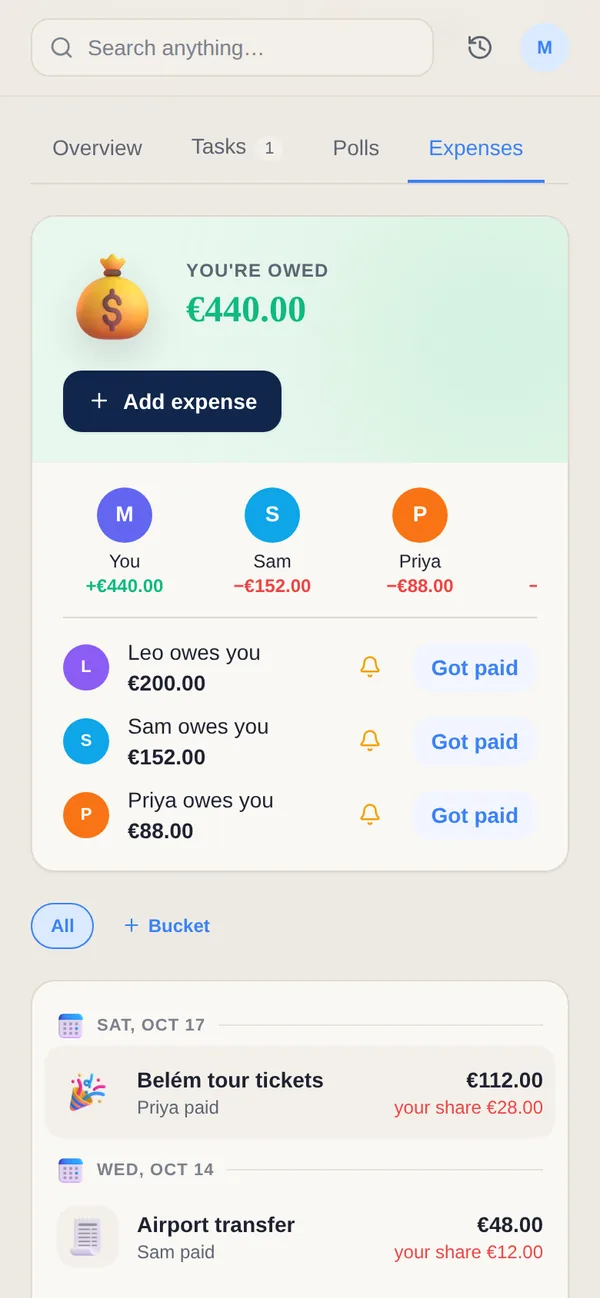
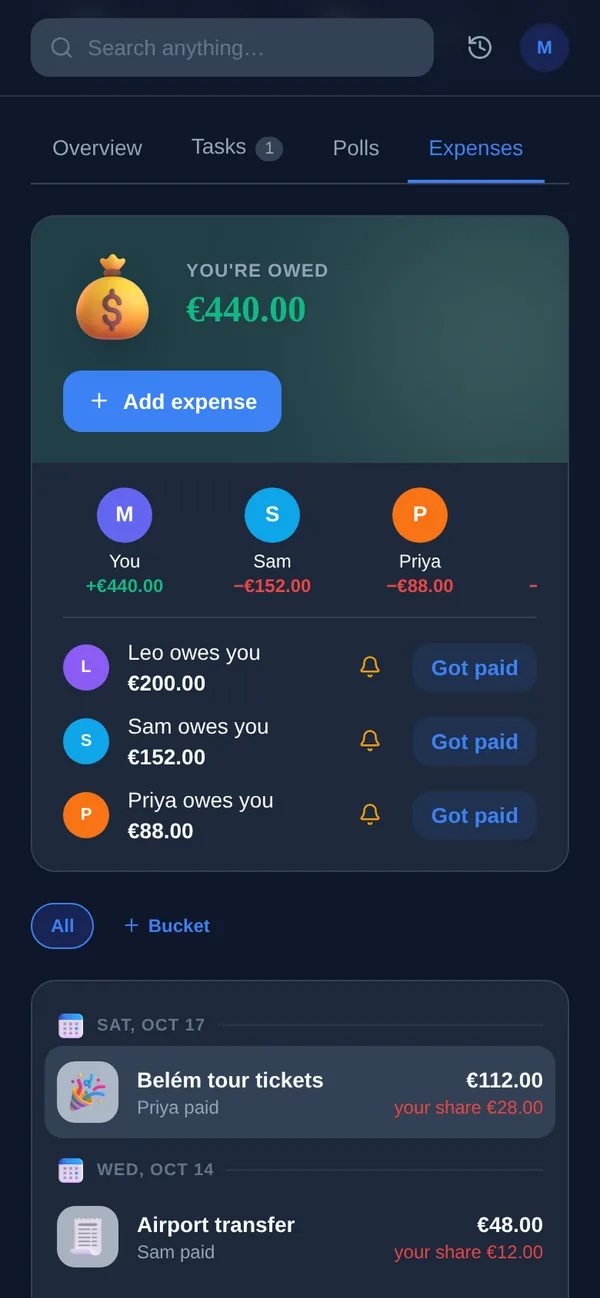
Tricount is built for a simple job, done with as little friction as possible: no account needed, split a cost, see who owes what. Yuki asks for more up front — an account, an inbox connection — in exchange for doing more: it reads the bills, receipts and renewal emails already arriving in your inbox and adds them to a shared group automatically, then keeps a calendar, trip itinerary and task list alongside the money. For a single trip split with people you just met, Tricount's zero-signup model wins. For the household, couple or family you split costs with every week, Yuki's automation and broader shared view do more of the work.
| Feature | Yuki | Tricount |
|---|---|---|
| Custom splits (equal / % / exact) | ||
| Multi-currency support | ||
| Offline expense entry, syncs later | ||
| No account required to join | ||
| Auto-captures expenses from your inbox | ||
| Shared calendar in the same group | ||
| Trip itineraries from booking emails | ||
| Shared tasks & groceries |
Accurate as of July 2026. Check each app's current site for the latest — feature sets change.
Frequently asked questions
Is Yuki a Tricount alternative?
For ongoing shared life with the same people — a household, a couple, a family — yes, and Yuki adds a calendar, trips and tasks alongside the splits. For a single trip split with people who won't install another app, Tricount's no-account model is a better fit.
Does Yuki require everyone to sign up?
Yes — every participant needs a Yuki account to see or add to a shared group. Tricount lets guests join via a browser link with no account.
Can Yuki split expenses offline like Tricount?
Yes. Expenses added with no connection are queued and sync automatically once you're back online.