
Research says the average worker leaves 40% of their vacation days unused. The problem isn't that people don't want to take time off — it's that the friction around planning and leaving work behind feels too high. Finding all your booking confirmations scattered across your inbox, building an itinerary from scratch, making sure nothing falls through the cracks at work before you leave — it all adds up to a tax on taking time off that makes it easier to just not bother.
Why vacation days go unused
- Planning is work — building a trip itinerary from scattered booking emails, hotel confirmations and tour receipts takes real effort.
- Pre-trip anxiety — the mental list of everything that needs doing before you leave is long, disorganized and stressful.
- Booking emails everywhere — flights, hotels, trains and activities arrive in different emails that are hard to find when you need them.
- You can't switch off — because you're not sure everything is handled, the work mindset follows you on holiday.
How Yuki helps
- 1Auto-built itinerary — Yuki reads your booking confirmation emails (flights, hotels, car rentals, tours) and builds a clean trip itinerary automatically. Every leg of the trip is in one place, in order, with times and references.
- 2AI trip planning — tell Yuki's AI assistant where you're going and for how long, and it will plan a day-by-day itinerary of activities, restaurants and places to see. You can edit, add or remove anything. No research rabbit-holes.
- 3Pre-trip task list — create a task list in Yuki for everything that needs doing before you leave (set out-of-office, brief the team, pack, notify the bank). Recurring tasks keep the checklist fresh if you travel often.
- 4Destination essentials — Yuki surfaces visa requirements, the local currency, plug types, emergency numbers and tap-water safety for your destination automatically.
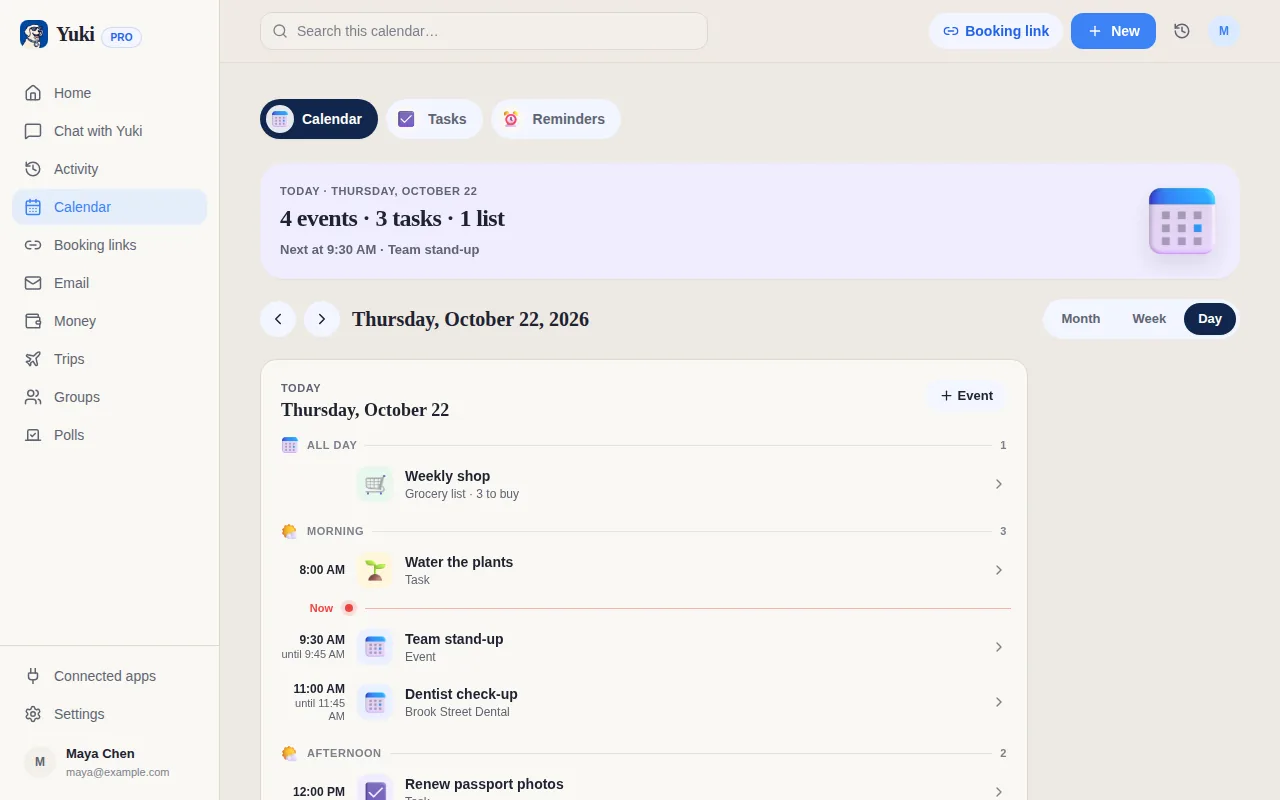
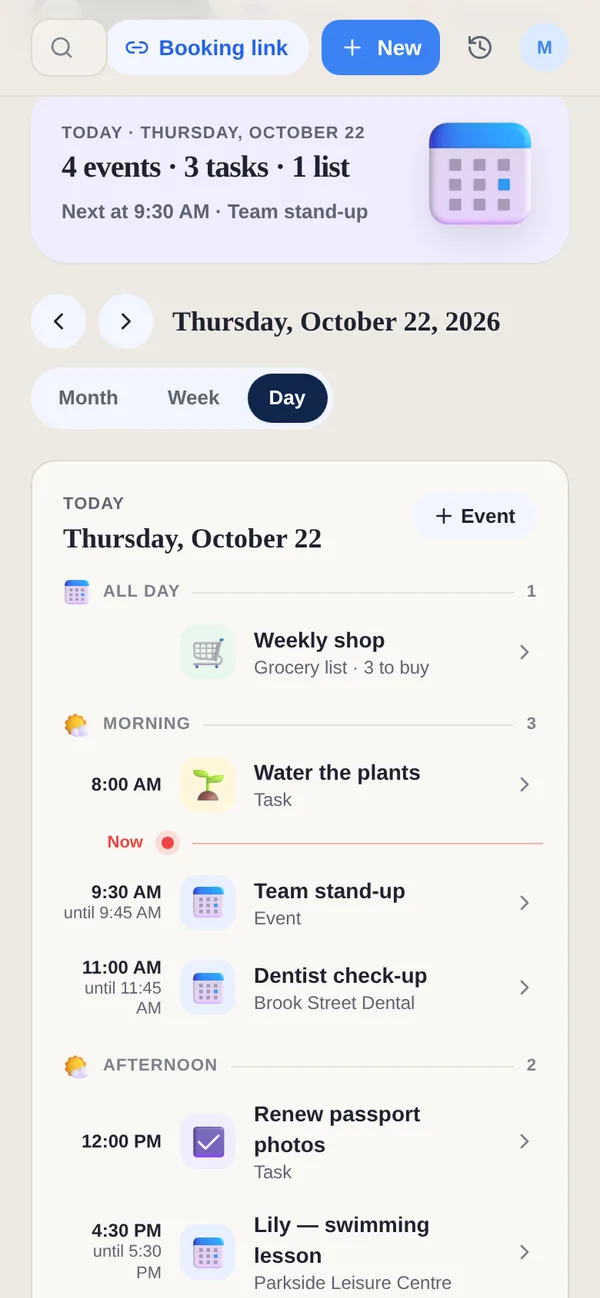
- 5Home on travel days — on the days you're traveling, Home shows today's plan with any task due that day, and your trip in Upcoming — so you don't miss a thing even while away.
You've already earned the time off. The logistics of a trip shouldn't be the reason you don't take it. Yuki handles the organization so you can spend the planning energy on where you actually want to go.
Stop leaving vacation days on the table. Let Yuki handle the trip logistics. Yuki is free on iOS and Android.
Frequently asked questions
How do I actually plan my vacation days without it becoming stressful?
Yuki removes the biggest friction: building the itinerary. Connect your email and Yuki reads your booking confirmations (flights, hotels, tours) and assembles the trip automatically. The AI assistant can also plan a day-by-day activities schedule for your destination, so you go from "I should book a trip" to a complete plan in minutes.
How do I stop worrying about work when I'm on vacation?
The worry usually comes from not being sure everything is handled. Use Yuki's task list to create a pre-trip checklist — brief the team, set out-of-office, tie up loose ends — and tick each off before you leave. When the list is done and visible, you can close it and actually switch off.
Can Yuki organize my travel bookings automatically?
Yes. Yuki reads your booking confirmation emails — flights, hotels, car rentals, trains, tours — and builds a trip itinerary in the app automatically. Every leg is in one place, in chronological order, with times and confirmation references, so you never have to dig through your inbox at the airport.