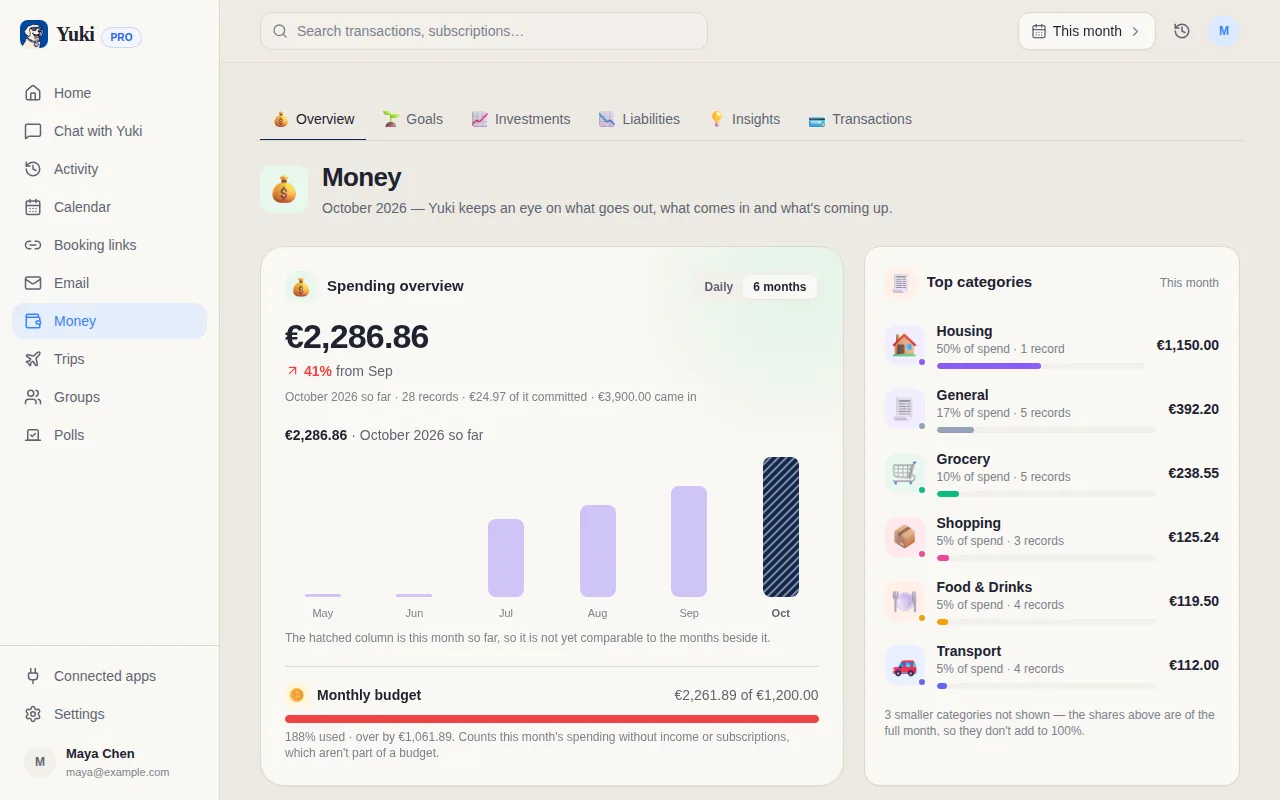
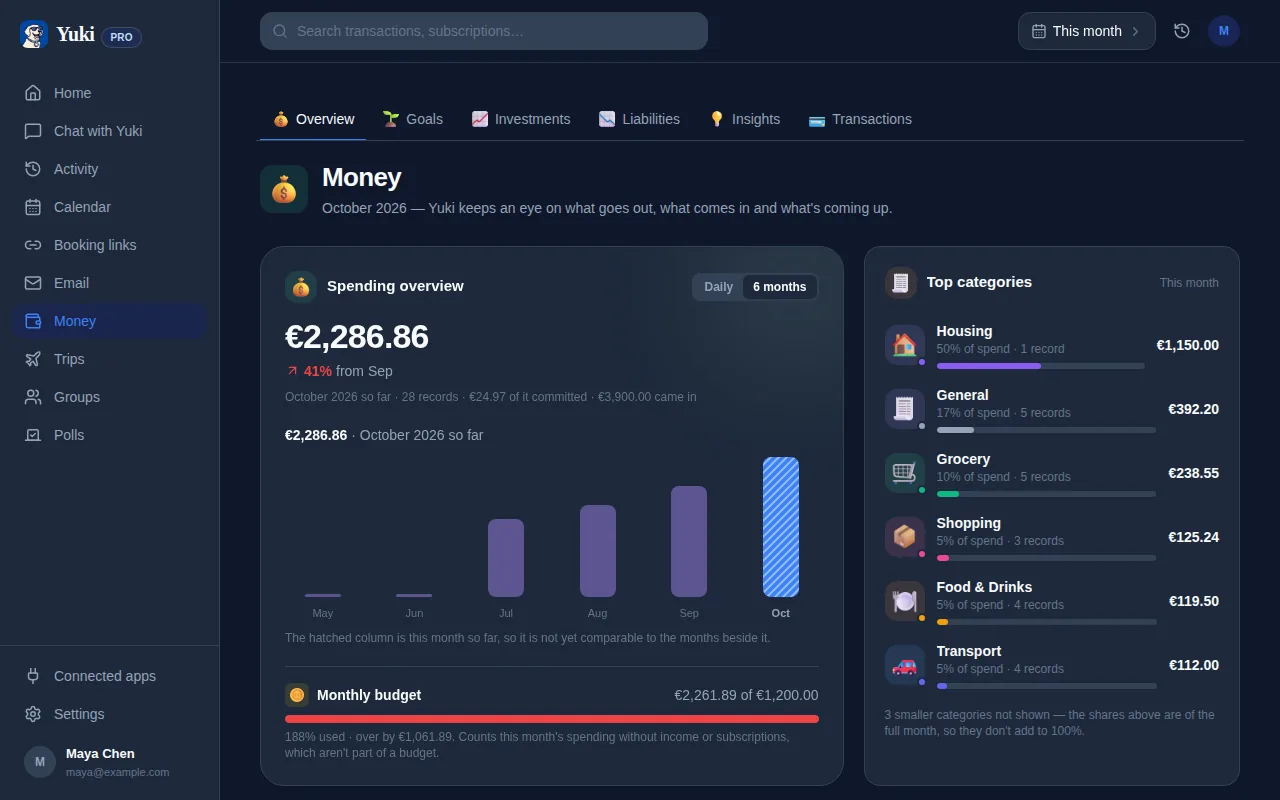
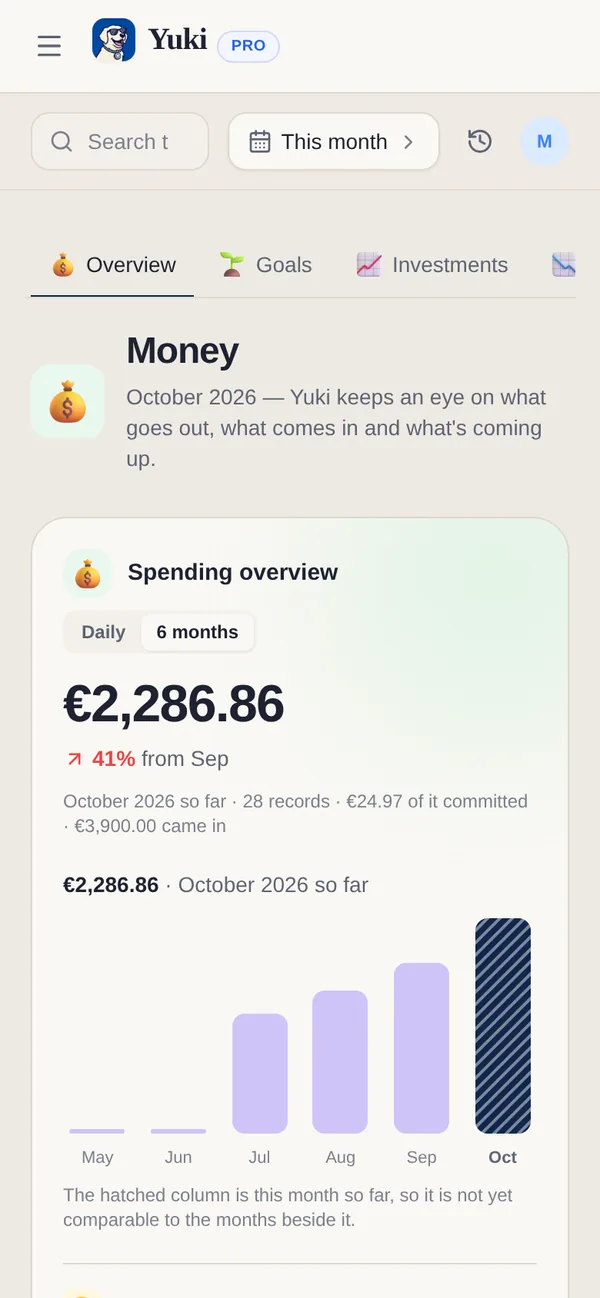
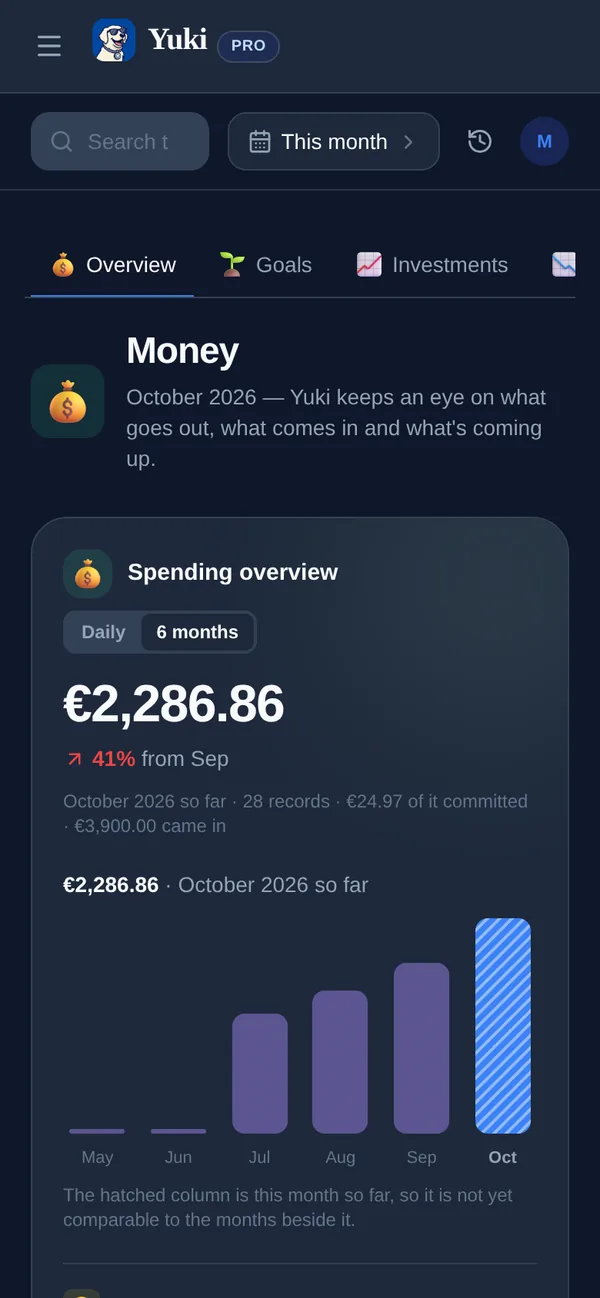
One screen for your money: what you've spent this month against your budget, your subscriptions, and what you owe — instead of a single running list of transactions.
yukihq.com/app
Most budgeting apps hand you a transaction list and leave you to work out what it means. Finance Home starts with the answer: a one-line summary connecting your spending, your subscriptions and your debt, then a small set of tiles you can open for the detail. Spending shows this month against your budget, with subscriptions folded in since a recurring charge is money that actually left your account this month too. Liabilities — a loan, a credit card balance, anything you owe — is tracked on its own, separate from day-to-day spending.
What you get
Spending vs. budget — this month's total against the daily or monthly budget you set, with a trend so you know if you're on track before the month ends.
Subscriptions, counted once — recurring charges are part of spending (they're real money that left your account) and shown separately as a monthly commitment, so the two views never disagree about the same dollar.
Liabilities — what you owe, tracked apart from spending. A loan or a credit card balance doesn't get lost inside a transaction list.
One-line summary — a plain-language sentence relating spending, debt and (where set up) savings goals, so you don't have to do the math across three tiles yourself.
Everything still comes from your inbox
Finance Home is a view, not a new way of entering data — the transactions behind it are the same ones Yuki's email scanning, receipt capture and statement import already collect. See Yuki's expense tracker for how the transactions themselves get in.
Financial goals and net worth. Set a shared savings target for a vacation, home deposit or emergency fund, then follow your net worth over time alongside your spending and subscriptions. Free includes 1 financial goal; Pro, including the Pro trial, has unlimited goals. Investments and net-worth check-ins are on Free and Pro.
Frequently asked questions
What is Finance Home?
Finance Home is the screen Yuki's Finances tab opens on — a summary of your monthly spending against budget, your active subscriptions, and what you owe, plus a one-line summary connecting the three. It replaces a single running transaction list with a small set of numbers that actually answer "how am I doing?"
Is this different from the expense tracker?
No — it's the same underlying data, organized differently. The expense tracker is how transactions get INTO Yuki (email, receipt scans, statement imports); Finance Home is the summary view built on top of them, alongside subscriptions and liabilities.
Do subscriptions show up twice — in spending and separately?
They're counted once, in spending, since a subscription charge is money that actually left your account. The Subscriptions figure alongside it is a different measure — your total recurring commitment per month — so the two numbers are related but deliberately not addable into one total.
Can I track debt, like a loan or credit card balance?
Yes. Liabilities is tracked separately from spending — add what you owe (a loan, a credit card balance) and Yuki keeps a running total, distinct from your monthly spend.