
Last reviewed: 11 October 2026. FamilyWall details are from familywall.com, FamilyWall's own help centre and its App Store listing as read on 11 October 2026. Features and plans change, so check each vendor's site for the current details. FamilyWall is a trademark of its owner; it is named here only to compare products.
The one-line version
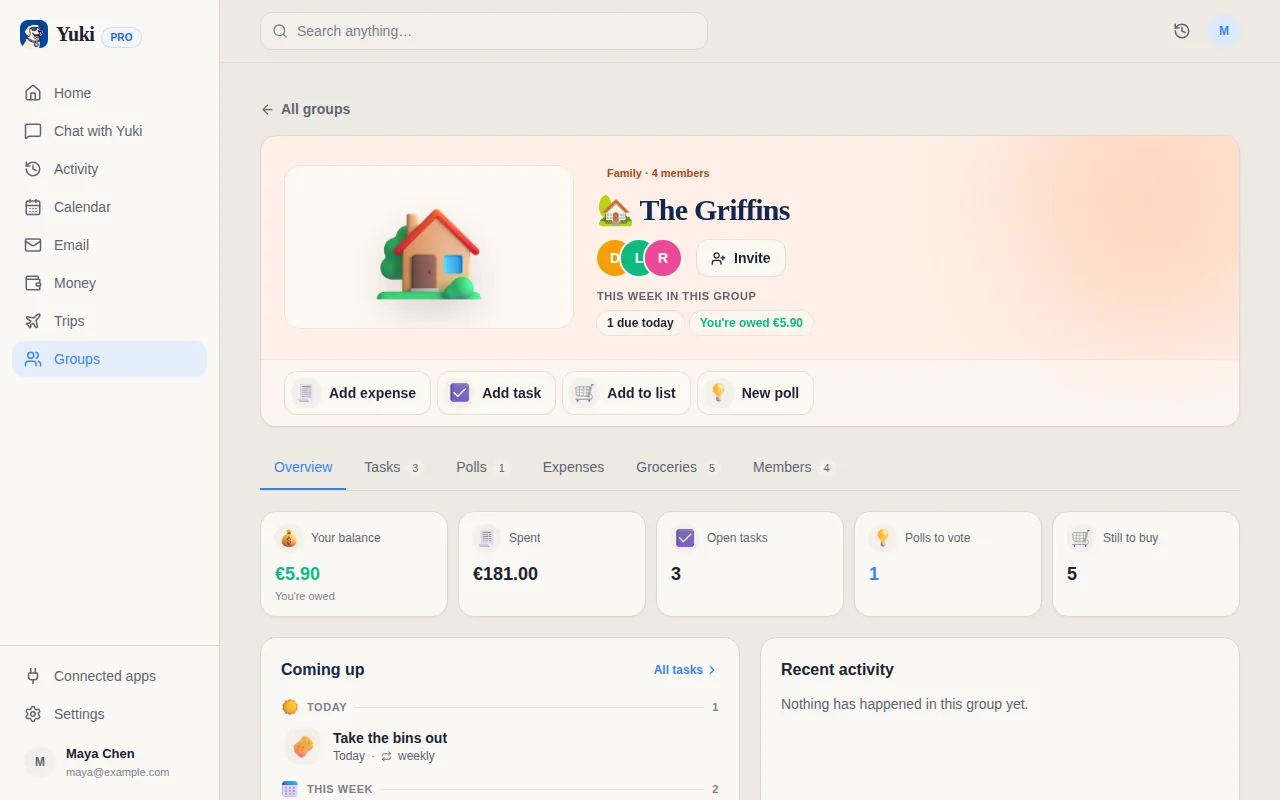
FamilyWall is a private space for a family: everyone's calendar, the lists, the chat, the photos and, on Premium, where everyone is. Yuki is an assistant that keeps a household's admin up to date, built from the confirmations, bills and invites already in your inbox, with an AI you can ask in a sentence.
Side by side
A “—” means not applicable or not something we can confirm, not that the product lacks it.
| Feature | Yuki | FamilyWall |
|---|---|---|
| Shared family calendar | ||
| Shared shopping and to-do lists | ||
| Chores and tasks assigned to family members | ||
| Calendar events from email | Reads Gmail by itself, on Pro | Forward an event email to your circle |
| Google Calendar sync | Two-way | Premium |
| Outlook calendar sync | Not yet | Premium |
| Recipes | Pro | |
| Weekly meal planner | Premium | |
| Budget and expense tracking | Premium | |
| Split costs and settle up | — | |
| Bills and subscriptions found in your email | Yes, on Pro | — |
| Trip itineraries from booking emails | Yes, on Pro | — |
| Family messenger | Yes; audio and video messages on Premium | |
| Shared photo and video gallery | ||
| Location sharing and place alerts | Premium | |
| Family documents | Trip documents only | Premium |
| Timetables for school or alternating schedules | Premium | |
| Polls for family decisions | — | |
| AI assistant you can ask in a sentence | — | |
| People on the free plan | 2 per group | — |
| EU customers' data is stored in the EU | — | |
| Platforms | iOS, Android and web | iOS, Android and web |
Where FamilyWall is stronger
- It is built for families and has been refined for that job over many years.
- A family messenger and a shared photo and video gallery, so the family's chat and pictures live in the same private place as its calendar. Yuki has neither.
- Location sharing with arrival and departure notifications on Premium. Yuki does not track where anyone is.
- A weekly meal planner that fills the shopping list, and timetables for school or alternating schedules, both on Premium.
- Outlook calendar sync on Premium. Yuki syncs with Google Calendar, not Outlook.
- Its Premium plan covers the whole family. A free Yuki group holds two people; larger groups need Pro.
Where Yuki is different
- Less typing. With Pro, Yuki connects to Gmail and turns confirmations, bills and invites into events, trips and expenses, without you forwarding each one.
- Money in more depth: tracked expenses, bills and subscriptions, split costs with settle-up, and group stats that show who has done and paid what.
- Trips: flights, stays and bookings become one itinerary the people travelling with you can see.
- An AI assistant that answers from your own plans, and creates tasks, events and reminders when you ask.
- Polls for the decisions nobody wants to chase, and groups for flatmates, friends and trips as well as family.
- Private by default: each person has their own account, and only what you choose to share appears in a group.
- No ads. For EU customers, their data is stored in the EU, and Yuki trains no AI model on your data.
Choose Yuki if…
- You want the calendar, bills and trips to fill in from your inbox instead of typing them in
- Shared money matters to you: split costs, subscriptions and who owes what
- You want an assistant you can ask, and you already chat and share photos somewhere else
Choose FamilyWall if…
- You want one private family space with messaging, photos and the calendar together
- You want to see where family members are and get arrival alerts
- You plan meals by the week, keep school timetables or use Outlook
Frequently asked questions
Is Yuki a FamilyWall alternative?
For the shared calendar, lists, chores and household money, yes. Yuki does not replace FamilyWall's family messenger, photo gallery, meal planner, timetables or location sharing. If those are what your family uses most, FamilyWall is the better fit.
Does Yuki show where family members are?
No. Yuki has no location sharing or place alerts. FamilyWall offers location sharing with arrival and departure notifications on its Premium plan.
Does Yuki have a family chat or photo gallery?
No. Yuki has no family messenger and no shared photo and video gallery; FamilyWall has both. Yuki's chat is with its AI assistant, not between family members.
Can either app create calendar events from email?
Both, in different ways. With FamilyWall you forward an event email to your family circle and it creates the event. Yuki Pro connects to your Gmail and picks up confirmations, bills and invites by itself, then turns them into calendar events, trips and tracked expenses.
Can Yuki plan meals like FamilyWall?
Not a weekly menu. FamilyWall Premium has a meal planner that adds ingredients to your shopping list. Yuki Pro, including the Pro trial, has recipes you can turn into a reviewed grocery list, and grocery lists and cooking timers are on Free and Pro. Yuki has no weekly meal planner.
How many family members can use Yuki?
On Free, a Yuki group holds up to 2 people, which suits a couple or two co-parents. Pro removes the limit on groups and on people in a group, so a larger family needs Pro. FamilyWall describes its Premium plan as covering the whole family.
How do the prices compare?
Both have a free plan and a paid one. We do not list FamilyWall's prices here, because plans and prices change; check familywall.com for current ones. Yuki's Pro prices for every region are on yukihq.com/pricing, and eligible accounts can try Pro for 14 days without a card.