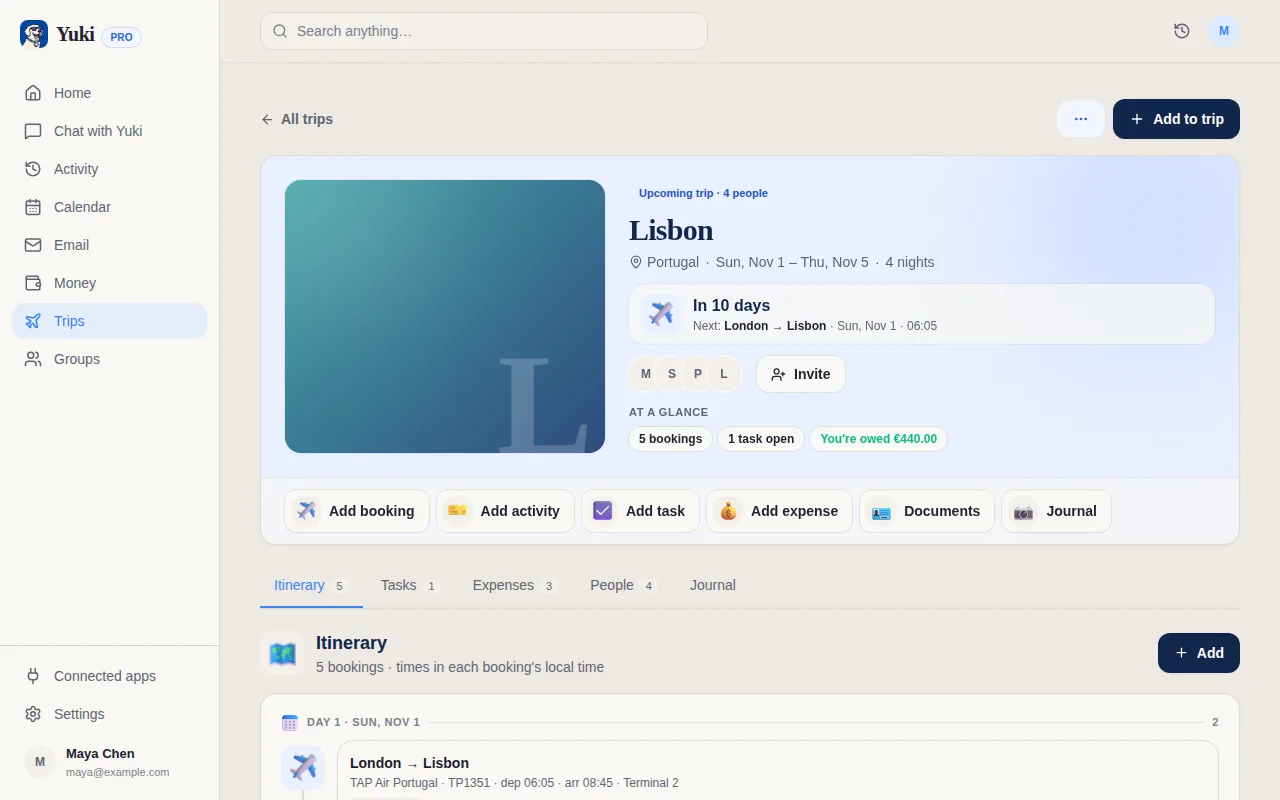
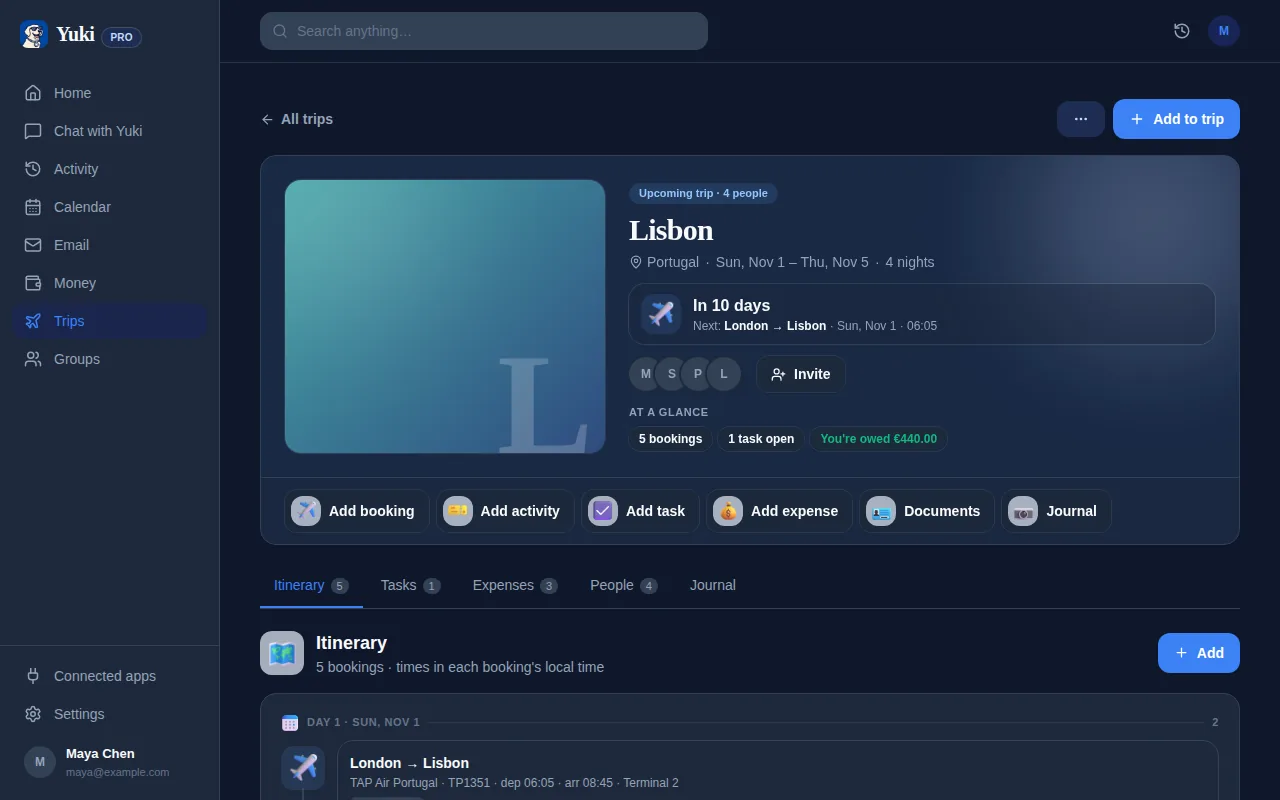
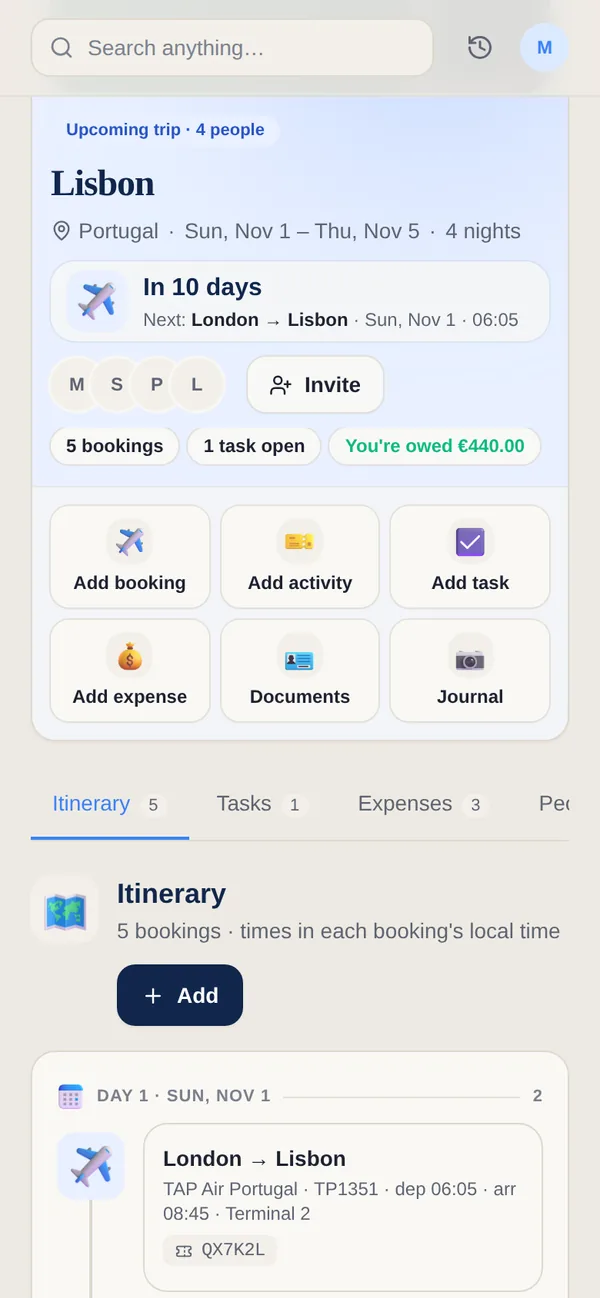
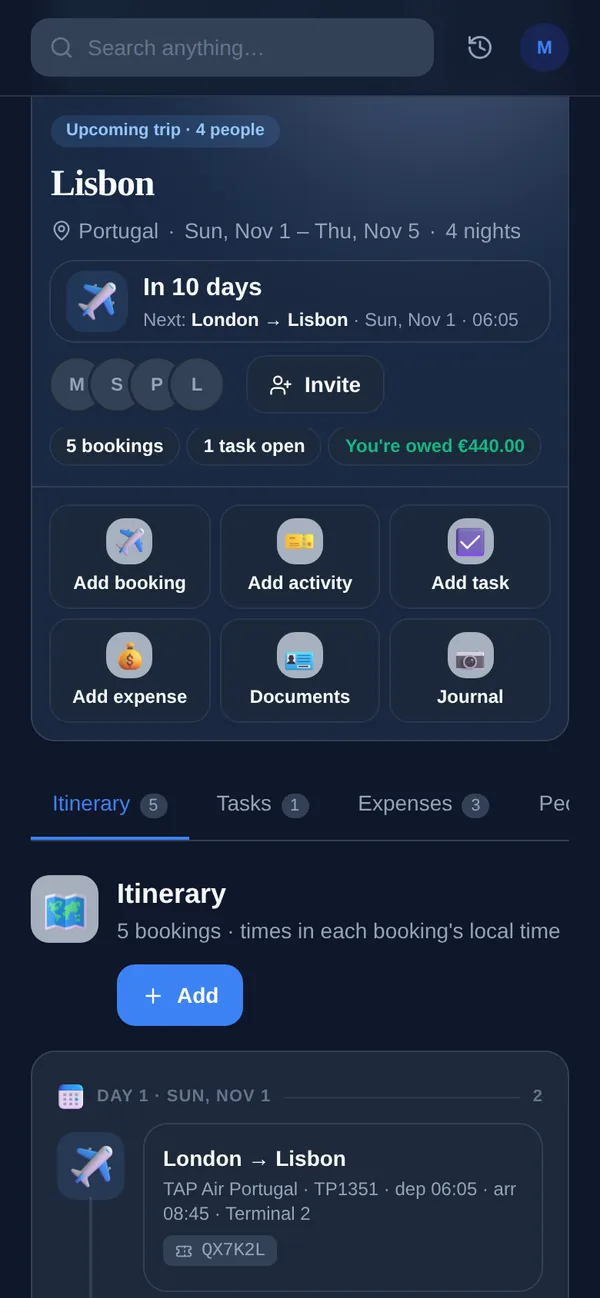
Coming soon with Yuki Agent: review your details, approve check-in for an eligible flight, and keep the boarding passes the airline returns alongside your itinerary.
Coming soonThis is coming soon. Everything else on this page works today — we would rather tell you what is on the way than describe a product you cannot use yet.
yukihq.com/app
Agent · Coming soon. Agent includes all Free and Pro features, plus Agent capabilities. Automatic flight check-in is an Agent feature, not a Free or Pro feature. Coming soon. The first Agent rollout is planned for the US, Eurozone and India, with features varying by country and provider. Sign up to be notified when Agent is available to you. An Agent subscription or notification signup does not guarantee eligibility for a particular flight.
Review once. Keep the next step clear.
1Choose the flight and travellers. Review editable saved details or supply missing information. Only use another person’s details if you are authorised to do so.
2Approve check-in for this flight. Yuki requests it through its check-in provider when the airline permits it; approval is not confirmation that check-in has succeeded.
3Follow the status for each traveller and flight segment. An airline may ask for more details, require an airport visit, or return only some of the passes.
4Open or download the boarding passes actually saved in Trips. Check that you have the right pass for each traveller and each connection before travelling.
Travelling alone, together or with children
Use the same review flow for yourself or the travellers on a supported booking. Children and infants may need additional information or an adult association, and some bookings require airline assistance. A successful result for one person or one leg does not confirm the rest of the journey. Seat preferences and sitting together are requests, not guarantees.
Where automatic check-in may not work
Eligibility depends on your location, the airline, route and airports, the check-in window, each traveller’s age and nationality, and their passport, visa, residence permit and other required travel documents. Not every airline, booking, child or infant is eligible for online check-in.
Always keep an airline fallback. If check-in cannot be completed, a boarding pass is missing, or the airline requires document checks, use the airline’s official app or website, contact the airline, or visit its check-in counter at the airport before its deadline. Yuki does not replace required airport checks or guarantee boarding or entry.
Your travel documents stay under your control
Traveller details are shared with the check-in provider and airline only for the check-in you approve. Other travellers’ saved details require their permission; private documents are not shared merely because you belong to the same group.
Saved trip documents remain until you delete them. Download a copy before leaving if you need offline access; a notification or check-in status alone is not a boarding pass.
Agent includes all Free and Pro features, plus Agent capabilities. Automatic flight check-in is an Agent feature, not a Free or Pro feature.
Can every Agent user use it now?
Coming soon. The first Agent rollout is planned for the US, Eurozone and India, with features varying by country and provider. Sign up to be notified when Agent is available to you. An Agent subscription or notification signup does not guarantee eligibility for a particular flight.
Can Yuki check in every airline or every family booking?
Eligibility depends on your location, the airline, route and airports, the check-in window, each traveller’s age and nationality, and their passport, visa, residence permit and other required travel documents. Not every airline, booking, child or infant is eligible for online check-in.
What if I cannot check in or get a boarding pass?
If check-in cannot be completed, a boarding pass is missing, or the airline requires document checks, use the airline’s official app or website, contact the airline, or visit its check-in counter at the airport before its deadline. Yuki does not replace required airport checks or guarantee boarding or entry.
Does checking in mean my visa or entry is approved?
No. Check-in and a boarding pass do not establish permission to enter a country. Verify current passport, visa, transit and entry requirements with the relevant authorities and your airline.