
Some decisions need more than one person: a dinner with eight friends, a committee meeting, a family weekend. The usual method is a group chat that scrolls away before anyone has answered. A poll turns it into one link and one clear result.
How it works
- 1In Yuki on your phone or on the web, tap Create poll and add your questions.
- 2Share the link or its QR code with whoever needs to answer.
- 3People vote in their browser without an account — or in the app, if they use Yuki.
- 4Watch the results come in, then close voting when you have your answer.
Three kinds of question
- Dates & times — each option answered Yes, If need be or No, so you can see who can definitely make it and who could at a push.
- Text options — where to go, what to bring, which film. Voters pick one, or more than one if you allow it.
- Comment box — anything else people want to say.
Your poll, your rules
- Names required, or anonymous.
- Show results always, after voting, or when voting closes.
- A closing deadline, up to 30 days away — or close it early.
- One vote per person, which voters can change until voting closes.
- In their language — the voting page speaks 12 languages, and each voter sees times in their own time zone alongside yours.
Group polls, inside Yuki groups
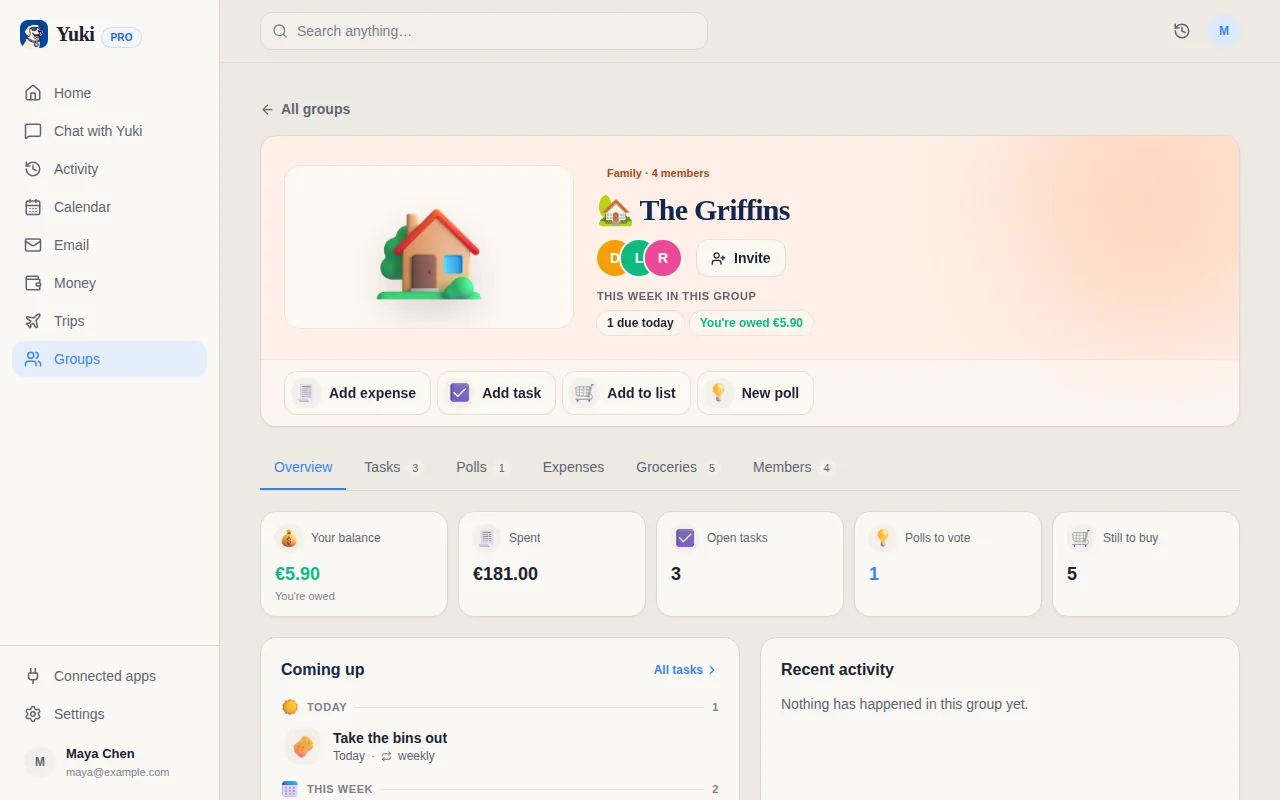
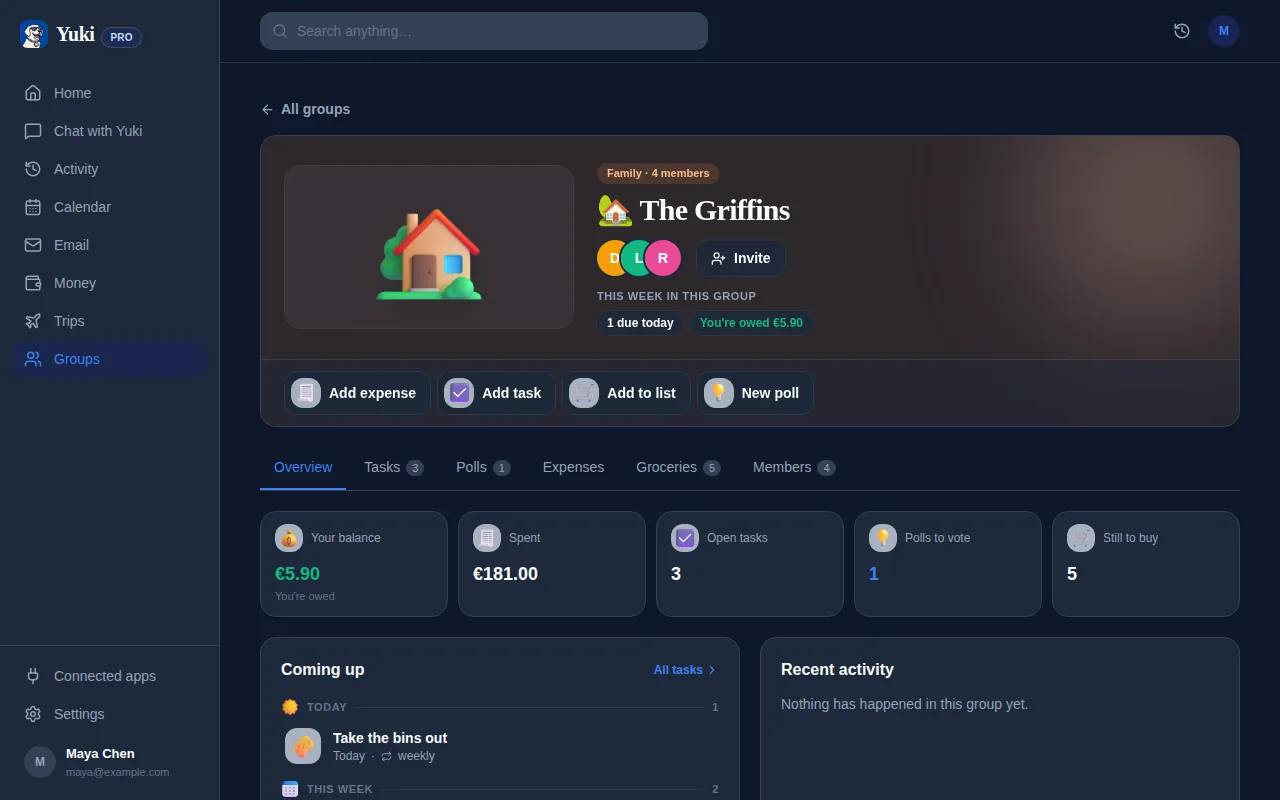
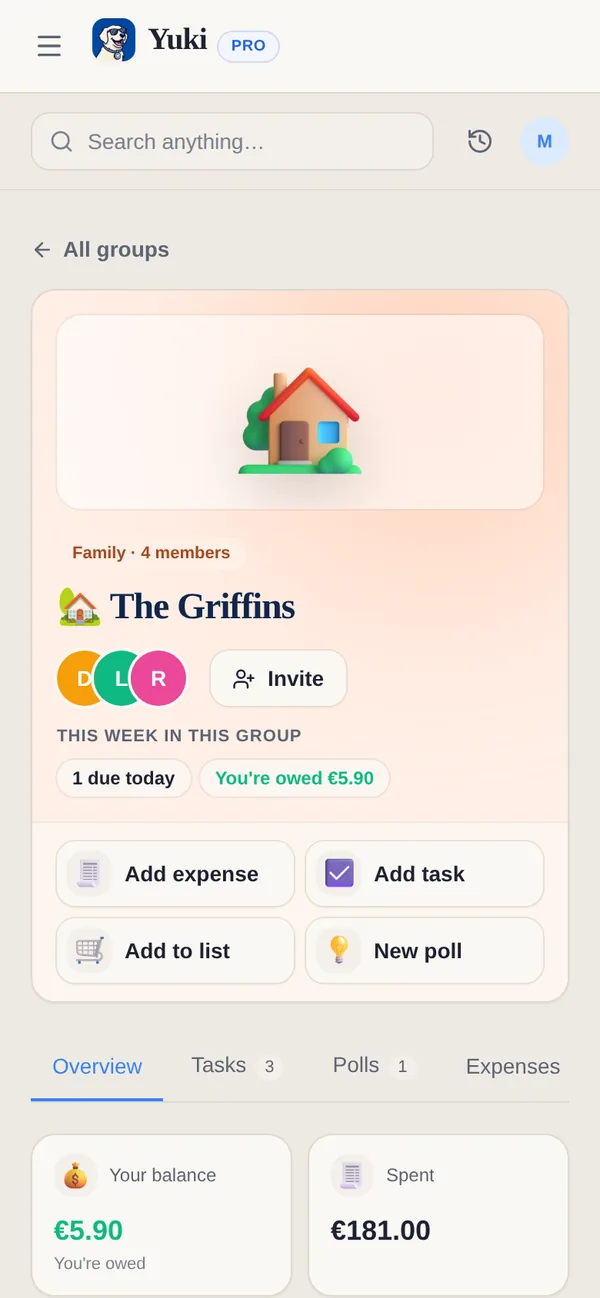
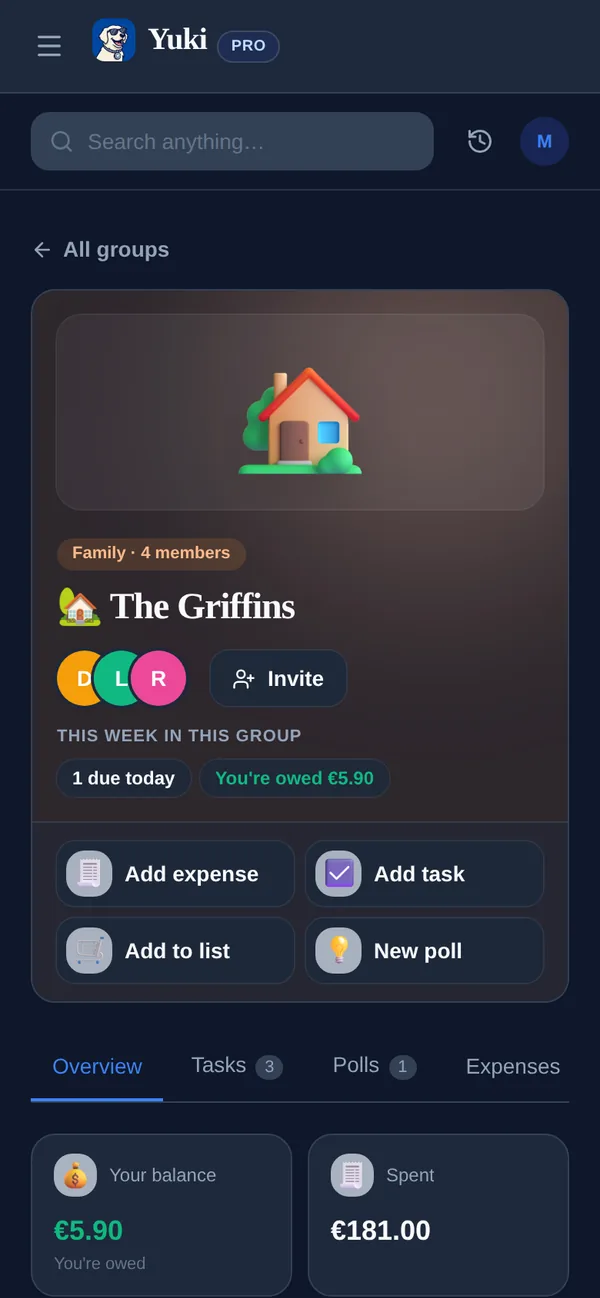
Your Yuki groups — a couple, a family, flatmates, a trip — have polls built in. Ask the group a question and members vote in the app, next to the group's shared tasks, lists, expenses and calendar. Use a public poll when some of the people answering aren't in Yuki.
Free and Pro. On the Free plan you can have up to 3 public polls open at once; Pro has no limit. Voting stays open up to 30 days on every plan, results are kept 30 days after it closes, and group polls are included on every plan.
Frequently asked questions
Do people need a Yuki account to vote?
No. You create the poll in Yuki on your phone or on the web and share its link, yukihq.com/poll/…, or a QR code. Anyone who opens it can vote in their browser without an account; people who use Yuki can open it in the app.
What can a poll ask?
Up to 10 questions of three types. Dates & times: each day or time is answered Yes, If need be or No, shown in the poll's time zone with the voter's own time alongside. Text options: pick one, or let people pick more than one. Comment box: a free-text answer.
Can a poll be anonymous?
Yes. When you create a poll you choose whether names are required or the poll is anonymous, and when results show: always, after someone has voted, or when voting closes.
Can people change their vote?
Yes, until voting closes. The browser they voted in remembers the vote, and they get a private edit link for any other device.
How long does a poll stay open?
Until the deadline you set, up to 30 days away, and you can close it early. Results stay readable for 30 days after voting closes; then the poll and its votes are deleted.
What is on the Free plan?
On the Free plan you can have up to 3 public polls open at once; Pro has no limit. Voting can stay open for up to 30 days on every plan. Group polls are included on every plan.
What is the difference between a public poll and a group poll?
A public poll is for anyone with the link, with no account needed. A group poll lives inside one of your Yuki groups — family, flatmates, a trip — and its members vote in the app. Both start from the same “Create poll” button.
Where is poll data stored?
For EU customers, poll data is stored in the EU, like the rest of their Yuki data. Votes are deleted with the poll, 30 days after voting closes.