
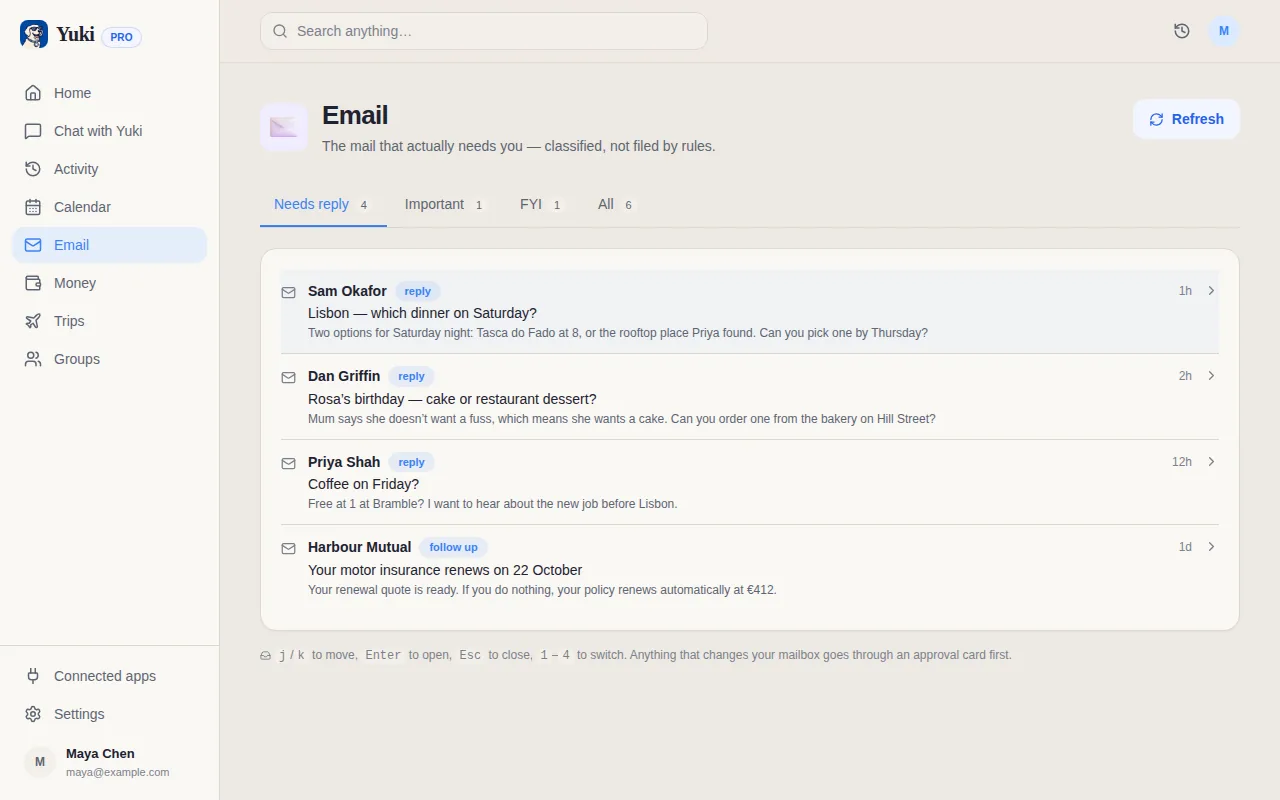
Carly and Yuki both read email and both call themselves assistants, but they are built for different halves of a life. Carly is a work delegate: you email it, CC it or text it, and an AI agent with its own inbox gets on with the scheduling, the outreach and the follow-ups. Yuki is a life-admin app: it connects to your personal Gmail and turns what is already there into a calendar, trip itineraries, tracked bills, subscriptions and expenses, shared with the people you live with when you choose.
Side by side
A “—” means not applicable or not something we can confirm from Carly's site, not that Carly lacks it.
| Feature | Yuki | Carly |
|---|---|---|
| Built for | Your personal life and household | Delegating work email, scheduling and CRM |
| Free plan | Yes, no card | Yes: MCP access, 10 workflows, calendar view, task manager |
| Entry paid price | /month | $35/month (Personal), $35/seat/month (Organization) |
| How AI use is billed | Monthly allowances in the plan | Prepaid credits; 200 a month on Personal |
| Free trial of the paid plan | 14 days, no card | — |
| Gmail | ||
| Outlook / Microsoft 365 | ||
| Delegate by email or CC | ||
| Text or Slack the assistant | ||
| Reads your inbox and files bookings and bills by itself | Yes, on Pro | — |
| Trip itineraries from booking emails | — | |
| Bills and subscriptions tracked from your inbox | — | |
| Expenses, split costs and settle-up | — | |
| Shared groups for family, partners and flatmates | — | |
| Meeting scheduling across multi-person threads | ||
| Booking links and polls | ||
| Outreach and follow-ups with contacts | Follow-up review; sends need your approval | |
| CRM | AI-native CRM | |
| App integrations | Gmail and Google Calendar | Thousands, including Slack, Salesforce and HubSpot |
| Asks before sending or acting | — | |
| Native iOS and Android apps | Yes, plus a web app | — |
| Languages | 23 in the app | 80+ |
| EU customers' data is stored in the EU | — | |
| Independent CASA Tier 2 assessment | Yes, March 2026 | — |
Where is Carly ahead of Yuki?
- Delegation. You CC Carly on a thread or email it a task, and an agent with its own address handles it. Yuki takes requests only in its own app and on the web.
- Microsoft. Carly lists unlimited Google and Microsoft email and calendars. Yuki is Gmail and Google Calendar only.
- Work tools. Carly has an AI-native CRM, outreach to contact groups, follow-ups with leads and thousands of app integrations. Yuki has no CRM and connects only to Google.
- Scheduling with other people. Carly's pricing page says it handles messy multi-person scheduling threads. Yuki has booking links and polls, but it does not negotiate a meeting time over email for you.
- Teams. Carly's Organization plan shares agents and skills across a team with admin controls. Yuki is personal, with shared groups for households rather than companies.
- More channels and languages: SMS, Slack and a dashboard, and 80+ languages against Yuki's 23.
Where is Yuki ahead of Carly?
- It works without being asked each time. With Pro, Yuki goes through your Gmail and turns flight, hotel and train confirmations into trips, bills and renewals into tracked subscriptions, and invites into calendar events.
- Personal money: expenses from receipts, subscriptions with a heads-up before renewal, and costs split with other people and settled up.
- Households. Groups for a partner, family, flatmates or a trip, with a shared calendar, tasks, grocery lists and expenses. Each person keeps a private account, and nothing is shared just because someone is in a group.
- You approve first. Yuki asks before it sends an email or acts for you.
- Price. Yuki has a free plan with no card, and Pro is a month with a 14-day trial and no credits to top up.
- Native iOS and Android apps as well as the web, EU data storage for EU customers, and an independent CASA Tier 2 assessment from March 2026.
Does Yuki have an agent that acts for me?
Not on sale yet. Bookings, watches, browser automation, check-in and live bank connections are Yuki Agent capabilities, and Agent is coming soon for new customers. Today Yuki organises what is in your inbox, drafts what you ask for and waits for your approval before anything is sent.
Choose Carly if…
- You want to hand off work by CC-ing an assistant on email threads
- Your mail and calendar are on Microsoft 365 or Outlook
- You need meeting scheduling with clients, outreach, follow-ups or a CRM, or you are buying for a team
Choose Yuki if…
- Your personal Gmail is full of bookings, bills, renewals and invites that should become a calendar, trips and expenses
- You share a household or trips with other people and want one place for plans, lists and who owes what
- You want a free plan or a low monthly price, and an assistant that asks before it acts
Plenty of people could use both: Carly for the work threads they delegate, Yuki for the life admin underneath.