
The one-line version
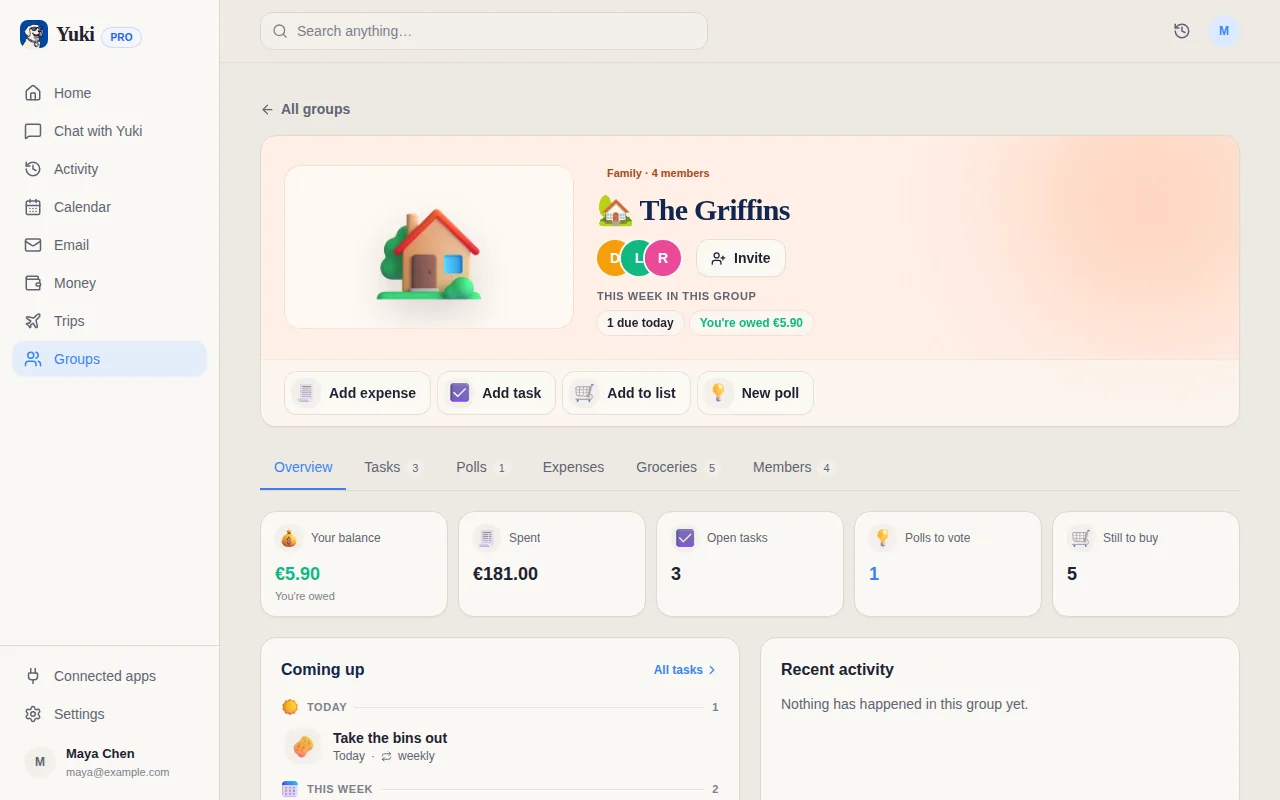
Skylight puts the family's calendar on a screen in the kitchen, where children can see the day and tick off chores. Yuki keeps the household's admin up to date in everyone's pocket, built from the confirmations, bills and invites already in your inbox, with an AI assistant you can ask in a sentence.
Side by side
A “—” means not applicable or not something we can confirm from Skylight's site, not that Skylight lacks it.
| Feature | Yuki | Skylight |
|---|---|---|
| What you buy | An app; nothing up front | A touchscreen calendar ($299.99 for Calendar 2, 15" Classic) |
| Subscription | Optional Pro at /month | Optional Calendar Plus at $79/year |
| Free plan or features | Tasks, lists, colour coding and the app | |
| Wall display the whole family sees | ||
| Apps | iOS, Android and web | iOS and Android, plus a desktop app |
| Shared family calendar | ||
| Calendar sync | Google Calendar; Apple Calendar on iPhone | Google, Apple, Outlook, Yahoo, Cozi, Readdle |
| Calendar events from email | Reads Gmail by itself, on Pro | Forward emails to Magic Import (Plus) |
| Chore chart and routines | Shared tasks anyone in the group can tick off | |
| Rewards for children | Plus | |
| Shopping and to-do lists | ||
| Weekly meal planner | Free, with a merged grocery list for the week | Plus |
| Photo frame screensaver | Plus | |
| AI assistant | Yuki AI, on every plan | Sidekick (Plus) |
| Trip itineraries from booking emails | Yes, on Pro | — |
| Bills and subscriptions tracked from email | Yes, on Pro | — |
| Expenses, split costs and settle-up | — | |
| Booking links and polls | — | |
| Private account for each adult | — | |
| EU customers' data is stored in the EU | — |
Where is Skylight stronger than Yuki?
- A screen on the wall. The family's day is visible to everyone in the kitchen, including children without phones. Yuki has no display; it lives on phones and the web.
- Built for children's routines: an interactive chore checklist on the display, and star rewards on Plus.
- More calendars. Skylight syncs with Google, Apple, Outlook, Yahoo, Cozi and Readdle. Yuki syncs with Google Calendar, plus Apple Calendar on an iPhone.
- Paper into events. Magic Import with Sidekick, on Plus, turns PDFs and paper schedules into events as well as emails.
- A photo frame when the calendar is not in use, on Plus.
What does Yuki do differently from Skylight?
- No hardware. Start free on the phones and laptops you already own; Pro is a month with a 14-day trial that needs no card.
- Less forwarding. With Pro, Yuki connects to Gmail and picks up confirmations, bills and invites by itself, instead of you forwarding each one.
- Money: tracked expenses, bills and subscriptions with a heads-up before renewal, and shared costs split and settled up.
- Trips: flights, stays and bookings become one itinerary the people travelling with you can see.
- Groups beyond the home: partners, flatmates, friends and trips, as well as the family, with polls for decisions and booking links for appointments.
- Private by default. Each adult has their own account, and only what they choose appears in a group. For EU customers, data is stored in the EU, and Yuki trains no AI model on your data.
Can I use both?
Yes. Skylight syncs with Google Calendar, and so does Yuki. If the events Yuki creates go to the family's Google Calendar (sending a copy of a Yuki event to Google Calendar is Pro), a Skylight display that syncs with that calendar can show them on the wall.
Choose Skylight if…
- You want the family calendar on a screen in the house that children can see and use
- Chore charts and rewards for children matter more to you than email automation
- Your family's calendars are on Outlook, Yahoo or Cozi, or you want to snap paper schedules into events
Choose Yuki if…
- You would rather not buy a device, and want the calendar on everyone's phone
- You want bookings, bills and renewals in your Gmail to fill in the calendar, trips and expenses for you
- Shared money matters: subscriptions, split costs and who owes what
Give the family one calendar, one grocery list and one set of bills, with nothing to plug in. Start free on iOS, Android or the web.