
Count the apps you open to run an ordinary week. A calendar. A to-do list. Reminders. A budget or expense tracker. Something for subscriptions. A trip organizer. A grocery list. Your inbox. A shared family or flat planner, or more likely a group chat standing in for one. Something to remember birthdays. Something to split the bill. That is ten or more apps, each holding one slice of your life, and none of them aware of the others. This guide is about the hidden cost of that setup, which is context switching, and how to get down to one place without losing anything that matters.
What context switching is, and why ten apps make it worse
Context switching is what happens every time your attention moves from one thing to another: you have to drop what you were holding, find your place in the new thing, and pick up again. Research on task switching has long found that this is not free. Attention lingers on the thing you just left, and getting back into the next one takes effort, even when each switch feels instant.
Everyday life is full of these switches because the facts you need are split across apps. To answer "can we do dinner Friday?" you might open the calendar, then your partner's shared calendar, then the group chat, then the budget app to see if this month allows it. Each app is fine on its own. The cost is in the moving between them, and in the copying: the flight time typed from an email into the calendar, the bill amount copied from a statement into the budget, the birthday re-entered in a reminder app.
- One fact, several apps: the answer to a simple question is spread across places that do not talk to each other
- Copies go stale: anything you re-typed by hand is out of date the moment the original changes
- Checking becomes a habit: you scan five apps to be sure nothing is on fire, because no single one can tell you
How app switching turns into mental load
Mental load is the invisible work of remembering, anticipating and coordinating what a household needs. App sprawl feeds it in a specific way: the apps hold the data, but you still hold the map of which app holds what. You remember that the hotel is in the trip app, the deposit is in the budget app, the kids' pickup is in the shared calendar, and the gift idea is in a note somewhere. The apps did not take that job off you; they just gave it more places to live.
That is why adding a better app rarely helps. A new to-do app with smarter tags is still one more place to check and one more copy to keep current. Reducing the load means reducing the number of places, and the number of things you have to carry from one place to another. If you want the wider picture of mental load itself, our guide on how to reduce the mental load of running a household covers it in depth.
The ten apps most people juggle, and what one app can take over
Here is the usual everyday stack, and where each part lives in Yuki. We have marked what is rolling out rather than available today, and what Yuki does not try to do at all, because a replacement you cannot trust just adds another app to check.
| What you juggle today | In Yuki | Status |
|---|---|---|
| Calendar | Events built from your email, written into Google Calendar two-way (and Apple Calendar on iOS) | Available |
| To-do list | Tasks with due times, repeats and priorities, plus shared chores | Available |
| Reminders | Bills, renewals, check-ins and anything you ask for, surfaced before they are due | Available |
| Expense tracker and budget | Expenses from receipts and billing emails, receipt scanning, statement import, budgets and goals | Available |
| Subscription tracker | Subscriptions and renewal dates detected from your inbox | Available |
| Travel organizer and trip itineraries | Itineraries assembled from booking emails, day-by-day plans, documents kept with the trip | Available; flight search and bookings rolling out |
| Grocery lists | Shared grocery and shopping lists everyone can tick off | Available |
| Email triage | A focus inbox that shows what needs a reply (Gmail) | Available; drafted replies rolling out |
| Shared family or group planner | Shared groups for couples, families, co-parents and flatmates: calendar, tasks, polls | Available |
| Birthday and gift reminders | Birthdays and anniversaries surfaced ahead of time, with what people like | Available; gift finding rolling out |
| Bill splitting | Group expenses with splitting and settle-up | Available |
| Notes app | Not covered: Yuki is not a notes or document tool | Keep your notes app |
One place, and an agent that acts with your OK
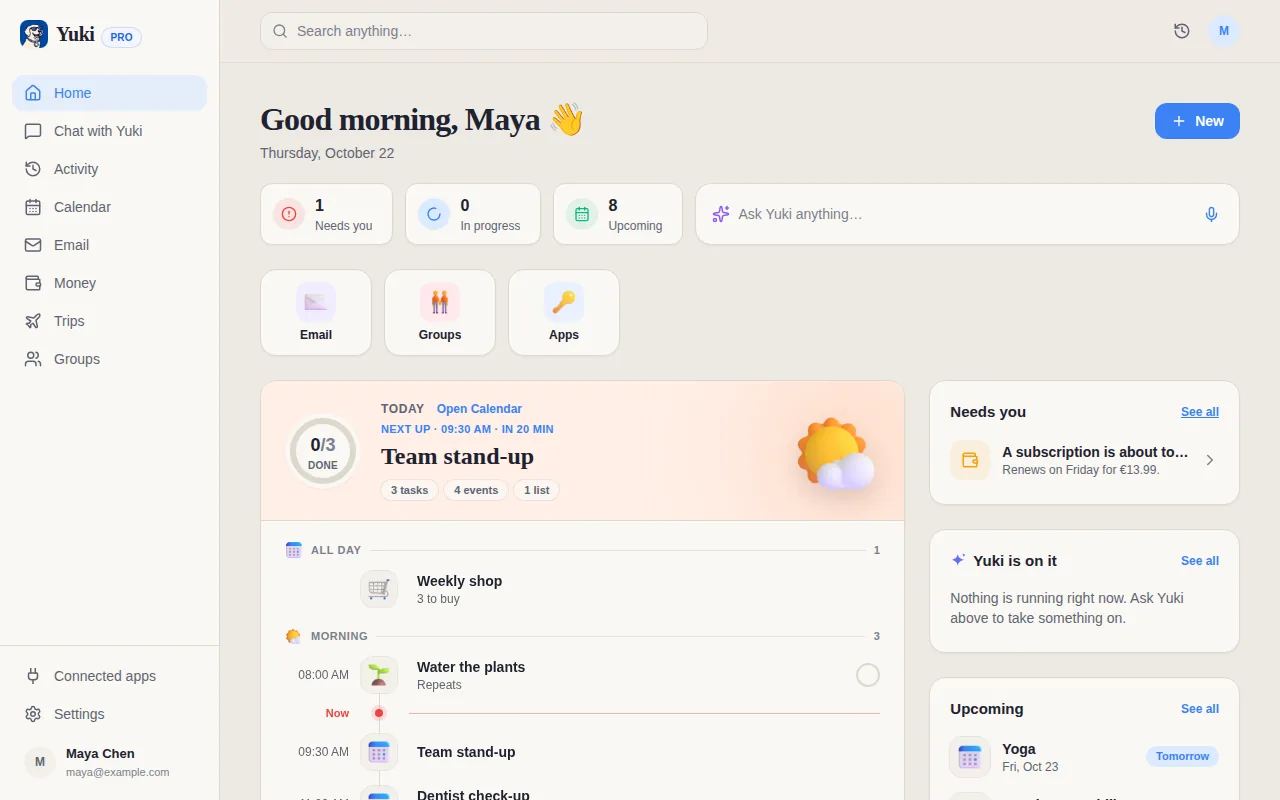
Putting everything in one app only helps if that app does not need feeding. Yuki connects to your Gmail and reads the confirmations, receipts, bills and invites already arriving there, so flights become trips, receipts become expenses, renewals become subscriptions and invites become calendar events without you copying anything. Your existing Google Calendar stays the calendar everyone sees; Yuki fills it in rather than asking you to move.
The second half is asking instead of hunting. Rather than opening the app that holds the answer, you ask Yuki in a sentence: "what's on Friday?", "who owes what in the flat?", "add the groceries for Sunday's dinner". Yuki answers from your own calendar, trips, money and people, and adds tasks, events, expenses and trips when you tell it to. Before Yuki does anything outside the app it shows you what it is about to do and waits for your OK, everything it did is listed in Activity, and most of it can be undone for 30 days.
- One source: your inbox feeds the calendar, trips, expenses and reminders, so there are no copies to keep current
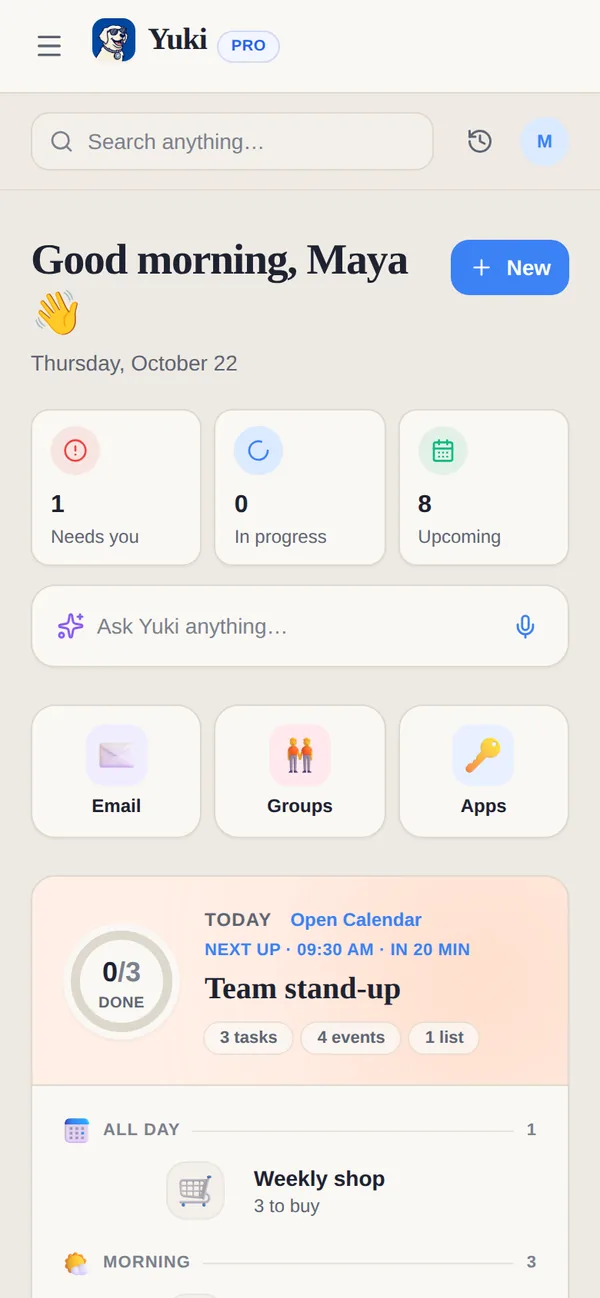
- One view: each morning, what needs you and what today holds, instead of a tour of five apps
- One place to ask: a sentence instead of remembering which app holds the answer
- Your OK first: nothing happens outside Yuki until you approve it
Shared life is where switching costs the most
The switching multiplies once other people are involved. A family typically runs a shared calendar in one app, chores in another, costs in a splitting app and the actual coordination in a group chat, so every decision means checking three places and then telling everyone in a fourth. Yuki's shared groups put the calendar, tasks, groceries, expenses with settle-up and polls for decisions in one space the whole group can see. Each person keeps a private account and chooses what to share.
Step by step
- 1List the apps you open in a normal week to run everyday life: calendar, to-do list, reminders, budget, subscriptions, trips, groceries, shared plans, birthdays and bill splitting. Note which ones you actually keep up to date.
- 2Mark each app as a source (where information arrives, usually your inbox) or a copy (where you re-type what arrived somewhere else). The copies cause most of the switching.
- 3Connect your Gmail to Yuki so confirmations, receipts, bills and invites become calendar events, trips, expenses, subscriptions and reminders without re-typing.
- 4Turn on two-way Google Calendar sync so the calendar you already use stays current, filled in rather than replaced.
- 5Move shared logistics, like groceries, chores, split costs and the family calendar, into a Yuki shared group with the people involved.
- 6Start each day from one view of what needs you and what is due, and ask Yuki in a sentence instead of opening the app that holds the answer.
- 7After two weeks, remove the apps you have not opened. Keep the ones Yuki does not replace, such as notes, banking and messaging.