
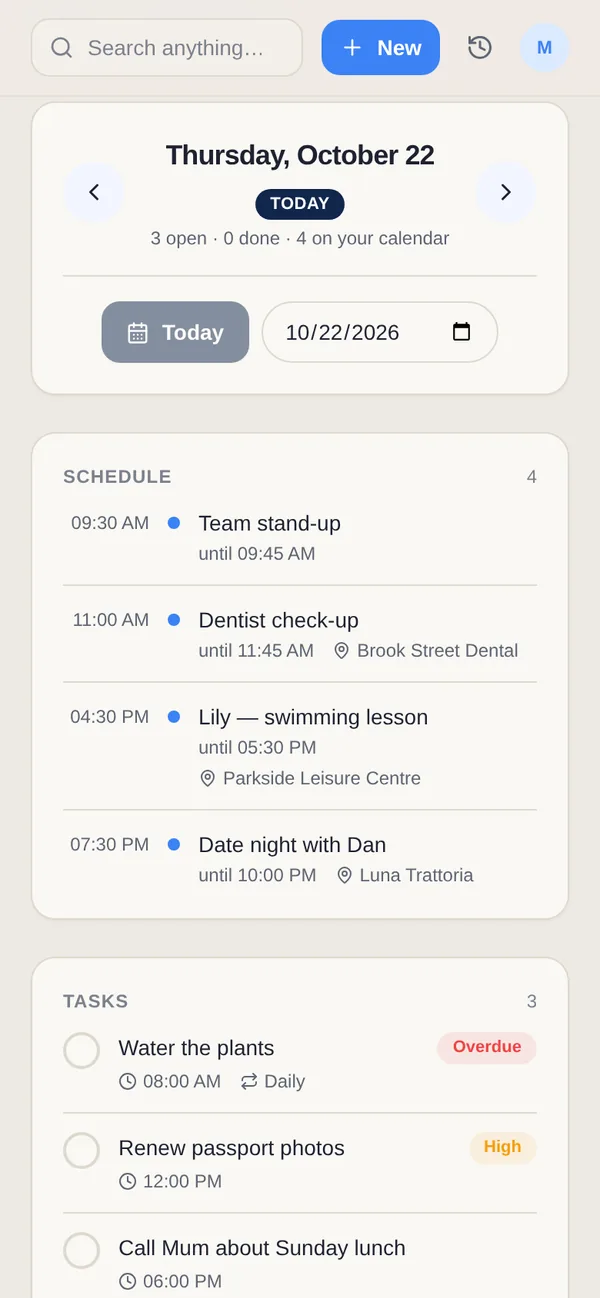
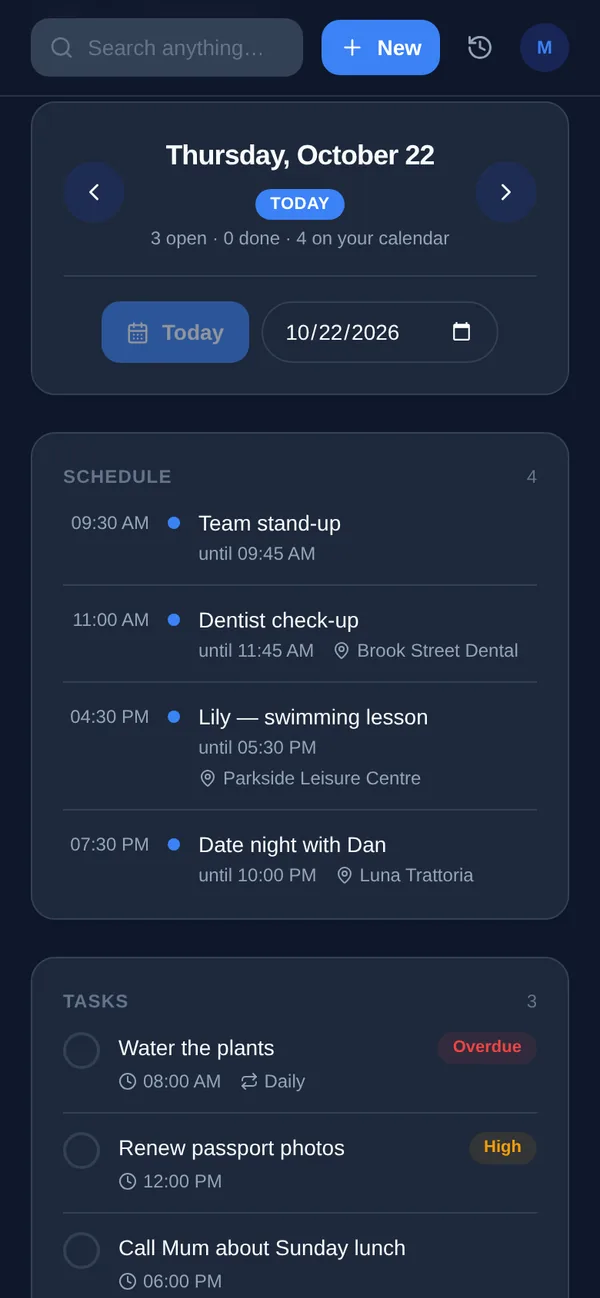
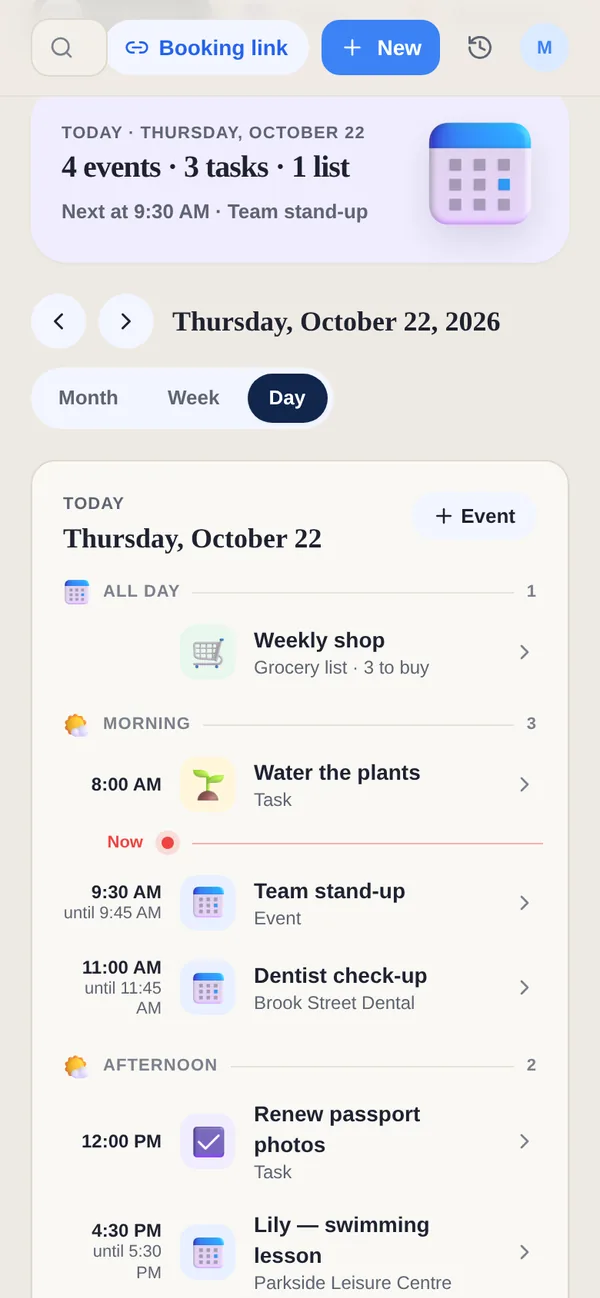
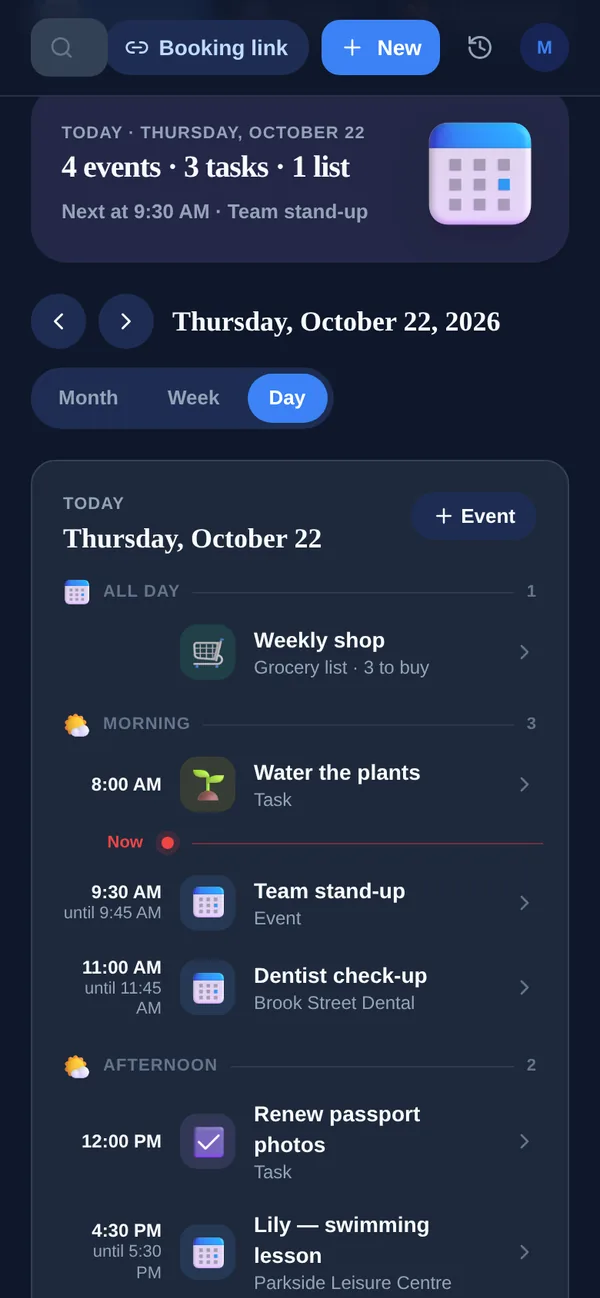
Amazing Marvin is a task manager you build to suit yourself, with a toolbox of strategies for starting and staying focused. Yuki takes a different route to less on your mind: it reads the Gmail account you connect and turns what is already there into a calendar, trips, bills and expenses, shared with the people you live with when you choose.
Side by side
A “—” means not something we can confirm from Amazing Marvin's site or App Store listing, not that Marvin lacks it.
| Feature | Yuki | Amazing Marvin |
|---|---|---|
| Built for | Personal and household life admin | A task manager shaped to how you work |
| Free plan | Yes, no card | No; 14-day trial, no card |
| Paid plan | /month | $8/month billed yearly ($96), or $12/month |
| Choose your own workflow and layout | Day planning, lists, Kanban, GTD | |
| One task at a time / focus sessions | Multi-step focus timers | Super Focus Mode, Spotlight, Pomodoro |
| Help getting started on a task | Procrastination Wizard, Task Jar | |
| Time tracking | ||
| Plans built from your email | Yes, from Gmail on Pro | — |
| Trips, bills, subscriptions and expenses | — | |
| Shared groups for family, partners and flatmates | — | |
| Asks before sending or acting | — | |
| Platforms | iOS, Android & web | Mac, Windows, web, iOS & Android |
Where is Amazing Marvin ahead of Yuki?
- Customisation. You choose the workflow — day planning, simple lists, spontaneous or GTD — and the layout, from Kanban to grid, with custom menus, sections, sorting and filters.
- Strategies for getting started: Super Focus Mode, Task Jar, Spotlight, the Procrastination Wizard and an Accountability Pledge.
- Planning and measuring work: day planning with a capacity check, time estimates, time tracking, a Pomodoro timer, habits and goals.
- Desktop apps for Mac and Windows as well as the web and phones. Yuki has no desktop app.
Where does Yuki fit differently?
- Plans that come from your inbox. With Pro, Yuki turns confirmations into trips, bills and renewals into tracked subscriptions, and invites into calendar events, so there is less to enter as tasks.
- Personal money: expenses from receipts, subscriptions with a heads-up before renewal, and costs split with other people and settled up.
- Shared life with other people. Groups for a partner, family, flatmates or a trip, while each person keeps a private account.
- A free plan with no card, and you approve first: Yuki asks before it sends an email or acts for you.
Choose Yuki if…
- You want your calendar, bills, trips and expenses to build themselves from your inbox
- You share plans, lists and costs with a partner, family or flatmates
- You want something that works with little setup, and a free plan
Choose Amazing Marvin if…
- You want to shape your task manager to the way you think, workflow by workflow
- You want strategies for procrastination and focus built into your to-do list
- You plan and track your working time on a Mac or Windows computer
Who is Amazing Marvin for?
Marvin’s home page opens with “Overwhelmed by everything you need to do? Marvin gets it.” and says it is “built for ADHD minds”; its footer reads “Made with 💛 for people who struggle”. Amazing Marvin is for running your tasks your way; Yuki is for the plans that arrive by email and the people you share them with.
Can I use Amazing Marvin and Yuki together?
Yes. Keep your projects and daily tasks in Marvin, and let Yuki keep the calendar, bills, trips and shared household plans it builds from your email.
Does Yuki have a calmer, low-stimulation mode?
Yes: Calm mode, designed with ADHD, OCD and autism in mind. One switch in Settings, under Appearance, turns off animations and moving parts, confetti and celebrations, and streaks in group challenges. Home’s summary uses plain words instead of counts and badges and shows only the essential banners, nothing pops up on its own and there are no vibrations. It is off until you turn it on, and the choice follows your account on the phone and the web.