
What Calm mode changes
- No animations or moving parts — Yuki behaves as if your device’s Reduce Motion setting were on, and pages scroll without gliding.
- No confetti or celebrations — no bursts when you finish something, and no seasonal effects.
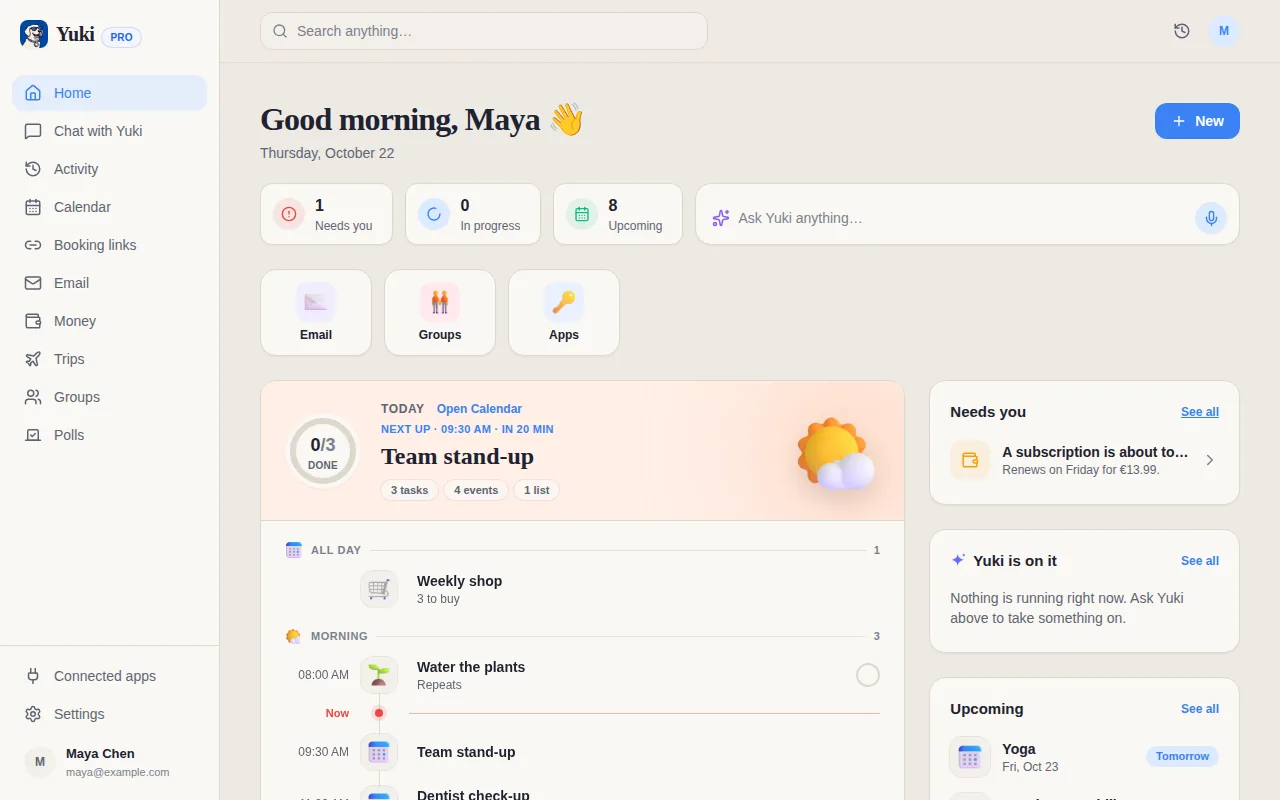
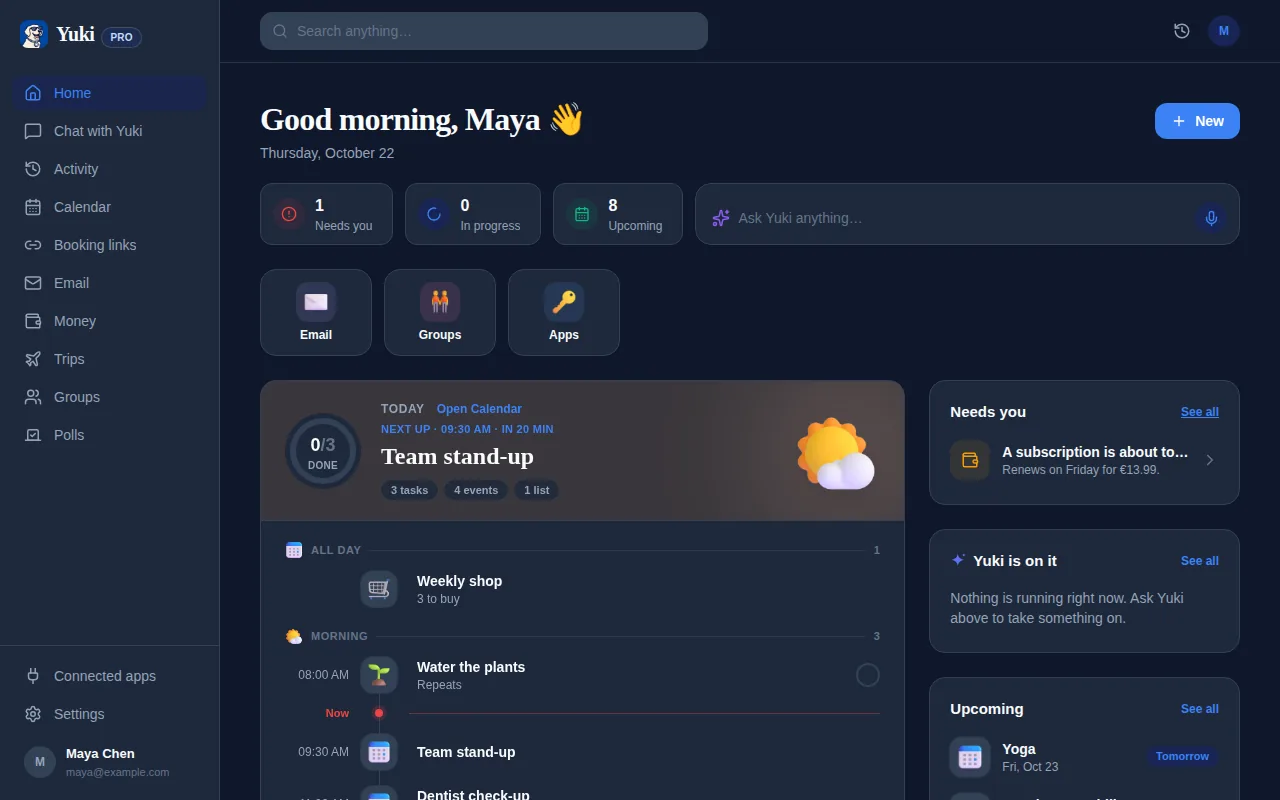
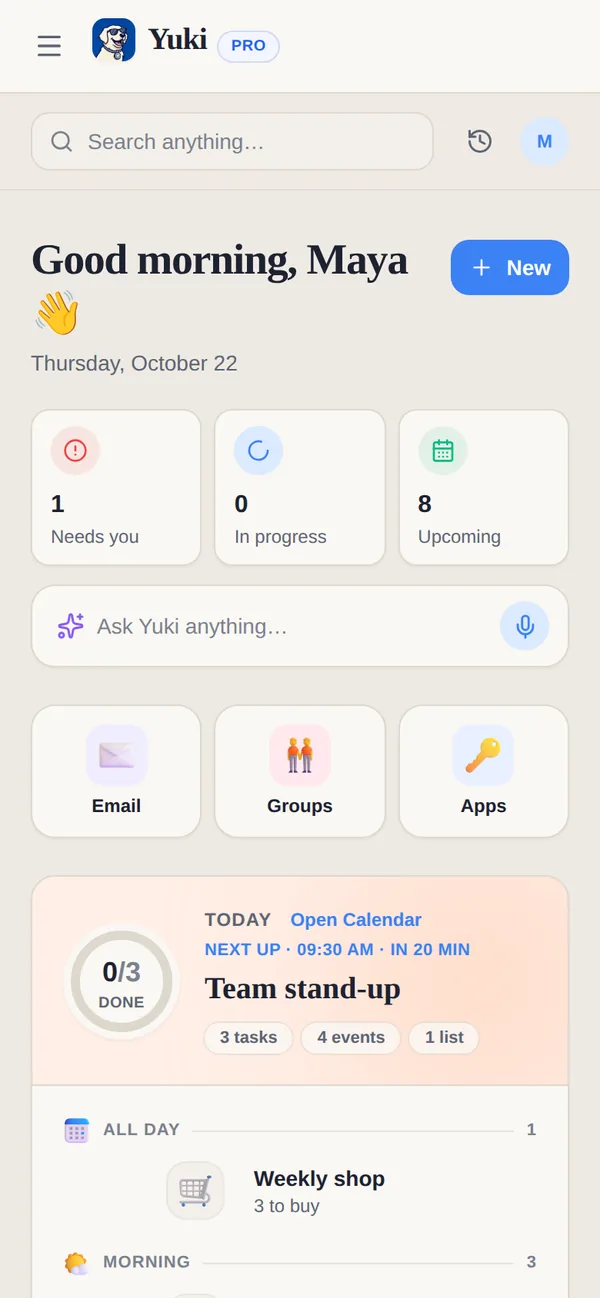
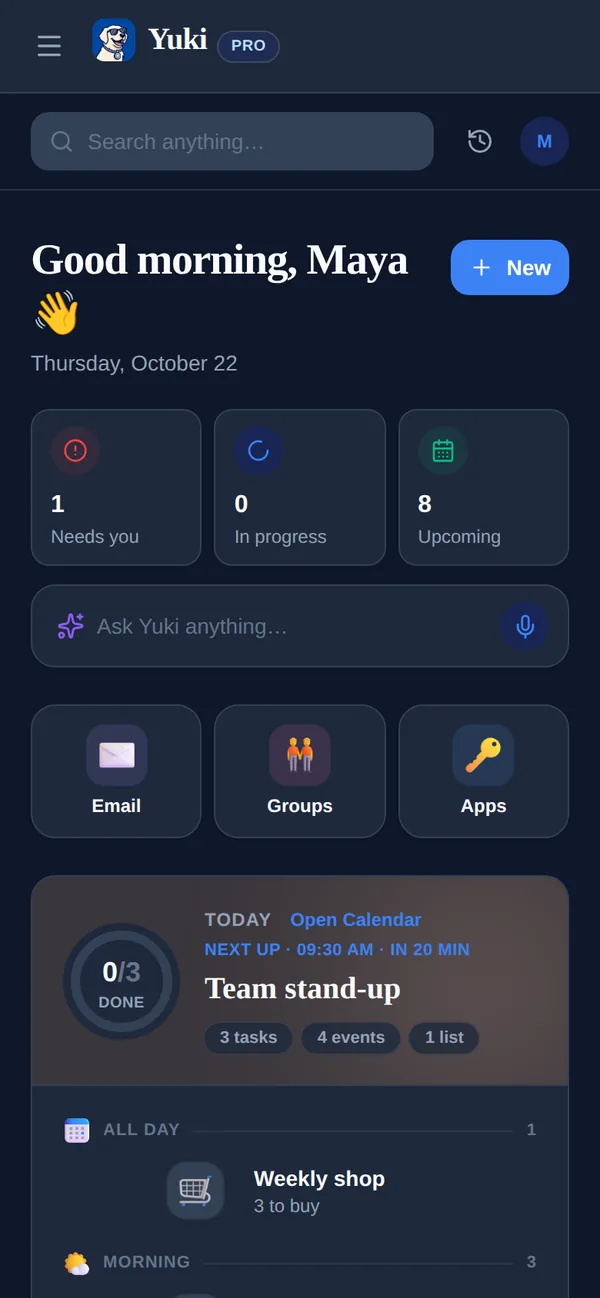
- Plain words on Home — the summary says “Something here” or “All clear” instead of counts and badges. Detail pages keep their numbers.
- No streaks — group challenges hide “days in a row”; the standings keep their day totals.
- Only the essential banners — Home’s one banner slot is kept for things such as legal notices, your plan’s renewal and sync results. Seasonal cards and tips are skipped.
- Nothing pops up on its own, and there are no vibrations.
Steady by design
Calm mode builds on the way Yuki is laid out for everyone: pages that hold still while you read instead of jumping as things load, numbers in fixed-width digits so they do not shift, one banner at a time on Home, and your device’s Reduce Motion setting respected.
Turn it on
- 1Open Settings on the web, or Profile on the phone, then Preferences.
- 2Under Appearance, turn on Calm mode.
- 3The choice is saved to your account, so it applies on your phone and on the web. Turn it off the same way.
Designed with ADHD, OCD and autism in mind. Calm mode changes how Yuki looks and moves. It is off until you turn it on. It is not a medical device or a treatment, and it makes no health claims.
Frequently asked questions
Where do I find Calm mode?
In Settings, under Appearance: on the web it is Settings → Preferences → Appearance, and on the phone Profile → Preferences → Appearance. It is one switch for your account, so the choice follows you to your phone and the web.
What does Calm mode change?
Animations and moving parts stop, as if Reduce Motion were on. There is no confetti, no celebration and no seasonal effect. Home’s summary says “Something here” or “All clear” instead of counts and badges, group challenges show no streaks, and Home shows only the essential banners. Nothing pops up on its own and there are no vibrations.
Does Calm mode hide or delete anything?
No. Calendar, Tasks and other detail pages keep their numbers, group challenge standings keep their day totals, and nothing is deleted. Calm mode changes how Yuki looks and moves, not what it keeps or does.
Is Calm mode a treatment?
No. Yuki is a planning and life-admin app, not a medical or therapeutic product. Calm mode was designed with ADHD, OCD and autism in mind and changes how the app looks and moves; it makes no health claims.
Does it change my notifications?
No. Your notification settings stay as you set them; you choose those separately.
Who can see that I use Calm mode?
Only you. It is a display preference on your account. It is not shared with your groups or family, and Yuki’s assistant is not told about it.