
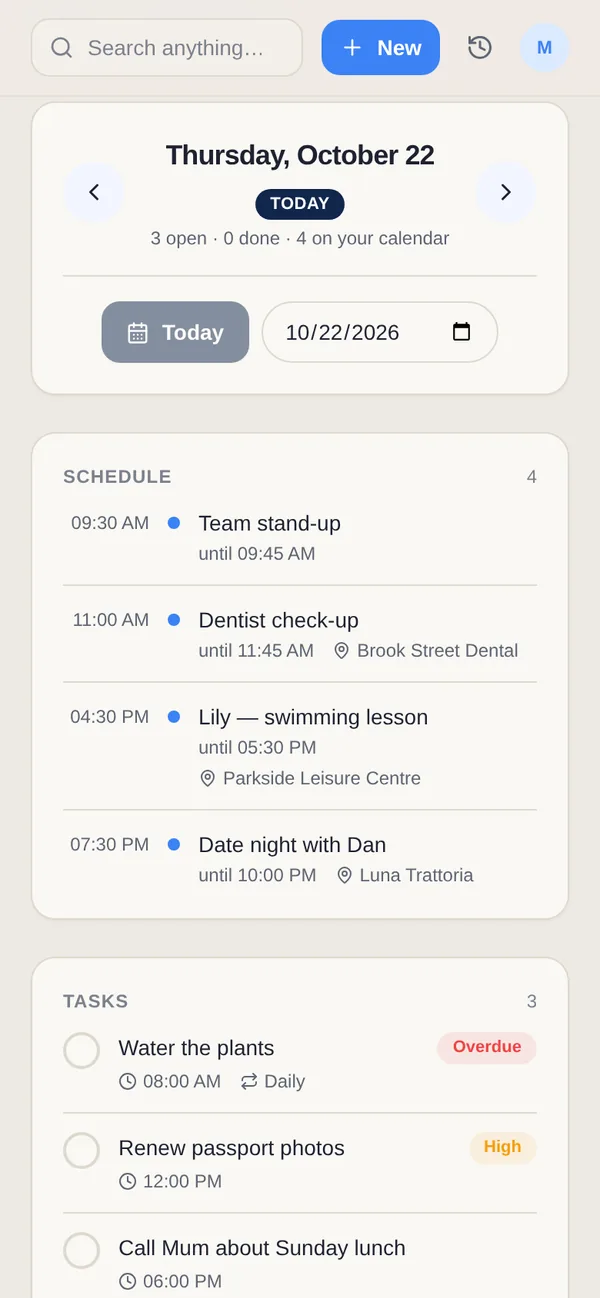
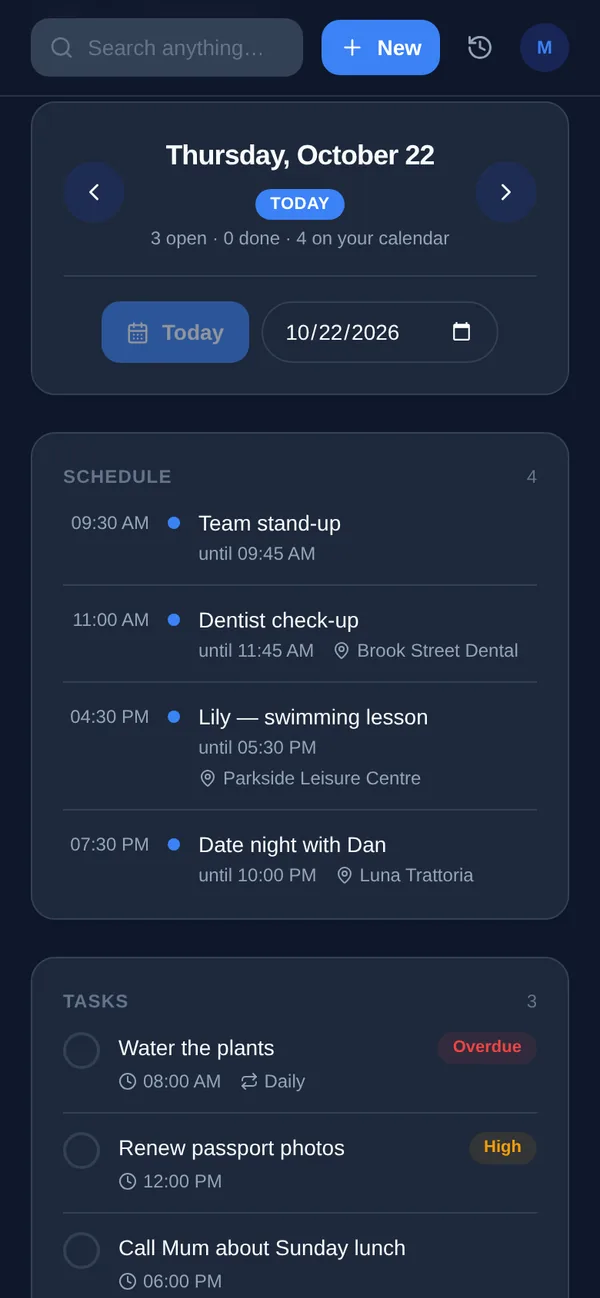
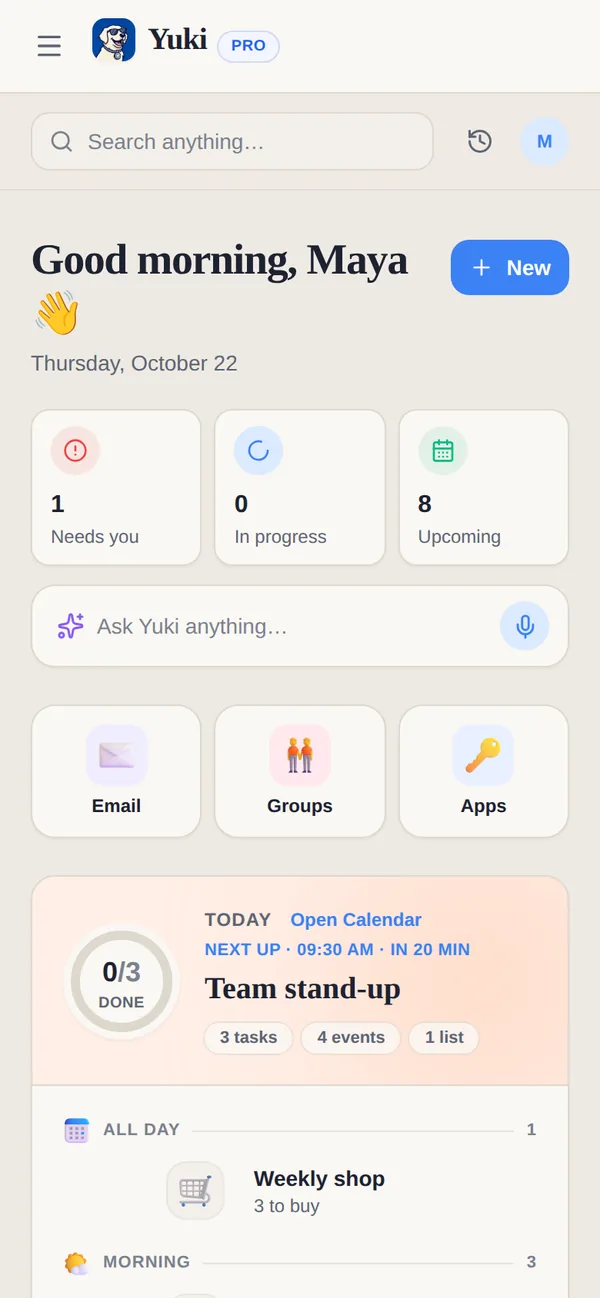
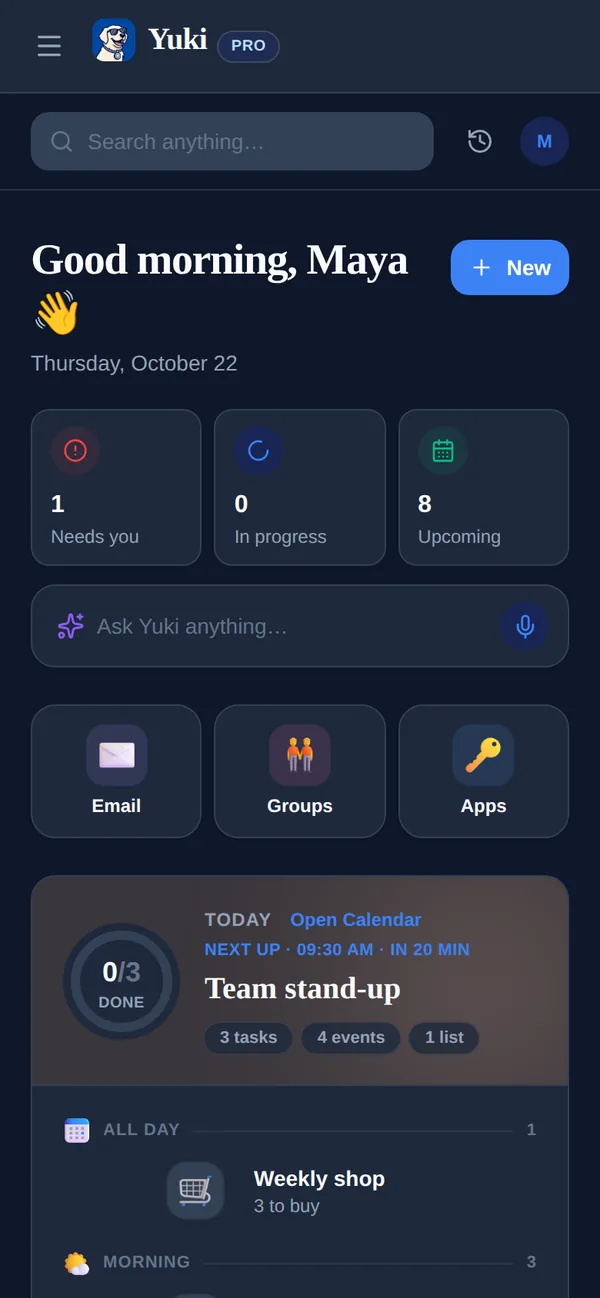
Goblin Tools and Yuki do different jobs. Goblin Tools gives you a handful of small helpers for the moment a task or a message feels like too much: break it down, estimate it, reword it, decide. Yuki keeps the ongoing picture: what is on the calendar, which bills are due, where the trip stands and who owes what, built from your inbox and shared with your household.
Side by side
A “—” means not something we can confirm from Goblin Tools' site or App Store listing, not that Goblin Tools lacks it.
| Feature | Yuki | Goblin Tools |
|---|---|---|
| Built for | Personal and household life admin | Small helpers for tasks, text and decisions |
| Price | Free plan; Pro /month | Website free; iOS app $0.99 |
| Paid plan | Pro, 14-day trial with no card | Goblin Tools Pro, $3.99/month or $39.99/year |
| Break a task into steps | Turns a task into a timed multi-step timer | Magic ToDo |
| Time estimates | A time for each step of an AI timer draft | Estimator |
| Calendar, tasks and reminders | — | |
| Plans built from your email | Yes, from Gmail on Pro | — |
| Trips, bills, subscriptions and expenses | — | |
| Sharing | Groups with a shared calendar, lists and expenses | Shared lists (Pro) |
| Platforms | iOS, Android & web | Web, iOS (iPhone, iPad, Mac) & Android |
Where is Goblin Tools ahead of Yuki?
- Breaking things down. Magic ToDo is built to split a task into small steps, and Compiler turns a messy brain dump into a list of actions.
- Words. Formalizer rewrites a text in the tone you need, and Judge gives a second opinion on the mood behind a message.
- Deciding and understanding. Consultant compares options, Professor explains a subject simply, and Estimator guesses how long an activity takes.
- Price. The website is free, without an account.
Where does Yuki fit differently?
- Plans that come from your inbox. With Pro, Yuki turns flight, hotel and train confirmations into trips, bills and renewals into tracked subscriptions, and invites into calendar events.
- One place that keeps going: a calendar, tasks, reminders, grocery lists and expenses, with two-way Google Calendar sync.
- Shared life with other people. Groups for a partner, family, flatmates or a trip, while each person keeps a private account.
- Timers for a routine. Multi-step timers for cooking, workouts or focus, which you can build yourself or draft with AI.
Choose Yuki if…
- You want your calendar, bills, trips and expenses to build themselves from your inbox
- You coordinate everyday life with a partner, family or flatmates
- You want reminders and lists that stay in one place across your phone and the web
Choose Goblin Tools if…
- A task feels too big and you want it broken into small steps right now
- You want help with the tone of a message, a decision or a time estimate
- You want a free tool in the browser with nothing to set up
Who is Goblin Tools for?
Its App Store listing says Goblin Tools was “created with neurodivergent people in mind” and is “useful for anyone”. It is made by Skyhook in Belgium, and buying the app helps keep the website free and ad-free. Goblin Tools is for getting unstuck on one thing; Yuki is for keeping track of everything around it.
Can I use Goblin Tools and Yuki together?
Yes. Break a big job down in Magic ToDo, then add the steps you want to remember to Yuki as tasks or reminders, next to the plans Yuki has already found in your email.
Does Yuki have a calmer, low-stimulation mode?
Yes: Calm mode, designed with ADHD, OCD and autism in mind. One switch in Settings, under Appearance, turns off animations and moving parts, confetti and celebrations, and streaks in group challenges. Home’s summary uses plain words instead of counts and badges and shows only the essential banners, nothing pops up on its own and there are no vibrations. It is off until you turn it on, and the choice follows your account on the phone and the web.